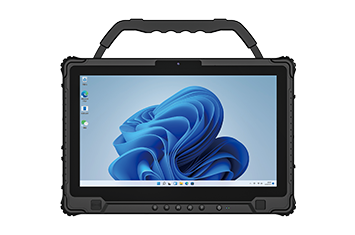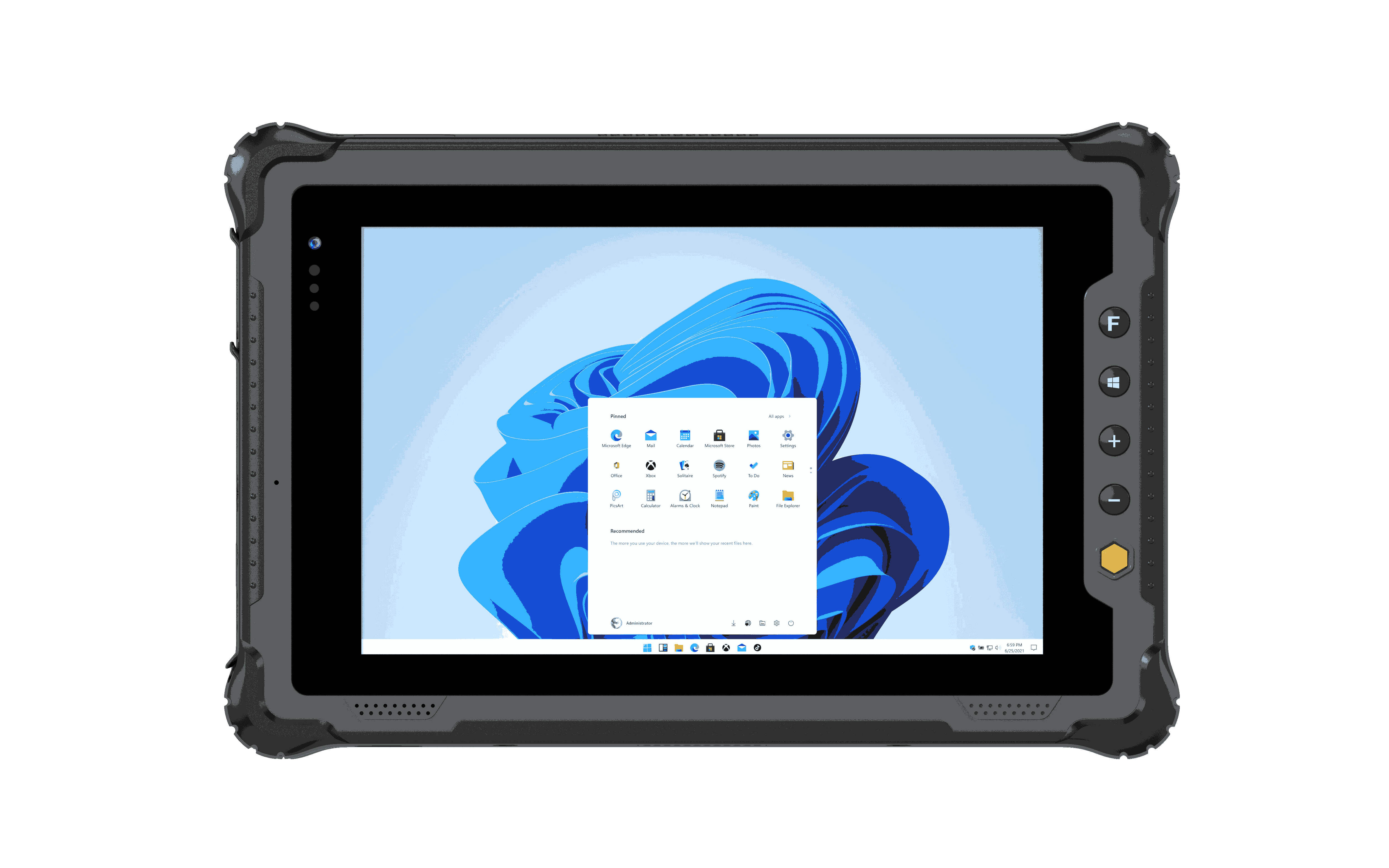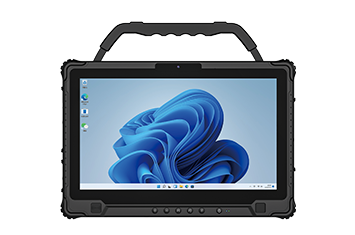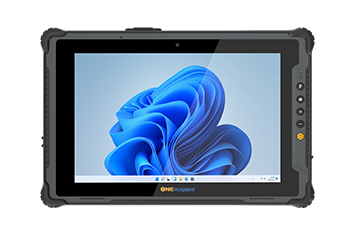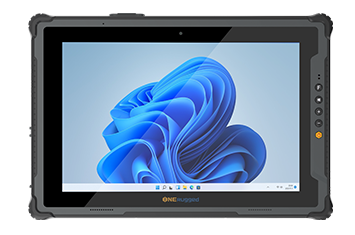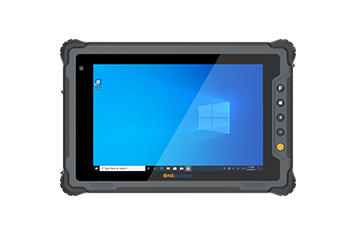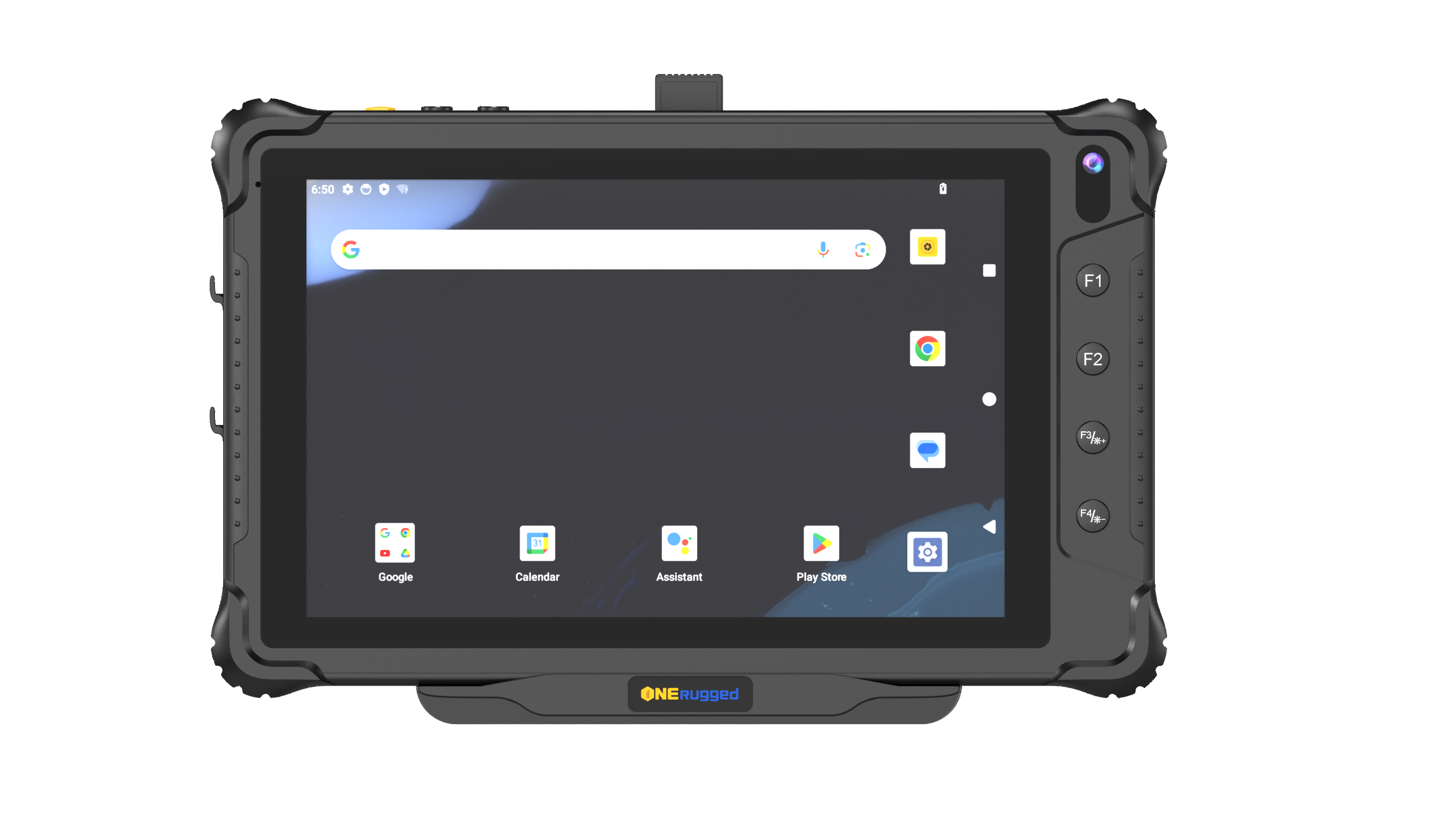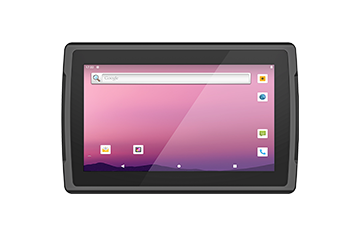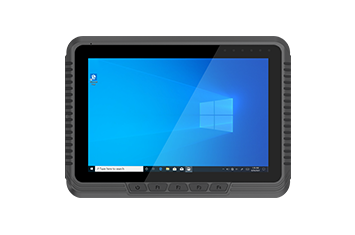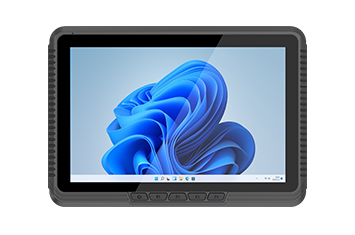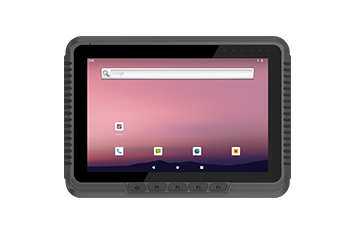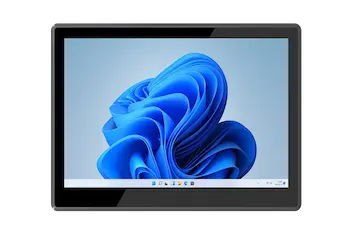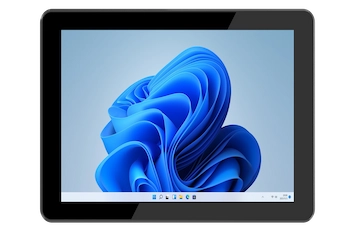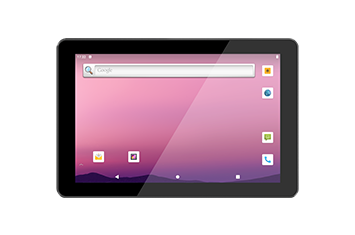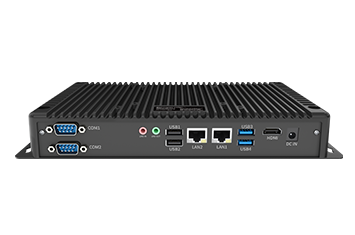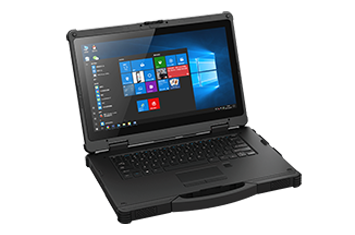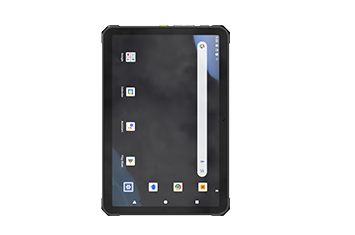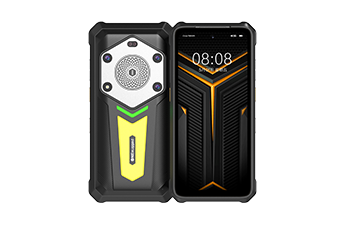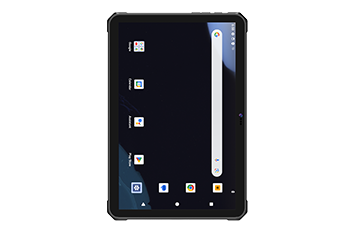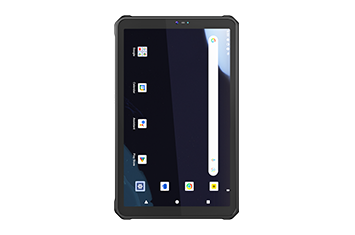

For enterprise mobility consultants and industrial solution architects, provisioning hardware for heavy construction projects is a high-stakes operational decision. The modern job site is a hostile environment for standard electronics. Deploying fragile, consumer-grade devices enclosed in aftermarket protective cases inevitably leads to catastrophic hardware failure, critical data silos, and severe project delays.
As the industry transitions heavily into Building Information Modeling (BIM) and decentralized project management, a purpose-built rugged tablet for construction is no longer a luxury—it is a mandatory component of digital infrastructure. This guide outlines the engineering specifications, operational workflows, and enterprise capabilities required to select the optimal field computing device for contractors and project managers.
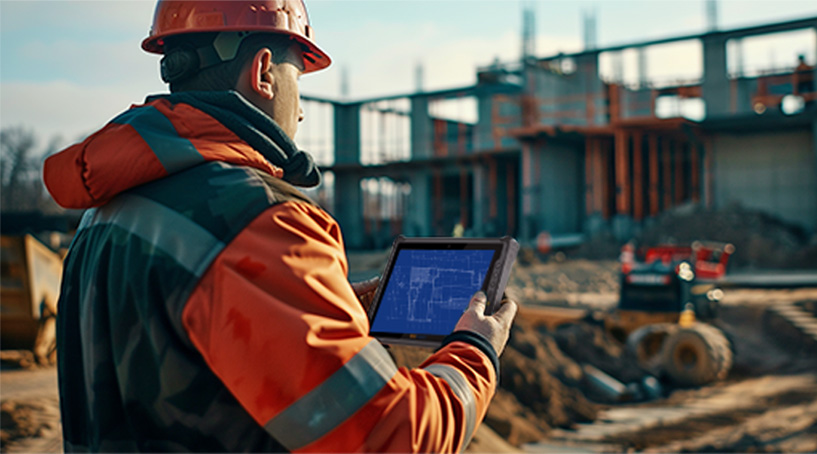
The operational pressures facing modern construction professionals are accelerating. Tight budgets, strict safety protocols, and the demand for real-time collaboration have forced a shift away from paper-based workflows. Several macro-level factors are driving this digital transformation:
The Escalating Labor Shortage: The construction industry is facing a severe deficit in skilled labor. In the United States alone, the sector must recruit an estimated 2.2 million additional workers by 2024 to keep pace with demand. Consequently, existing crews must maximize productivity through efficient data collection and mobile technology.
Decentralized Contractor Networks: Modern projects rely heavily on transient contract workers who require immediate, on-site training to comply with stringent safety laws. Mobile tablets provide the necessary platform for delivering updated protocols and logging accurate timesheets directly from the field.
Advanced Construction Methodologies: The industry is rapidly adopting complex methodologies, including 3D printing of structures and modular "kit of parts" assembly. Furthermore, BIM processes now dictate that all stakeholders—from architects to government inspectors—must collaborate using the same digital blueprints in real-time.
To qualify as the best tablet for contractors, a device must move beyond superficial ruggedness and incorporate true industrial-grade engineering. Procurement teams must evaluate hardware against the following technical pillars:
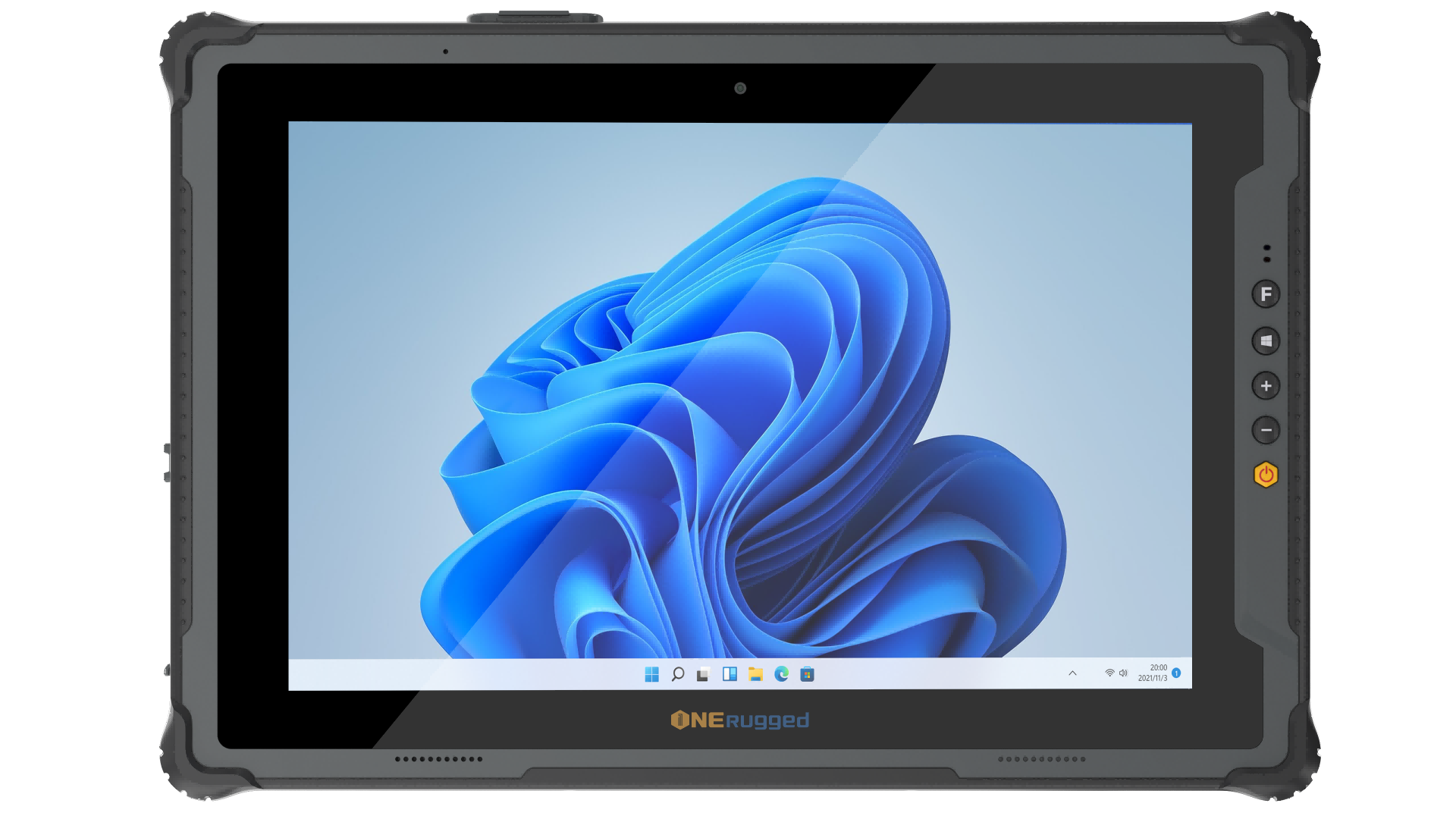
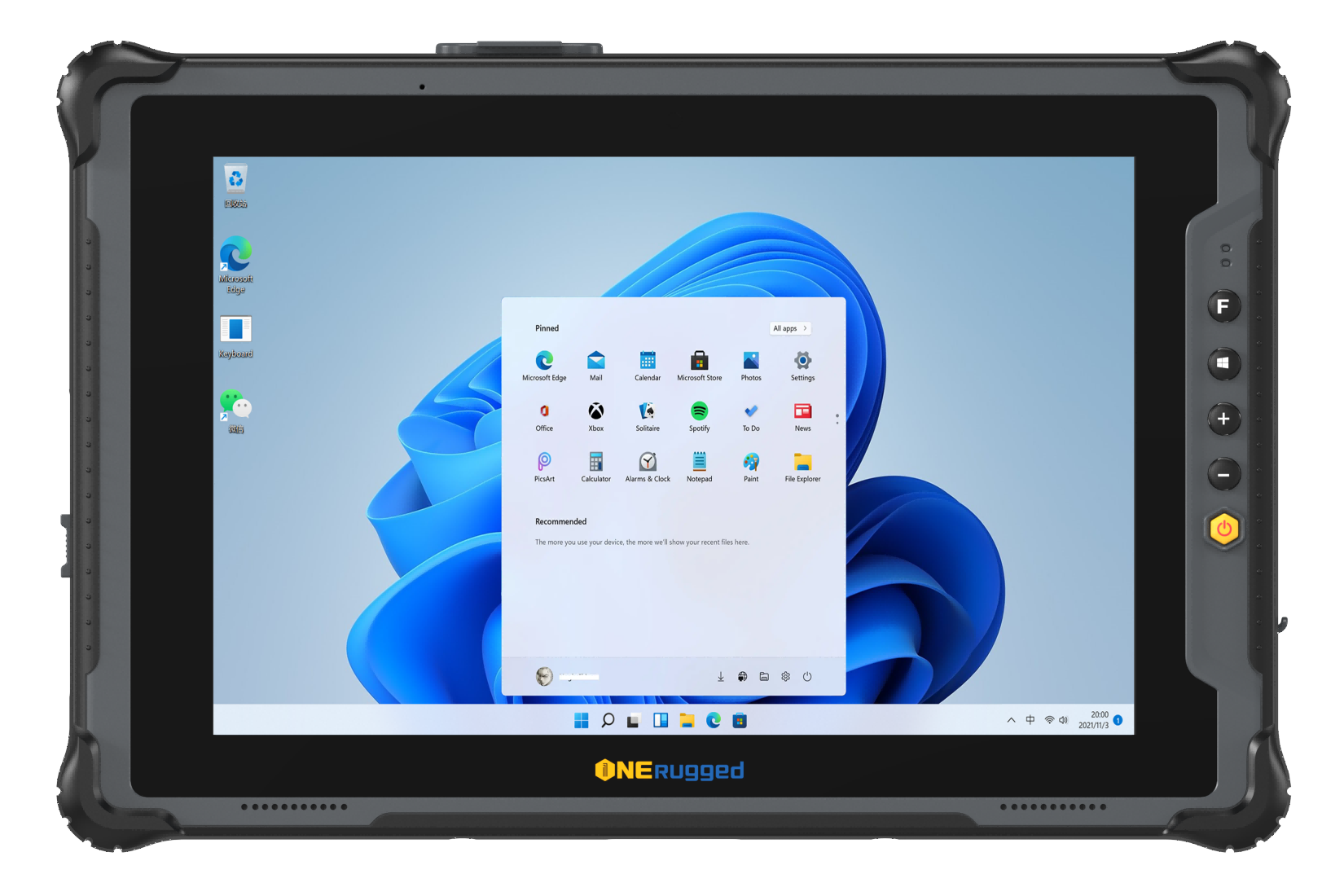
Construction environments are defined by kinetic impacts, extreme temperatures, and severe particulate exposure. A true field tablet must possess MIL-STD-810H certification, ensuring it has passed rigorous testing for drops, shocks, and constant mechanical vibration. Furthermore, an IP65 to IP68 rating is absolutely critical to prevent fine cement dust from short-circuiting the motherboard and to protect against water immersion during heavy rain.
Job sites operate in unpredictable weather, ranging from overcast storms to blinding direct sunlight. Standard tablet screens lack the necessary backlight power, causing severe glare that drains the battery as the device struggles to render images. Industrial tablets solve this through optically bonded, sunlight readable displays outputting high nits of brightness, paired with capacitive glove touch capabilities.
Heavy construction projects often run 24/7, meaning a dead battery can halt a concrete pour or delay an inspection. Industrial tablets bypass the limitations of sealed consumer batteries by utilizing hot-swappable battery architecture, allowing workers to exchange depleted power cells mid-shift without shutting down the operating system.
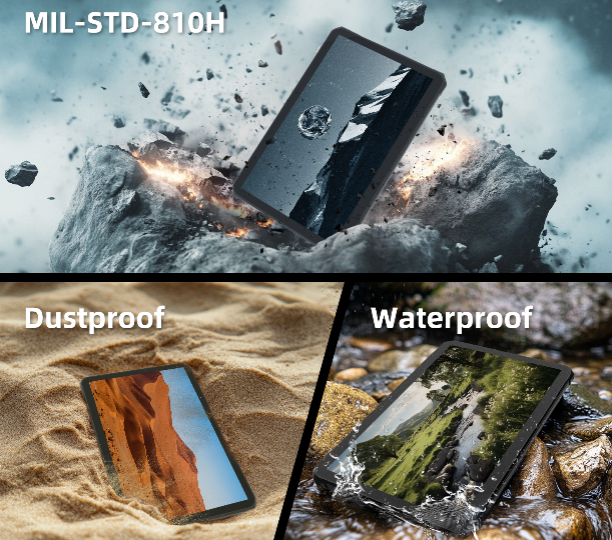
When conducting a Total Cost of Ownership (TCO) analysis, enterprise IT directors find that the frequent replacement costs and downtime associated with consumer hardware vastly outweigh their initial lower price point.
| Specification Category | Consumer-Grade Tablet | Rugged Tablet for Construction |
| Environmental Protection | IP68 (often untested for fine industrial dust) | IP65/IP67/IP68 with sealed I/O ports |
| Drop & Vibration Resistance | Fragile glass; reliant on bulky third-party cases | Native MIL-STD-810H chassis; shock-isolated components |
| Display Visibility | 400–500 nits; high glare in direct sunlight | 800–1000+ nits; anti-glare, wet-touch interface |
| Power Architecture | Internal sealed battery; requires tethered charging | Hot-swappable battery systems for 24/7 uptime |
| Peripheral Integration | Requires wireless dongles for peripheral connections | Native RS232, RJ45, and dedicated barcode scanners |
A rugged tablet is only as effective as its integration into the broader enterprise mobility framework. Deploying these devices directly improves operational efficiency on the job site:
Precision Mapping: Advanced tablets integrate GPS and GIS integration, allowing for hyper-accurate project mapping, site surveying, and asset tracking.
Enterprise-Grade Security: Construction tablets frequently access proprietary blueprints and sensitive payroll data. Industrial devices feature advanced data security protocols, including hardware encryption, biometric authentication, and remote wipe capabilities via Mobile Device Management (MDM) platforms.
Peripheral Accessories: Safe deployment on a chaotic job site requires industrial accessories. The integration of ergonomic hand straps, active styluses for digital signatures, and heavy-duty vehicle mounts separates a professional field tool from a standard off-the-shelf device.
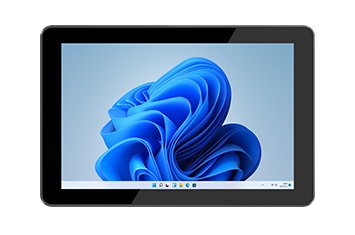
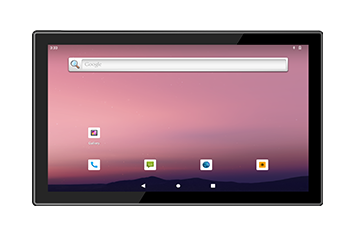
Standardizing your fleet of field devices is critical for minimizing IT overhead and maximizing contractor productivity. Onerugged designs and manufactures a comprehensive ecosystem of industrial computing solutions engineered specifically for the hazards of heavy industry.
By integrating robust MIL-STD-810H physical architecture with advanced enterprise security protocols, Onerugged tablets ensure your digital blueprints, BIM models, and safety compliance platforms remain accessible in the most hostile environments. Future-proof your job site by deploying hardware that operates as hard as your crews do.
For a display to be functional under direct, bright sunlight on a construction site, it must output a minimum of 800 nits of brightness. However, the industry standard for true outdoor industrial tablets is 1000 nits or higher, combined with optical bonding and anti-glare treatments to prevent the screen from washing out.
An IP65 rating is the minimum requirement for a construction tablet; the "6" ensures it is completely dust-tight against ultra-fine particulates like cement and drywall dust, while the "5" protects against low-pressure water jets (heavy rain). For environments where the device might be temporarily submerged in water or mud, an IP67 rating is highly recommended.
The best tablet for contractors combines mechanical durability (MIL-STD-810H) with field-specific usability. This includes hot-swappable batteries for uninterrupted full-day shifts, glove-capable touch screens, and native I/O ports for diagnostic equipment, none of which are available on standard consumer tablets.
Industrial tablets utilize hardware-level TPM 2.0 security, encrypted storage, and deep compatibility with MDM software. This allows IT administrators to enforce biometric logins, restrict application access, and remotely wipe the device if it is lost or stolen on a massive job site.
Discover Onerugged’s rugged computing solutions, enterprise deployment services, industrial application cases, and customized mobility strategies for warehouse, manufacturing, logistics, and field operations.