



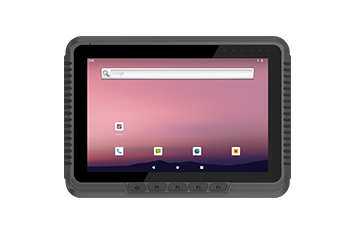
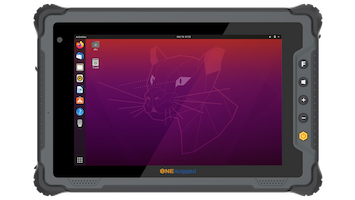







Configure enterprise system settings without modifying the Android operating system.
Settings Extension
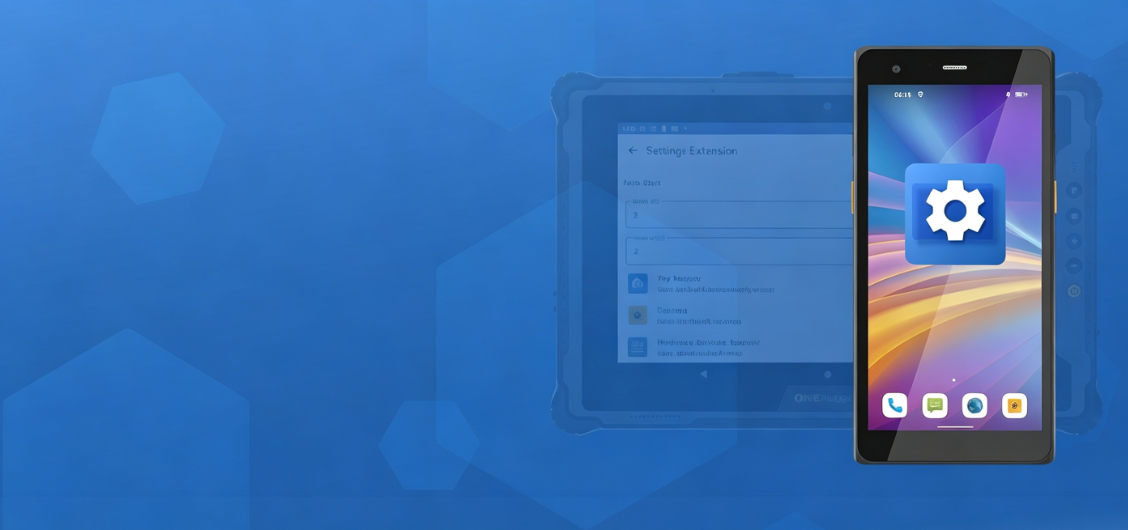
ANDROID CONFIGURATION SOFTWARE
Extend Android Devices for Faster Enterprise Deployment
Settings Extension adds enterprise-ready Android configuration capabilities without modifying the operating system.
Software Overview
Enterprise Android Configuration Without System Development
Settings Extension simplifies Android device provisioning with configurable system settings, hardware controls, network options, display management, and custom features—helping organizations deploy rugged Android devices quickly and consistently.
Core Functions
Five configuration tools for rugged Android deployment
Standardize Android system behavior before deployment with configurable settings for devices, displays, networks, and enterprise workflows.
Control startup behavior, system services, kiosk mode, and MDM-ready device settings.
Optimize screen orientation, display behavior, and user experience for different work environments.
Manage APN, Ethernet, and network policies for secure and reliable connectivity.
Customize hardware key behavior to simplify operation and prevent accidental input.
Deployment Flow
Configure devices before enterprise rollout
Create standardized device configurations, apply policies, and deploy rugged Android devices consistently across every project.
Select device models, Android versions, user roles, and deployment requirements.
Apply system settings, display options, network policies, and hardware controls.
Import settings and roll out standardized configurations across rugged device fleets.
Update configuration policies remotely to keep every deployed device aligned.
Device Fit
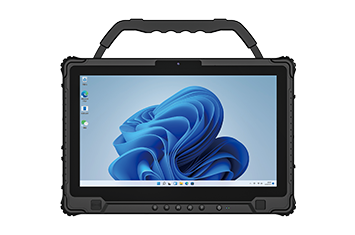
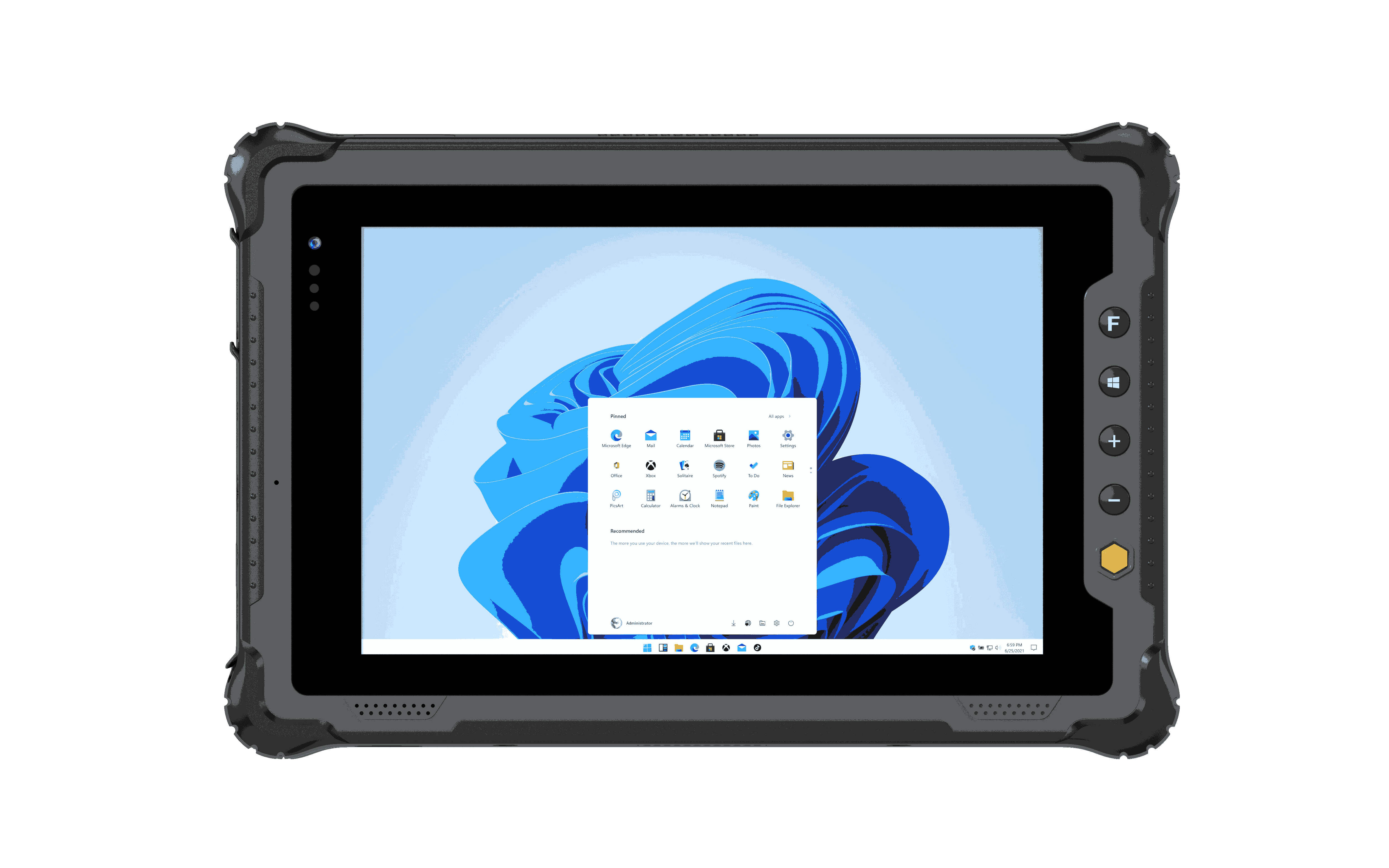
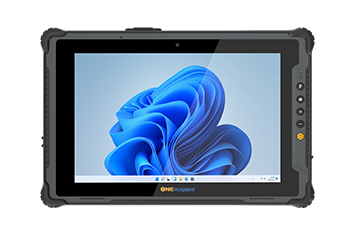
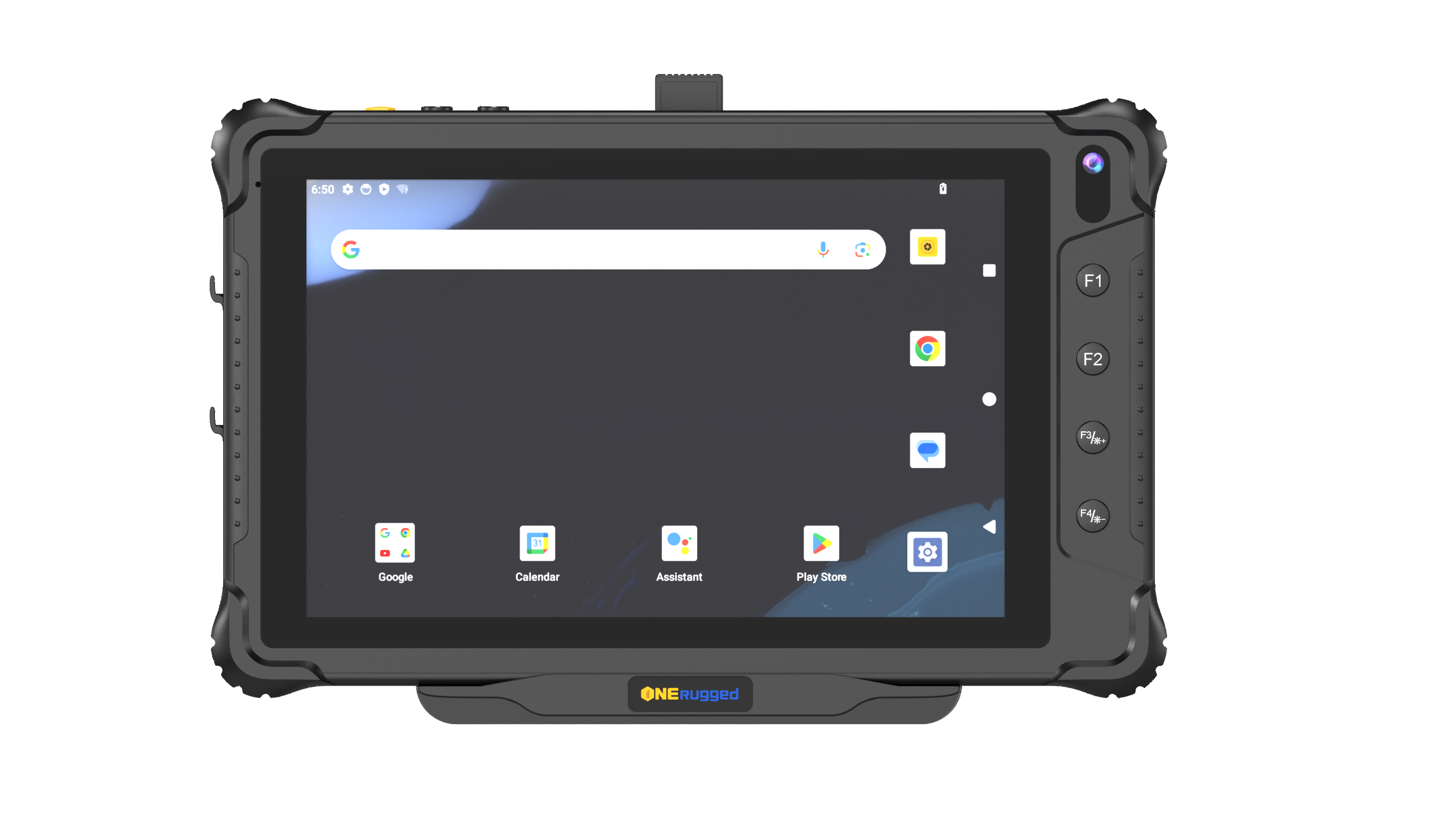
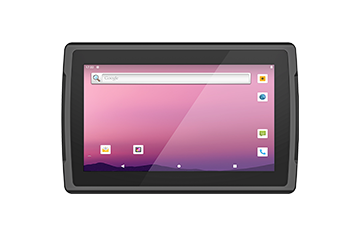
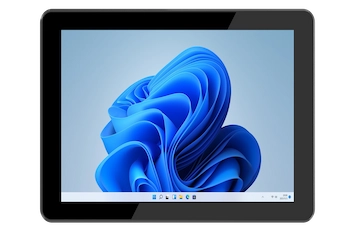
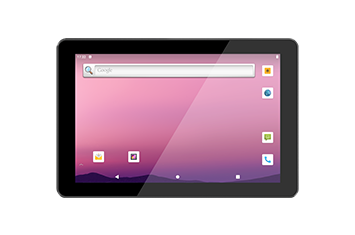
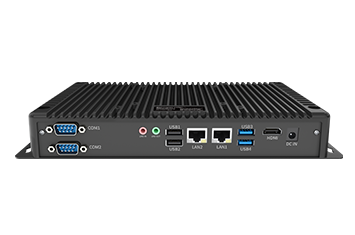
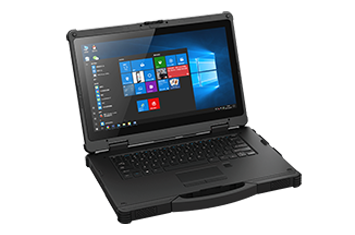
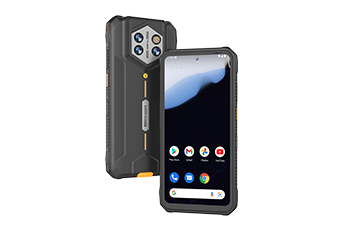
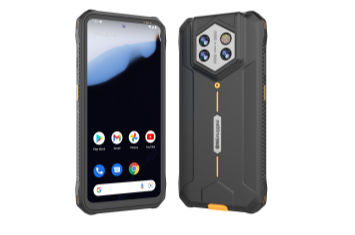
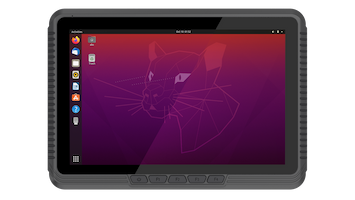
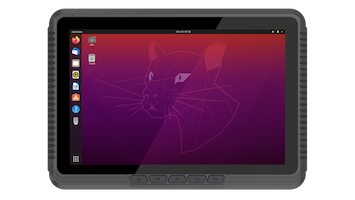
Settings Extension works on ONERugged Android models
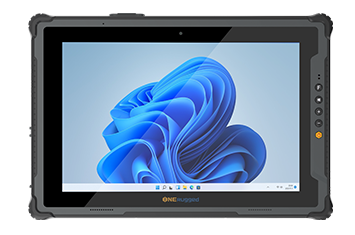
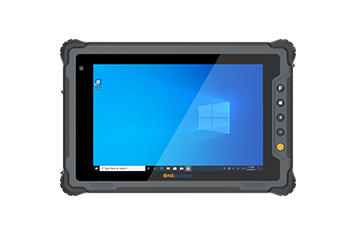
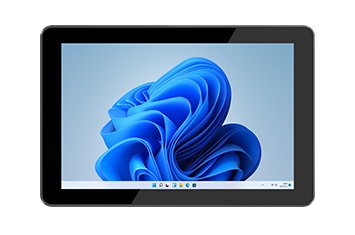
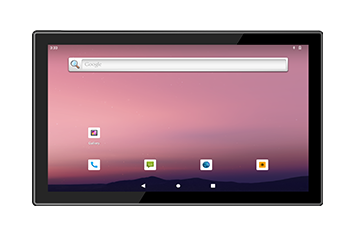
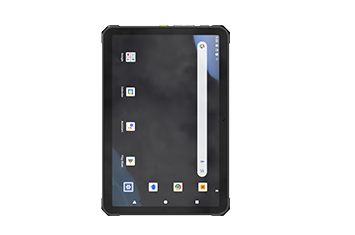
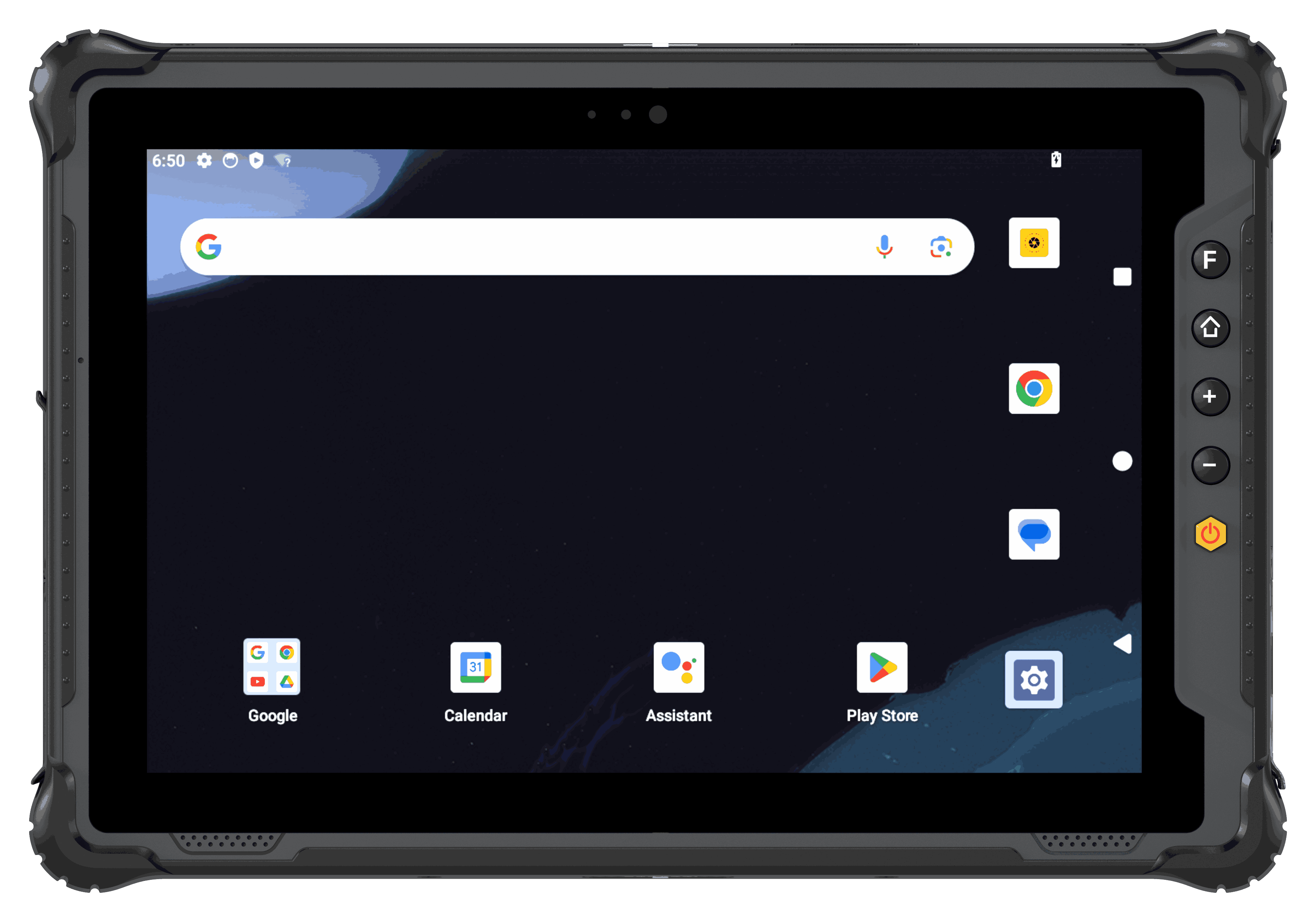 Rugged Tablet
For tablet fleets used in inspection, warehouse, vehicle, production, and field service work.
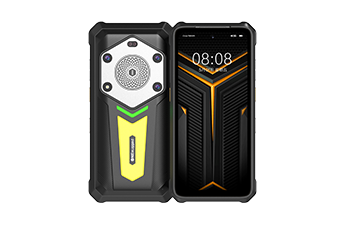
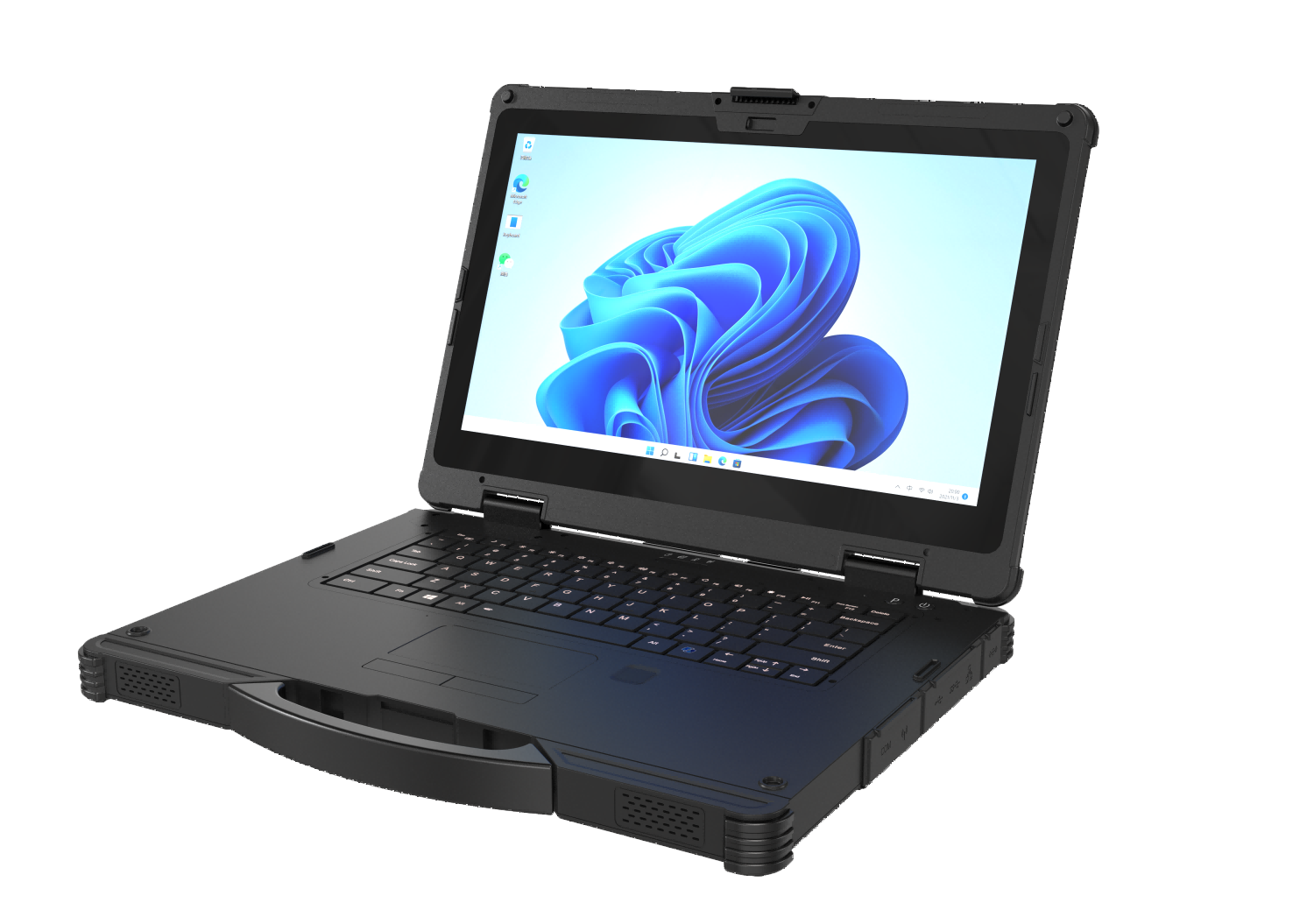 Rugged AI PC
For handheld fleets that need app control, barcode workflows, mobile data capture, and Android configuration.
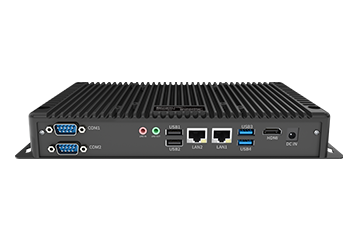
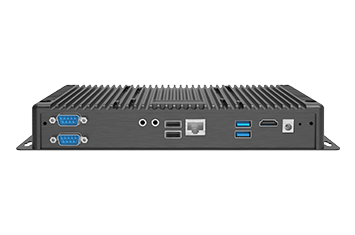
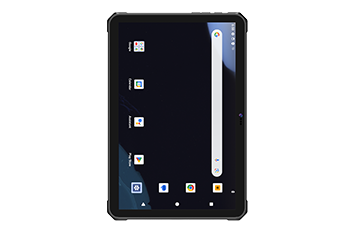
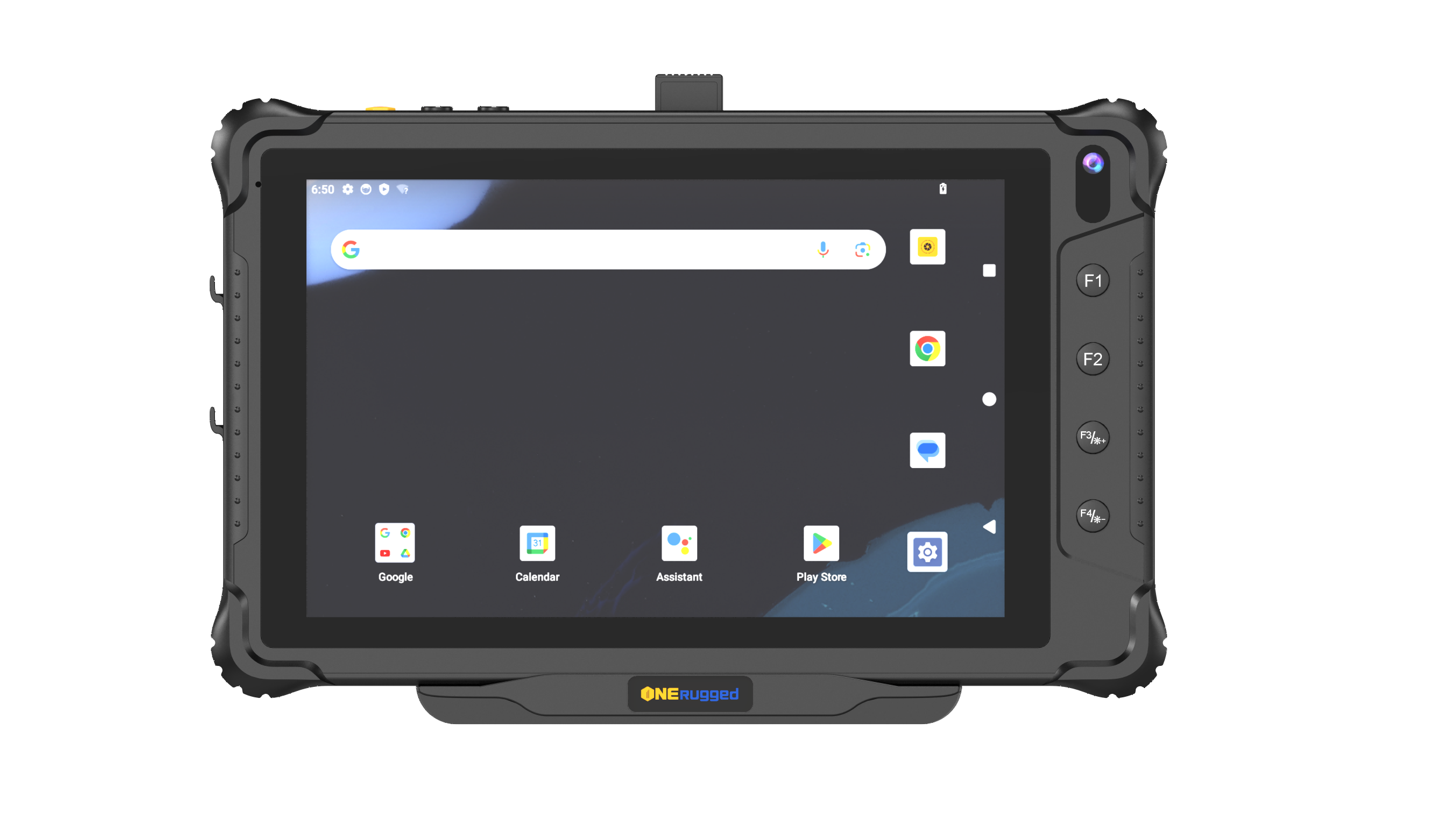 Vehicle PC
For vehicle-mounted terminals where update timing, user access, location, and site operation rules matter.
Application Scenarios
Use Settings Extension when configuration consistency matters
Settings Extension supports deployments where many devices need the same boot, display, network, key, memory, and security behavior.
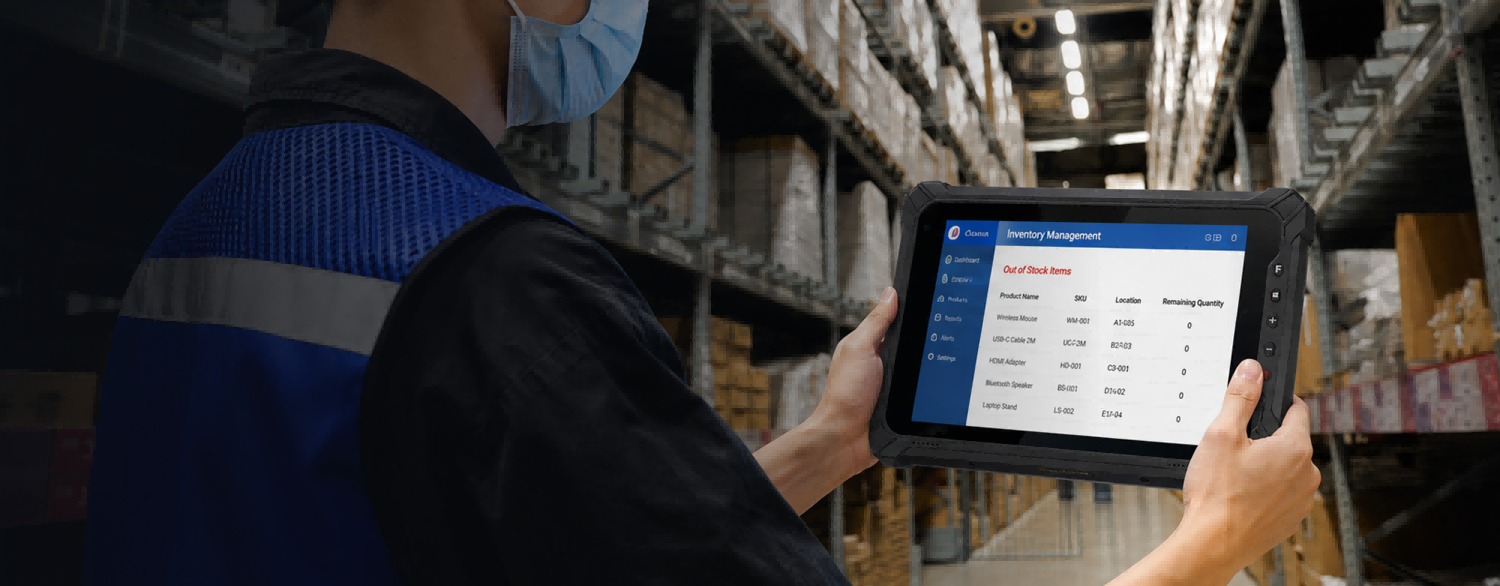 Warehouse Management
Support WMS access, scanning workflows, inventory rules, stock movement, and shift-based use.
 Vehicle Management
Maintain vehicle-mounted devices with controlled apps, stable update planning, and location-aware operation policies.
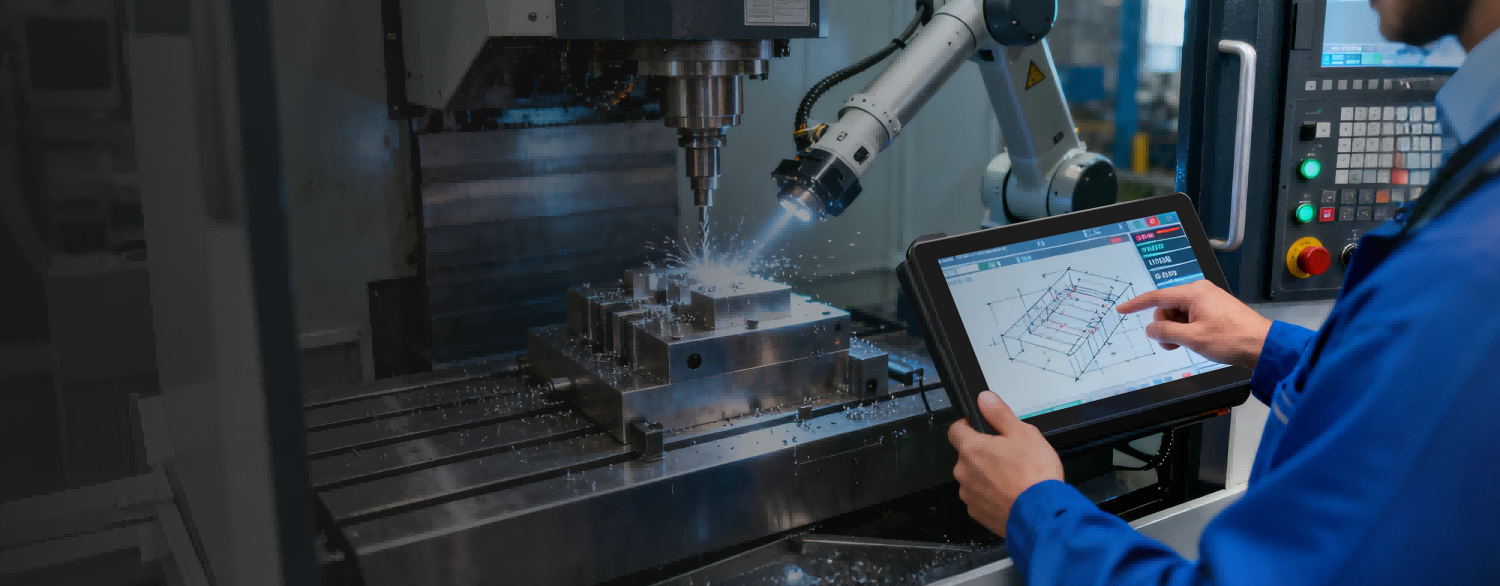 Manufacturing
Standardize terminals used for production records, inspection, maintenance, and factory information workflows.
 Retail and Service
Keep devices focused on scanning, approved apps, inventory checks, and mobile service workflows.
Software FAQ
Questions before using Settings Extension
These questions keep the page focused on software planning and project fit.
It can configure operation, display, memory, network, key, and other Android system settings for project deployment.
The official description states that it can quickly configure system functions without modifying system source code.
Yes. Settings Extension supports import and export software configurations to facilitate mass deployment.
Software Support
Need standardized Android settings for deployment?
Tell ONERugged your device family, operating system, fleet size, operating sites, and software requirements.