
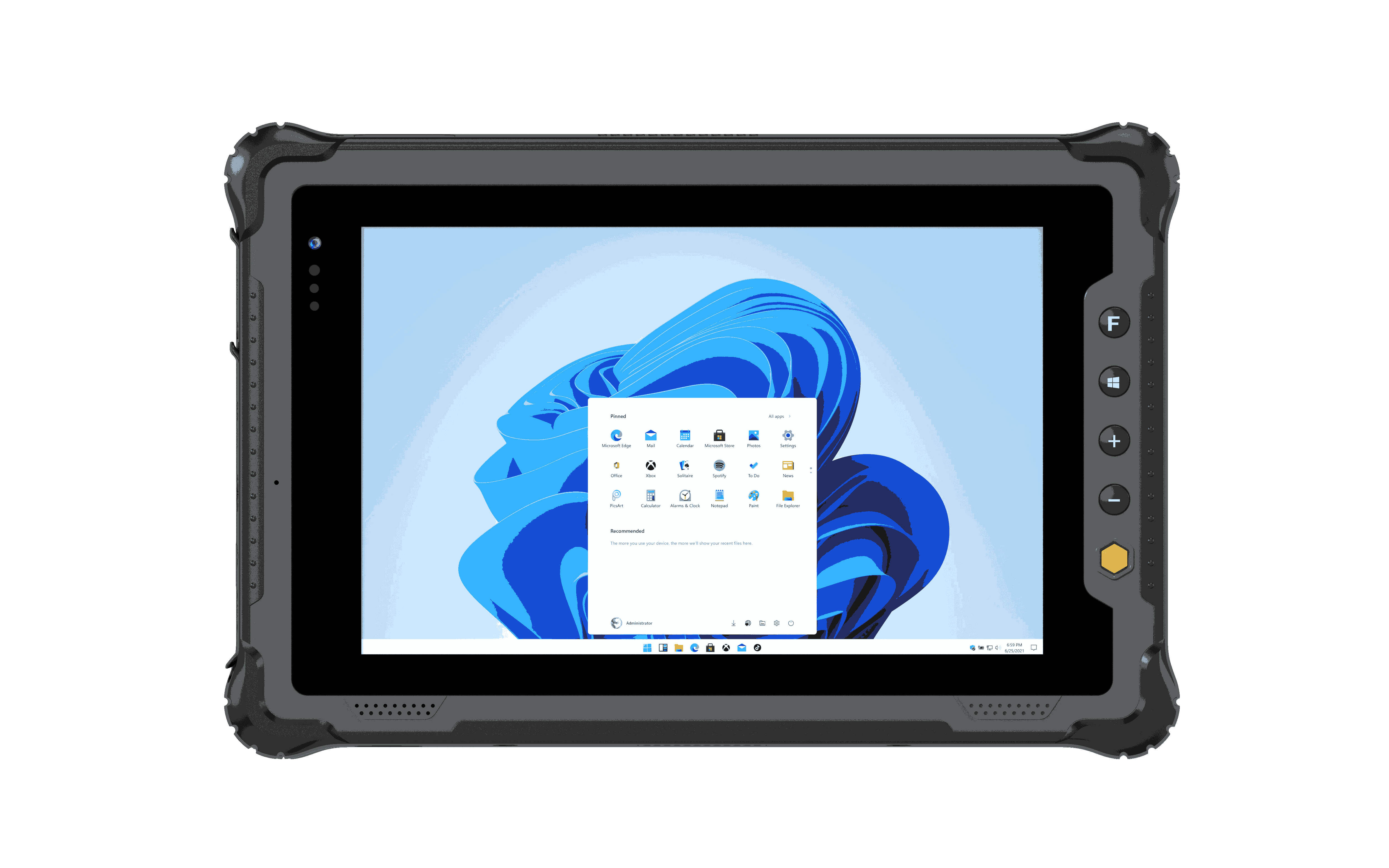


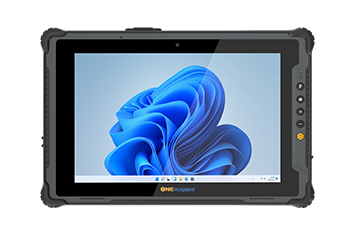
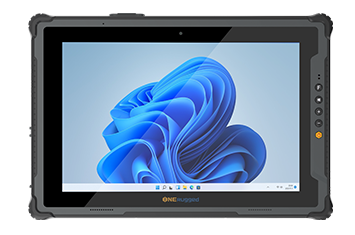
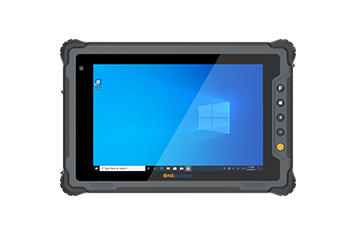
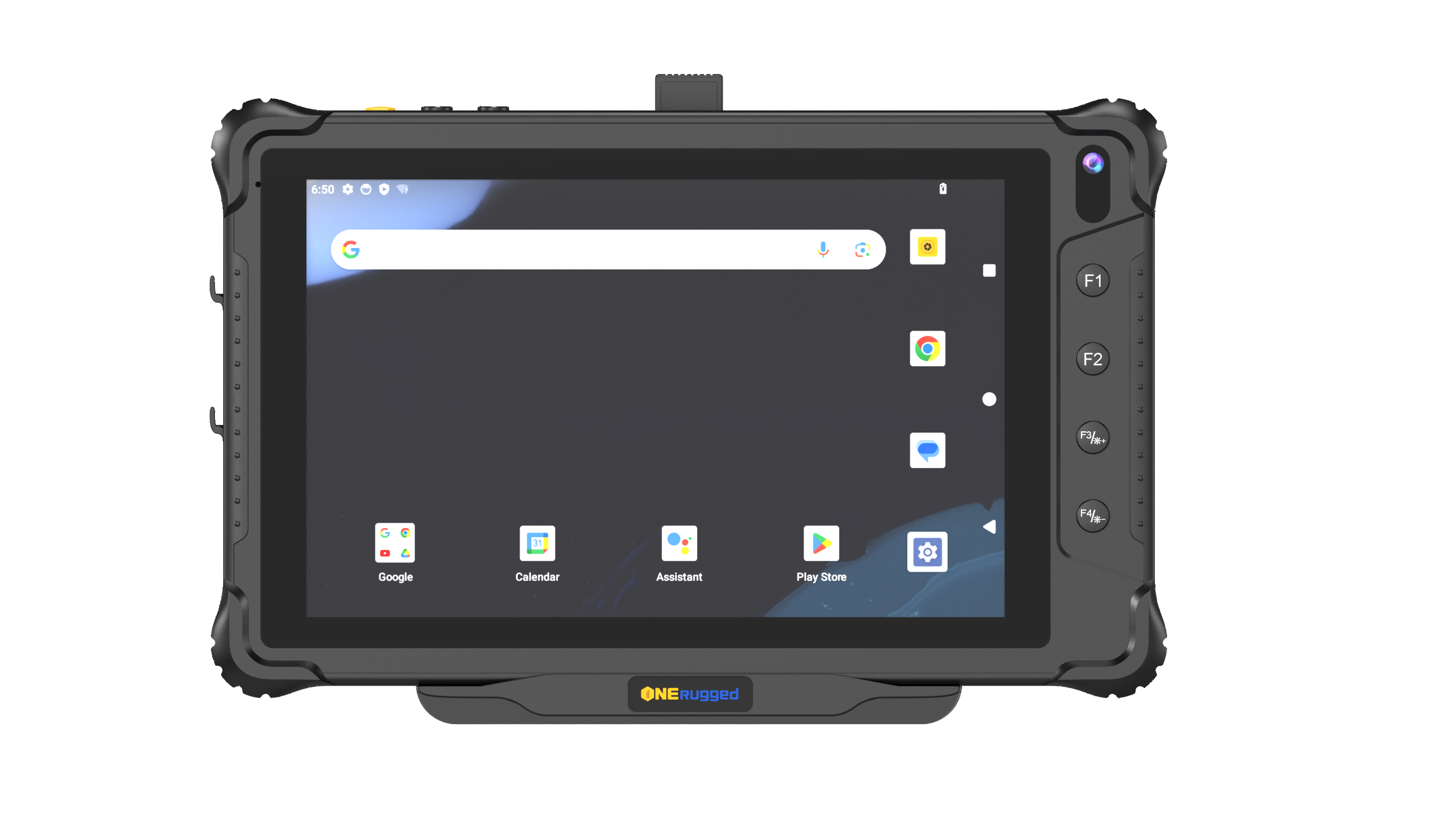
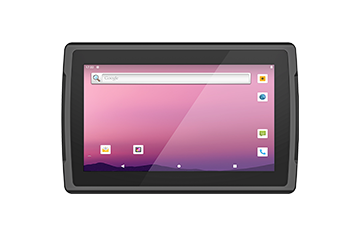
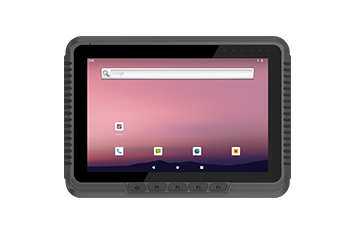
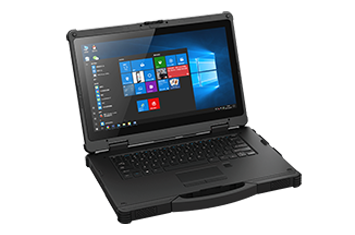
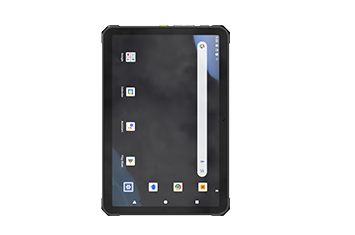
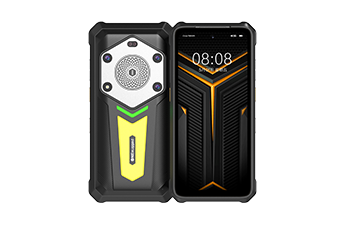
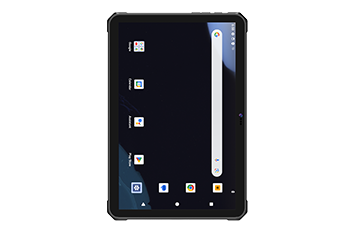
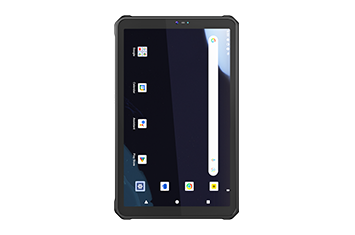
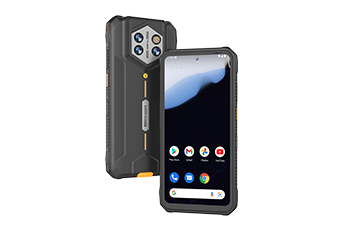
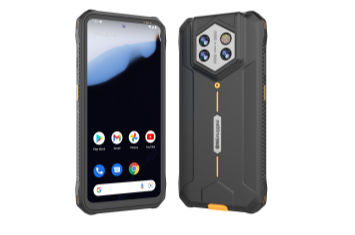
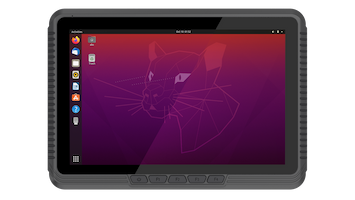



Only approved business apps remain available, preventing unauthorized access and distractions.
Kiosk Mode
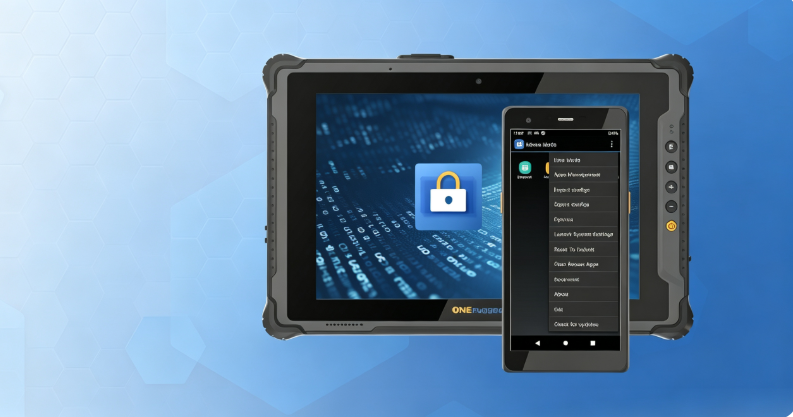
Operation Control Software
Kiosk Mode for Secure Android Device Lockdown
Turn ONERugged Android devices into secure single-purpose terminals with Kiosk Mode, controlling app access, device settings, and user permissions for retail, logistics, healthcare, manufacturing, and field operations.
Software Overview
Lock Android devices to approved work tasks
Kiosk Mode transforms rugged Android devices into task-focused work terminals by restricting apps, system settings, navigation, and user permissions for secure daily operation.
Core Functions
Everything needed for controlled Android operation
Configure Android kiosk mode, app access, interface settings, security policies, and batch deployment from one platform.
Customize the home screen, hide shortcuts, and simplify daily workflows.
Control the notification bar, status bar, wallpapers, and display behavior for a consistent user experience.
Restrict USB storage, system settings, and administrator permissions to protect enterprise devices.
Deploy or clone kiosk settings across multiple rugged Android devices in minutes.
Deployment Flow
Deploy Kiosk Mode in four simple steps
Plan apps, security policies, interface settings, and administrator permissions before rolling out devices across your workforce.
Select supported devices, users, operating scenarios, and access policies.
Set allowed apps, launcher layout, interface rules, and security restrictions.
Apply kiosk profiles to ONERugged Android devices individually or in batches.
Adjust policies, deploy new settings, and keep devices secure as projects evolve.
Device Fit
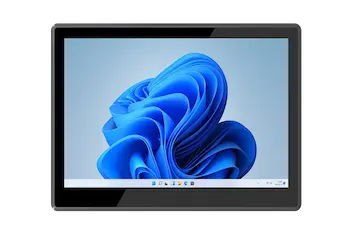
Kiosk Mode works with ONERugged Android models
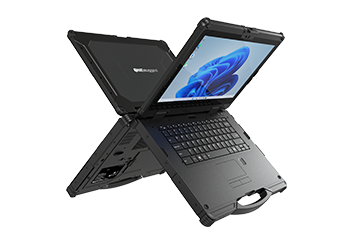
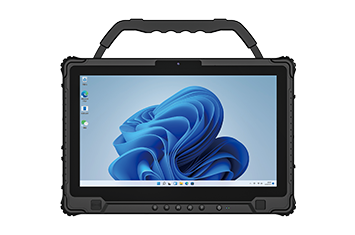
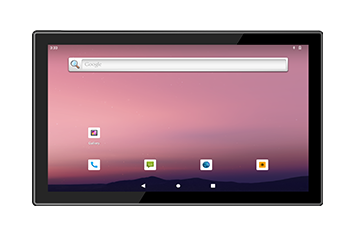
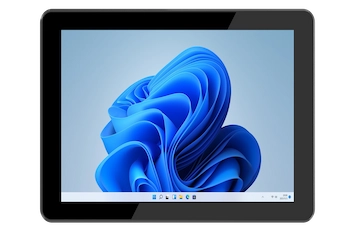
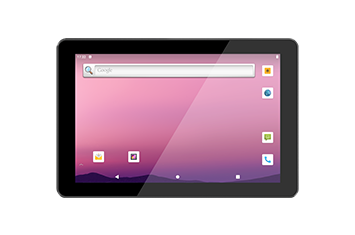
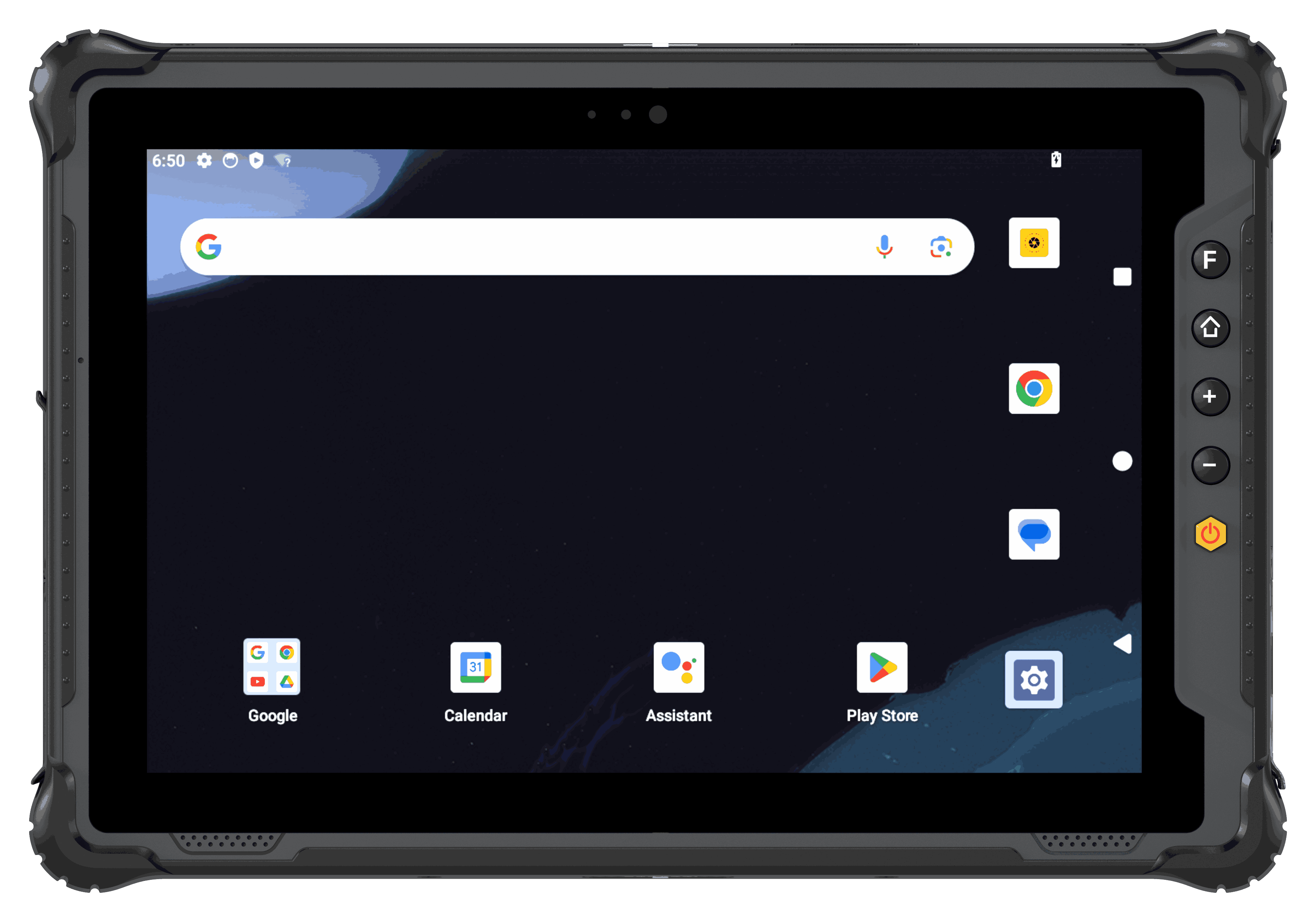 Rugged Tablet
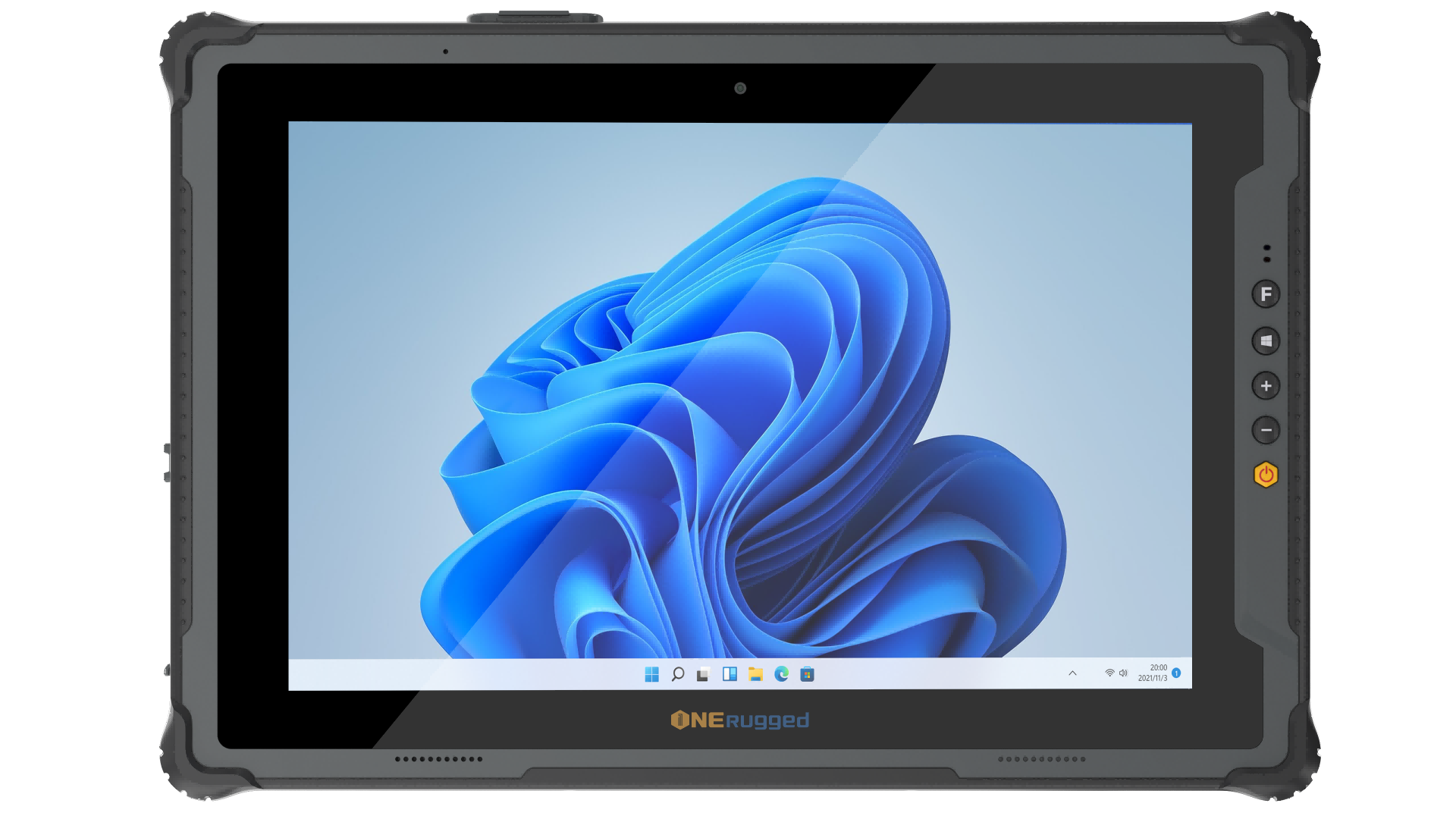
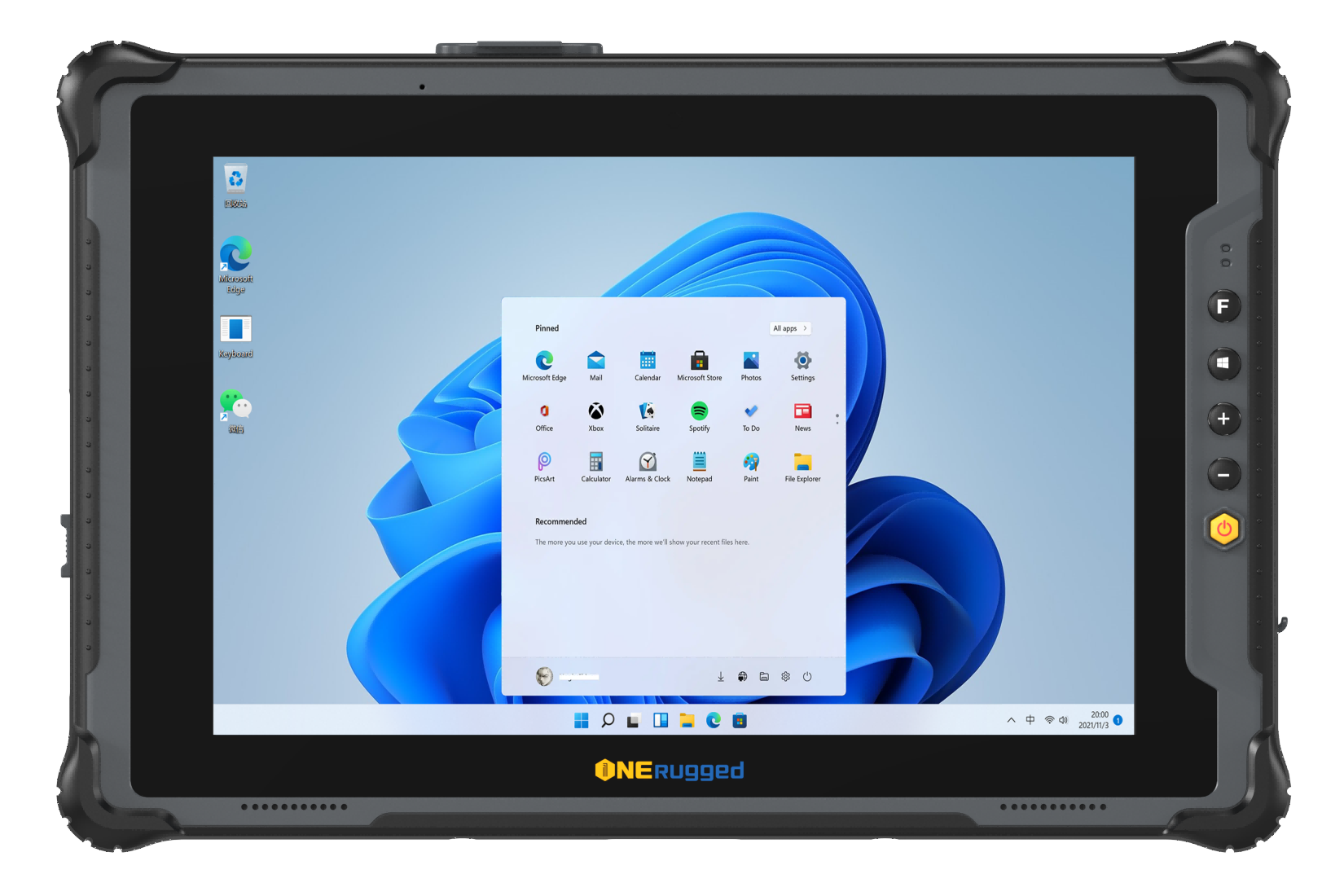
For tablet fleets used in inspection, warehouse, vehicle, production, and field service work.
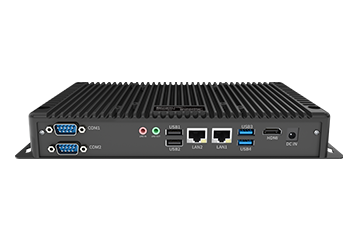
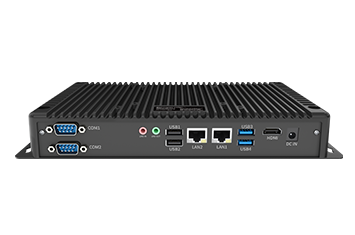
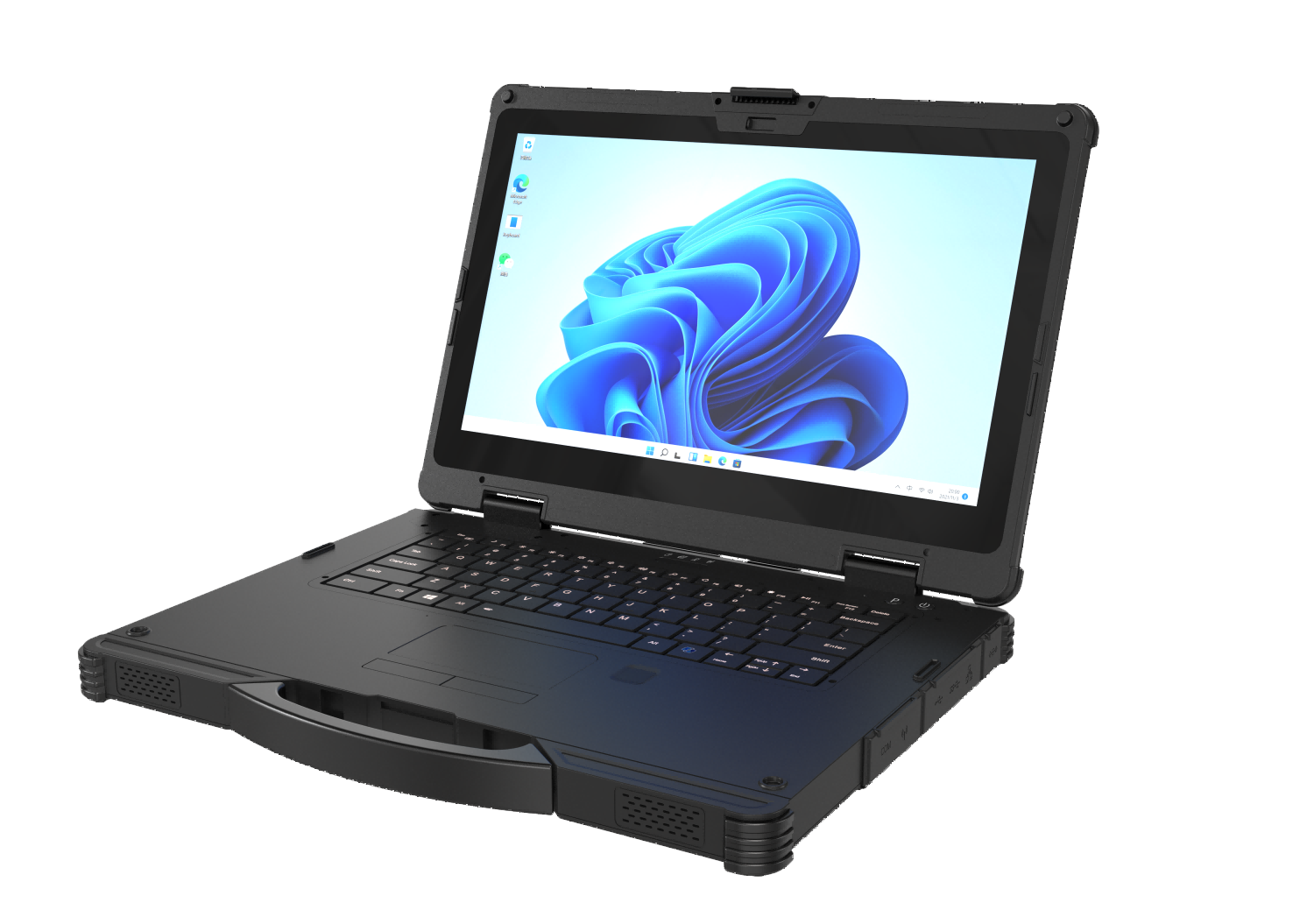 Rugged AI PC
Power field edge computing with an industrial pc or industrial computer engineered for intelligent on-device AI processing.
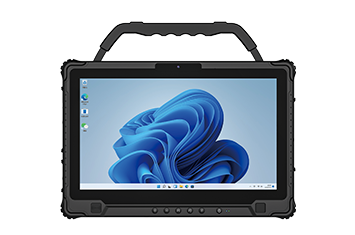
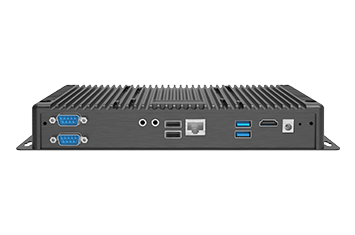
 Vehicle PC
For vehicle-mounted terminals where update timing, user access, location, and site operation rules matter.
Application Scenarios
Use Kiosk Mode where device misuse affects productivity
Kiosk Mode supports retail, logistics, hospitals, education, hotels, and industrial sites that need restricted, task-focused device interaction.
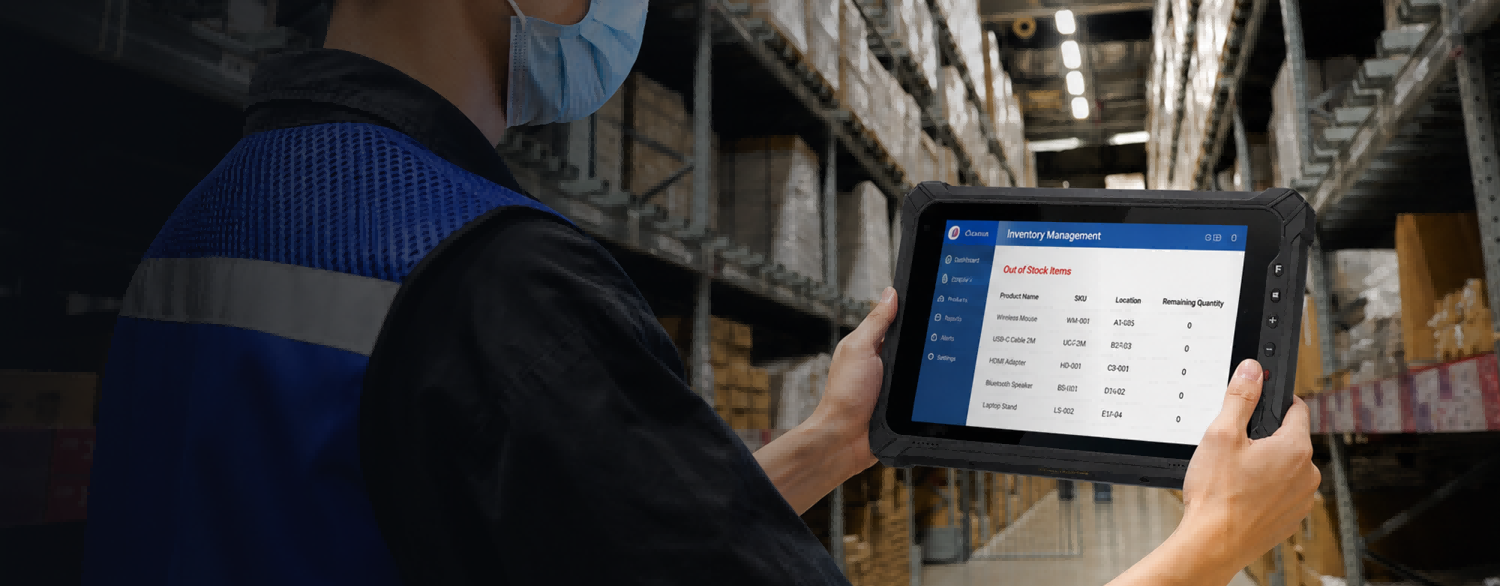 Warehouse Management
Support WMS access, scanning workflows, inventory rules, stock movement, and shift-based use.
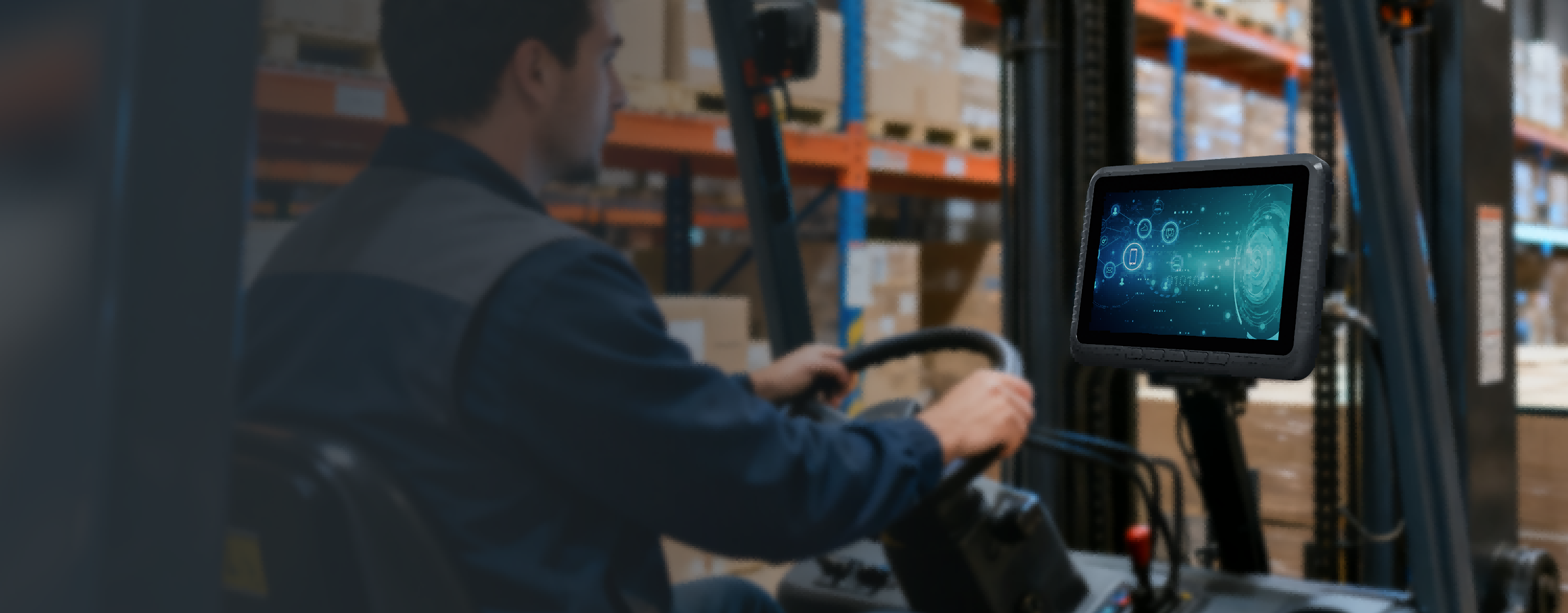 Vehicle Management
Maintain vehicle-mounted devices with controlled apps, stable update planning, and location-aware operation policies.
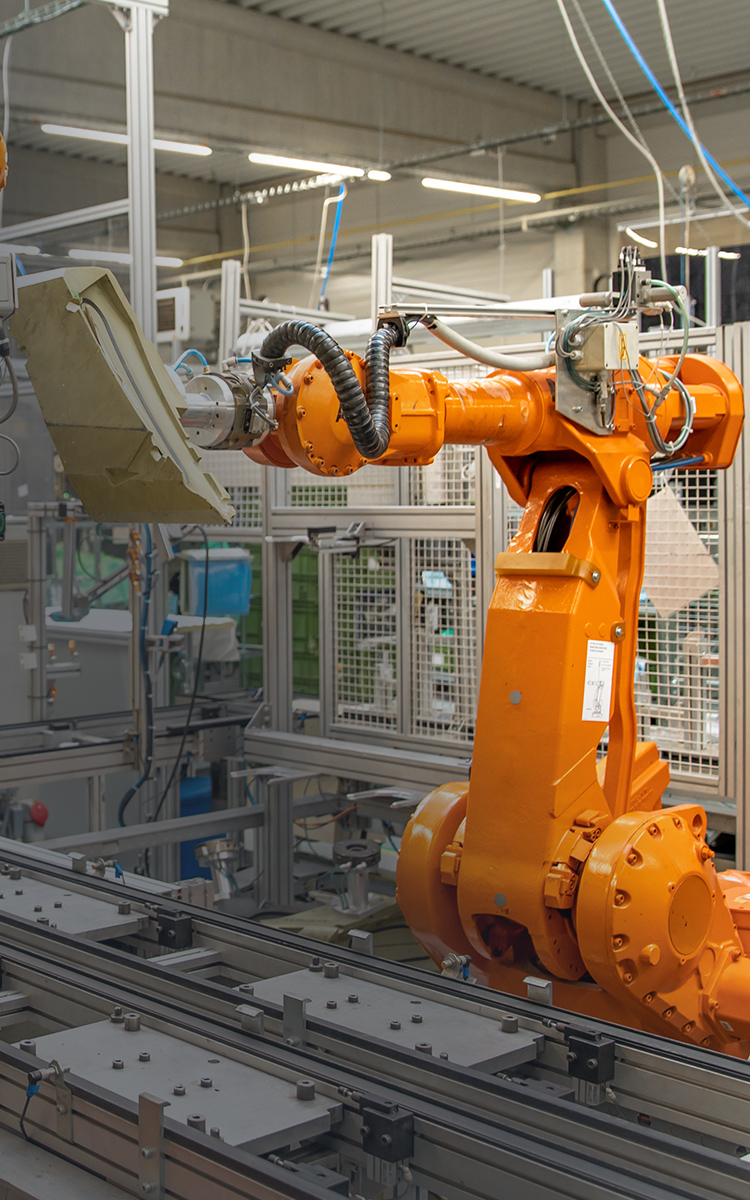 Manufacturing
Standardize terminals used for production records, inspection, maintenance, and factory information workflows.
 Retail and Service
Keep devices focused on scanning, approved apps, inventory checks, and mobile service workflows.
Software FAQ
Questions before using Kiosk Mode
These questions keep the page focused on software planning and project fit.
Kiosk Mode is compatible with supported ONERugged Android rugged tablets, handheld computers, and other Android-based rugged devices for enterprise deployments.
Kiosk Mode is compatible with supported ONERugged Android rugged tablets, handheld computers, and other Android-based rugged devices for enterprise deployments.
Android Kiosk Mode locks a device into one or more approved applications, preventing users from accessing unauthorized apps or system settings. It is widely used in warehouses, retail stores, manufacturing, healthcare, and field service.
Yes. ONERugged Kiosk Mode supports both Single App Mode for dedicated terminals and Multi App Mode for workflows that require multiple approved applications.
Yes. Administrators can import, export, and reuse configuration profiles to quickly deploy the same kiosk settings across large fleets of rugged Android devices.
Software Support
Need a restricted device workflow?
Tell ONERugged your device family, operating system, fleet size, operating sites, and software requirements.