



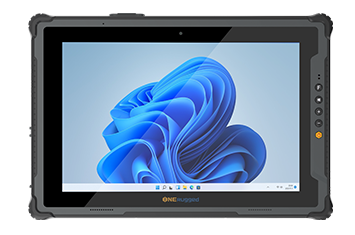
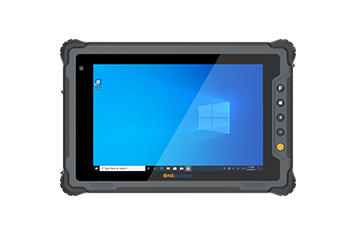
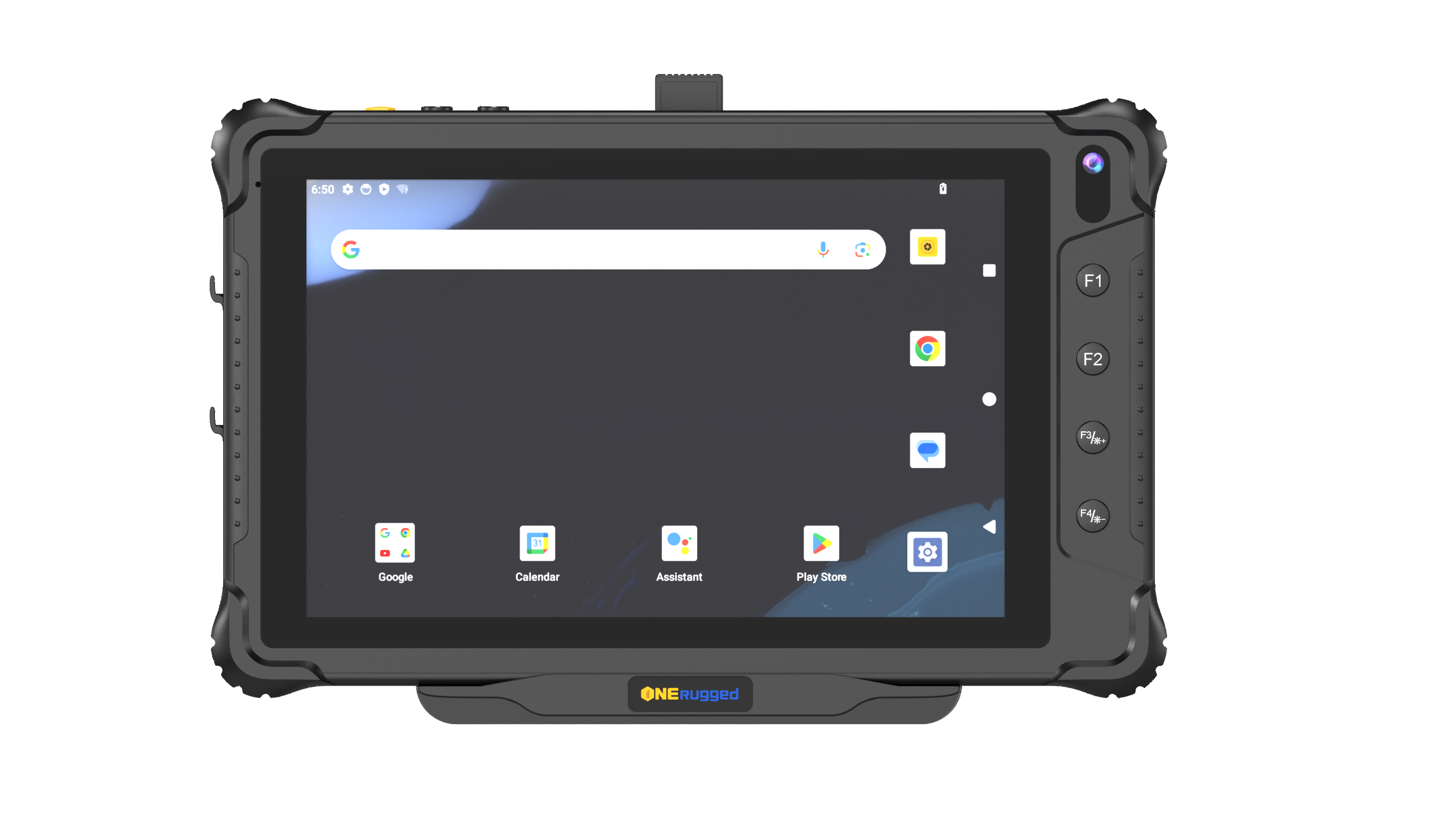
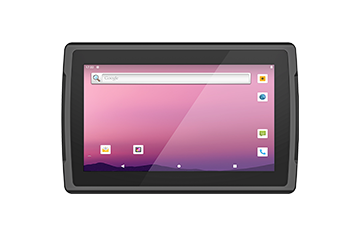



Enroll, monitor, and maintain every rugged device with centralized visibility, remote diagnostics, and lifecycle management.
MDM SYSTEM - ONERugged
Device Management Software
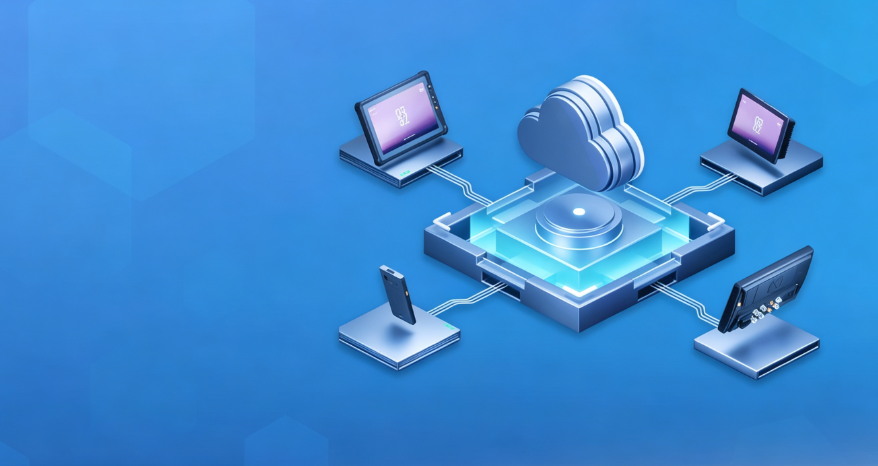
MDM SYSTEM for rugged device fleet management
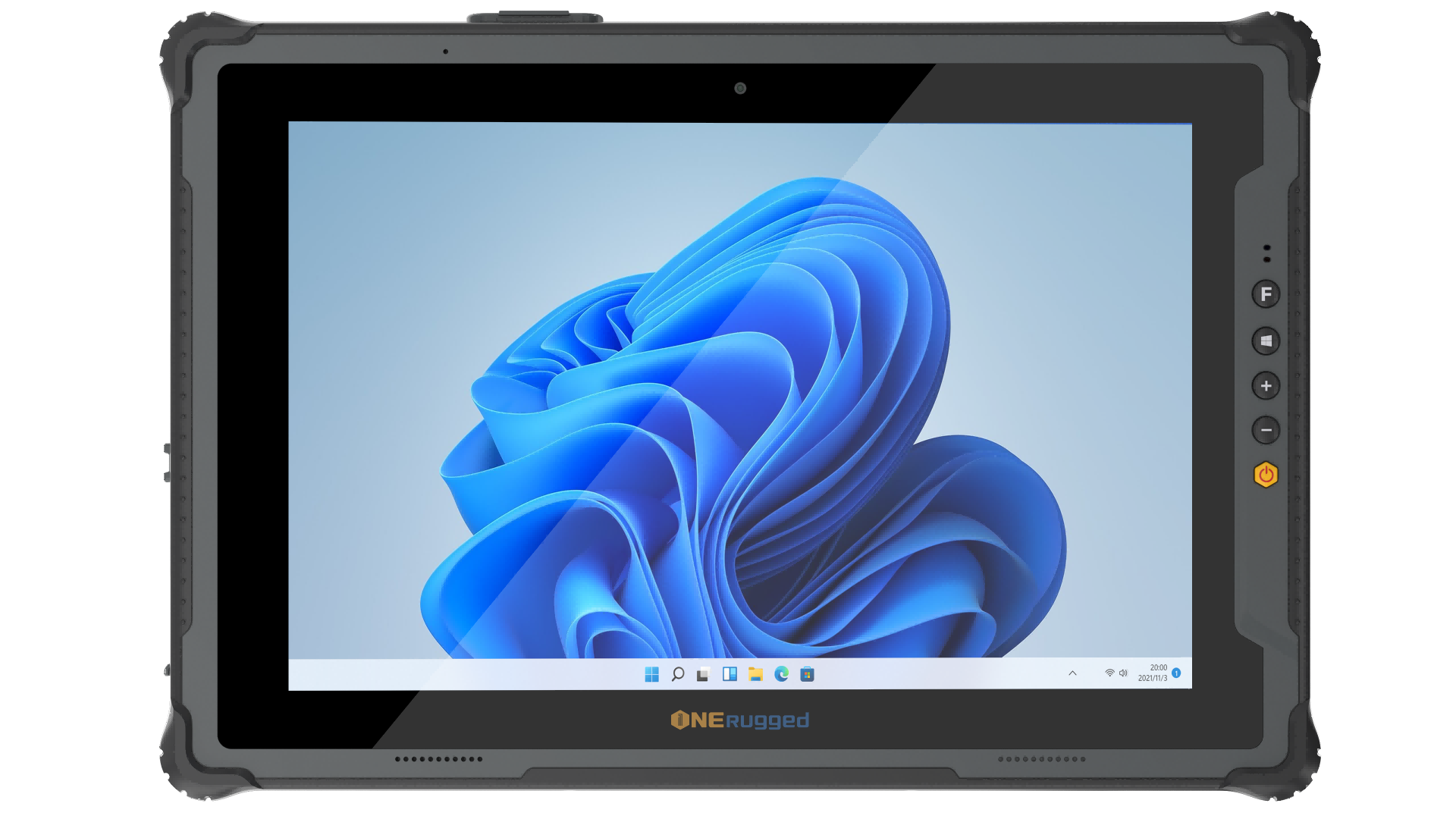
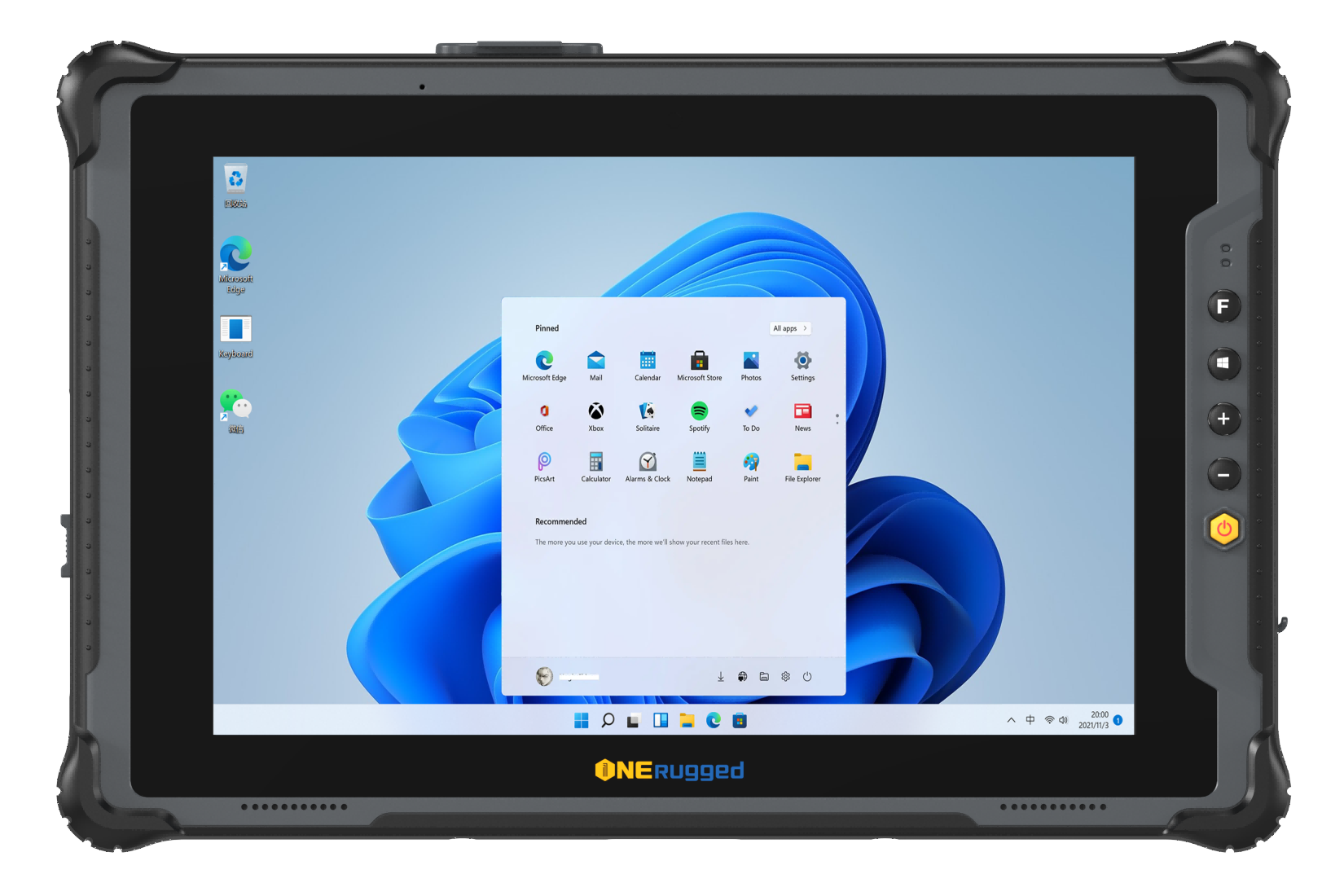
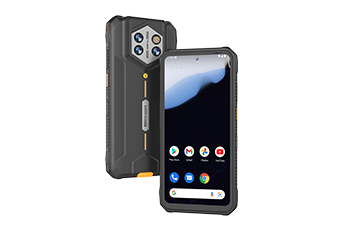
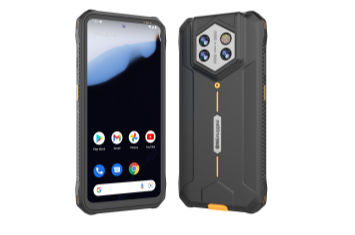
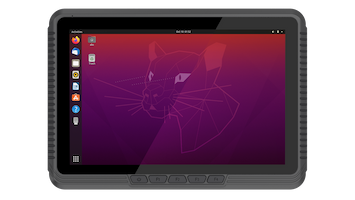
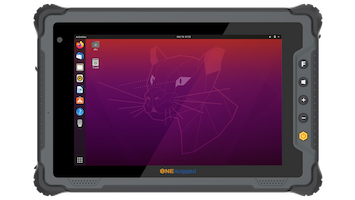
MDM SYSTEM provides remote management services for ONERugged handhelds, tablets, and smart devices, including centralized device control, OTA upgrades, geofencing, app management, and file management.
Software Overview
Centralize Every Rugged Device
Instead of managing devices one by one, administrators can monitor, configure, update, and secure every rugged device through one centralized platform, reducing IT workload and improving operational consistency.
Core Functions
Six capabilities for managing rugged Android device fleets
Manage, secure, update, and support rugged tablets, handhelds, and vehicle computers from a single cloud-based MDM platform.
Push documents, media, and configuration files to multiple devices instantly without manual updates.
Track field devices in real time and enforce location-based policies to improve asset security and operational control.
Install, update, restrict, and organize business apps remotely to keep every device running the correct software.
Manage device settings, lock or reset terminals, and troubleshoot problems remotely to reduce service downtime.
Deliver secure firmware and software updates over the air with staged deployment and minimal operational disruption.
Deployment Flow
Deploy and manage rugged devices in four simple steps
Accelerate enterprise deployment with centralized enrollment, policy management, application delivery, and continuous device monitoring.
Register rugged Android devices and organize them by team, project, or deployment site.
Configure kiosk mode, security policies, network settings, and application permissions remotely.
Push apps, files, and OTA updates to one device or thousands simultaneously.
Monitor device status, location, compliance, and performance to keep operations running smoothly.
Device Fit
MDM SYSTEM should be matched with the device family
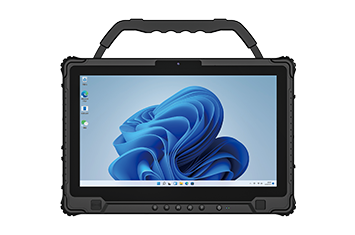
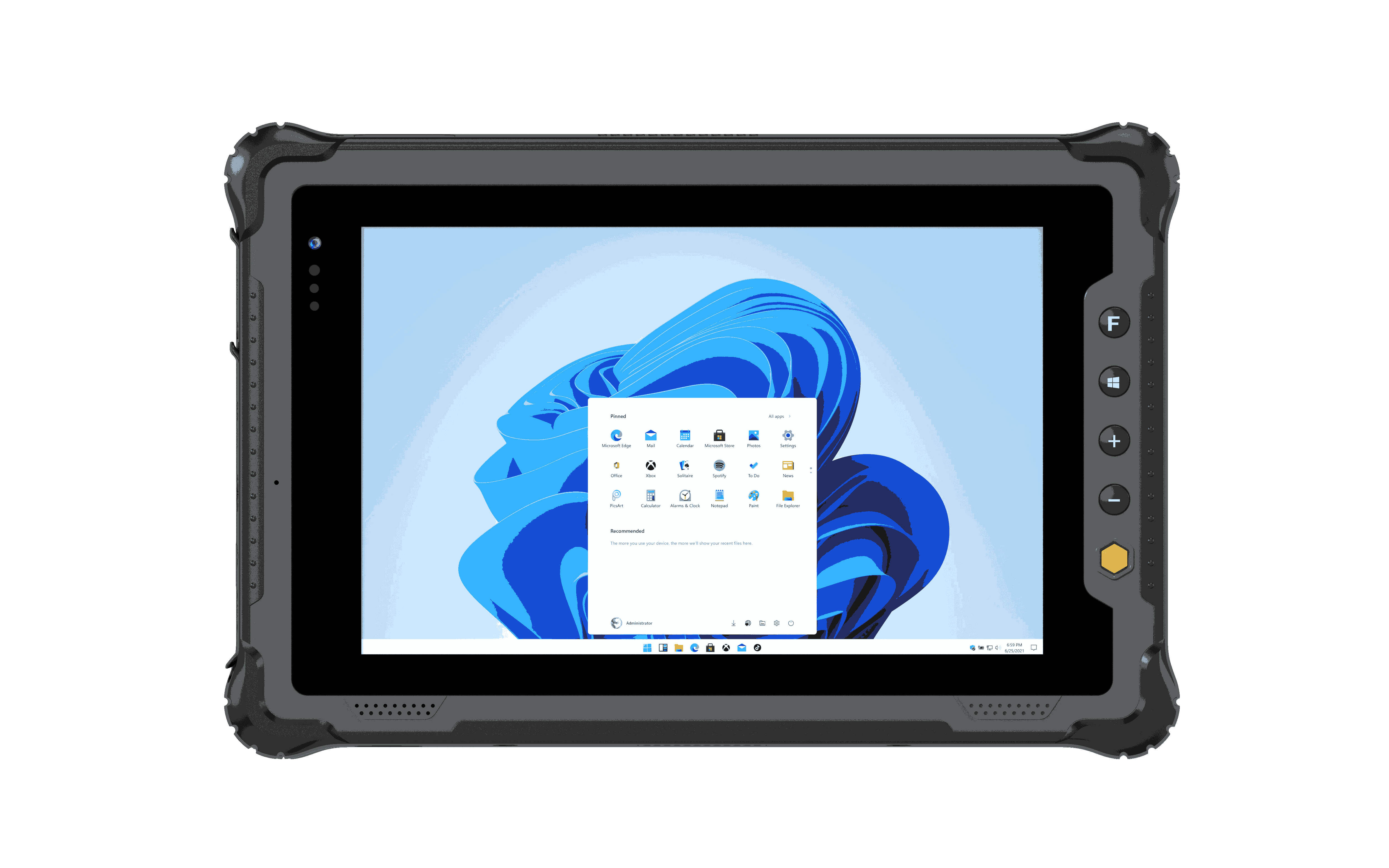
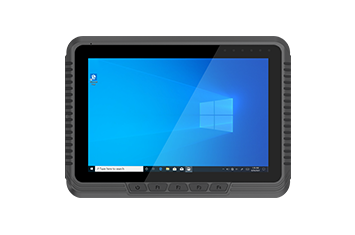
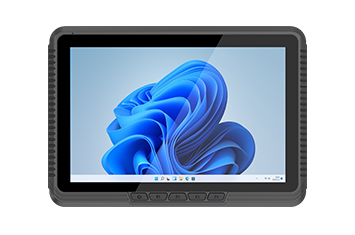
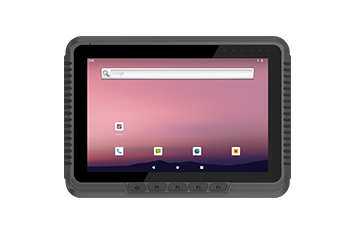
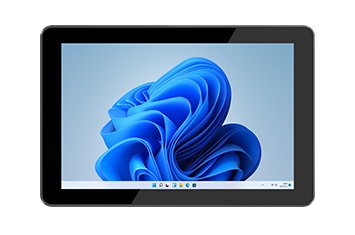
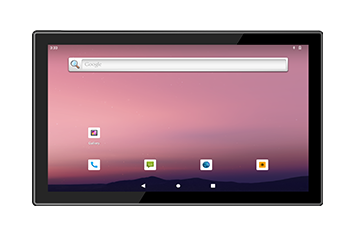
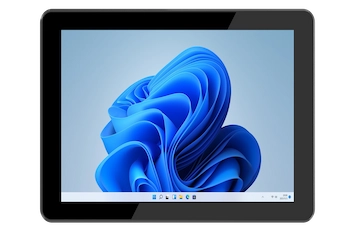
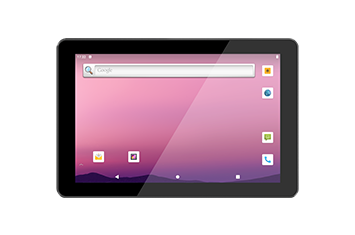
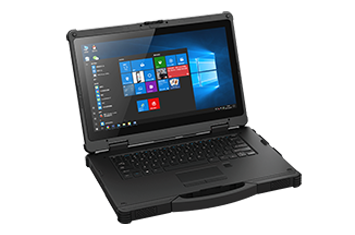
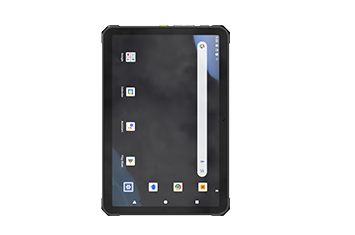
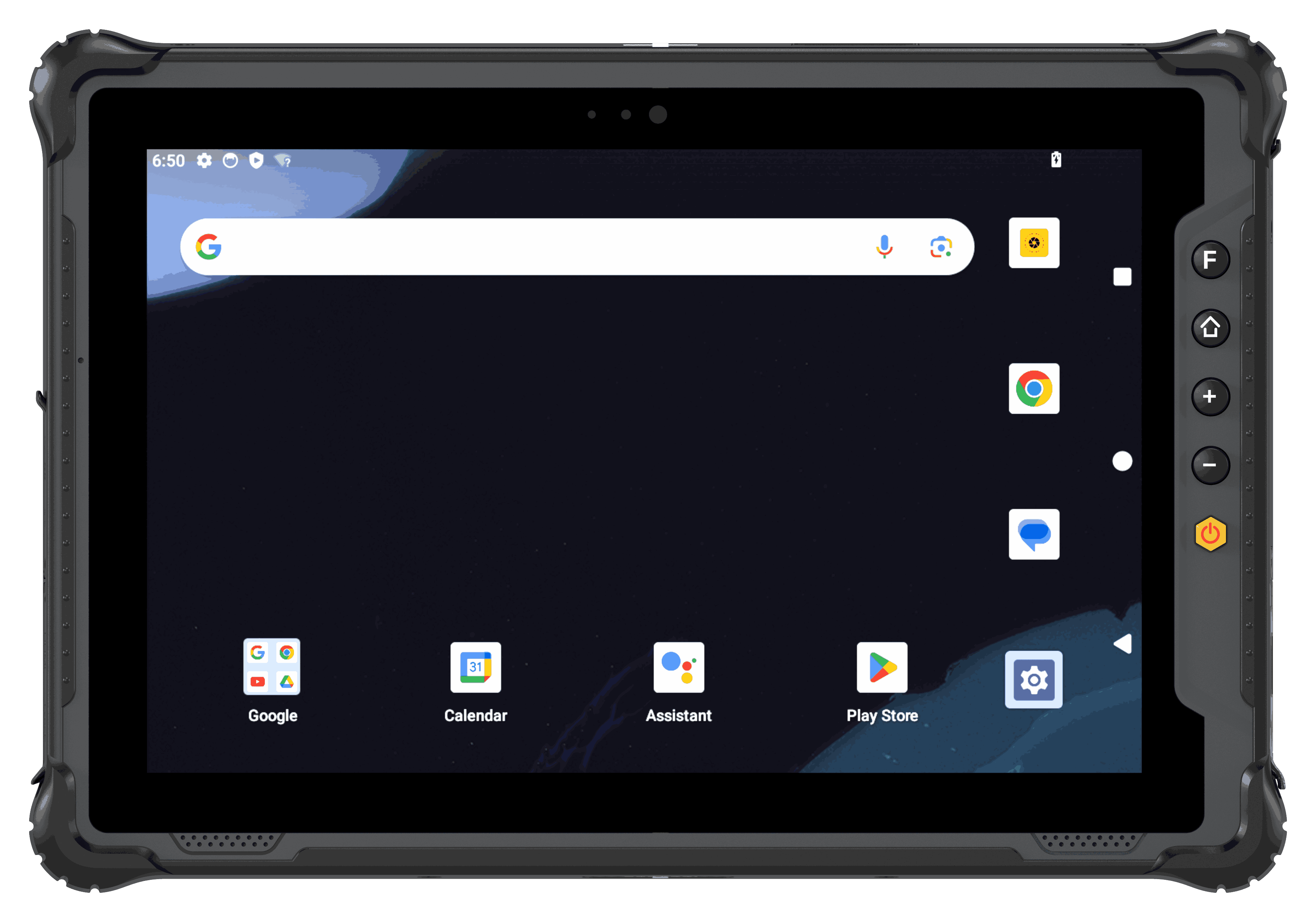 Rugged Tablet
For tablet fleets used in inspection, warehouse, vehicle, production, and field service work.
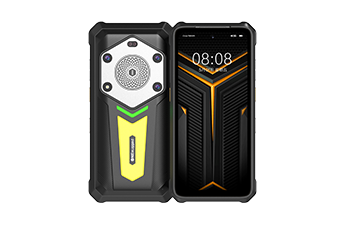
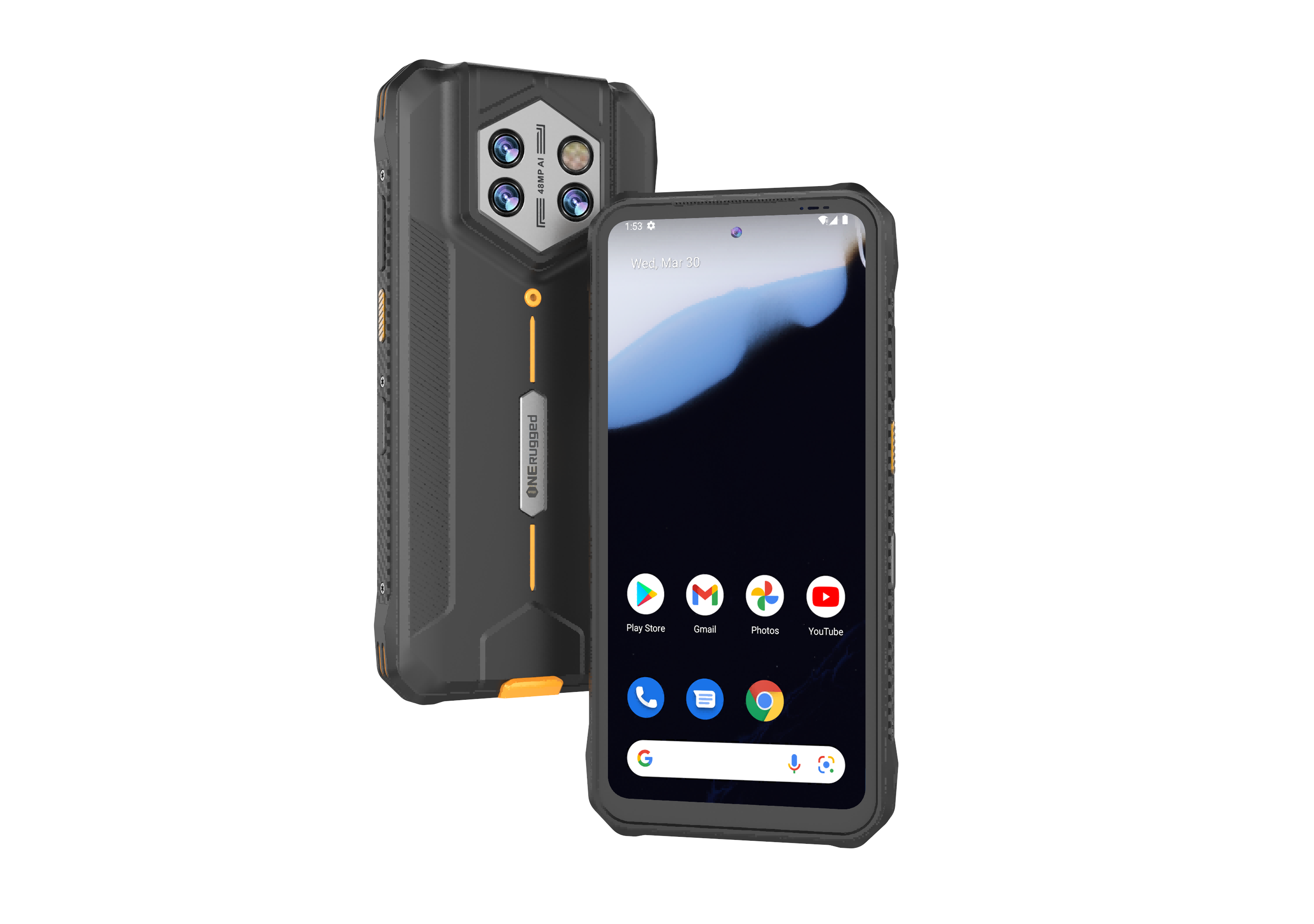 Rugged Handheld
For handheld fleets that need app control, barcode workflows, mobile data capture, and Android configuration.
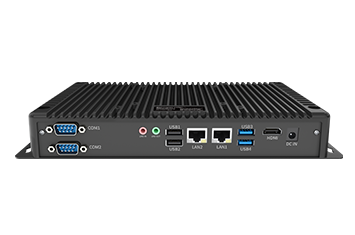
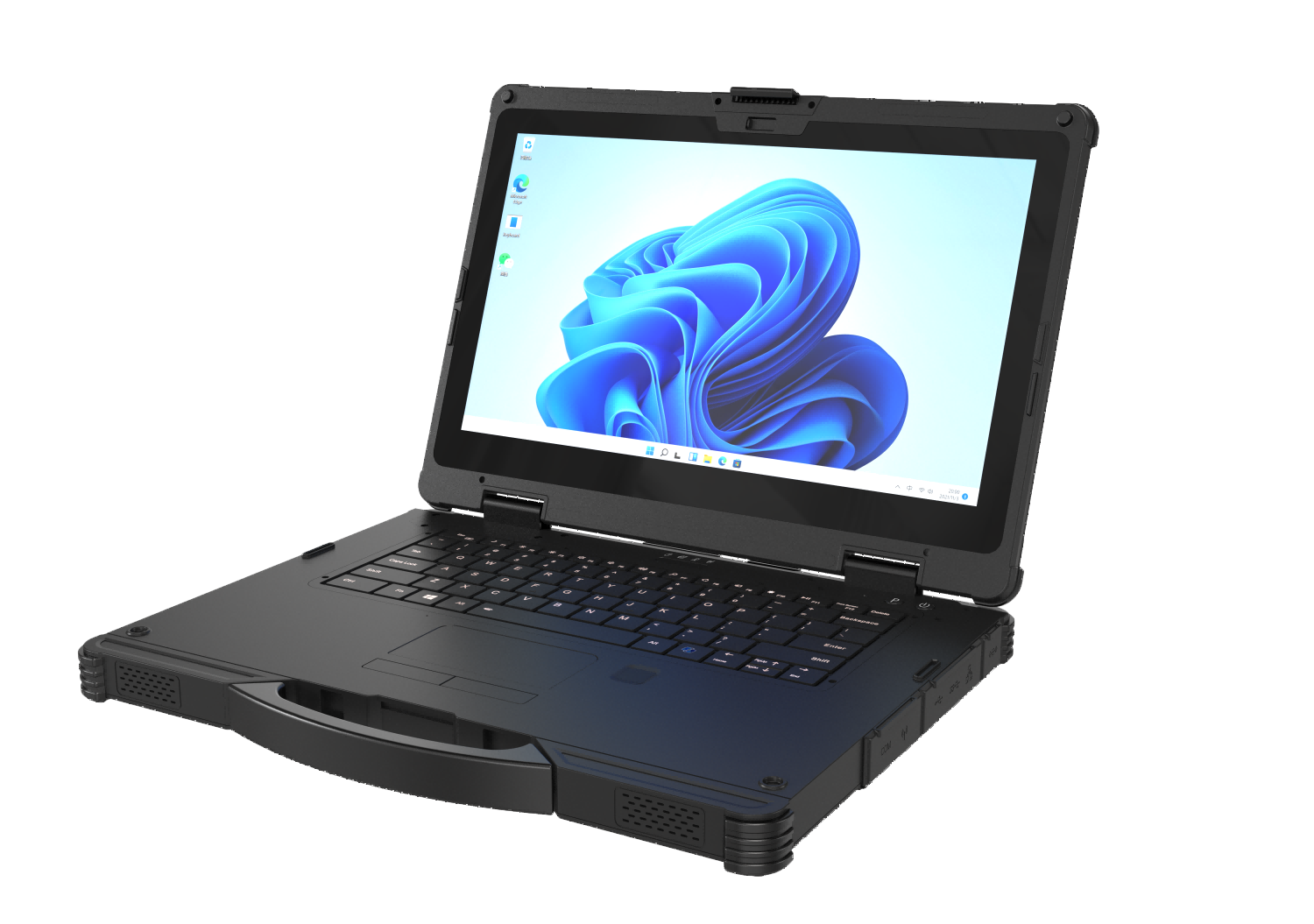 Rugged AI PC
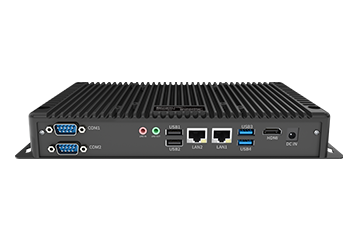
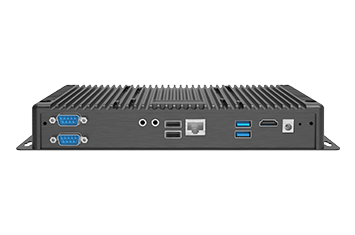
Power field edge computing with an industrial pc or industrial computer engineered for intelligent on-device AI processing.
Application Scenarios
Use MDM SYSTEM where unmanaged devices create operating risk
MDM is valuable when devices are shared, distributed, mounted, or used by teams that need the same software rules across many work locations.
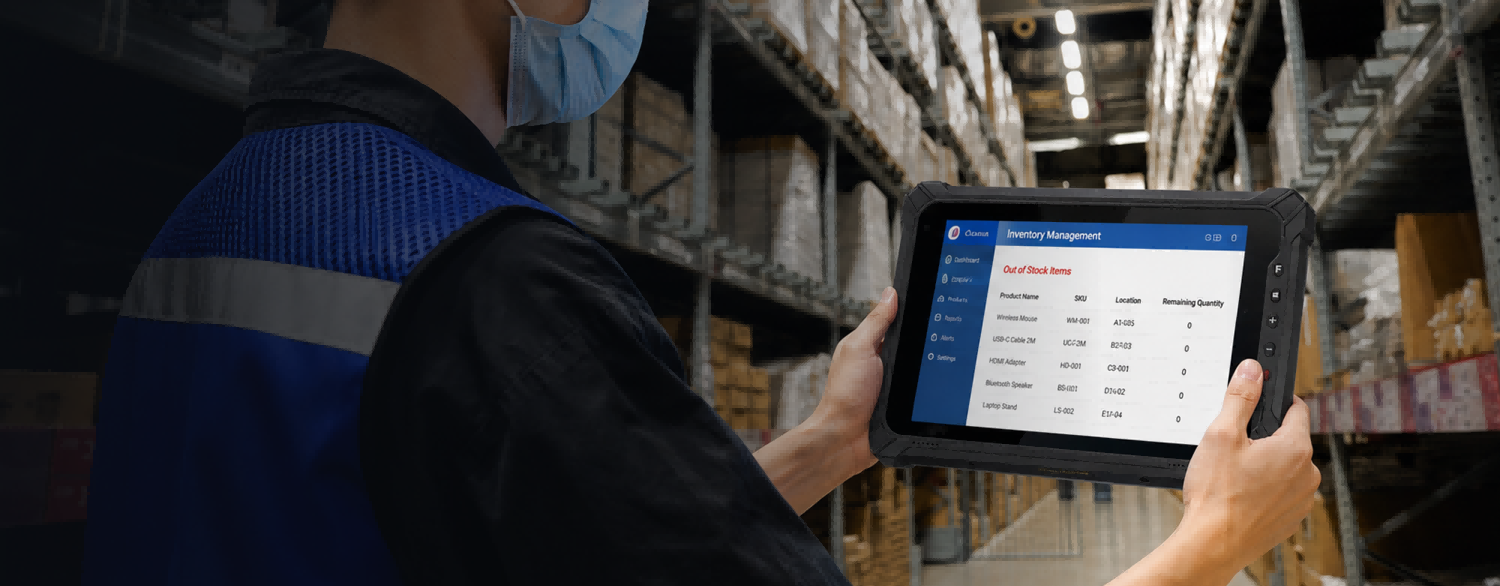 Warehouse Management
Support WMS access, scanning workflows, inventory rules, stock movement, and shift-based use.
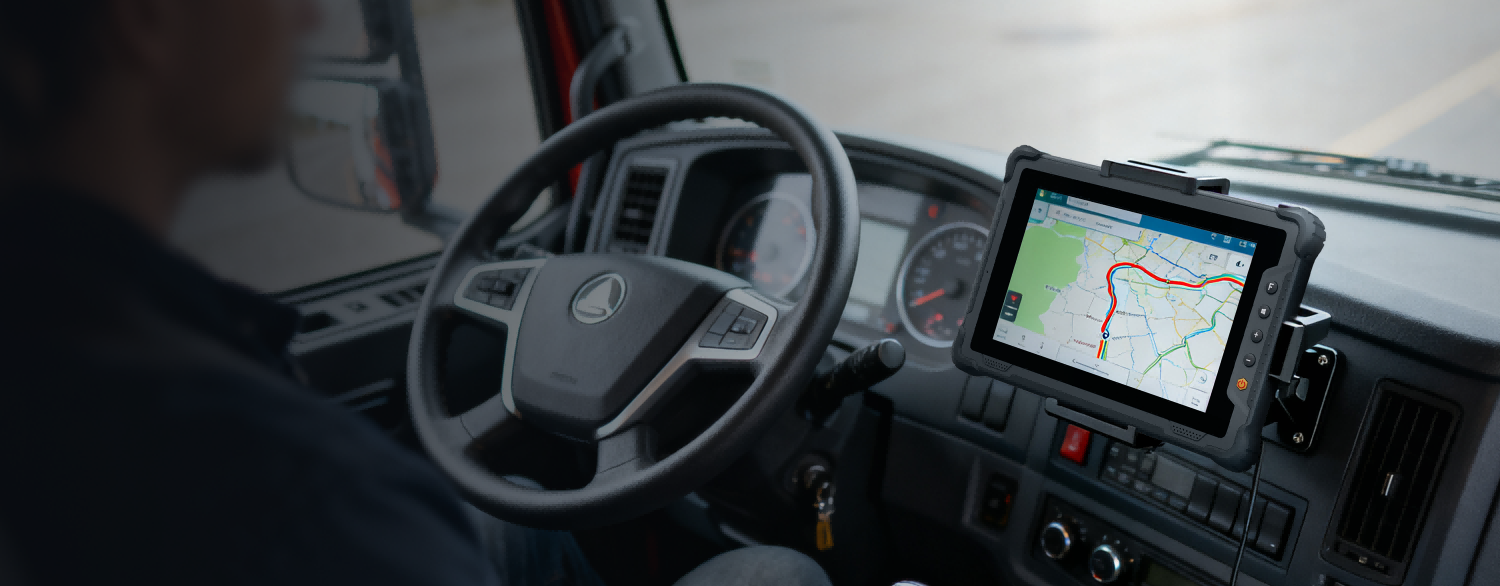 Vehicle Management
Maintain vehicle-mounted devices with controlled apps, stable update planning, and location-aware operation policies.
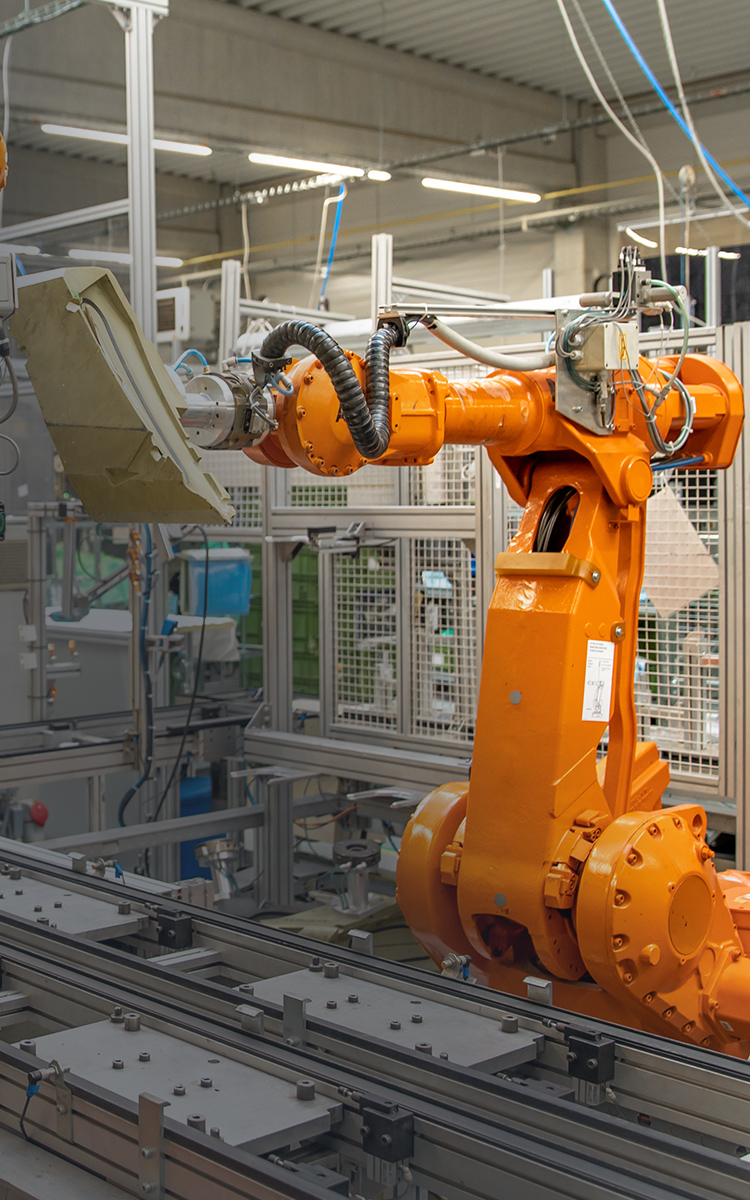 Manufacturing
Standardize terminals used for production records, inspection, maintenance, and factory information workflows.
 Retail and Service
Keep devices focused on scanning, approved apps, inventory checks, and mobile service workflows.
MDM SYSTEM FAQ
Questions before requesting MDM support
These questions keep the page focused on MDM planning, device control, update maintenance, and fleet operation.
MDM SYSTEM is designed for ONERugged handhelds, tablets, and smart terminals. The final fit should be confirmed with the selected device family and operating system.
The current MDM SYSTEM description includes centralized device control, OTA upgrades, geofencing, app management, and file management.
Yes. Device management requirements should be discussed with device family, operating system, accessories, deployment scenario, and update policy.
Prepare device models, OS version, quantity, user roles, app list, update requirements, file rules, and operating sites.
MDM SYSTEM Support
Need device management support for rugged deployment?
Tell ONERugged your device family, operating system, fleet size, operating sites, and management requirements. MDM SYSTEM can then be planned with the hardware rollout.