




Top.Mail.Ru
Best Rugged Tablet PC - ONERugged

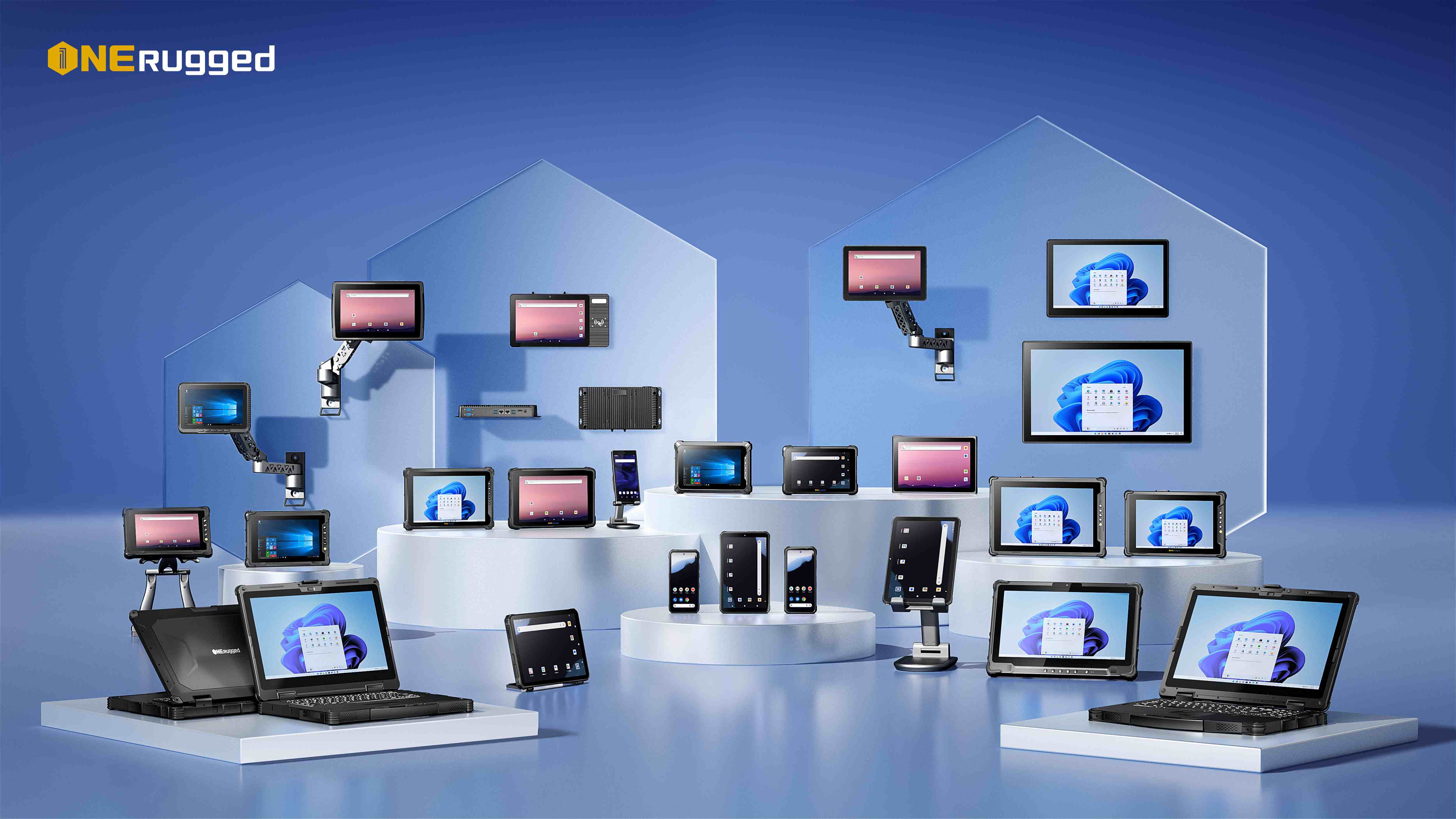
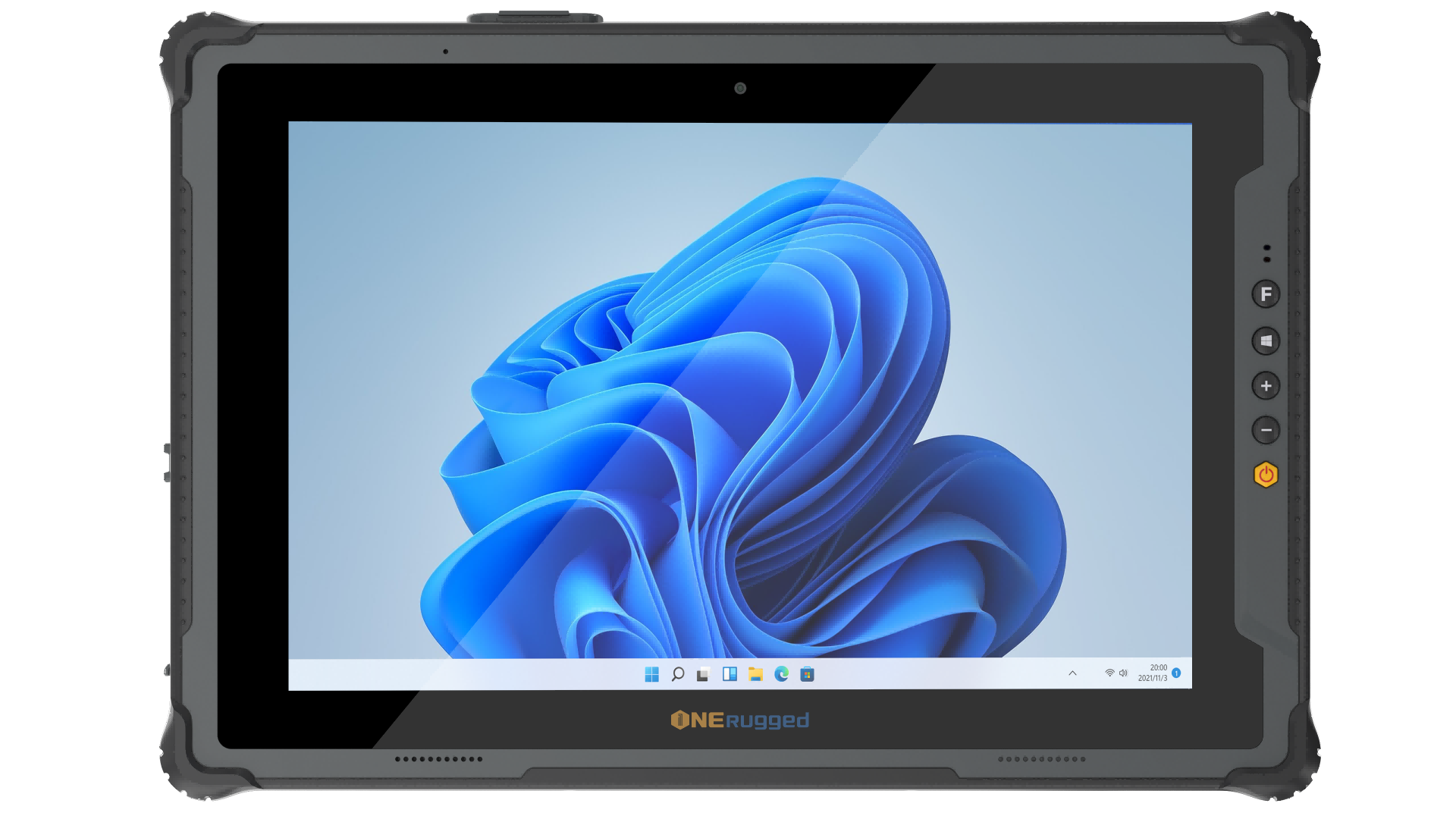
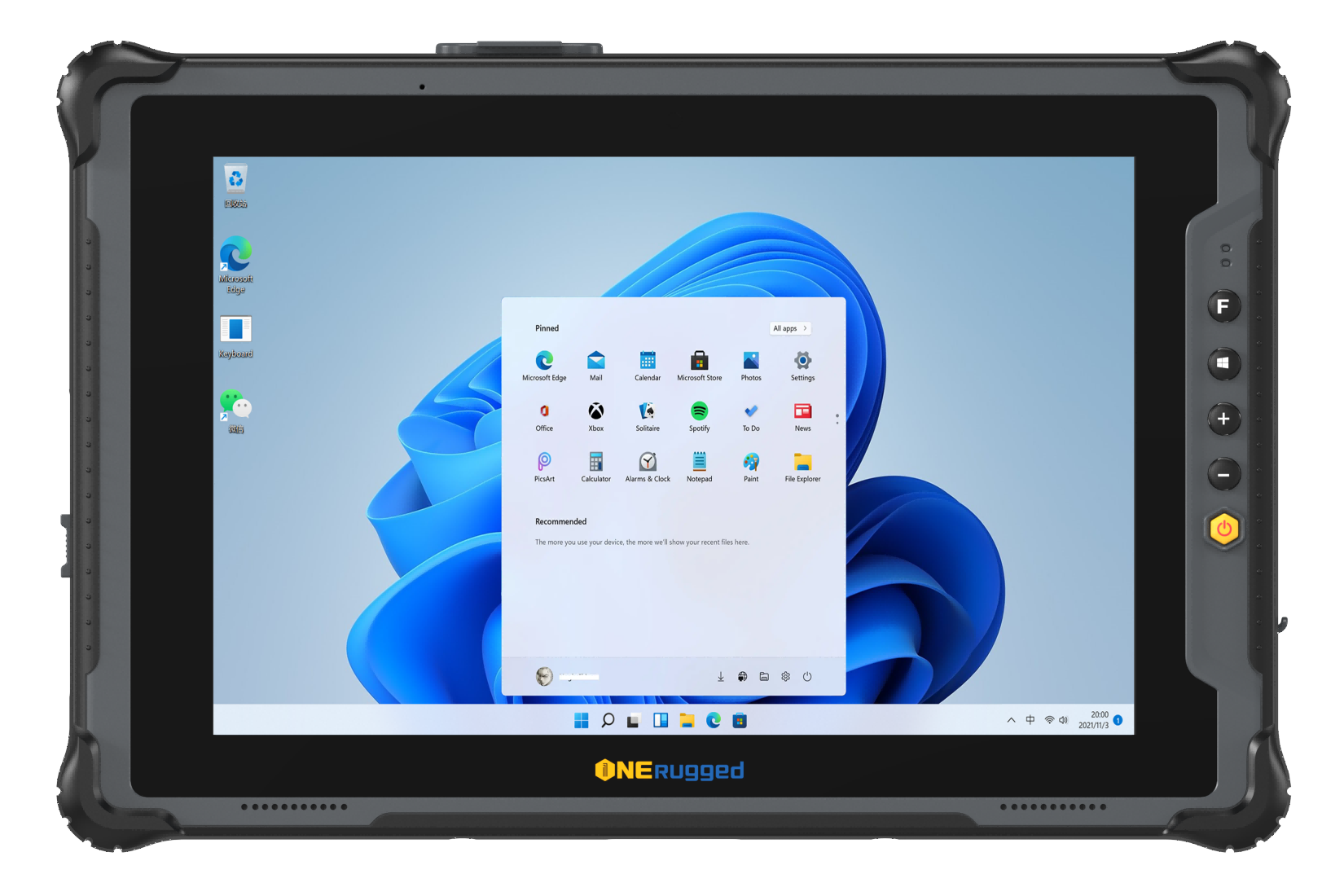
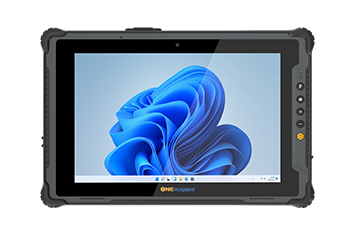
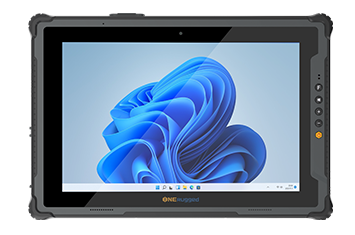
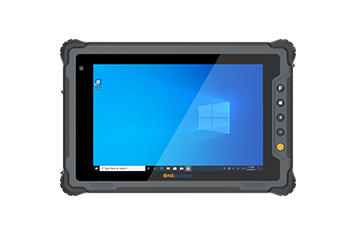
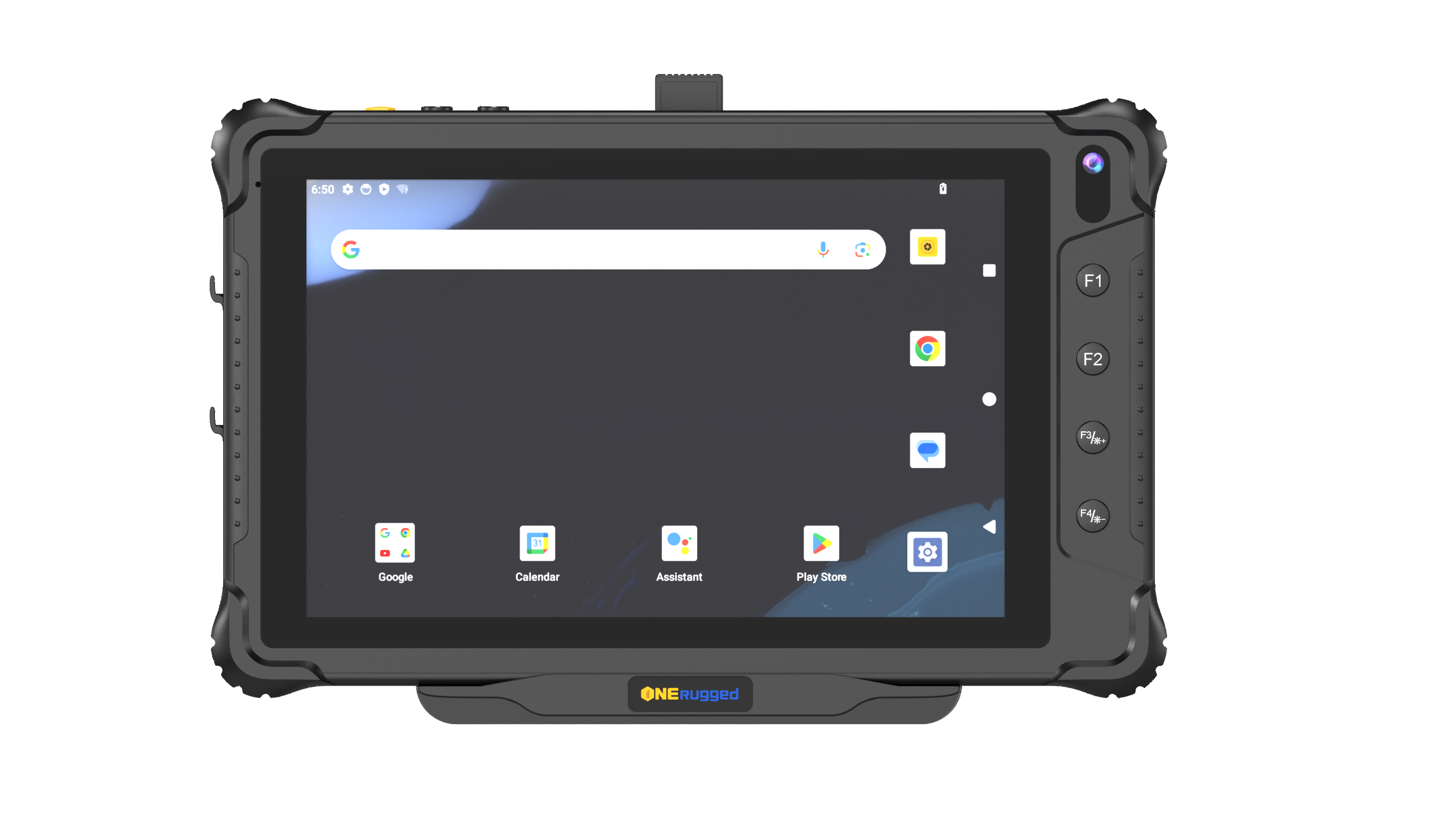
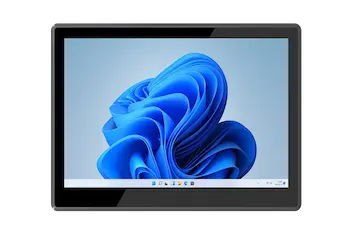
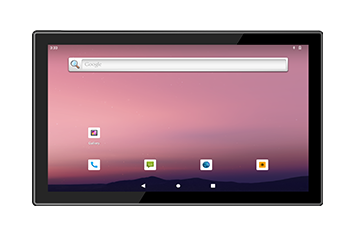
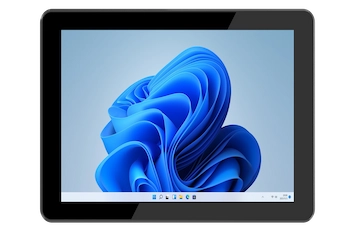
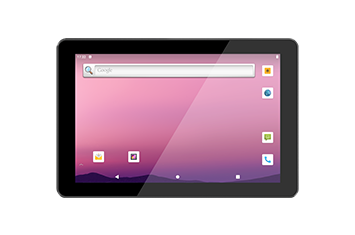
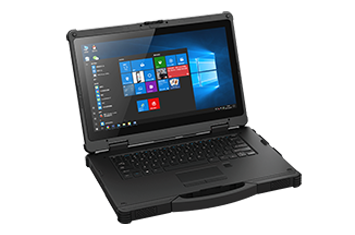
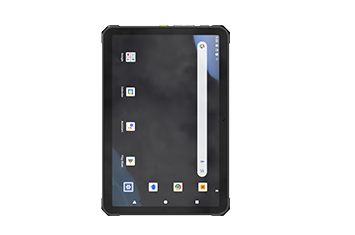
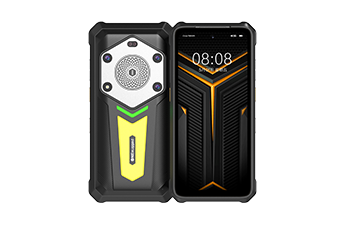
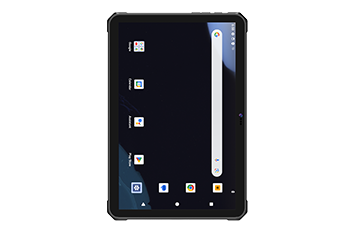
Rugged Tablets (Windows & Android)

Compare Rugged Tablets for Field, Vehicle, and Industrial Work
PRODUCT FINDER

Compare Rugged Tablets for Field, Vehicle, and Industrial Work

Browse rugged tablets by operating system, screen size, connectivity, expansion ports, and deployment scenario before narrowing the shortlist to the right model.

MIL-STD / IP Rated Options Android / Windows / Linux Field-ready I/O Project customization
Product Finder

Choose by scenario, platform, screen size, and I/O

Use the category filters to narrow down models by product family, specification groups, and keywords. The product center stays for navigation; this page handles model comparison.

Scenario
by Network
by Operating System
by Platform
by Screen Size
by Product Function
Reliability & Deployment

Built for Long-Term Field Deployment

Industrial buyers need proof beyond model names. Evaluate rugged tablets by protection, readability, operating platform, expansion, and deployment support.

Protection for harsh daily operation
01 / Rugged Reliability Protection for harsh daily operation

Plan IP-rated protection, drop resistance, dust resistance, vibration tolerance, and field-ready structure for outdoor, warehouse, vehicle, and industrial use.

MIL-STD IP Rated Drop Ready
Readable, connected, and ready for mobile teams
02 / Field Productivity Readable, connected, and ready for mobile teams

Match screen size, outdoor readability, wireless connectivity, scanning, GPS, and vehicle mounting needs before narrowing down rugged tablet models.

Outdoor Display 4G / GPS Vehicle Mount
03 OS & Software Fit

Android, Windows, and Linux options help align devices with ERP, warehouse, inspection, fleet, and field service software.

04 Industrial Expansion

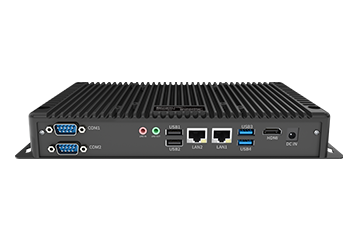
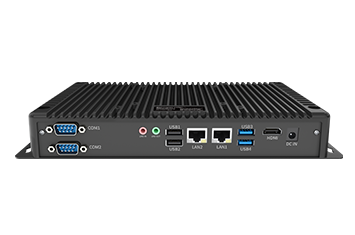
Plan NFC, GPS, RJ45, RS232, camera, barcode, battery, vehicle dock, and other project-specific requirements.

05 Deployment Support

Connect hardware selection with accessories, software setup, configuration, support resources, and quotation workflow.

Manage and Control Rugged Devices
Software Support

Manage and Control Rugged Devices

Use ONERugged software capabilities to manage devices, control apps, map keys, and support field productivity.

Useful when customers need fleet control, app restriction, device settings, and stable field operation after deployment.
MDM Kiosk Mode Key Mapper Settings Extension
View Software Support
Configure for Project Needs
Customization Support

Configure for Project Needs

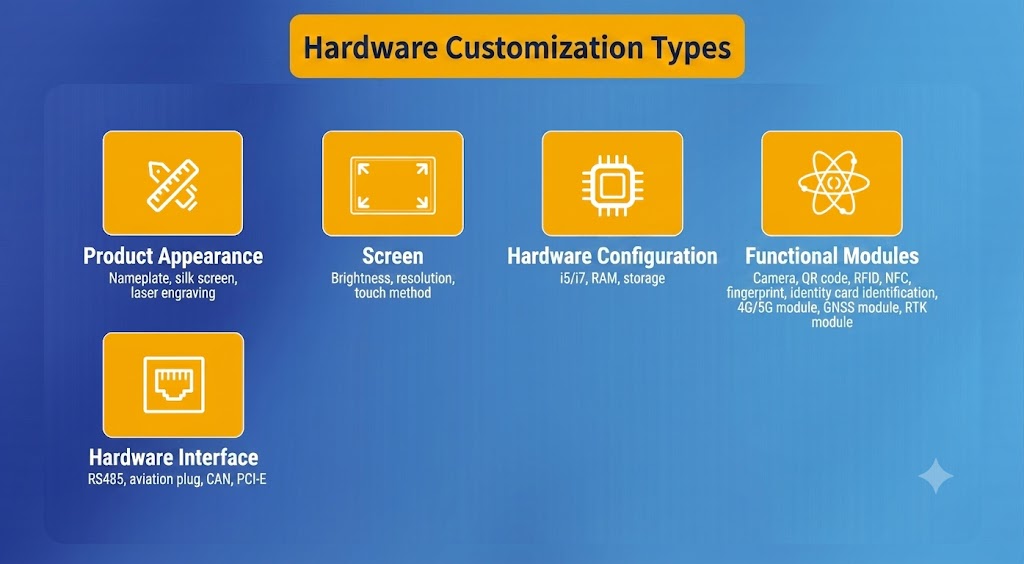
Support OS images, I/O expansion, mounting accessories, vehicle deployment, and project-based configuration.

For buyers who cannot select by model alone, configuration support turns requirements into a practical device setup.
OS Image I/O Expansion Mounting Accessories
Request Custom Quote
Products FAQ

Rugged Tablet Selection Questions

Answers that help buyers compare rugged tablets by environment, software platform, screen, and configuration needs.

Start from work scenario, operating system, screen size, connectivity, and required expansion features.

Android is efficient for mobile data collection, Windows supports industrial software, and Linux suits controlled terminal workflows.

Prioritize GPS, stable power, mounting accessories, screen readability, wireless coverage, and vibration tolerance.

Project Support

Need help choosing a rugged tablet?

Tell us your operating system, screen size, mounting method, wireless network, and I/O requirements. ONERugged can help match the right model.