
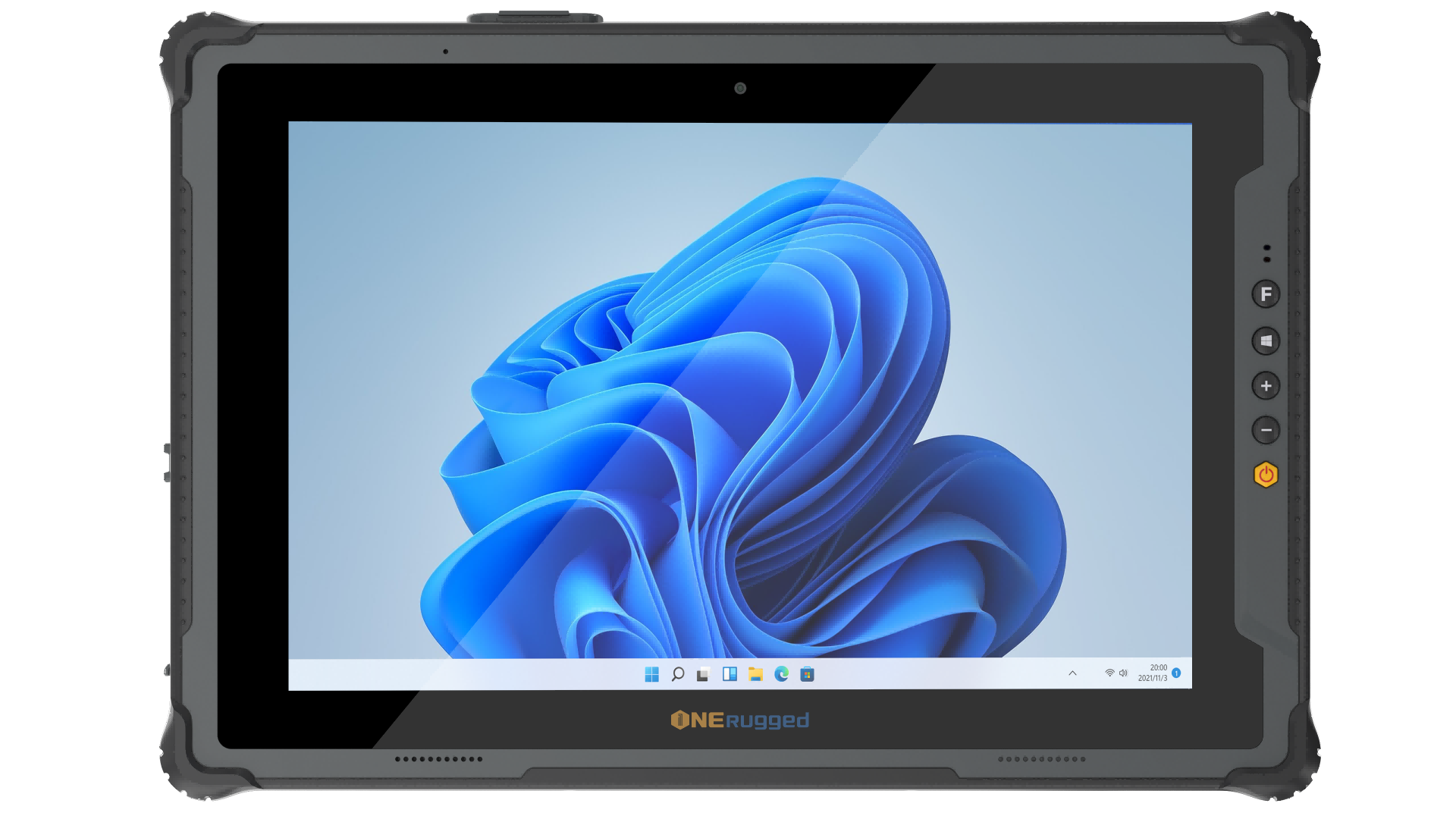
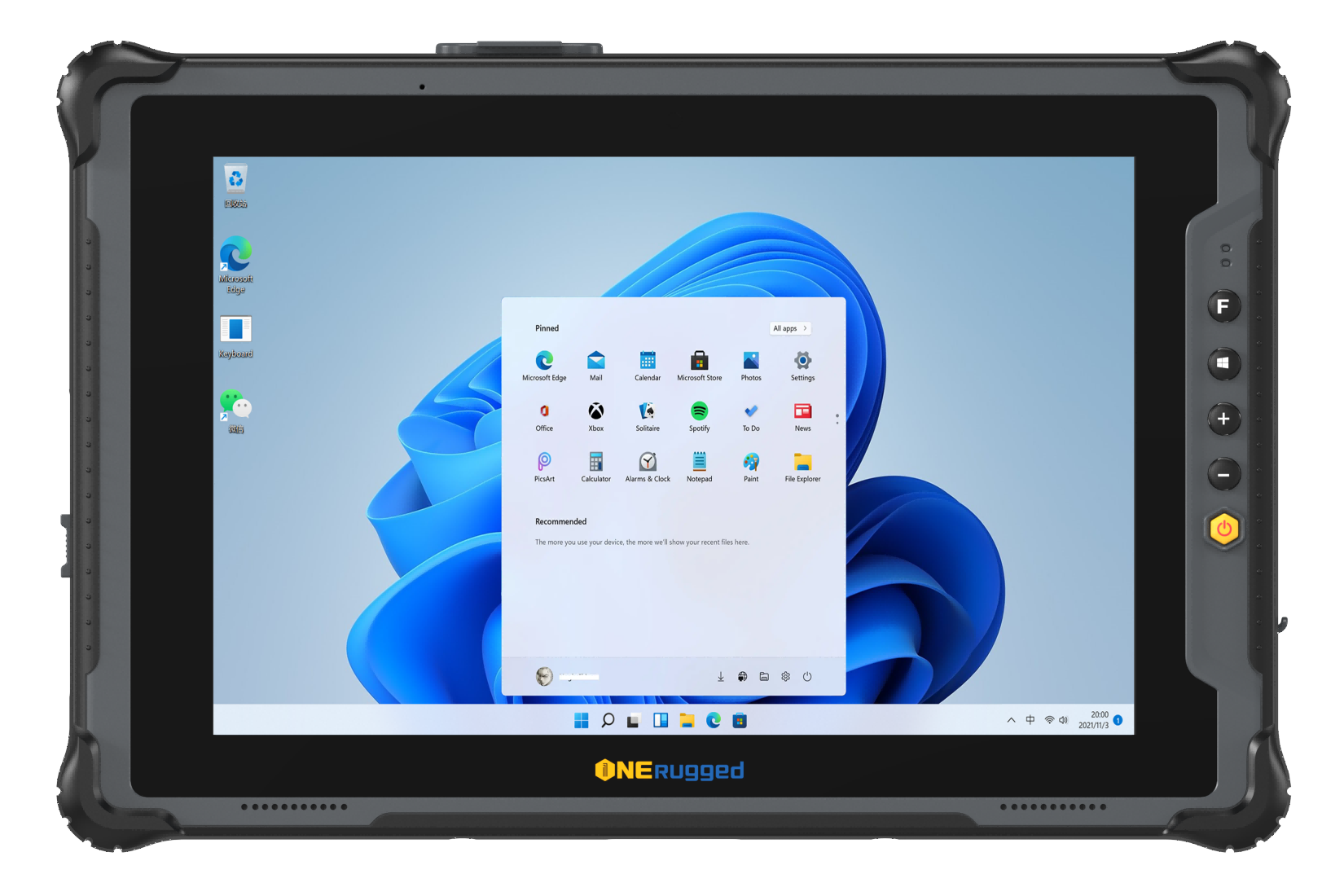

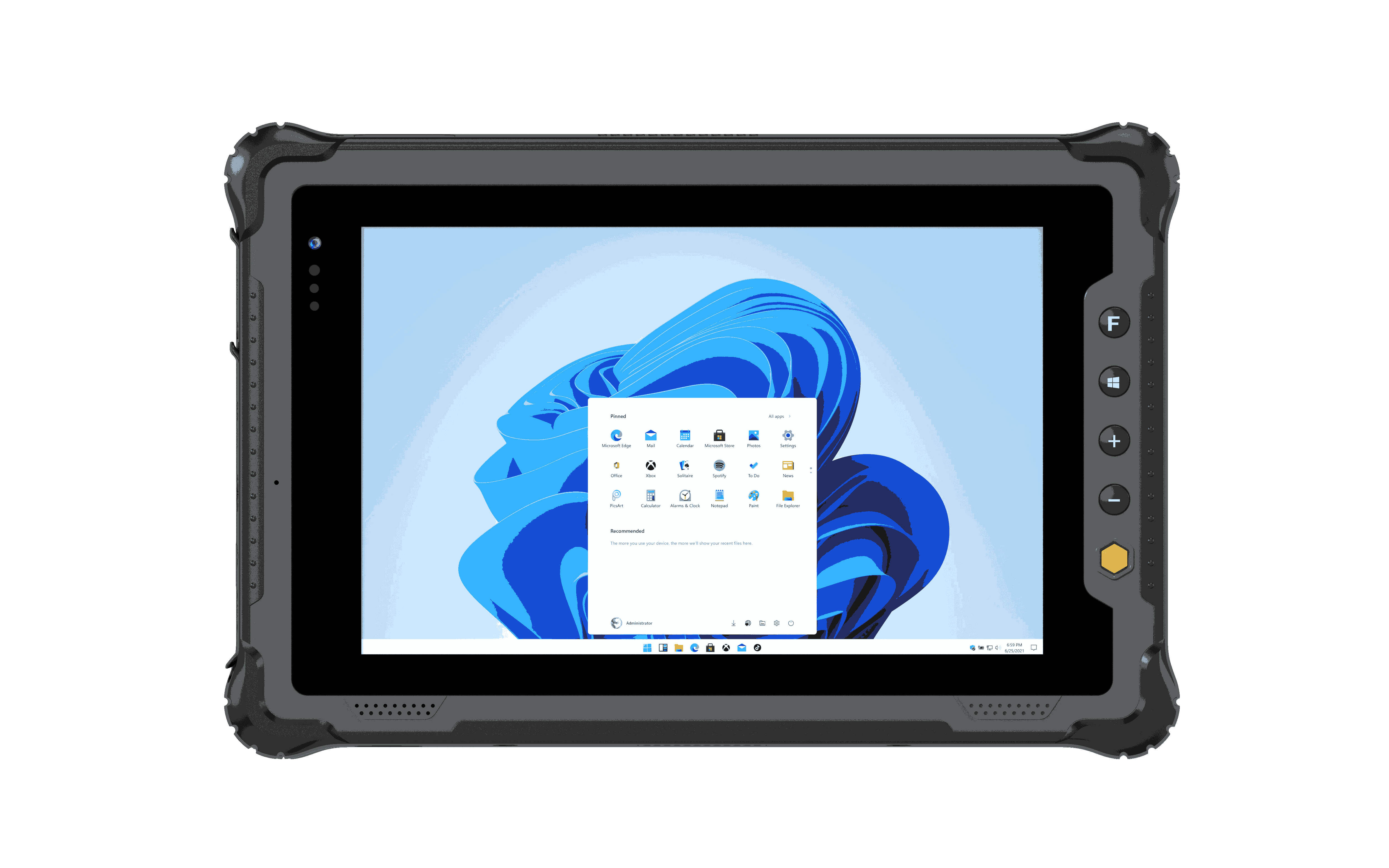


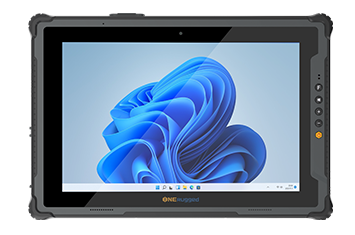
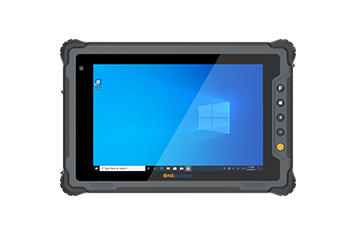
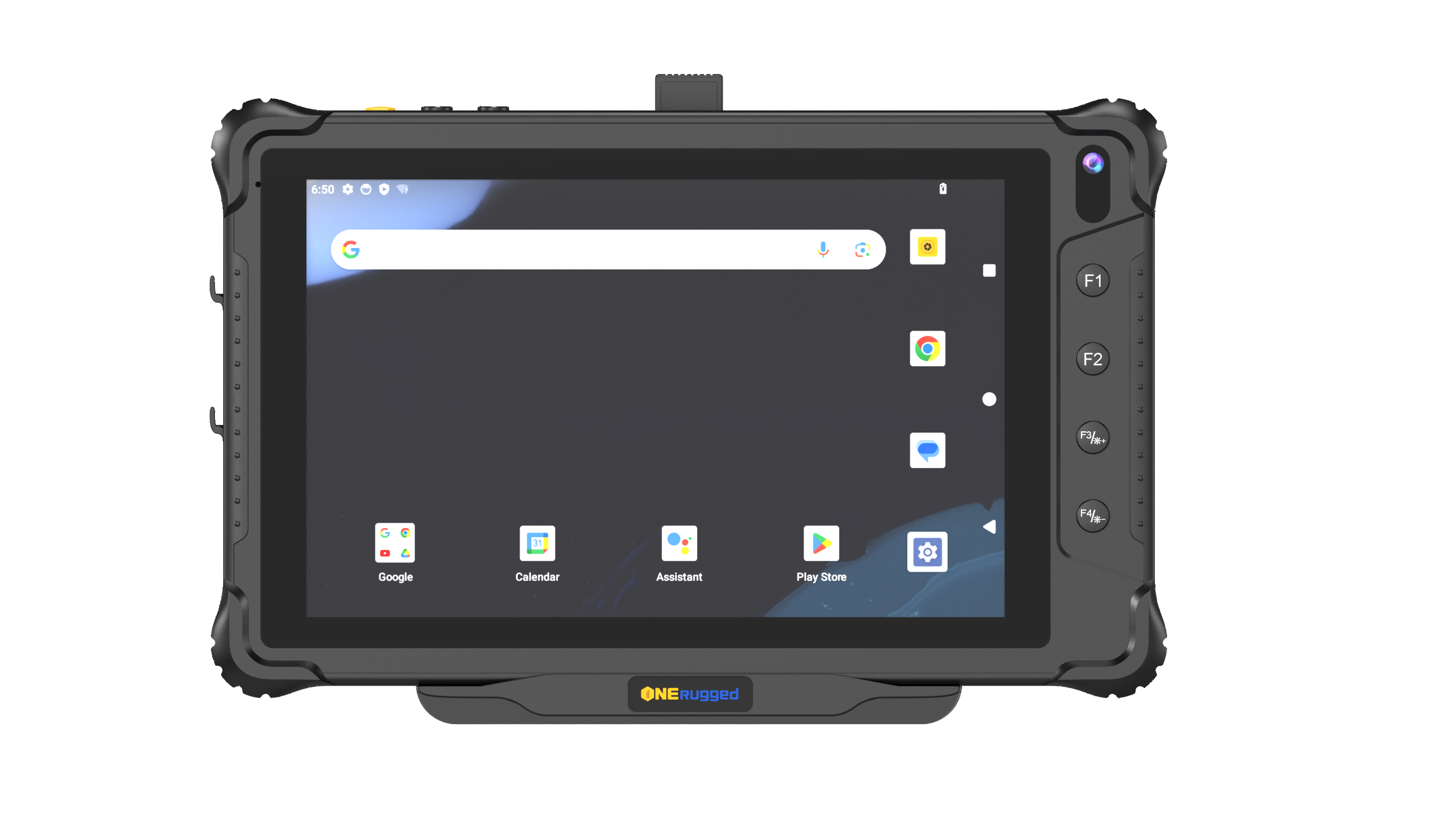
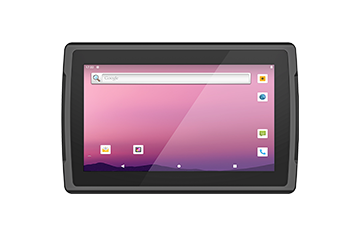
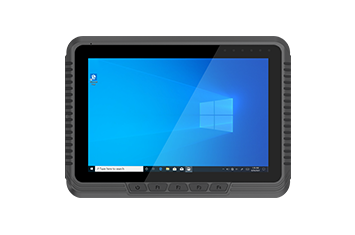
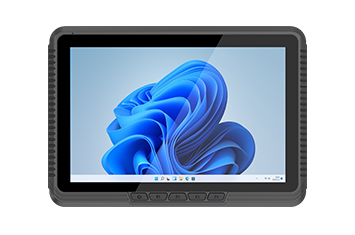
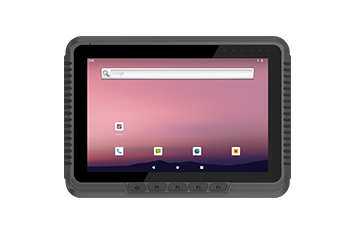
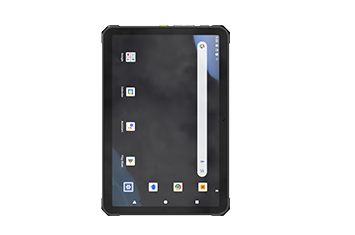
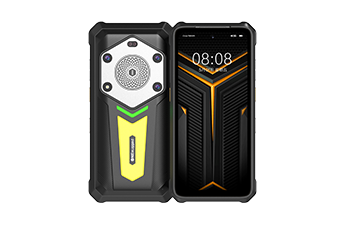
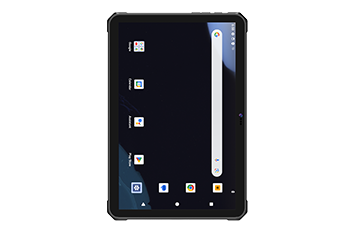
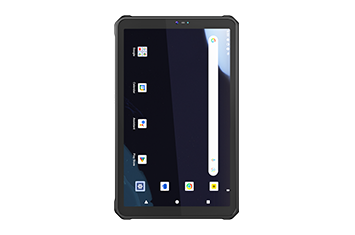






Assign physical buttons to applications, system functions, or business actions.
Key Mapper
Input Control Software
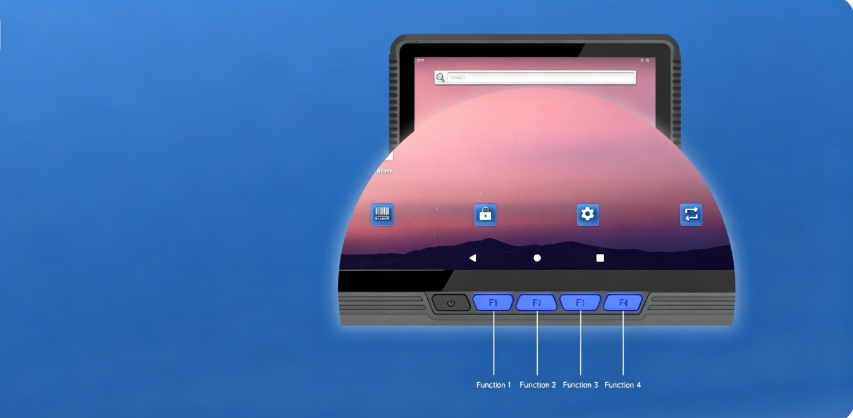
Key Mapper for Faster Android Workflows
Customize hardware buttons on rugged Android devices to launch apps, trigger barcode scanning, capture screenshots, and automate frequently used actions for faster field operations.
Software Overview
Customize hardware keys for efficient field work
Assign physical buttons to business functions, applications, and shortcuts, helping workers complete repetitive tasks faster with one-handed operation or while wearing gloves.
Core Functions
Four tools for customizable button control
Configure hardware keys to simplify repetitive tasks, improve productivity, and create consistent workflows across rugged Android devices.
Support single press, double press, long press, and key release for different workflows.
Launch barcode scanning or capture screenshots instantly with dedicated hardware keys.
Open business apps, shortcuts, or broadcast actions without navigating menus.
Deployment Flow
Configure key behavior before deployment
Create standardized button layouts, deploy key profiles, and maintain consistent user experiences across enterprise Android devices.
Identify frequently used applications and work actions.
Assign buttons, shortcuts, and action types based on user roles.
Apply standardized key mappings across rugged Android devices.
Adjust button configurations as business workflows evolve.
Device Fit
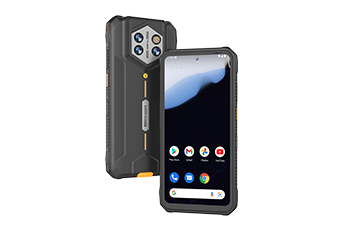
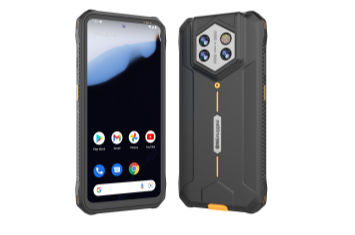
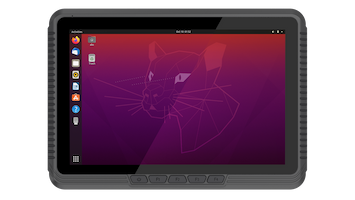
Key Mapper works with ONERugged Android models
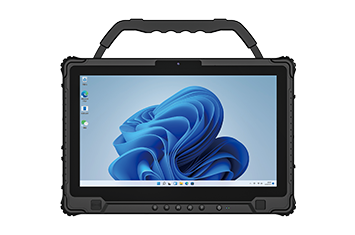
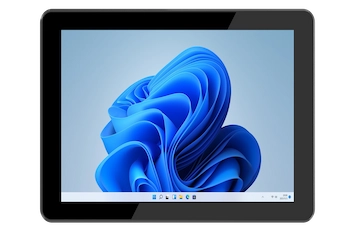
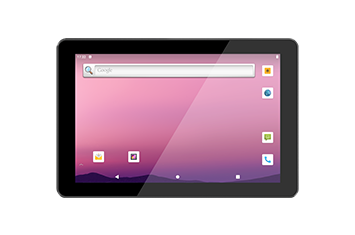
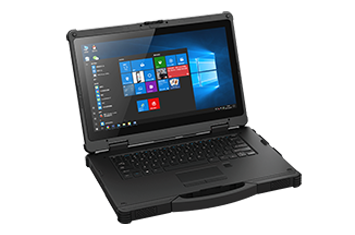
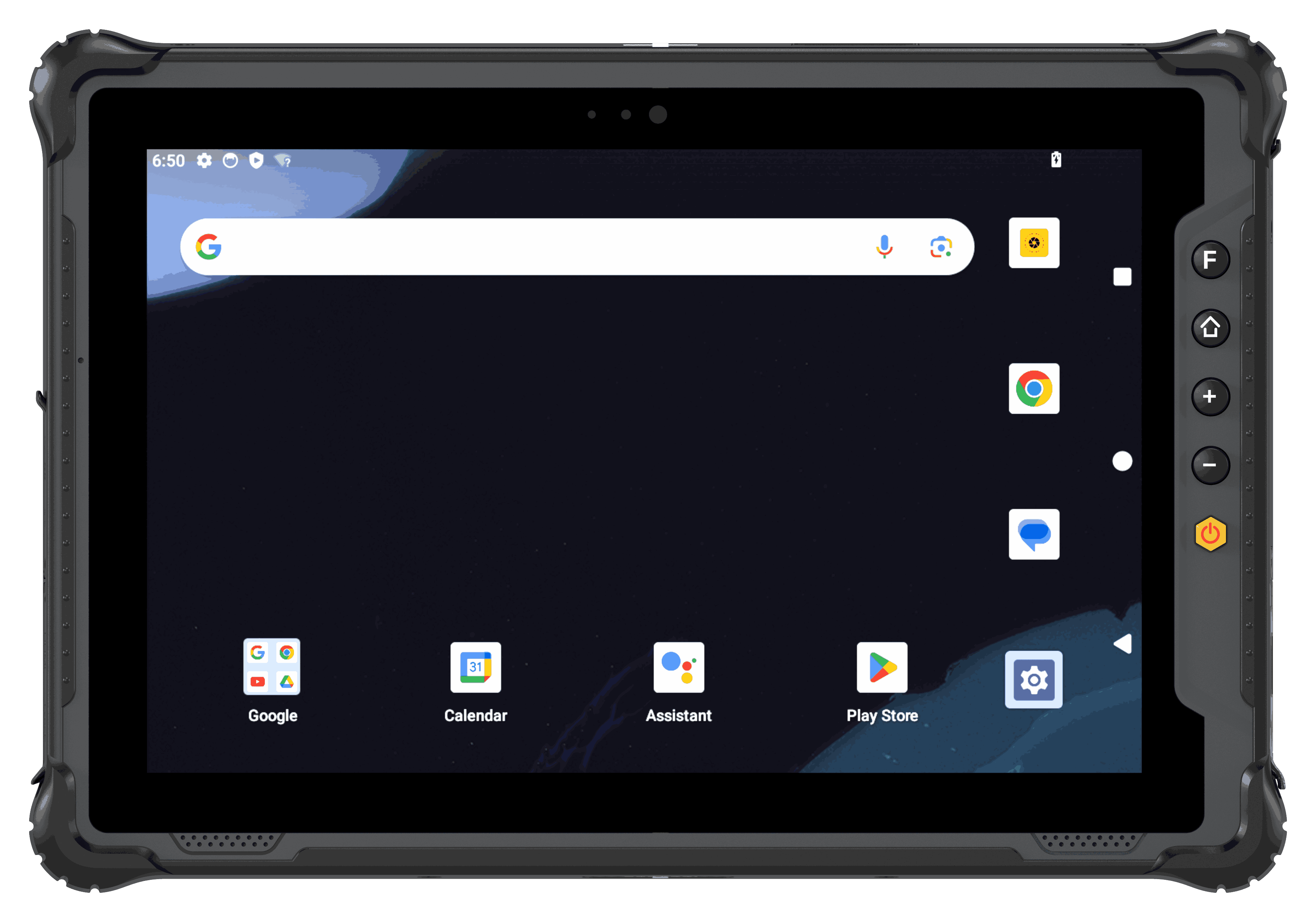 Rugged Tablet
For tablet fleets used in inspection, warehouse, vehicle, production, and field service work.
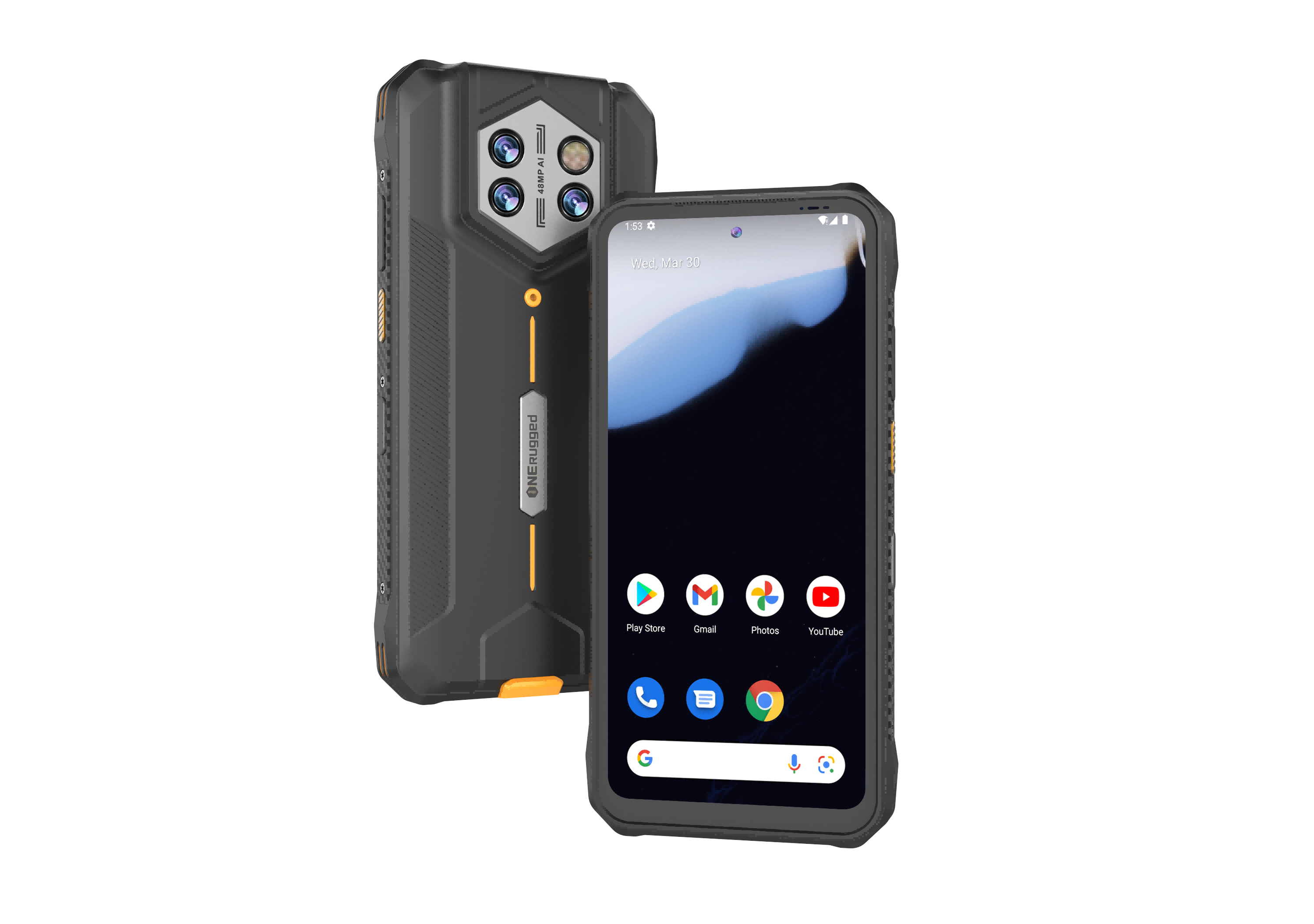 Rugged Handheld
For handheld fleets that need app control, barcode workflows, mobile data capture, and Android configuration.
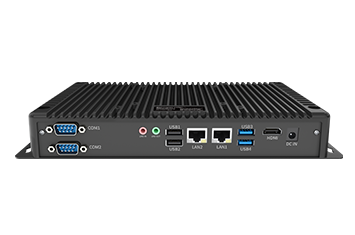
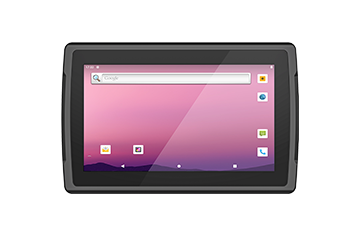 Vehicle PC
For vehicle-mounted terminals where update timing, user access, location, and site operation rules matter.
Application Scenarios
Use Key Mapper where speed and one-hand operation matter
Key Mapper supports warehouse, logistics, inspection, retail, and field service teams that repeat scan, launch, confirm, or shortcut actions.
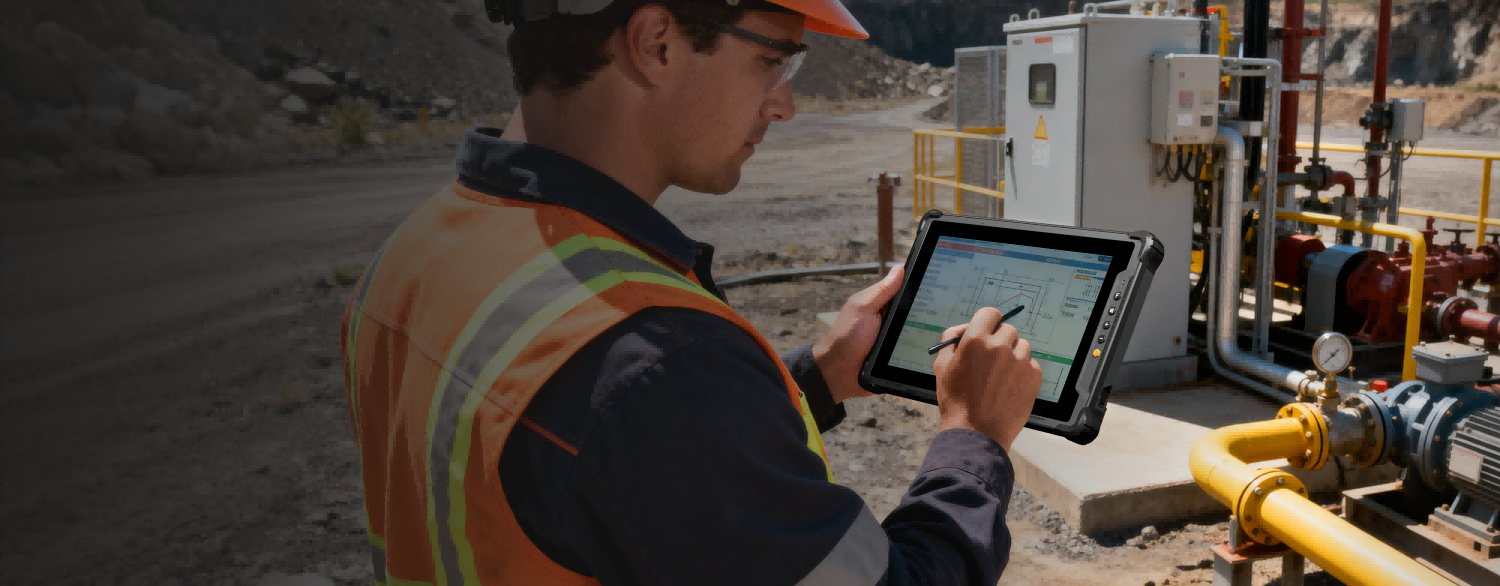 Energy and Utilities
Rugged Devices for Field Inspection, Grid Maintenance, and Utility Operation
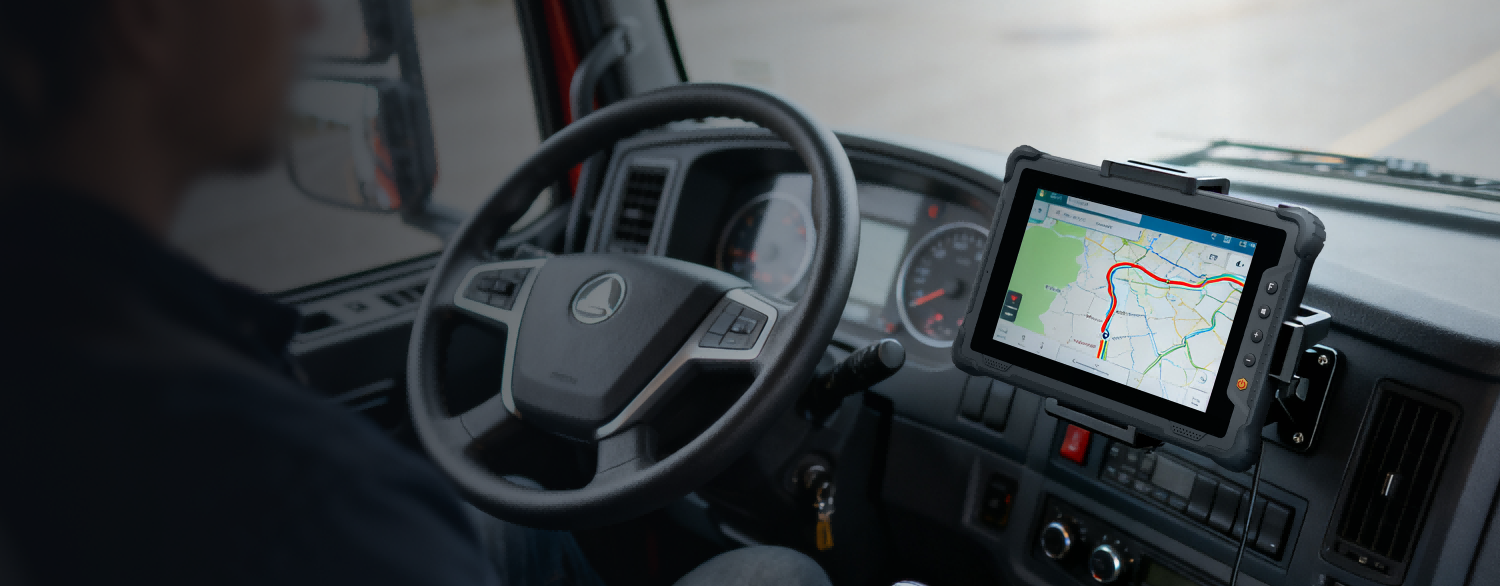 Vehicle Management
Maintain vehicle-mounted devices with controlled apps, stable update planning, and location-aware operation policies.
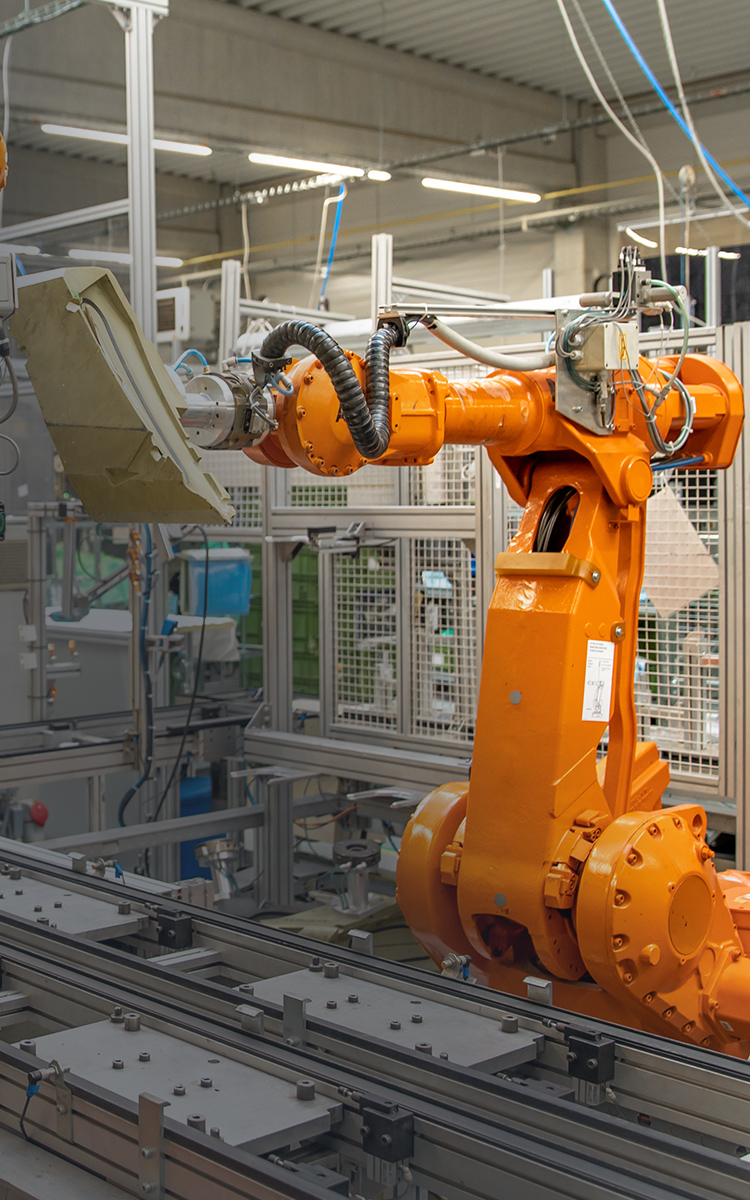 Manufacturing
Standardize terminals used for production records, inspection, maintenance, and factory information workflows.
 Retail and Service
Keep devices focused on scanning, approved apps, inventory checks, and mobile service workflows.
Software FAQ
Questions before using Key Mapper
These questions keep the page focused on software planning and project fit.
Key Mapper lets administrators customize hardware buttons on rugged Android devices to launch applications, trigger barcode scanning, capture screenshots, or perform other frequently used business actions.
Key Mapper supports single press, double press, long press, and key release actions, allowing different workflows to use the most efficient button behavior.
Yes. By assigning frequently used functions to physical buttons, Key Mapper reduces screen navigation and helps workers complete tasks faster, especially in logistics, warehousing, manufacturing, and field service.
Key Mapper is available on supported ONERugged rugged Android tablets and handheld computers, providing flexible button customization for enterprise deployments.
Software Support
Need physical keys mapped to field tasks?
Tell ONERugged your device family, operating system, fleet size, operating sites, and software requirements.