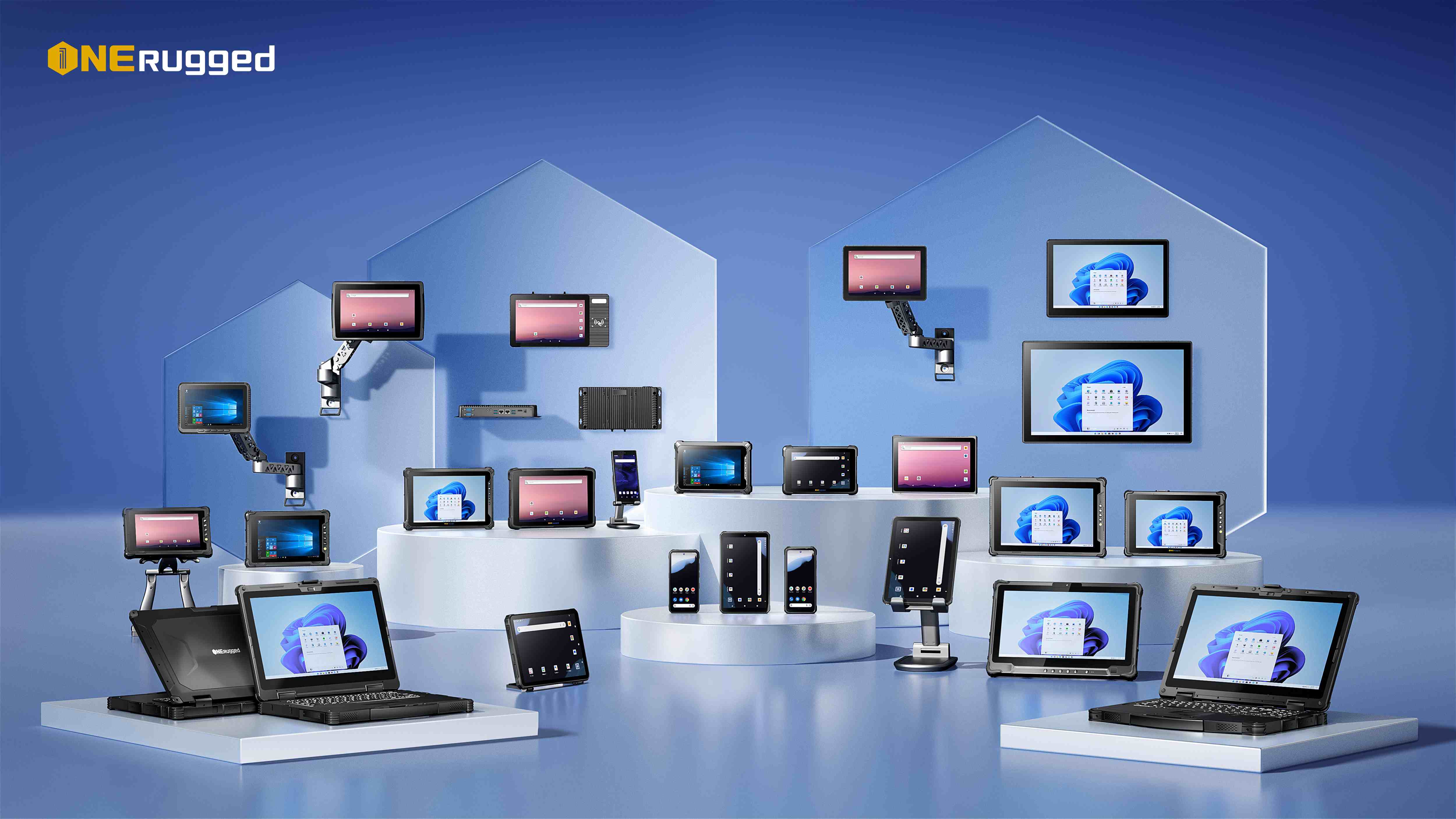
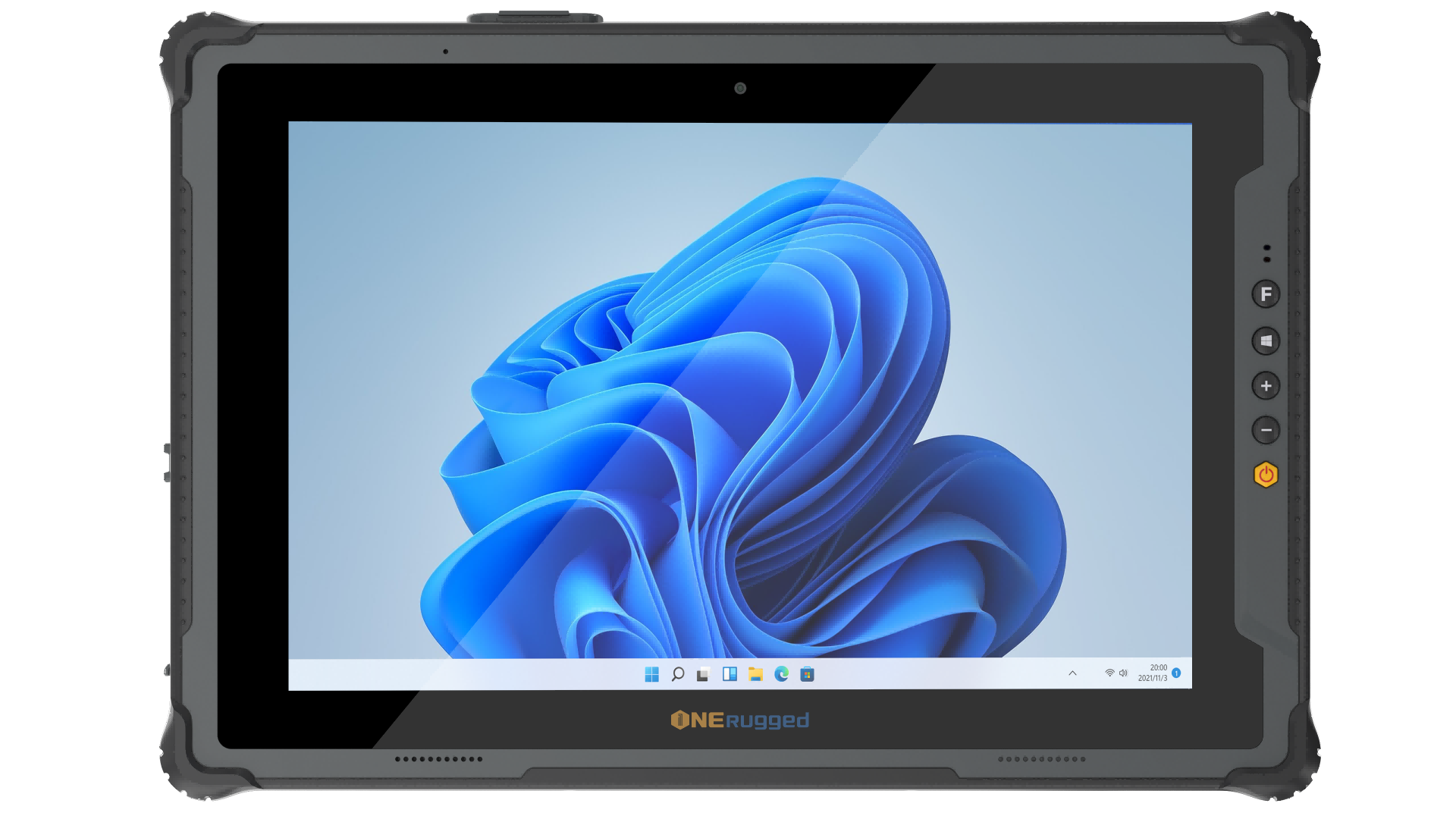
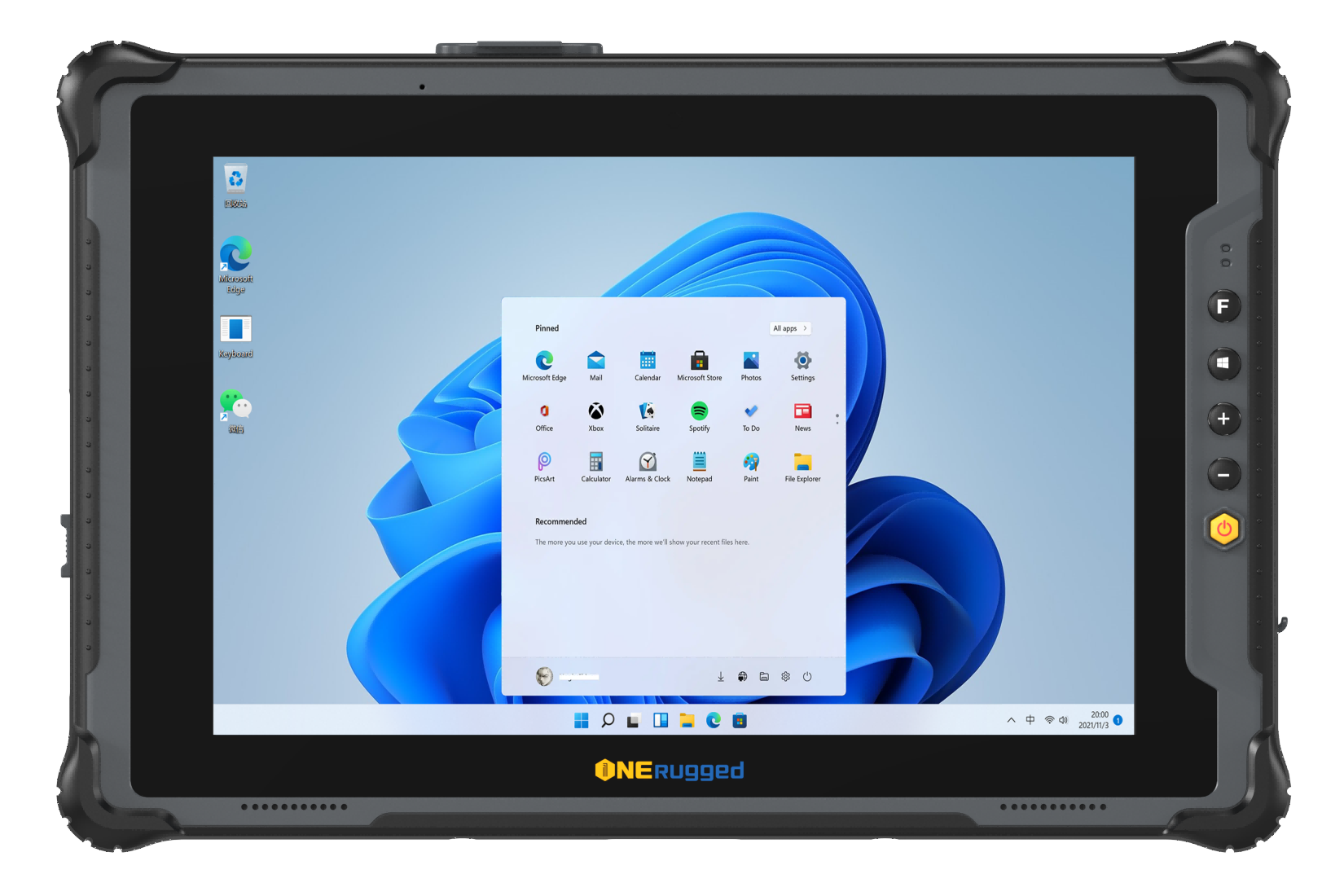
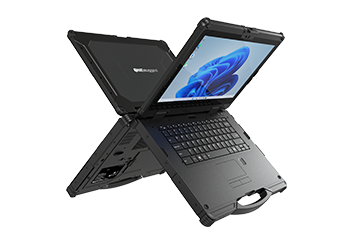
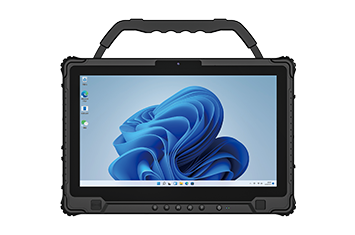
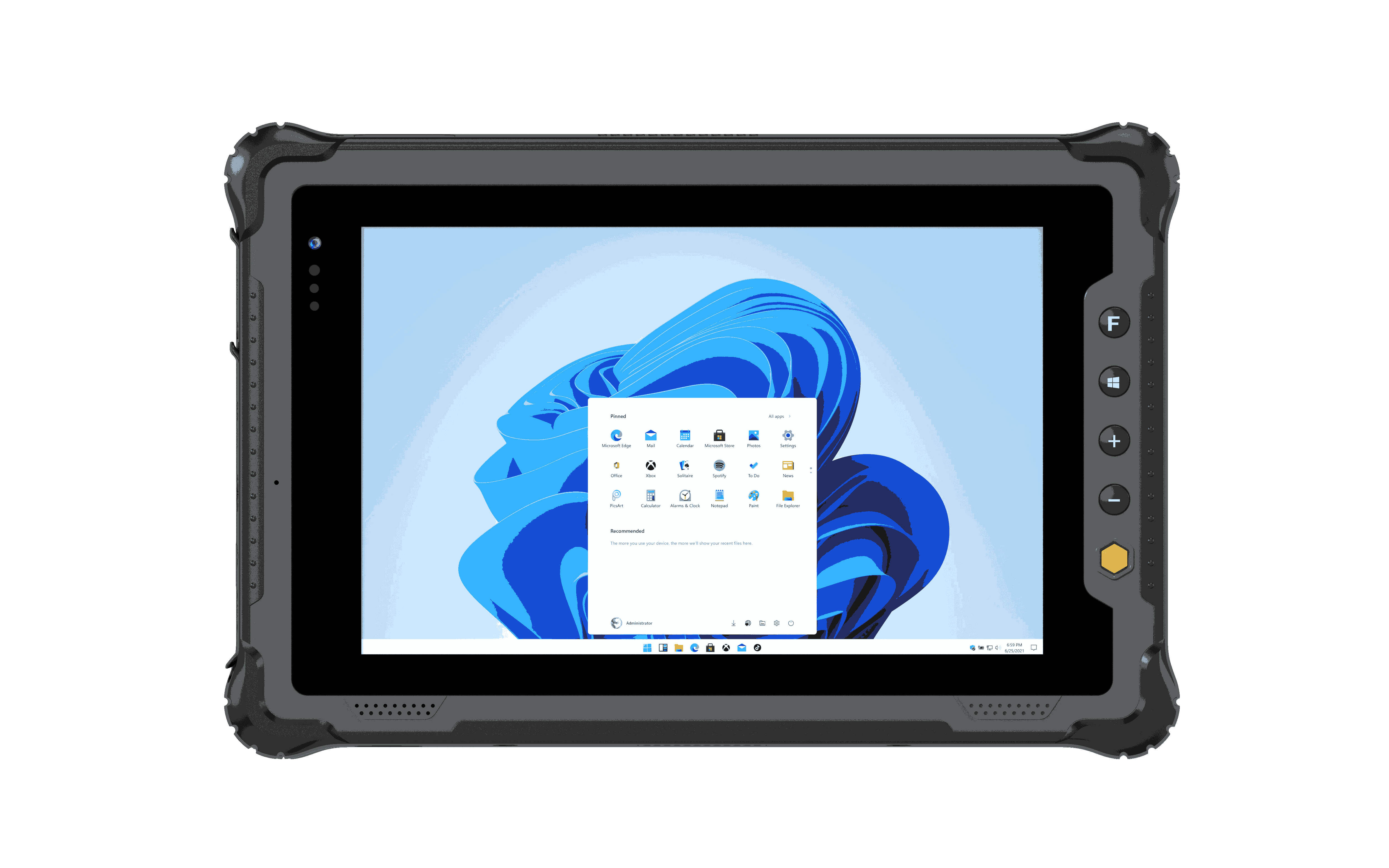
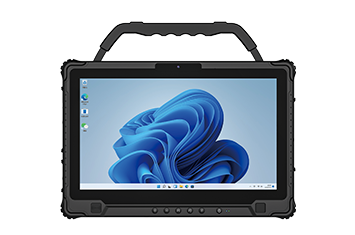
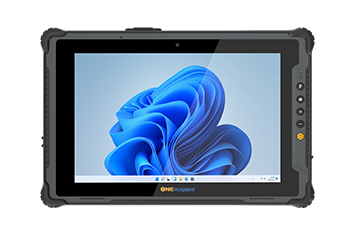
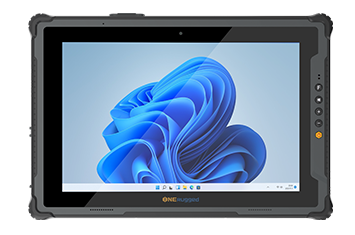
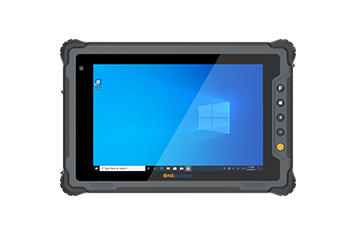
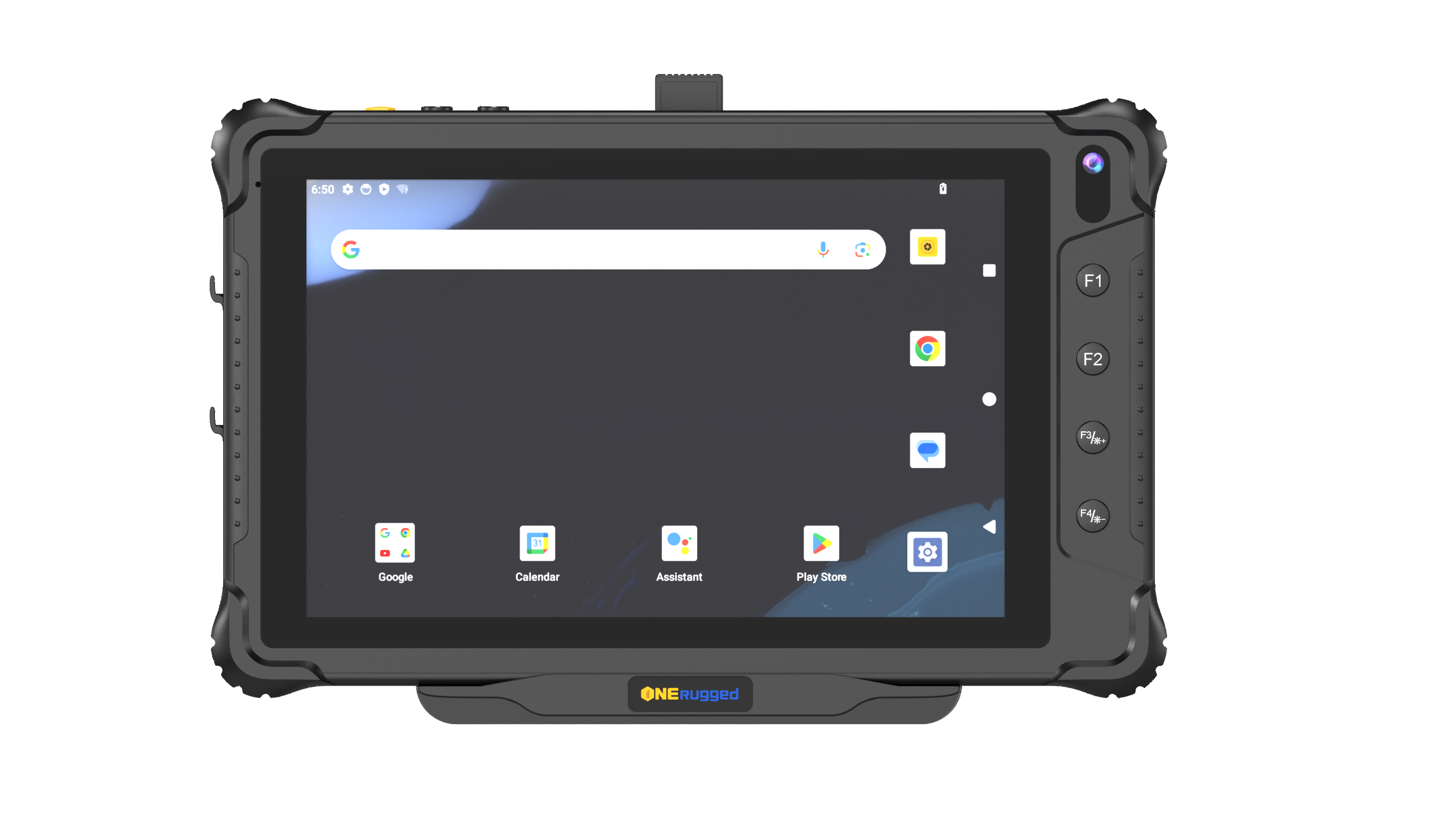
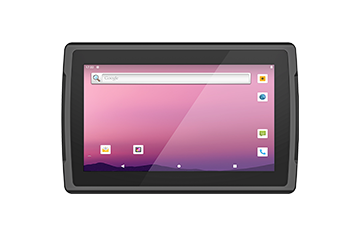
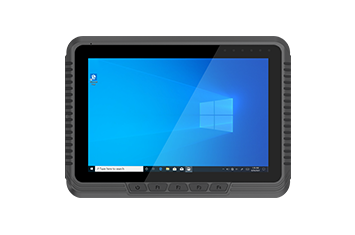
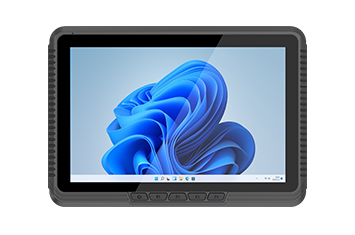
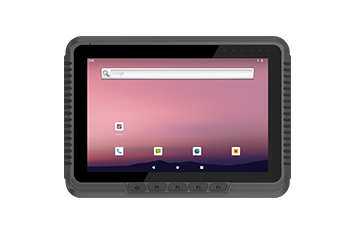
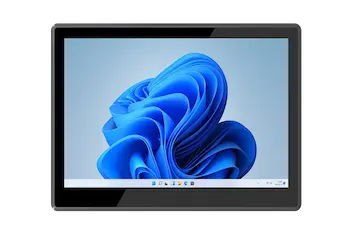
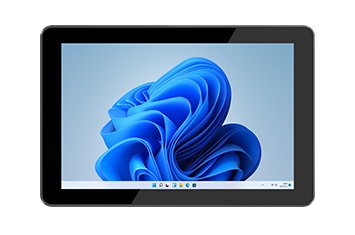
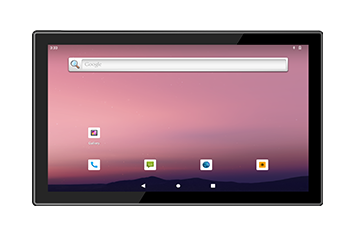
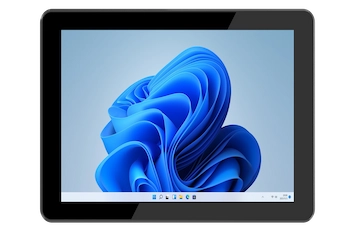
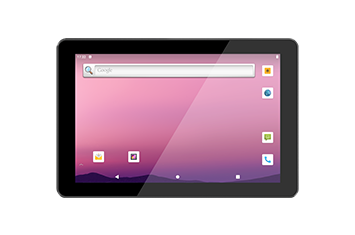
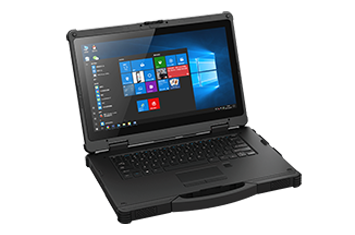
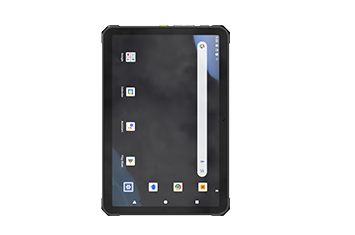
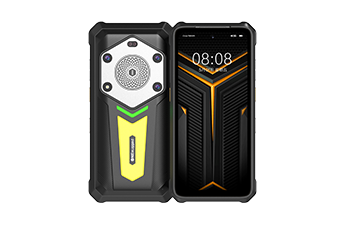
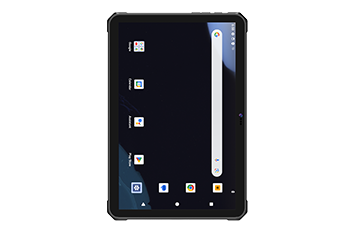
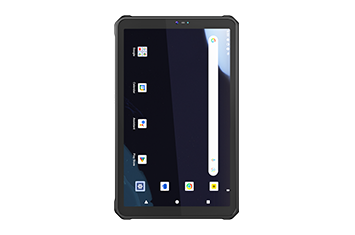
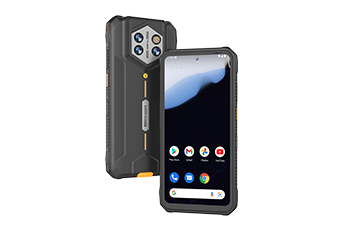
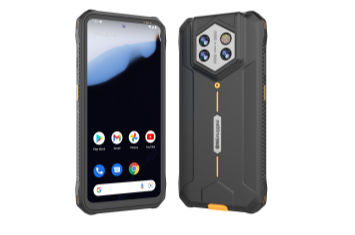
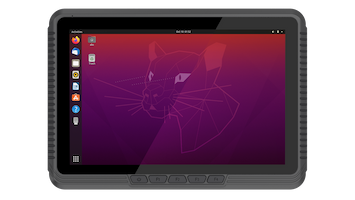








Select the right industrial panel PC with the appropriate screen size, touch technology, brightness, and front-panel durability for HMI applications, machine monitoring, and factory-floor operation.
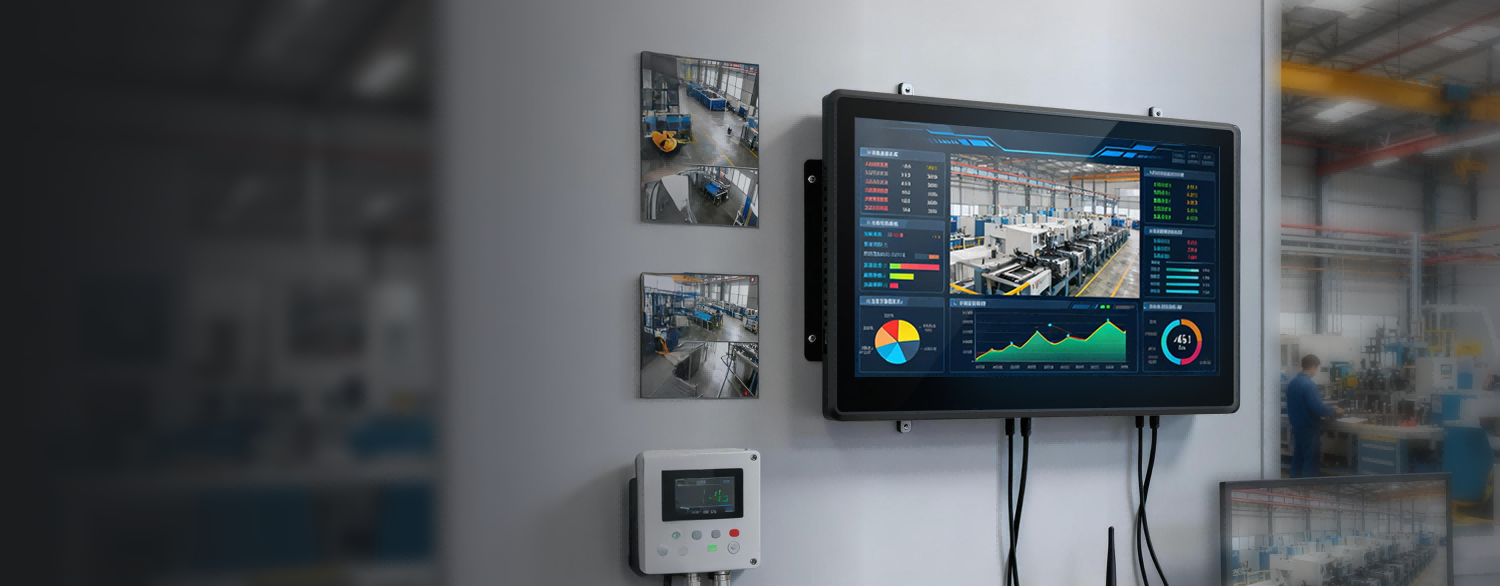
Designed for continuous industrial operation, our fanless industrial PCs deliver stable performance for HMI, machine control, and factory automation. Engineered to resist dust, vibration, and heat, they help manufacturers improve productivity while maintaining reliable equipment control.
Use the category filters to narrow down models by product family, specification groups, and keywords. The product center stays for navigation; this page handles model comparison.
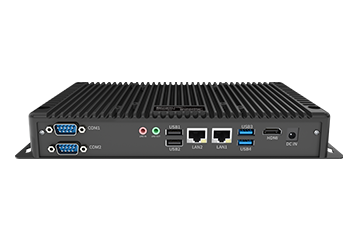
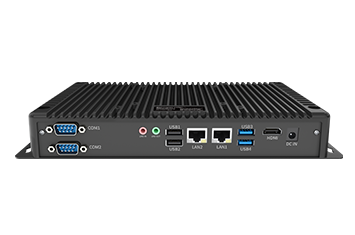
Evaluate thermal design, industrial interfaces, continuous operation, flexible installation, and system integration when selecting an industrial PC for factory automation and machine control.
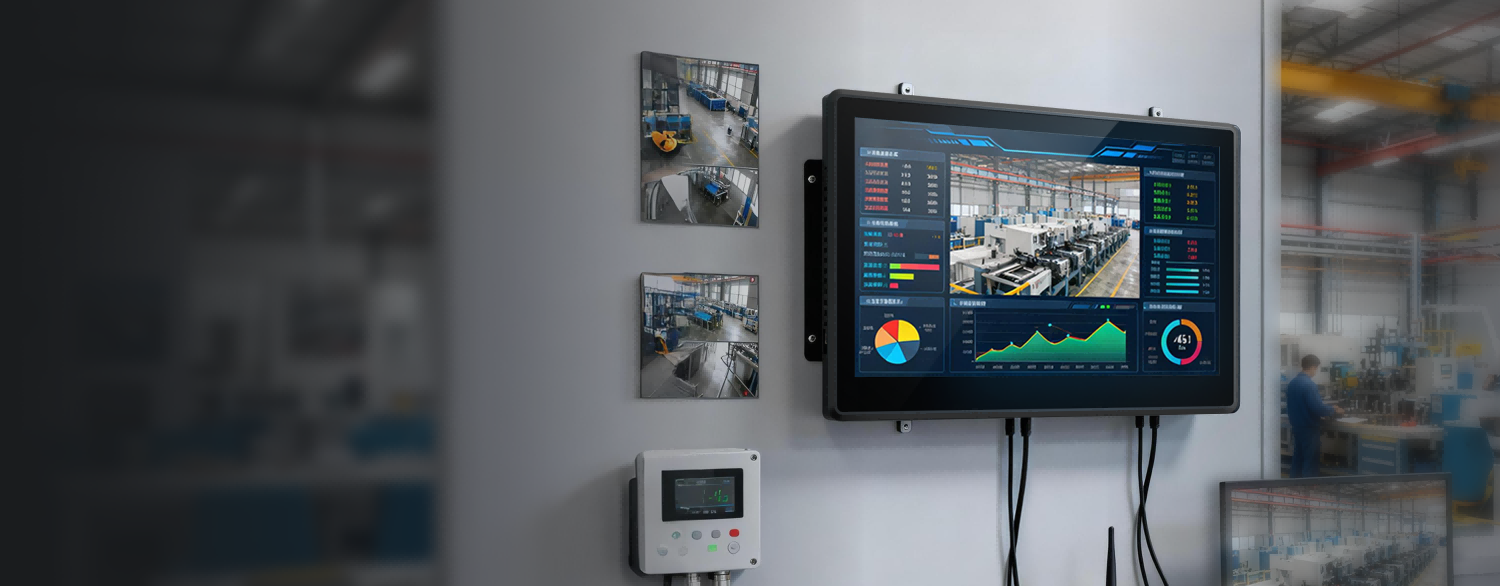
Select the right industrial panel PC with the appropriate screen size, touch technology, brightness, and front-panel durability for HMI applications, machine monitoring, and factory-floor operation.

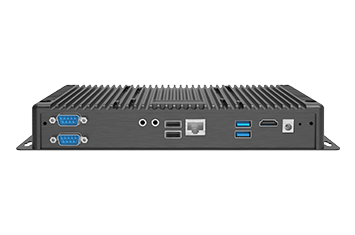
A reliable industrial PC should provide flexible industrial I/O, including RJ45, RS232, RS485, USB, GPIO, and LAN, to simplify integration with PLCs, sensors, production equipment, and factory networks.
A fanless industrial PC minimizes dust ingress while delivering efficient heat dissipation for continuous operation. The sealed architecture helps reduce maintenance and improves long-term reliability in demanding industrial environments.
Choose an industrial computer that supports Windows, Linux, or Android and integrates smoothly with MES, SCADA, ERP, HMI software, and machine control systems to accelerate factory digitalization.
Industrial computing projects often require flexible installation, configurable hardware, and long product life cycles. A scalable industrial panel PC simplifies equipment upgrades, edge computing deployment, and future factory expansion.
Factory teams need dependable terminals for HMI, equipment control, data collection, quality checks, and production visibility.
Retail
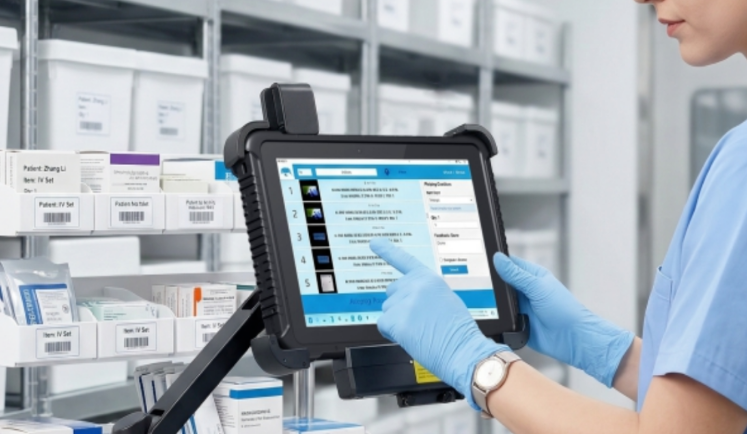
Optimize in-store operations and inventory management with ONERugged retail solutions. Discover rugged tablets and PDA devices with built-in barcode scanners.
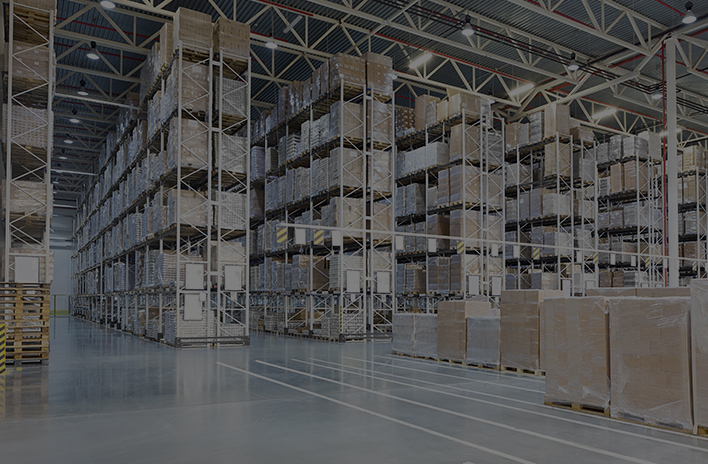
Warehouse Management
Optimize warehouse and freight operations with ONERugged. Discover vehicle mounted terminals, forklift computers, and tablets with built-in barcode scanners.
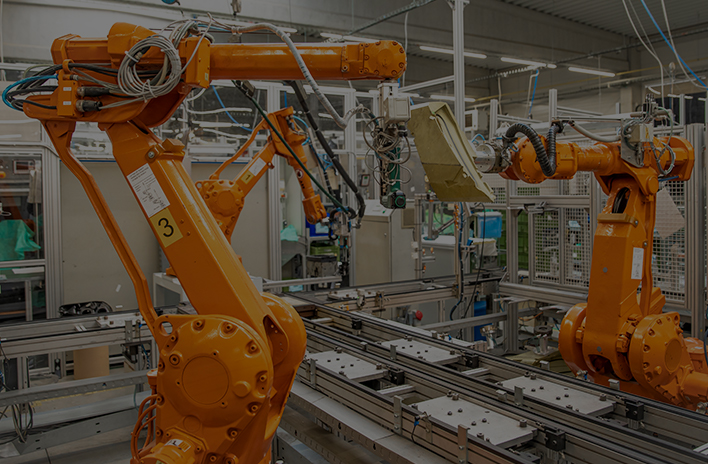
Manufacturing
Optimize factory automation and CNC operations with ONERugged. Discover durable industrial panel PCs, fanless computers, and advanced HMI displays.
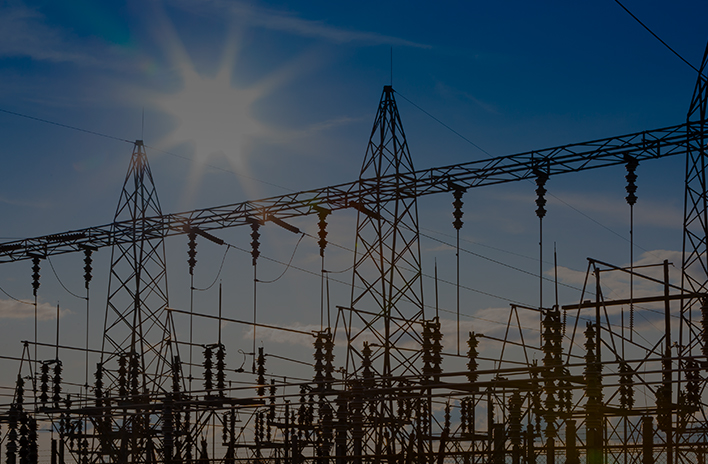
Energy and Utilities
Optimize field operations and grid maintenance with ONERugged. Discover durable rugged notebooks, sunlight readable tablets, and hot-swappable battery devices.
Use ONERugged software capabilities to manage devices, control apps, map keys, and support field productivity.
Support OS images, I/O expansion, mounting accessories, vehicle deployment, and project-based configuration.
Customer Success Stories
See how businesses deploy rugged devices to improve operational efficiency, workforce mobility, and digital transformation across industries.
Download Catalog
Browse product catalogs, specification sheets, and model comparison resources for easier product evaluation.
Resource Center
Explore buying guides, industry insights, deployment tips, and technical articles to help you evaluate rugged computing solutions.
Contact Experts
Get product recommendations, customization advice, and project consultation from our rugged computing specialists.
Key considerations for selecting panel PCs and embedded terminals for production and automation environments.
In procurement projects: Panel PC is used for human-machine interaction (HMI) on-site Box PC is used as a backend controller inside machines or cabinets Selection depends on whether users need a touch interface
Match the screen to viewing distance, operator workflow, mounting position, and amount of production data shown.
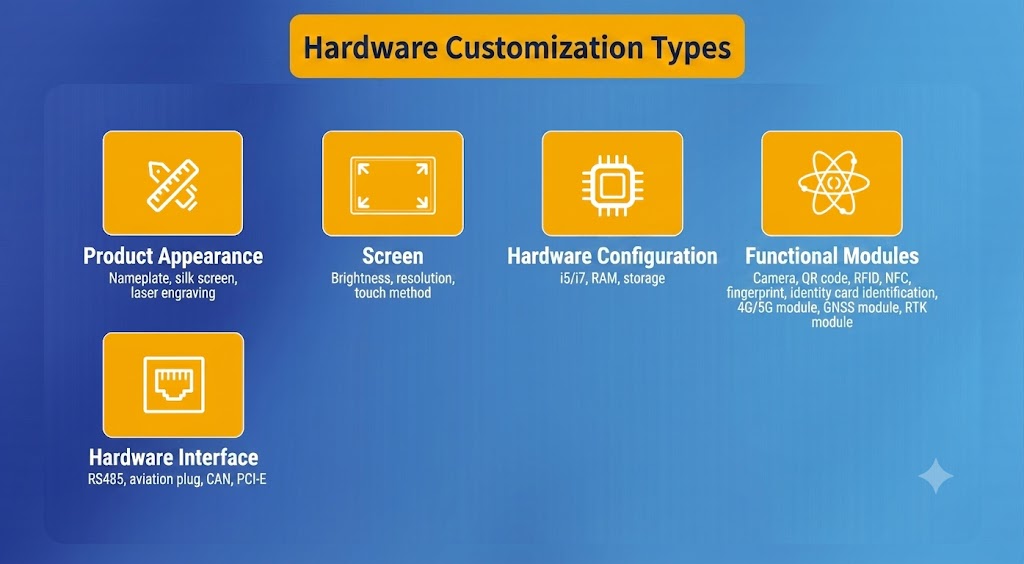
Yes. Industrial panel PC solutions can be customized based on project requirements such as: Screen size selection Interface configuration (USB/COM/Ethernet) Mounting type for factory installation System pre-installation (Windows/Linux)
1.Installation environment (dust, heat, vibration) 2.Required touch operation (HMI usage) 3.Continuous operating hours (24/7 or shift-based) 4.Integration with existing automation systems
Share your display size, mounting method, operating system, interface requirements, and factory software environment for a project-fit recommendation.