
Modern field operations demand more from mobile computing devices than a standard consumer tablet can provide. Warehouses, manufacturing floors, construction sites, logistics fleets, and field service teams often work in environments where dust, water, vibration, drops, temperature changes, and long shifts are part of everyday operations.
A rugged tablet is designed for these conditions. Unlike a consumer tablet protected by an external case, an industrial rugged tablet is engineered around durability, reliable connectivity, long-term operation, and integration with enterprise workflows.
But the best rugged tablet is not necessarily the most powerful or most expensive model. The right choice depends on your operating system, work environment, screen size, connectivity, battery requirements, data capture needs, and accessories.
This guide explains how to choose a rugged tablet for enterprise operations and compares leading options for field service, warehouse, manufacturing, logistics, and construction applications.
There is no single best rugged tablet for every business.
Field service: Choose a compact rugged tablet with GPS, LTE/5G, a bright display, long battery life, and glove-friendly touch.
Warehouse and inventory: Prioritize an Android rugged tablet with barcode scanning, Wi-Fi, NFC/RFID options, and vehicle or forklift mounting.
Manufacturing: A Windows rugged tablet with industrial ports and compatibility with enterprise or factory software is often the better choice.
Construction: Look for a waterproof rugged tablet with strong drop protection, sunlight-readable display, glove touch, and reliable wireless connectivity.
Logistics: Choose a rugged tablet that supports vehicle mounting, GPS, cellular connectivity, barcode scanning, and long operating shifts.
For enterprise deployments, the best device is the one that fits the workflow rather than simply offering the longest specification list.
A rugged tablet is a tablet computer specifically designed to operate in demanding environments. Its chassis, ports, display, battery system, and internal components are designed to provide greater protection and reliability than standard consumer tablets.
A professional rugged tablet typically combines:
Dust and water resistance
Reinforced housing
Drop and vibration protection
Sunlight-readable display
Glove and wet-touch support
Long battery life
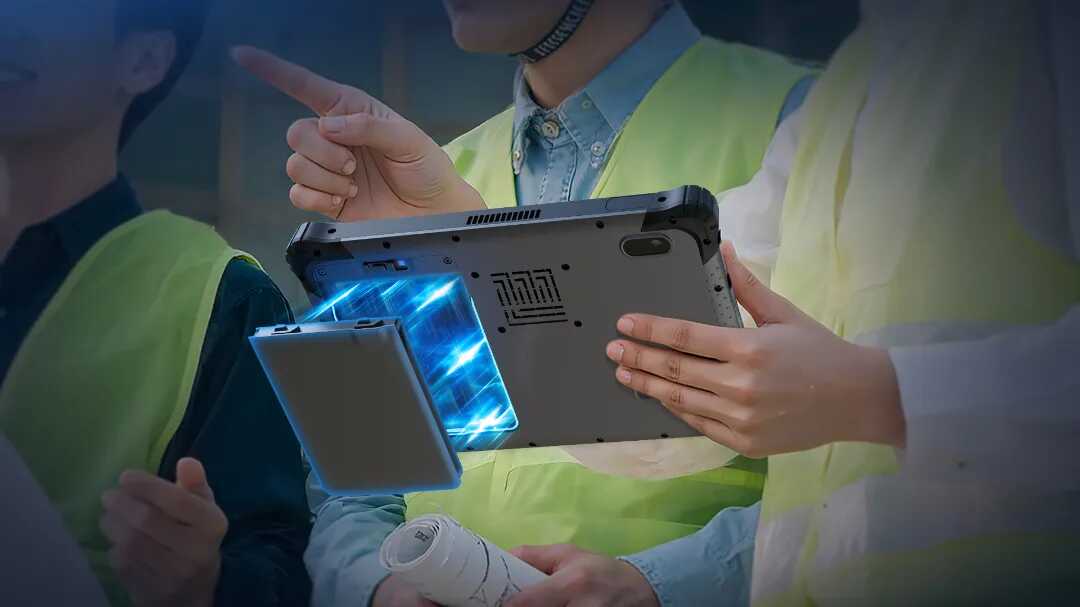
Replaceable or hot-swappable battery options
Wi-Fi, Bluetooth, GPS, and cellular connectivity
Industrial expansion ports
Barcode scanner, RFID, or NFC options
Vehicle and desktop docking solutions
This makes rugged tablet PCs suitable for enterprise mobility, mobile workforce deployments, industrial data collection, and field operations.
A consumer tablet with a protective case can be sufficient for light-duty applications, but it is not equivalent to a purpose-built rugged tablet.
| Feature | Rugged Tablet | Consumer Tablet + Case |
|---|---|---|
| Drop protection | Integrated into device design | Primarily provided by case |
| Dust and water protection | Sealed enclosure | Depends on device and case |
| Glove touch | Common on industrial models | Often limited |
| Hot-swappable battery | Available on some models | Rare |
| Industrial ports | Available on selected models | Limited |
| Barcode/RFID options | Available | Usually external |
| Vehicle mounting | Industrial docks available | Usually third-party |
| Long-term enterprise deployment | Designed for it | Depends on platform |
For continuous field use, a purpose-built rugged tablet can reduce device downtime and provide a more complete hardware ecosystem.
Selecting a rugged tablet should start with the actual working environment rather than the processor or price.
The operating system determines which business applications the tablet can run and how easily it can integrate into an existing IT environment.
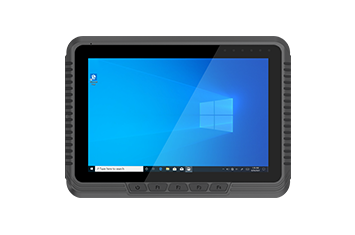
A Windows rugged tablet is a strong choice when employees need desktop-class enterprise software, legacy applications, diagnostic tools, GIS applications, SCADA interfaces, or other Windows-based systems.
Windows rugged tablets are particularly suitable for:
Manufacturing
Engineering
Field service
Utilities
Industrial maintenance
Enterprise applications
For organizations already using Windows-based infrastructure, a rugged Windows tablet can simplify software compatibility and deployment.
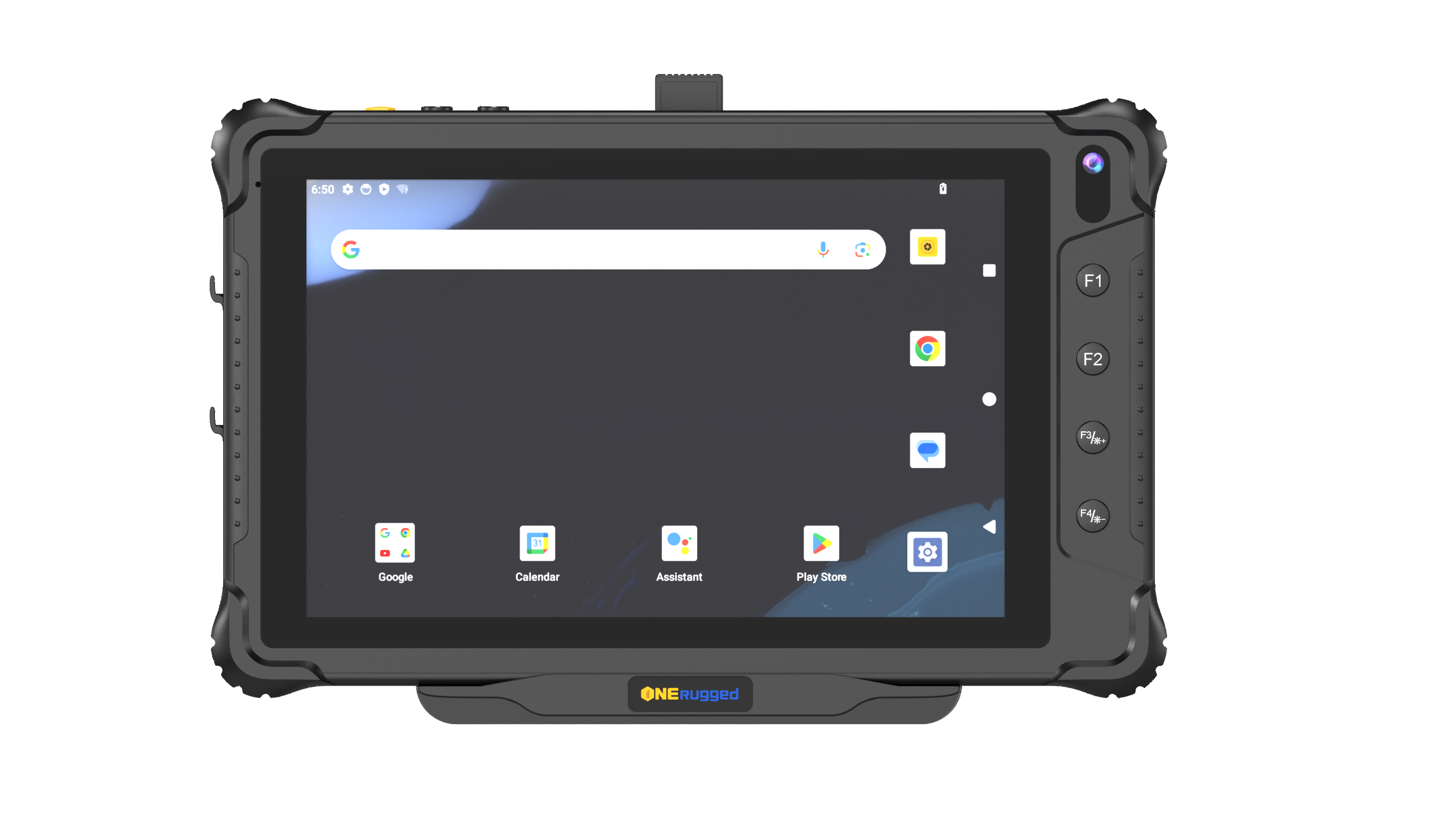
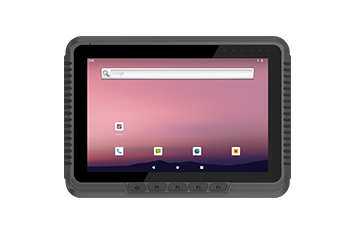
An Android rugged tablet is often preferred for mobile data collection, warehouse operations, logistics, retail, and frontline work.
Android rugged tablets are well suited to:
Barcode scanning
Inventory management
Warehouse management systems
Delivery operations
Mobile workforce applications
Field data collection
Android can also provide a familiar touchscreen experience for large frontline teams.
A Linux rugged tablet can be considered for specialized deployments that require Linux-based software environments, embedded applications, or customized system configurations.
Screen size affects portability, visibility, data entry, and application usability.
A 6 inch rugged tablet or 8 inch rugged tablet is suitable for highly mobile workers who frequently carry the device.
Best for:
Field service
Inventory
Delivery
Inspections
Maintenance
A 10 inch rugged tablet provides a practical balance between portability and screen space.
It is a strong choice for:
Warehouse operations
Logistics
Construction
Manufacturing
Field service
For many enterprise deployments, a 10 inch rugged tablet is the most versatile form factor.
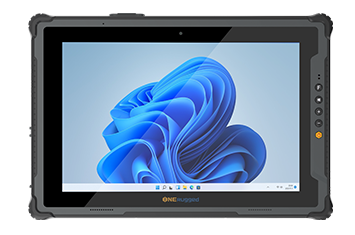
A 12 inch rugged tablet provides more workspace for drawings, maps, engineering applications, documents, and detailed inspection information.
A 12 inch rugged Windows tablet is particularly useful when workers need a larger desktop-style workspace without carrying a traditional laptop.
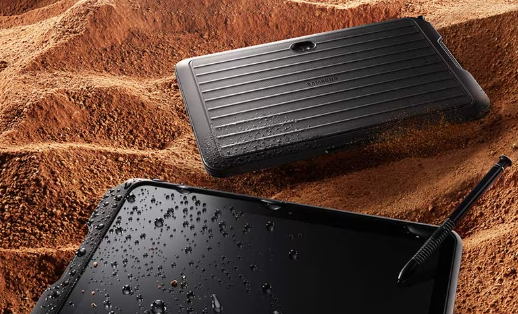
For outdoor and industrial operations, water and dust protection are critical.
An IP65 rugged tablet provides protection against dust and water jets, while higher-rated models can provide additional protection against temporary water immersion depending on the manufacturer's specifications.
Choose the protection level according to the actual environment:
Indoor warehouse → Moderate protection may be sufficient
Outdoor field service → Higher dust and water protection is recommended
Construction → Strong protection against dust, rain, and accidental drops
Extreme environments → Consider fully rugged configurations and application-specific certifications
The goal is not simply to choose the highest IP rating. It is to match the device to the actual operating conditions.
Outdoor workers need to see information clearly under changing lighting conditions.
A rugged tablet for field service or construction should ideally offer:
High-brightness display
Anti-glare characteristics
Glove touch
Wet-touch support
Durable cover glass
Stylus support when required
For workers wearing gloves or operating equipment in rain, glove and wet-touch support can be just as important as screen resolution.
A tablet that runs out of power during a work shift can interrupt an entire workflow.
For long-shift operations, consider:
Large-capacity battery
Replaceable battery
Hot-swappable battery
Vehicle charging
Desktop docking
Fast charging
Hot-swappable battery systems are especially useful for field service, warehouse, logistics, and other applications where workers cannot stop for extended charging periods.
Enterprise workers may need to stay connected across warehouses, vehicles, factories, and remote locations.
Depending on the deployment, consider:
Wi-Fi
Bluetooth
GPS/GNSS
NFC
RFID
4G LTE
5G
Ethernet
Serial interfaces
A rugged tablet with GPS is useful for field service, fleet operations, inspection, and logistics.
A rugged tablet with 4G LTE or 5G can maintain connectivity when workers move outside traditional Wi-Fi coverage.
For warehouse and logistics operations, data capture can be more important than raw processing power.
A rugged tablet with barcode scanner can allow workers to scan inventory, packages, assets, or shipping labels directly from the device.
Depending on the workflow, businesses may also need:
1D/2D barcode scanning
RFID
NFC
Camera-based scanning
Dedicated scanner buttons
For high-volume inventory operations, dedicated hardware scanning is generally more practical than relying entirely on a standard camera.
Enterprise mobility often requires more than the tablet itself.
Depending on the application, check for:
USB
Ethernet
Serial ports
HDMI/DisplayPort
Expansion interfaces
Pogo-pin docking
Hand straps
Shoulder straps
Vehicle docks
Forklift mounts
Desktop cradles
Keyboards
A tablet used in logistics may need to move between a forklift and warehouse floor. A modular docking ecosystem can make that transition much easier.
The following models represent different enterprise requirements rather than one universal ranking.
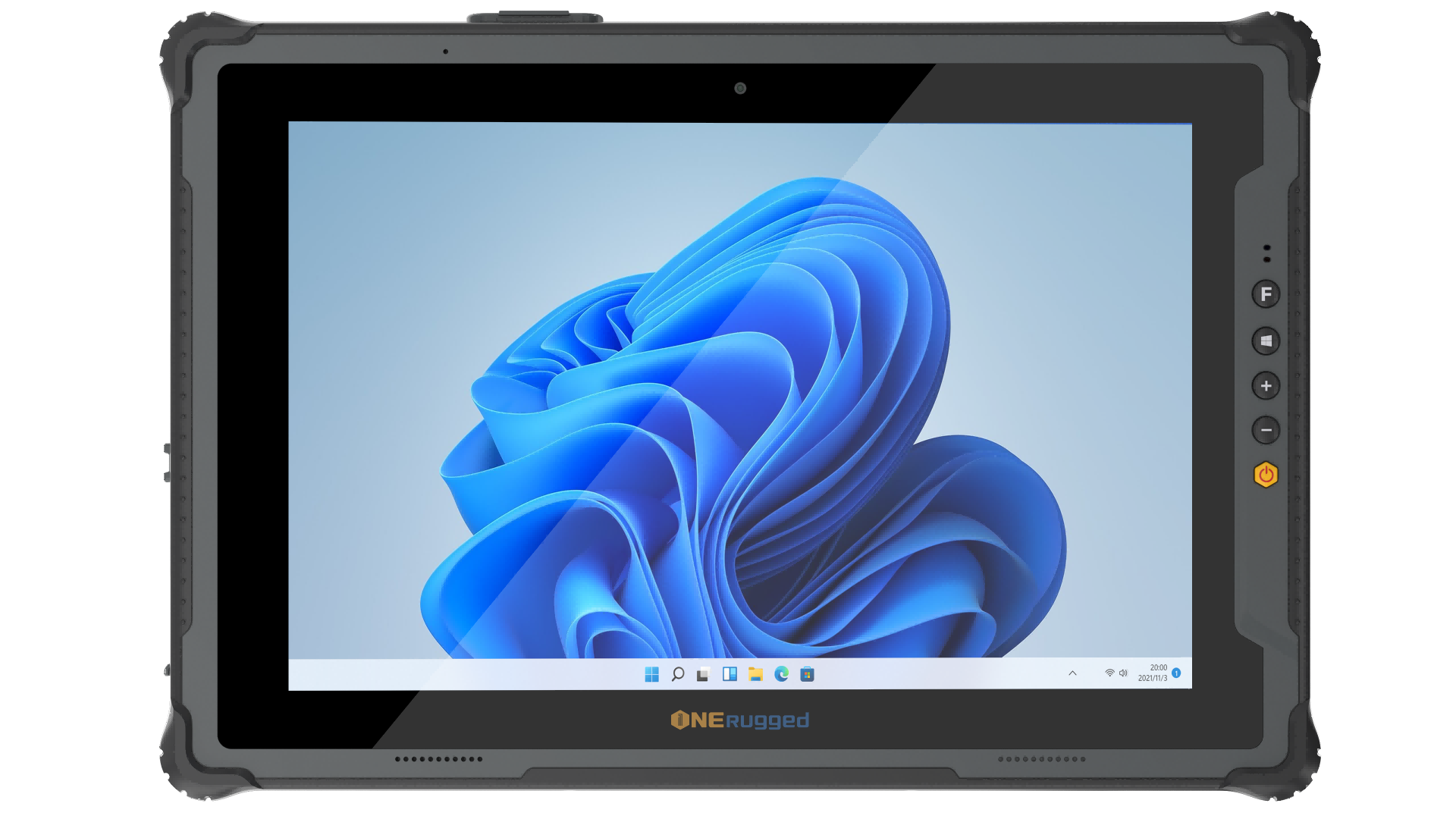
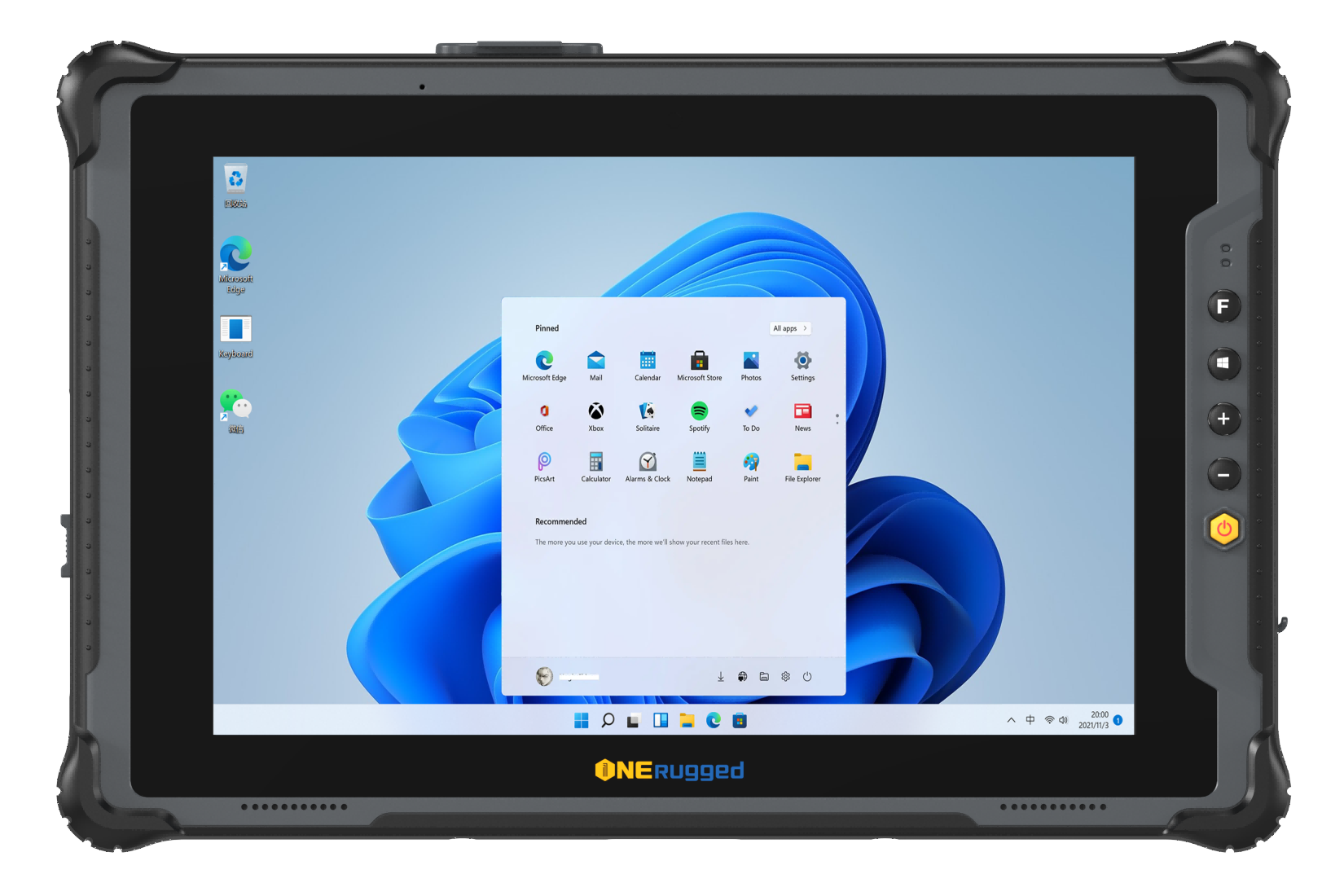
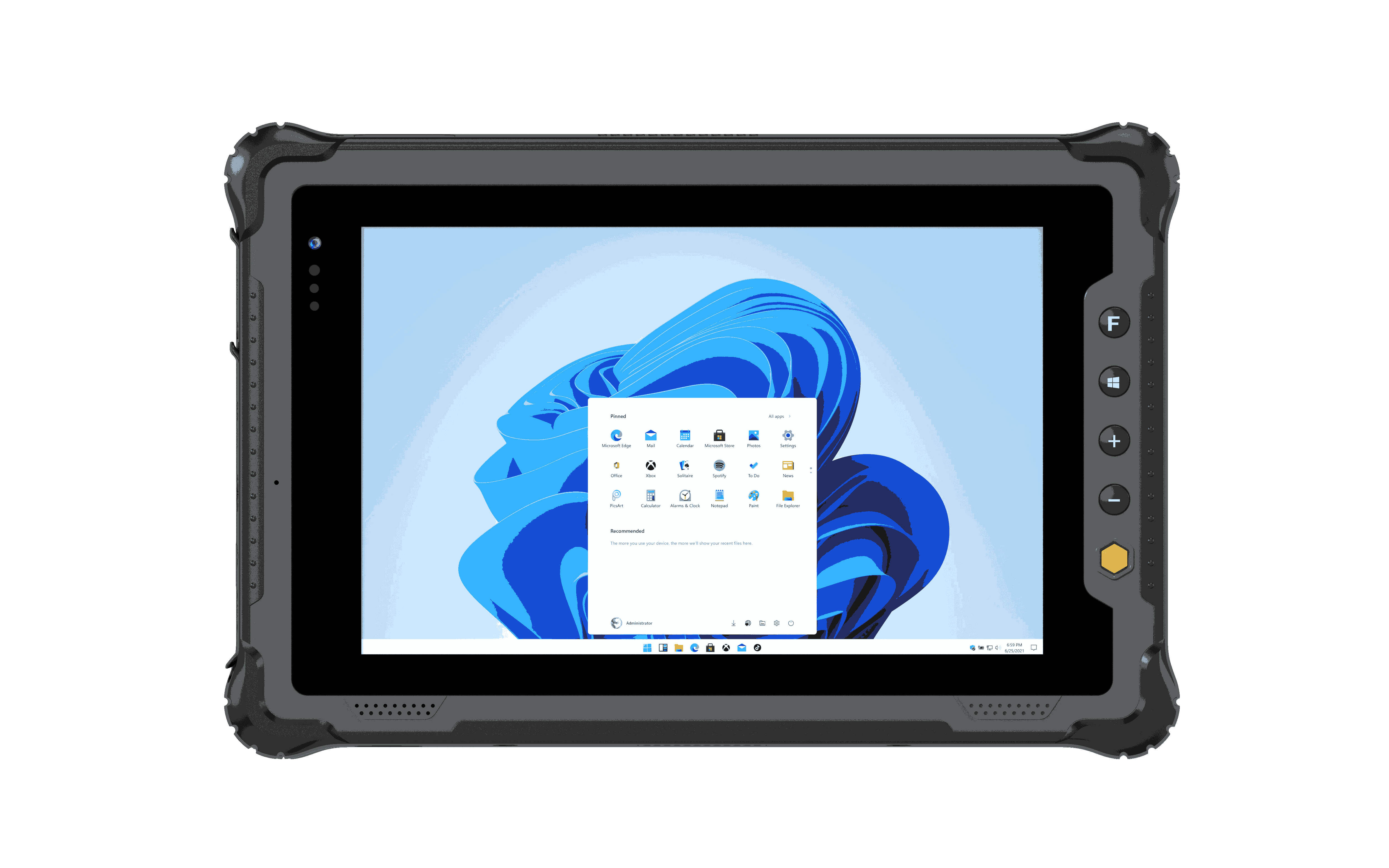
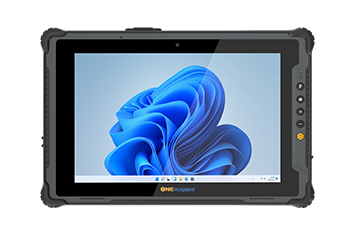
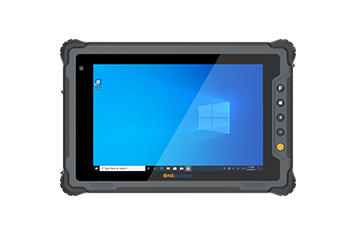
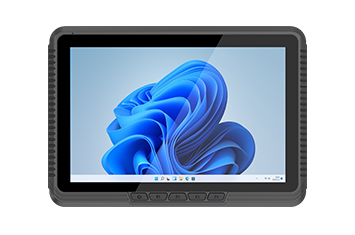
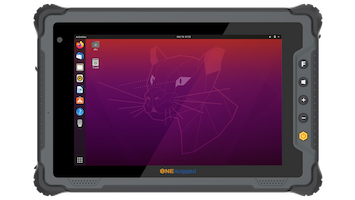
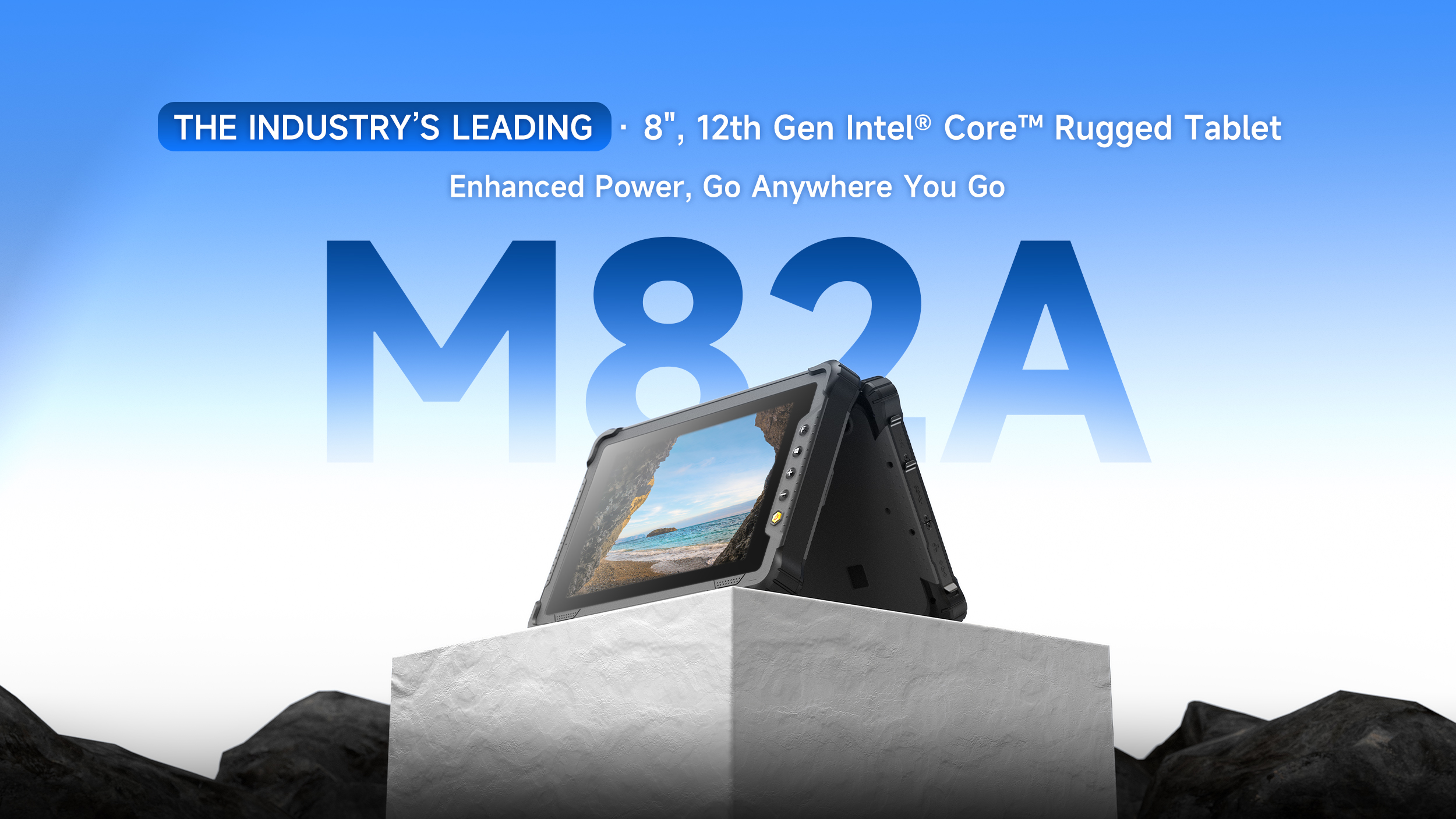
The ONERugged M82A is an 8-inch rugged tablet designed for organizations that need Windows computing in a compact mobile form factor.
Powered by a 12th Gen Intel Core processor and supporting Windows 11 IoT, the M82A is suitable for field data collection, logistics, maintenance, and enterprise applications that require a Windows environment.
Field service
Logistics
Manufacturing
Enterprise data collection
Compact 8-inch form factor
Windows 11 IoT support
Intel Core processing
Industrial expansion options
Portable design for extended field use
The M82A is a practical choice for businesses that need the flexibility of a Windows rugged tablet without moving to a larger laptop-style device.
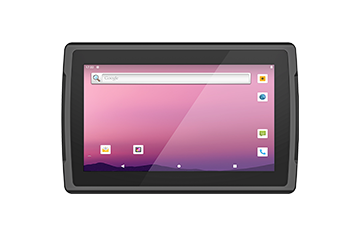
The Samsung Galaxy Tab Active5 is an Android rugged tablet designed for mobile workers who need a familiar Android environment combined with enterprise-oriented durability and connectivity.
Its compact form factor makes it suitable for field operations, logistics, utility maintenance, and frontline communication.
Field service
Logistics
Retail
Last-mile operations
Android platform
Compact design
Cellular connectivity options
Stylus support
Glove-friendly operation
The Galaxy Tab Active5 is a strong option for organizations that prioritize Android applications, mobility, and communication in frontline environments.
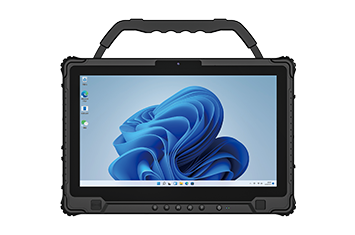
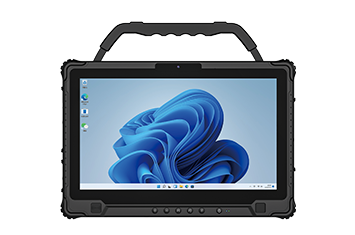
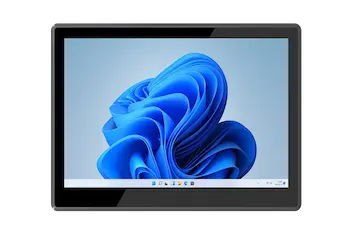
The Dell Latitude 7230 Rugged Extreme is designed for users who need a larger screen and Windows computing capabilities in demanding environments.
Its 12-inch display provides more workspace for engineering information, mapping, documentation, and other data-intensive applications.
Engineering
Public safety
Oil and gas
Heavy industrial applications
12-inch display
Windows platform
High-brightness display
Wi-Fi connectivity
Industrial ports and expansion options
The Latitude 7230 is better suited to users who prioritize screen size, Windows performance, and connectivity over compact handheld portability.
| Feature | ONERugged M82A | Galaxy Tab Active5 | Dell Latitude 7230 |
|---|---|---|---|
| Platform | Windows 11 IoT | Android | Windows |
| Screen class | 8 inch | Compact | 12 inch |
| Best for | Field operations | Frontline mobility | Engineering |
| Connectivity | Wi-Fi, Bluetooth, optional LTE | 5G, Wi-Fi | Wi-Fi, optional cellular |
| Rugged protection | IP-rated design | IP68 | IP-rated design |
| Barcode workflow | Optional configuration | Accessory/application dependent | Accessory/application dependent |
| Best use case | Enterprise field work | Logistics & frontline work | Heavy industrial work |
The most important comparison is not which model has the longest specification list. Instead, match the tablet to the software, environment, mobility requirements, and accessories required by your operation.
A rugged tablet for field service should combine portability with reliable connectivity and all-day operation.
Recommended features include:
GPS/GNSS
4G LTE or 5G
High-brightness display
Glove touch
Camera
Long battery life
Windows or Android compatibility
Field technicians can use rugged tablets for work orders, inspection reports, equipment diagnostics, navigation, and customer documentation.
A rugged tablet for warehouse operations should prioritize fast data capture and reliable wireless communication.
Important features include:
Barcode scanner
RFID/NFC
Wi-Fi
Vehicle or forklift mounting
Long battery life
WMS compatibility
Ergonomic handling
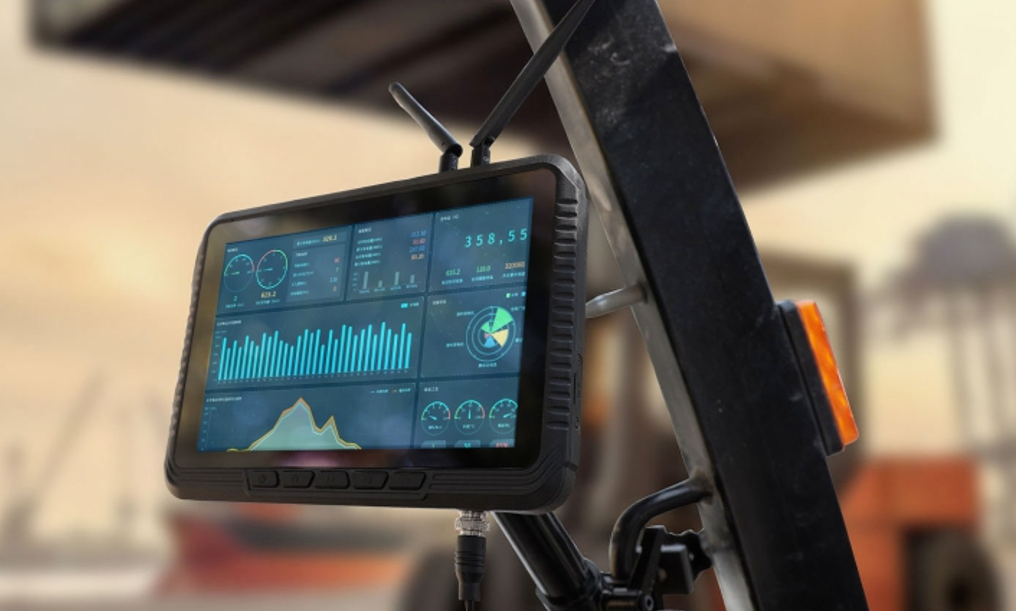
For forklift operations, a rugged vehicle tablet or detachable tablet can provide a better workflow than a device permanently fixed inside the vehicle.
A rugged tablet for manufacturing should integrate with existing production and industrial systems.
Depending on the application, look for:
Windows support
Industrial I/O
Ethernet
Serial communication
Barcode scanning
Bright display
Mounting options
Manufacturing teams can use rugged tablets for production monitoring, equipment maintenance, quality inspection, machine diagnostics, and shop-floor data collection.
A rugged tablet for logistics needs to support mobile workers across warehouses, vehicles, and delivery routes.
Key features include:
GPS
4G LTE/5G
Barcode scanning
Wi-Fi
Vehicle mounting
Long battery life
Docking solutions
A rugged tablet can also work as a vehicle mount tablet or forklift tablet when paired with the right docking ecosystem.
A rugged tablet for construction must withstand dust, rain, drops, vibration, and bright outdoor conditions.
Look for:
Waterproof or water-resistant protection
High-brightness display
Glove touch
Strong drop protection
GPS
Cellular connectivity
Long battery life
Construction teams can use rugged tablets to access drawings, BIM information, inspection forms, project management systems, and field documentation directly on the job site.
| Requirement | Windows Rugged Tablet | Android Rugged Tablet |
|---|---|---|
| Desktop applications | Excellent | Limited |
| Legacy enterprise software | Strong | Depends on application |
| Warehouse applications | Good | Excellent |
| Barcode scanning | Excellent with hardware | Excellent with hardware |
| Field service | Excellent | Excellent |
| Manufacturing | Excellent | Good |
| Mobile-first applications | Good | Excellent |
| Enterprise IT integration | Strong | Strong |
| Touch-first workflows | Good | Excellent |
Choose Windows when compatibility with desktop applications and industrial software is the priority.
Choose Android when mobility, touchscreen workflows, barcode scanning, and frontline applications are more important.
Before purchasing a rugged tablet for an enterprise deployment, evaluate:
Operating system
Processor
RAM and storage
Screen size
Display brightness
IP rating
Rugged protection
Glove and wet touch
Battery capacity
Hot-swappable battery
Wi-Fi
Bluetooth
GPS/GNSS
4G LTE/5G
Barcode scanner
RFID/NFC
USB/Ethernet/serial ports
Vehicle or forklift mounting
Docking options
MDM compatibility
Warranty and support
Long-term product availability
For enterprise procurement, also evaluate the entire device ecosystem rather than the tablet alone. Accessories, docking stations, replacement batteries, software compatibility, and technical support can all affect the long-term value of a rugged tablet deployment.
The best rugged tablet depends on the application. Windows rugged tablets are generally better suited to desktop enterprise and industrial software, while Android rugged tablets are often preferred for warehouse, logistics, and mobile data collection.
An 8-inch rugged tablet is convenient for highly mobile workers, while a 10-inch rugged tablet offers a good balance between portability and usability. A 12-inch rugged tablet is better for engineering drawings, maps, and applications requiring more screen space.
Many enterprise rugged tablets support integrated or optional barcode scanners. Dedicated scanners can be particularly useful for high-volume warehouse, inventory, logistics, and retail workflows.
Many enterprise rugged tablets offer optional or integrated cellular connectivity and GPS/GNSS. These features are particularly useful for field service, logistics, transportation, and outdoor operations.
The best rugged tablet is the one that solves the actual problems your workforce faces every day.
For field service, prioritize mobility, GPS, cellular connectivity, battery life, and outdoor visibility.
For warehouses and logistics, focus on barcode scanning, Wi-Fi, RFID/NFC, docking, and vehicle or forklift mounting.
For manufacturing, choose a rugged tablet that can integrate with Windows applications, industrial systems, and required I/O.
For construction and outdoor work, prioritize environmental protection, sunlight readability, glove touch, connectivity, and battery endurance.
For larger engineering and industrial applications, a 10-inch or 12 inch rugged Windows tablet can provide a better balance between mobility and desktop-class productivity.
ONERugged provides rugged tablets and industrial computing solutions designed for field service, warehouse, manufacturing, logistics, construction, and other demanding environments. Explore the ONERugged rugged tablet portfolio to find a configuration that matches your operating environment, software platform, connectivity requirements, and deployment needs.
Discover Onerugged’s rugged computing solutions, enterprise deployment services, industrial application cases, and customized mobility strategies for warehouse, manufacturing, logistics, and field operations.