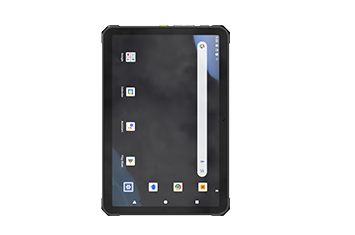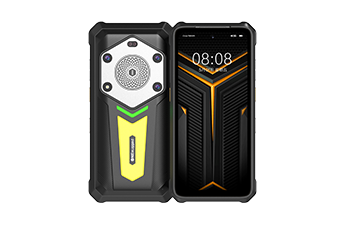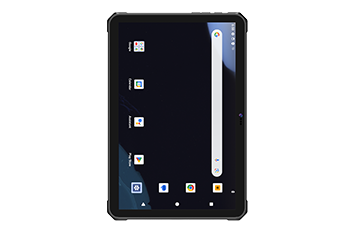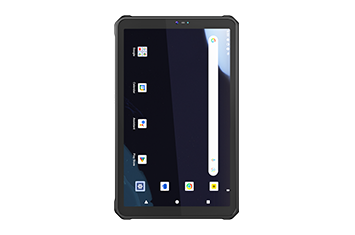

For industrial solution architects and enterprise IT directors, hardware provisioning for engineering teams is a critical operational choice. Deploying a standard consumer tablet enclosed in a thick protective case onto a utility job site or a factory floor is an operational risk. True field workflows require a specialized, built-in architecture engineered from the motherboard outward to survive environmental hazards and optimize data workflows.
Selecting the rugged tablet for field service deployments requires an objective evaluation of processing architecture, total cost of ownership (TCO), and specific environmental resilience metrics.

When deploying an enterprise mobility strategy, hardware generally falls into three operational tiers. Understanding these boundaries prevents over-specifying hardware budgets or under-specifying durability.
Standard consumer tablets are optimized for thin form factors and indoor media consumption. They lack thermal management for extreme climates, specialized I/O ports, and structurally reinforced glass. When introduced to field operations, they fail prematurely due to micro-cracks, moisture ingress, and battery swelling.
These devices bridge the gap for transitional workers who move between office environments and climate-controlled field environments. They offer basic shock absorption and mild spill protection, making them appropriate for light telecom installations or commercial building inspections.
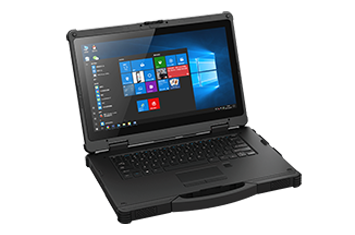
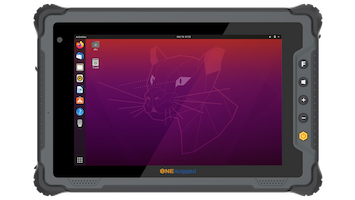
A true fully rugged tablet is purpose-built to maintain continuous uptime under severe physical stress. These devices feature magnesium-alloy internal frames, completely sealed ports, and shock-isolated components designed to withstand constant exposure to vibration, drops, and corrosive materials.
A fundamental step in selecting a rugged tablet for field service is aligning the operating system with your enterprise software architecture and IT management policies.
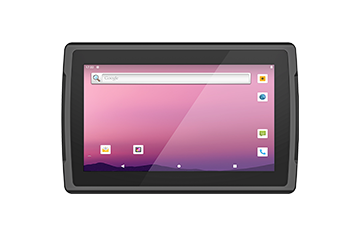
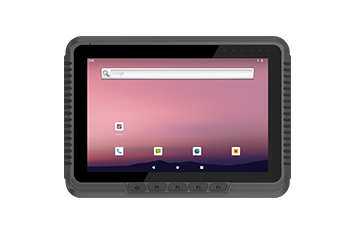
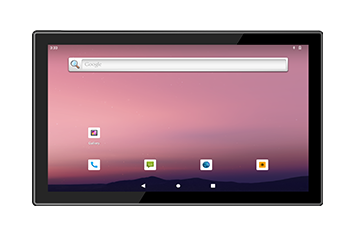
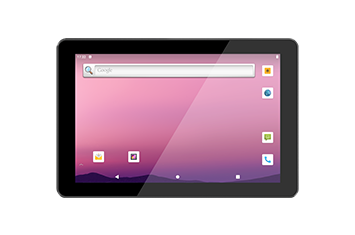
A rugged android tablet is highly optimized for mobile-first, app-driven field environments. It excels in lightweight field data collection, inspection checklist execution, and high-velocity work order updates via cloud-native apps.
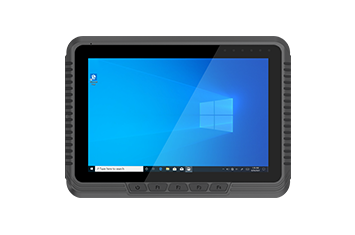
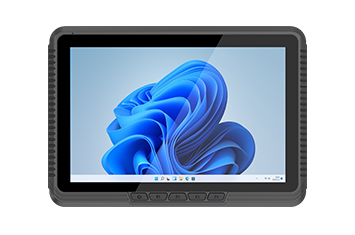
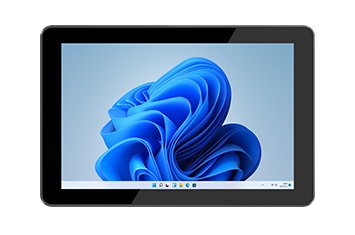
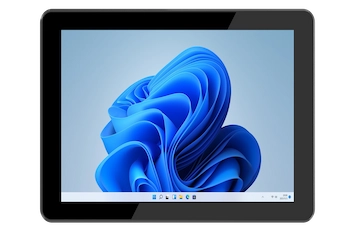
A rugged windows tablet is required when field tasks depend on full desktop parity, local database processing, or deep enterprise integration.
To assist procurement teams in mapping the proper hardware configuration to specific field workloads, the following matrices outline operational sweet spots.
| Evaluation Criteria | Android Rugged Tablet | Windows Rugged Tablet |
|---|---|---|
| Primary Software Ecosystem | App-based FSM, mobile CMMS, digital forms | Full desktop software, native CAD, local ERP |
| Battery Efficiency Profiles | High efficiency, lower processing overhead | Moderate efficiency, desktop processing draw |
| IT Management | Streamlined MDM profiles, cloud provisioning | Enterprise-grade tools, Active Directory, secure boot |
| Best For | High-mobility service workflows, inspections | Complex diagnostics, legacy systems, infrastructure |
| Category | Technical Specification Benchmarks | Best Fit |
|---|---|---|
| Fully Rugged | MIL-STD-810H, IP67 rating, sealed ports | Heavy utility maintenance, oil and gas inspection, emergency response |
| Semi-Rugged | Light shock resistance, IP65 protection | Commercial HVAC, telecom provisioning, facilities maintenance |
| Android Rugged | ARM architecture, long runtime, lightweight | High-velocity inspections, asset tracking, photo documentation |
| Windows Rugged | Intel Core processor, full I/O connectivity | Heavy industrial diagnostics, substation configuration, legacy app hosting |
A high-performance field service tablet must integrate a specific ecosystem of hardware features to ensure multi-year reliability and seamless field operations:
Sunlight Readable Displays: Outdoor technicians frequently work under direct sunlight. Standard displays wash out completely, causing eye strain and input errors. The best rugged tablets utilize an anti-glare display outputting a minimum of 1000 nits brightness to preserve visibility.
Advanced Touch Technologies: Rain, sleet, and specialized safety gear should not disrupt data entry. True industrial displays feature capacitive glove touch and wet touch tracking algorithms, ensuring precise data input regardless of weather conditions or PPE requirements.
Continuous Power Management: Field operations cannot stop for a recharging cycle. Implementing a hot-swappable battery system allows field technicians to change out a depleted cell with a freshly charged one without closing active diagnostic applications or shutting down the operating system.
Industrial Connectivity Arrays: Field teams frequently operate on the fringe of cellular networks or within heavily shielded industrial environments. Tablets must feature robust 5G connectivity, Wi-Fi 6, and dedicated GNSS tracking engines to guarantee real-time reporting and high-precision spatial tracking.
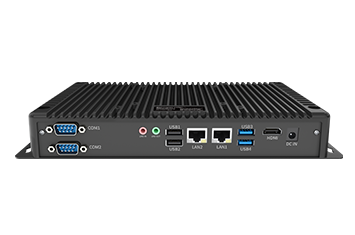
Native Component Expansion: Consumer dongles break immediately in the field. Industrial tablets require hardwired, legacy communication ports such as a physical serial port (RS232), native RJ45 Ethernet, and integrated data capture modules like a high-speed barcode scanner or RFID reader.
When selecting a deployment-ready hardware platform that bridges these rigorous technical demands, enterprise solution architects look to specialized manufacturers like Onerugged.
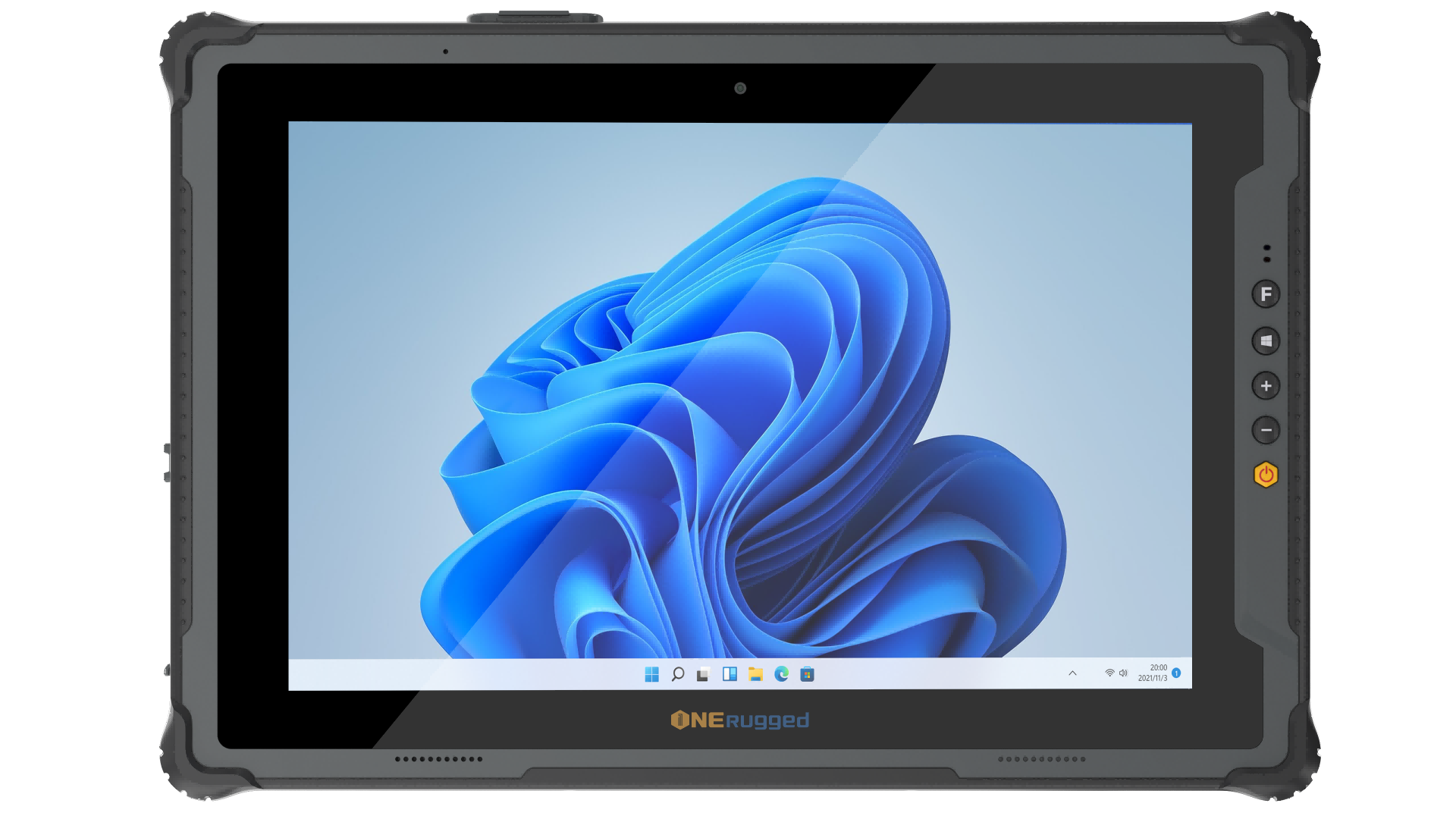
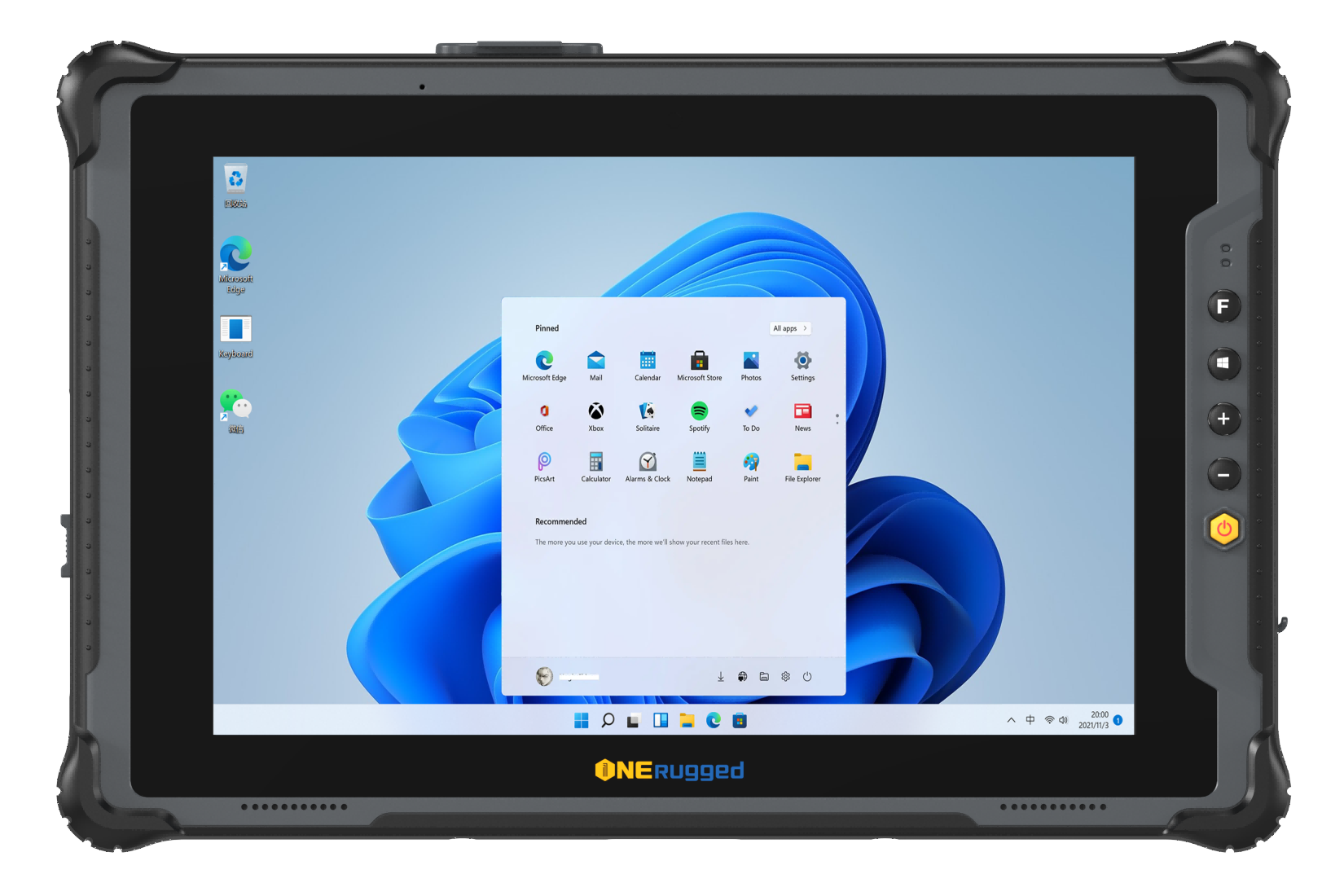
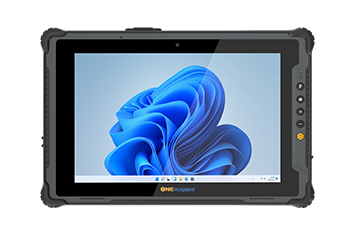
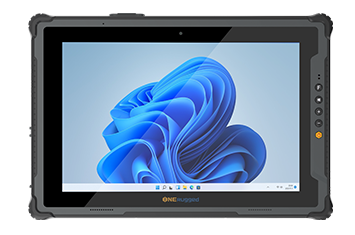
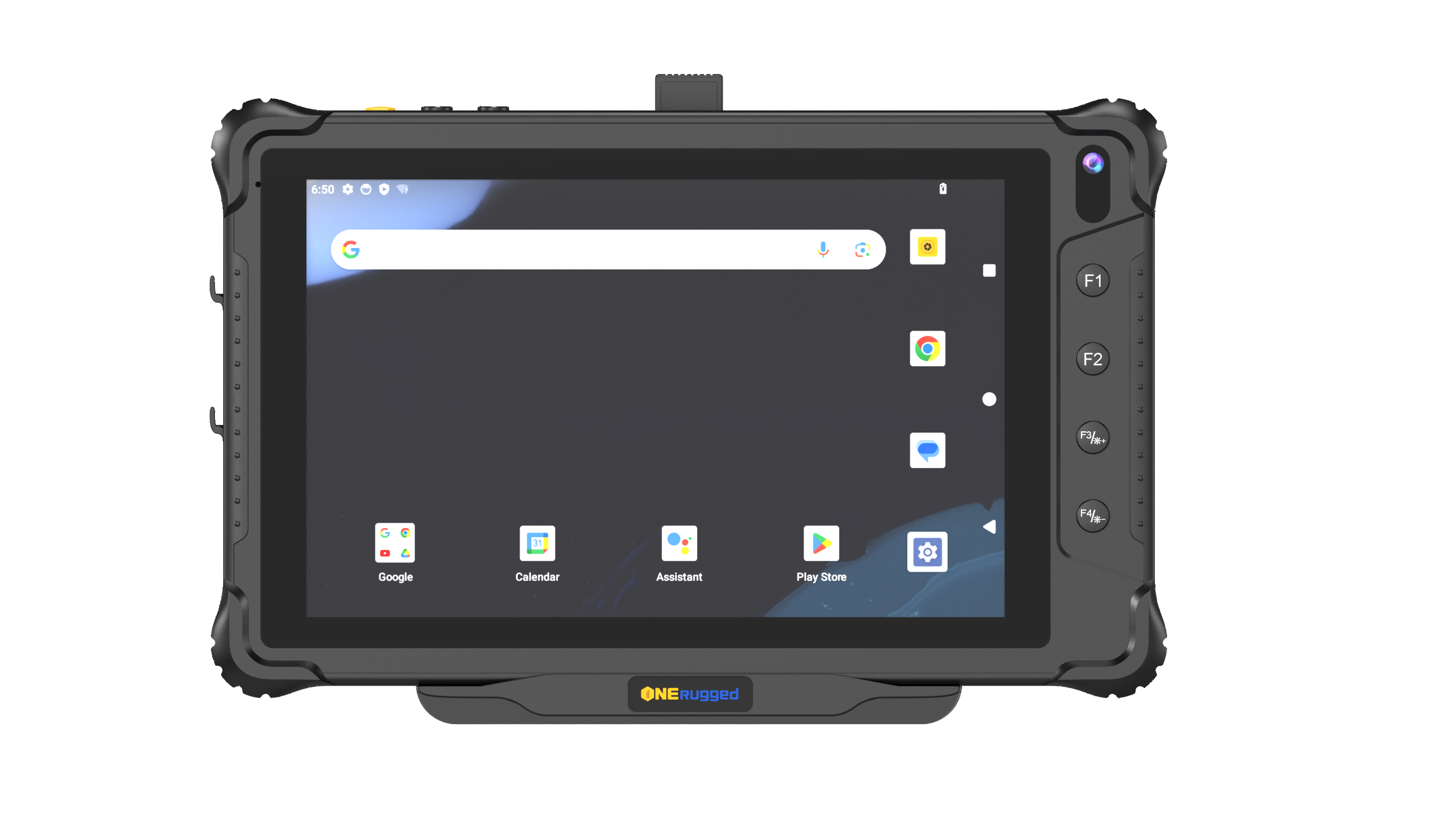
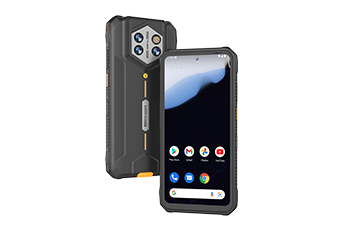
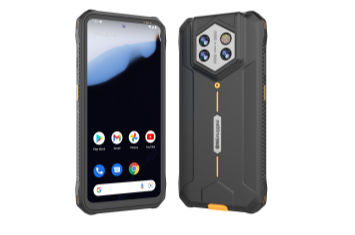
For high-velocity mobile workforces executing app-first field service workflows, the Onerugged M10A provides an exceptionally balanced 10-inch form factor. Engineered to survive harsh environments, it integrates a bright, high-visibility display with long battery runtime, reliable cellular positioning, and rugged physical interfaces.
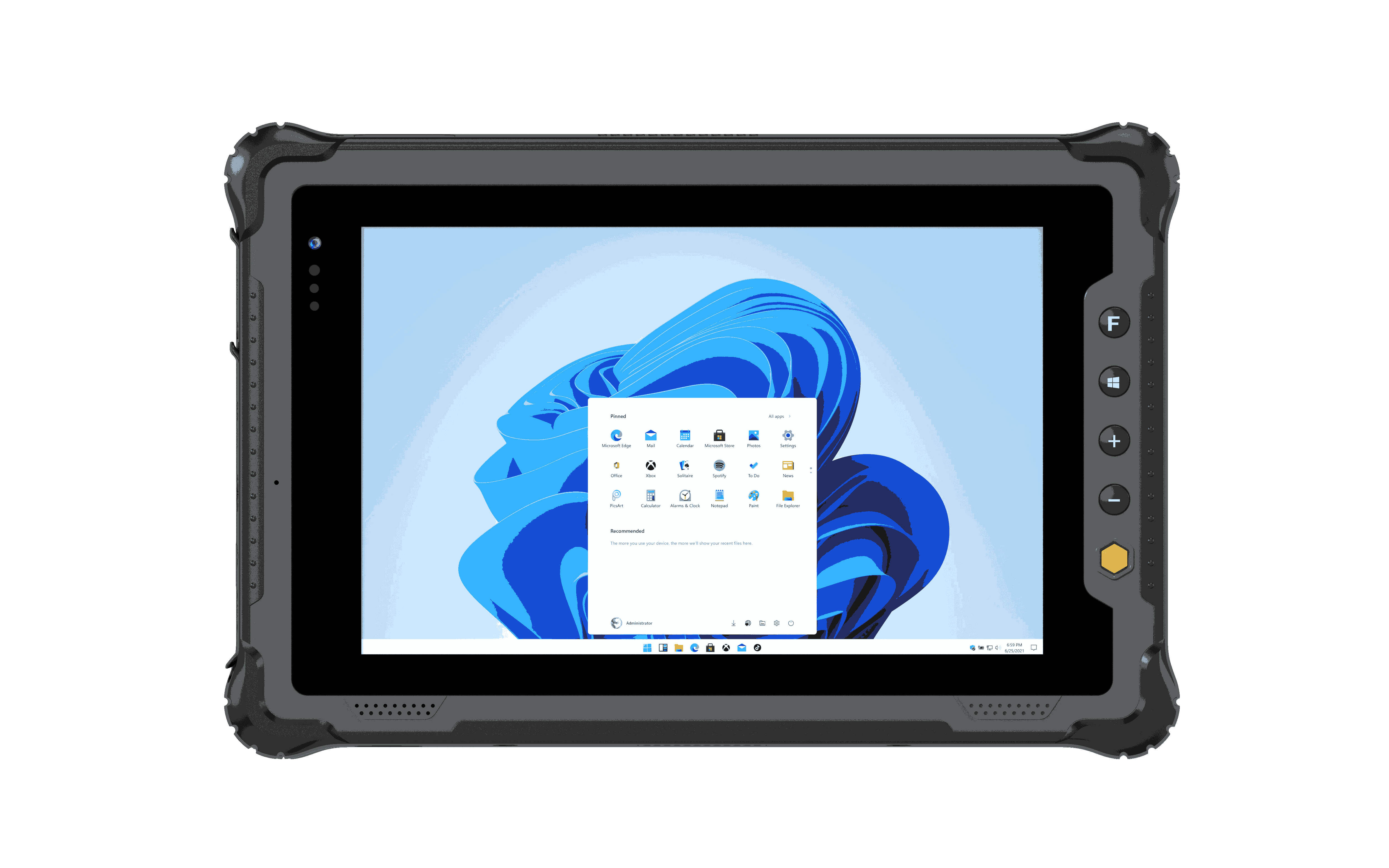
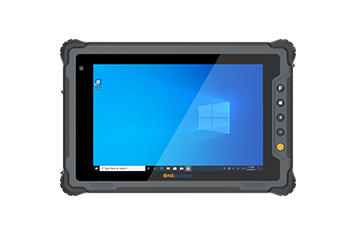
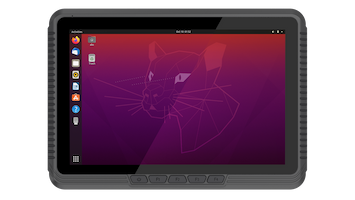
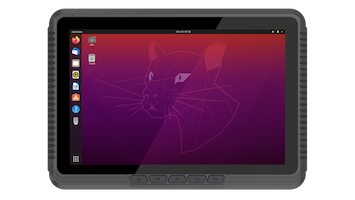
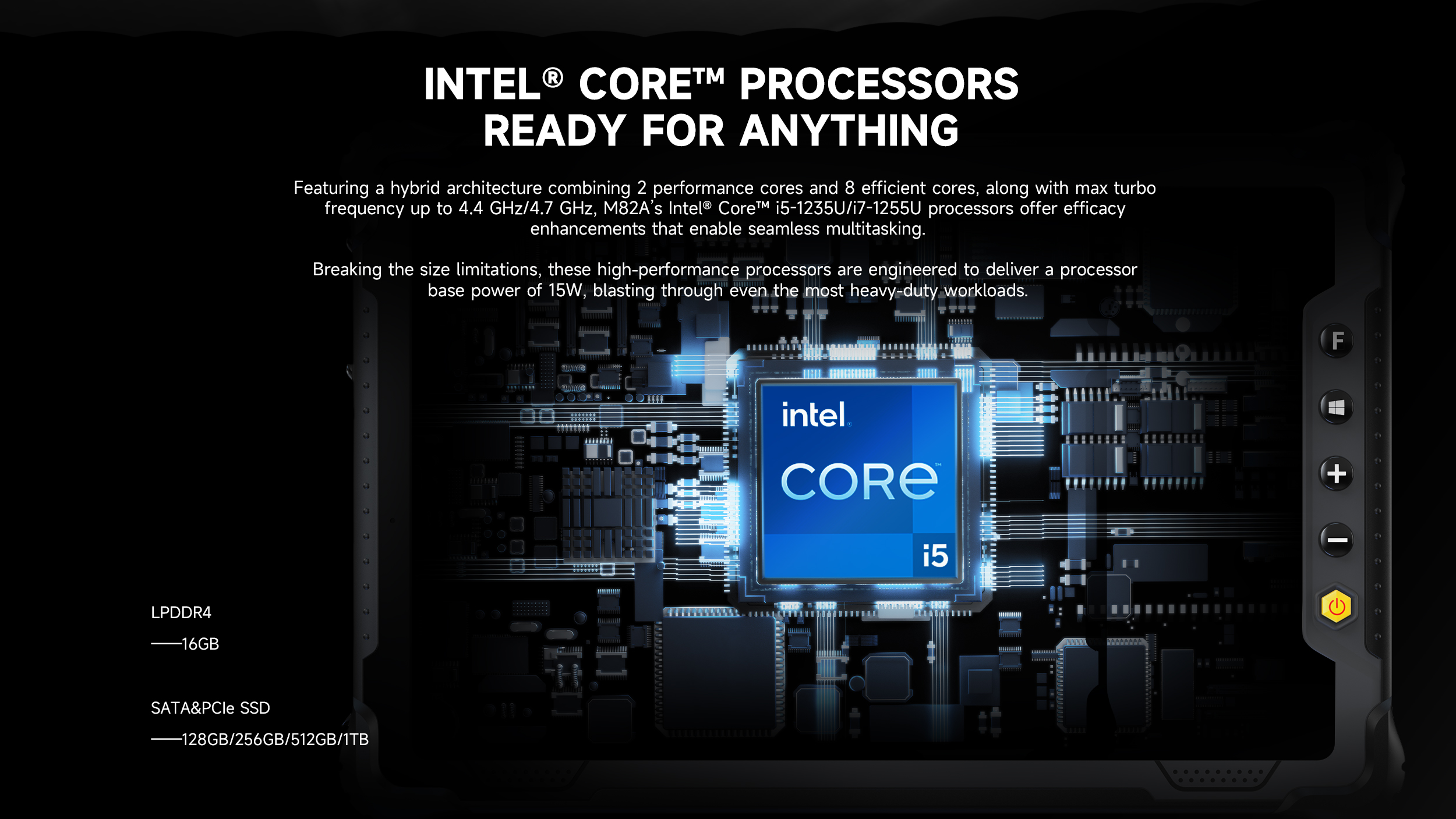
Alternatively, for complex industrial maintenance environments requiring desktop diagnostics and deep Windows integration, the Onerugged M82A offers a highly portable 8-inch solution. Powered by an Intel Core processor running Windows 11 IoT, the M82A allows field engineers to run desktop-class software directly at the edge, utilizing built-in pogo pin charging and a heavy-duty vehicle dock for vehicle-mounted operations or forklift fleet management. Both devices deliver the long lifecycle support and hardware reliability required to drive down operational downtime.
What is the practical difference between IP65 and IP67 ratings for a field service tablet?
An IP65 waterproof rating indicates a dustproof enclosure protected against low-pressure water streams from any angle, making it suitable for rain or splashing environments. An IP67 rating provides identical dust protection but allows the tablet to survive complete immersion in water up to 1 meter for 30 minutes, which is critical for marine or severe outdoor inspection environments.
Why is a dedicated hardware barcode scanner superior to a tablet’s standard camera?
Standard cameras rely on software auto-focus algorithms, which are slow, fail in low-light environments, and consume significant processing power. A dedicated, integrated hardware barcode scanner uses an active optical engine to instantly decode 1D/2D barcodes under any lighting condition, maximizing field technician processing speeds.
How does Total Cost of Ownership (TCO) favor rugged hardware over cheaper consumer options?
While consumer tablets have a lower initial capital expenditure (CapEx), their high failure rates (often exceeding 30% annually in field settings) lead to significant secondary expenses. These include constant replacement hardware, shipping logistics, IT re-imaging labor, and lost technician productivity. Rugged tablets typically achieve a 3-to-5-year operational lifecycle, providing a far lower overall operational expenditure (OpEx).
Optimizing your field service workflow requires hardware that can keep pace with unpredictable working environments. Onerugged designs, tests, and delivers industrial-grade computing solutions that eliminate hardware vulnerability from your operational equation.
Explore how the Onerugged M10A or the Intel-powered Onerugged M82A can transform your enterprise mobility rollout, reduce field device failure rates, and provide your technicians with the tools they need to achieve first-time fix rates.
Discover Onerugged’s rugged computing solutions, enterprise deployment services, industrial application cases, and customized mobility strategies for warehouse, manufacturing, logistics, and field operations.