
As manufacturing facilities transition into the era of the industrial IoT (IIoT), the hardware deployed on the shop floor becomes the critical link between physical production and digital oversight. Relying on consumer-grade tablets enclosed in aftermarket cases is a guaranteed path to hardware failure, data silos, and operational downtime.
To successfully execute lean manufacturing principles, industrial solution architects must deploy specialized computing hardware. The best rugged tablet for manufacturing serves not just as a mobile screen, but as a heavily integrated industrial mobility device capable of surviving mechanical stress while maintaining seamless ERP synchronization.
This guide breaks down the engineering criteria for selecting a factory floor tablet and evaluates the top-tier hardware driving modern plant floor operations.

Before deploying an industrial rugged tablet, IT procurement teams must evaluate hardware against four strict engineering pillars specific to industrial environments:
Environmental Survivability: A true ruggedized shop floor tablet must feature a shockproof chassis and undergo rigorous testing to meet MIL-STD-810H standards. It requires IP65 ingress protection (or full IP67 dustproof sealing) to survive metal shavings, coolant mist, and airborne particulates. Furthermore, electrostatic discharge (ESD) protection is non-negotiable in electronics manufacturing.
Continuous Power Architecture: Shift work demands uninterrupted performance. Devices must support hot-swappable batteries or robust tethered power options to survive 12-hour shifts without requiring technicians to shut down active diagnostic applications.
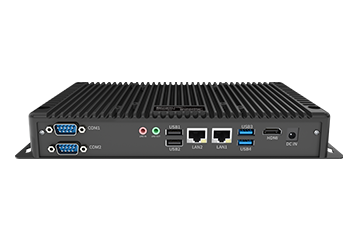
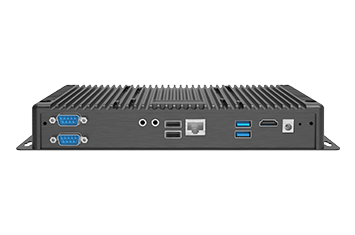
Interoperability and I/O: The device must support native legacy software compatibility and physical ports (RS232, RJ45) required for direct PLC programming and legacy equipment troubleshooting.
Enterprise-Grade Security: Connecting mobile hardware to a central manufacturing execution system (MES) requires strict endpoint security. Look for TPM 2.0 hardware security, automated secure boot protocols, and deep Mobile Device Management (MDM) support.
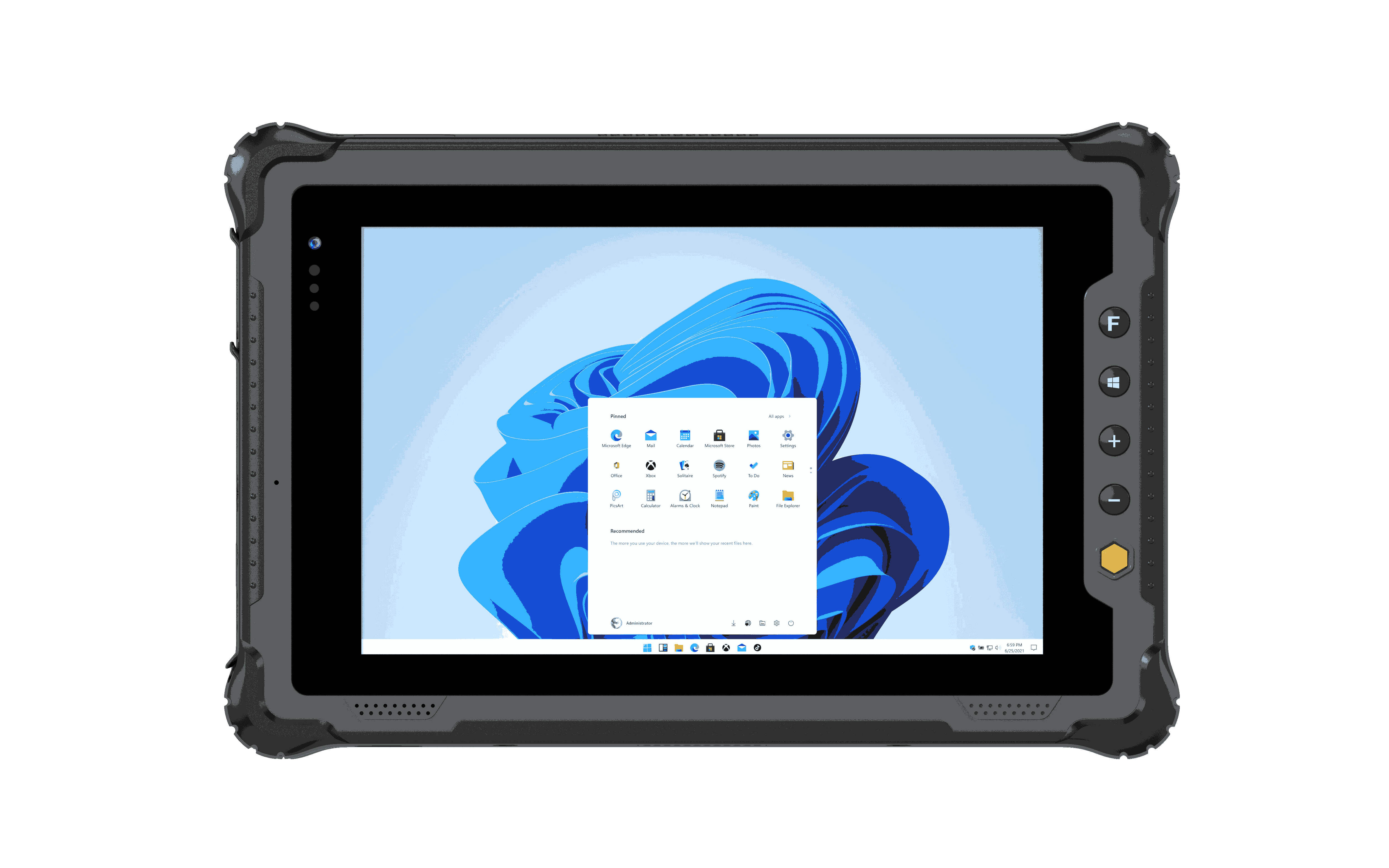
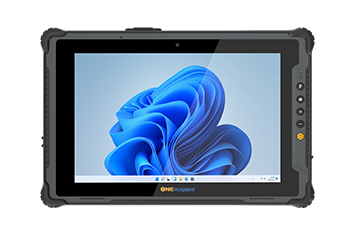
Based on processing architecture, peripheral integration, and deployment versatility, these are the top industrial platforms engineered for heavy manufacturing.
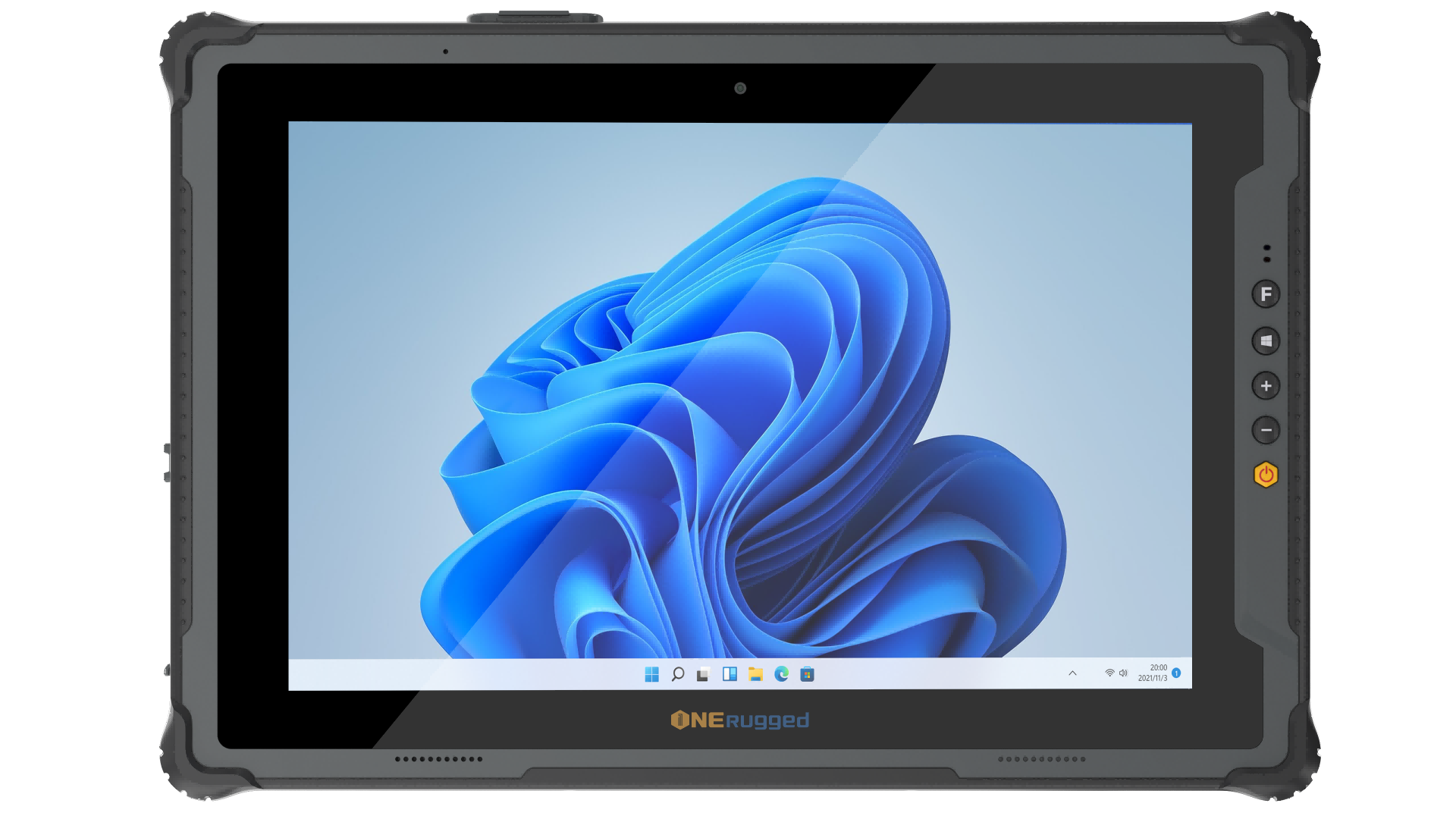
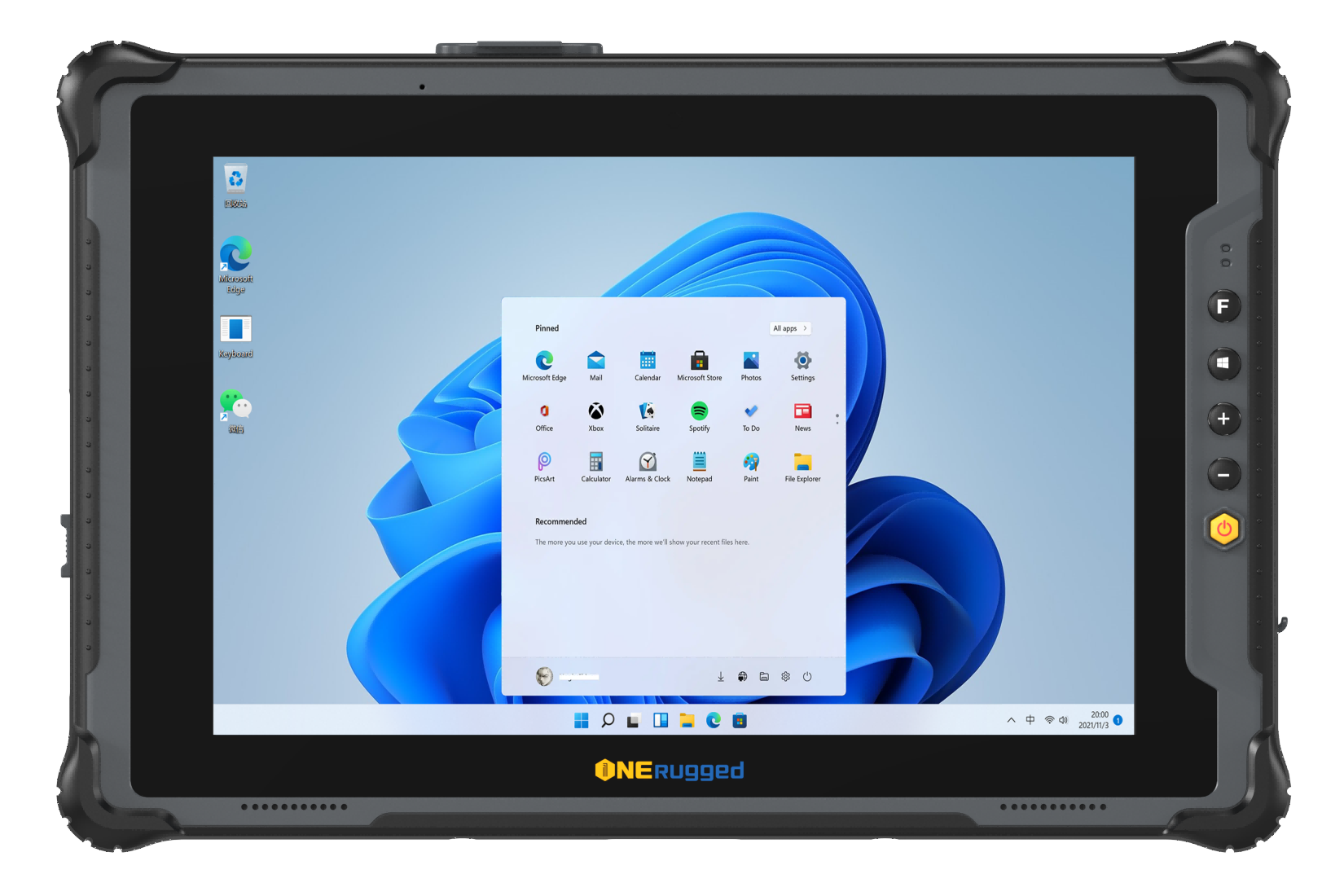
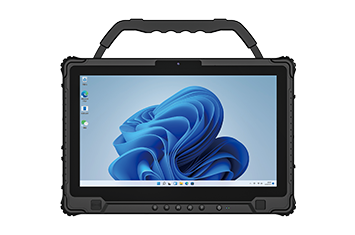
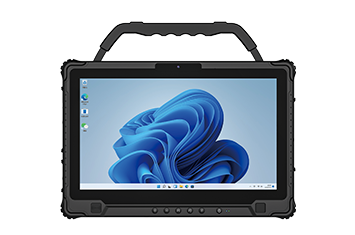
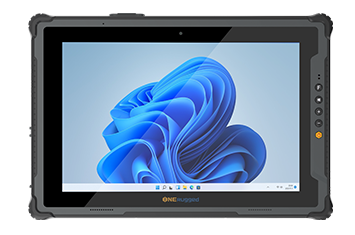
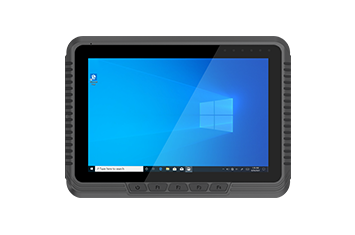
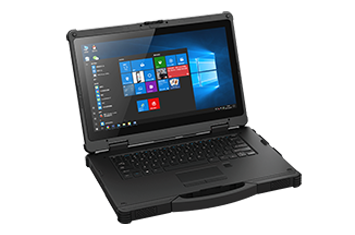
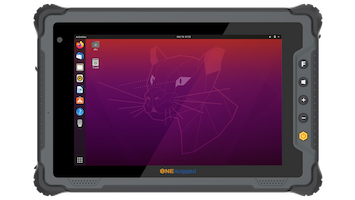
For facilities requiring an uncompromised heavy-duty manufacturing computer, the
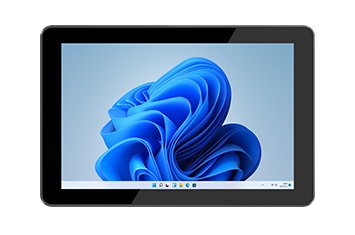
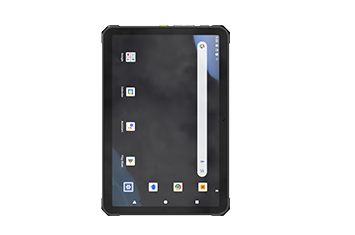
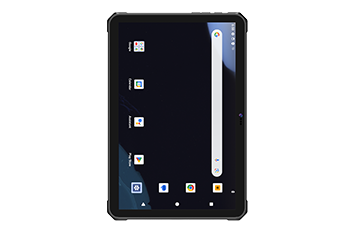
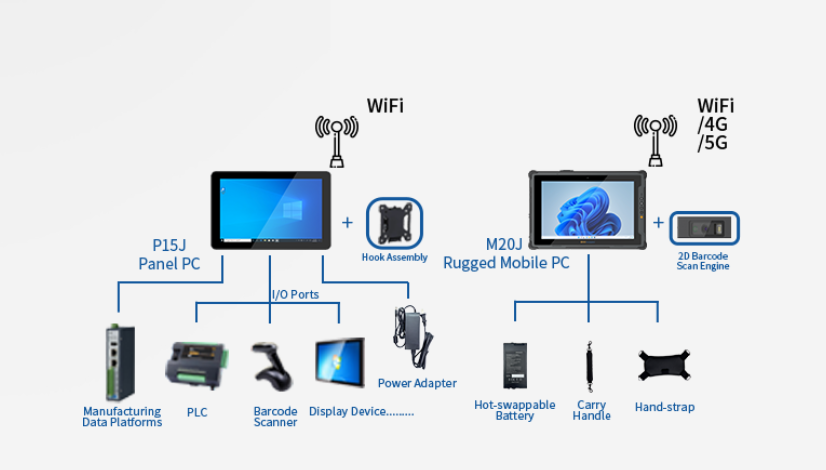
The P15J excels as a mobile HMI tablet. Its robust processing architecture allows engineers to execute complex SCADA integration, monitor machine vision monitoring feeds, and manage full shop floor control without lag. With extensive native I/O ports, it seamlessly connects directly to industrial machinery for localized diagnostics, making it the premier choice for CNC machine monitoring and complex predictive maintenance workflows.
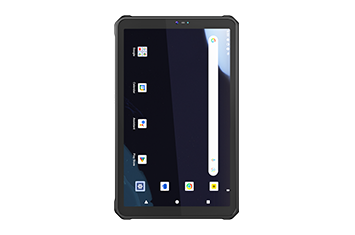
When the primary operational goal is high-velocity real-time data collection and inventory routing, the Zebra ET40/ET45 series provides a balanced, lightweight footprint. Featuring an integrated 2D barcode scanner, it allows floor staff to execute rapid assembly line tracking and material handling tasks. It is an excellent fit for light assembly and logistics staging areas.
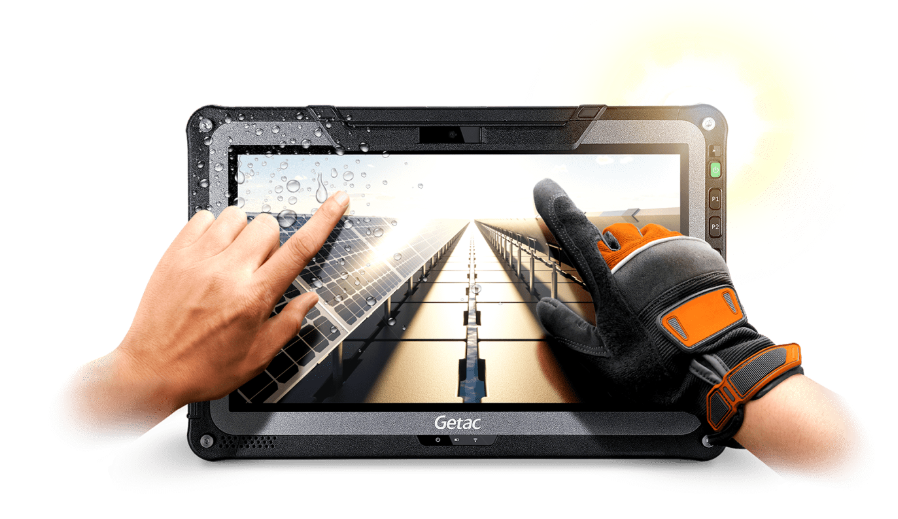
Getac has long been an industrial standard for enterprise asset management (EAM). Powered by robust Intel processors, the F110 is frequently deployed by maintenance technicians who require heavy processing power to render 3D CAD models or execute intensive predictive maintenance software right at the machine level.
While consumer devices are generally discouraged on the factory floor, a standard iPad housed in a heavy-duty case can be sufficient for highly controlled cleanroom manufacturing or static quality assurance inspection stations where drop risks and vibration are practically zero.
Understanding the total cost of ownership (TCO) requires analyzing how these devices handle actual factory conditions.
| Operational Factor | Standard Consumer Tablet | Purpose-Built Industrial Tablet |
| Durability | Fragile glass, vulnerable to micro-vibrations | Vibration resistance, magnesium-alloy chassis |
| Thermal Profile | Overheats rapidly; throttles CPU | Extreme temperature tolerance, active/passive industrial cooling |
| Data Capture | Software-based camera scanning (slow, struggles in low light) | Hardware-level 1D/2D scanning, RFID asset tracking |
| Screen Usability | Unresponsive to industrial gloves, high glare | High-nits display, capacitive glove/wet touch |
| Lifecycle | 1–2 years before obsolescence | 5–7 years with long-term component availability |
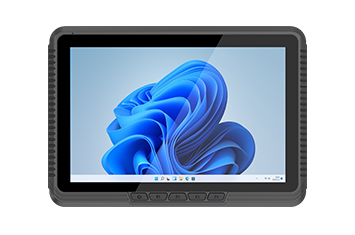
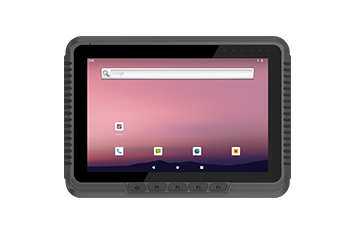
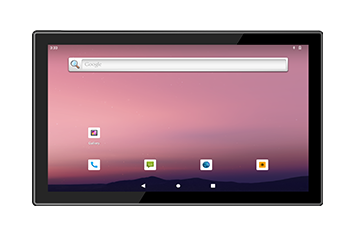
The ideal tablet depends on your workflow. For high-volume scanning, smaller Android-based rugged tablets are preferred. However, for full MES visualization, direct machine diagnostics, and HMI replacement, a robust Windows-based platform like the Onerugged P15J is the superior choice.
While consumer tablets have a lower initial capital expenditure, their failure rate in industrial settings is exceptionally high. The continuous costs of hardware replacement, IT provisioning, and lost production downtime make industrial tablets significantly more cost-effective over a 3-to-5-year lifecycle.
Industrial tablets feature native legacy ports (such as RS232 Serial or hardwired RJ45 Ethernet) that allow engineers to physically tether the device to a Programmable Logic Controller (PLC). This ensures stable, uninterrupted data transfer during critical firmware flashes or logic updates.
You must deploy a device with an IP65 or IP67 rating featuring a fanless chassis. Fanless designs dissipate heat through the exterior chassis rather than pulling contaminated, dusty air across the internal motherboard, preventing short circuits.
Industrial tablets utilize optical bonding and anti-glare coatings, combined with high-brightness backlights (often exceeding 800 nits). This guarantees that complex SCADA dashboards remain perfectly legible under intense fluorescent lighting or welding flashes.
Discover Onerugged’s rugged computing solutions, enterprise deployment services, industrial application cases, and customized mobility strategies for warehouse, manufacturing, logistics, and field operations.