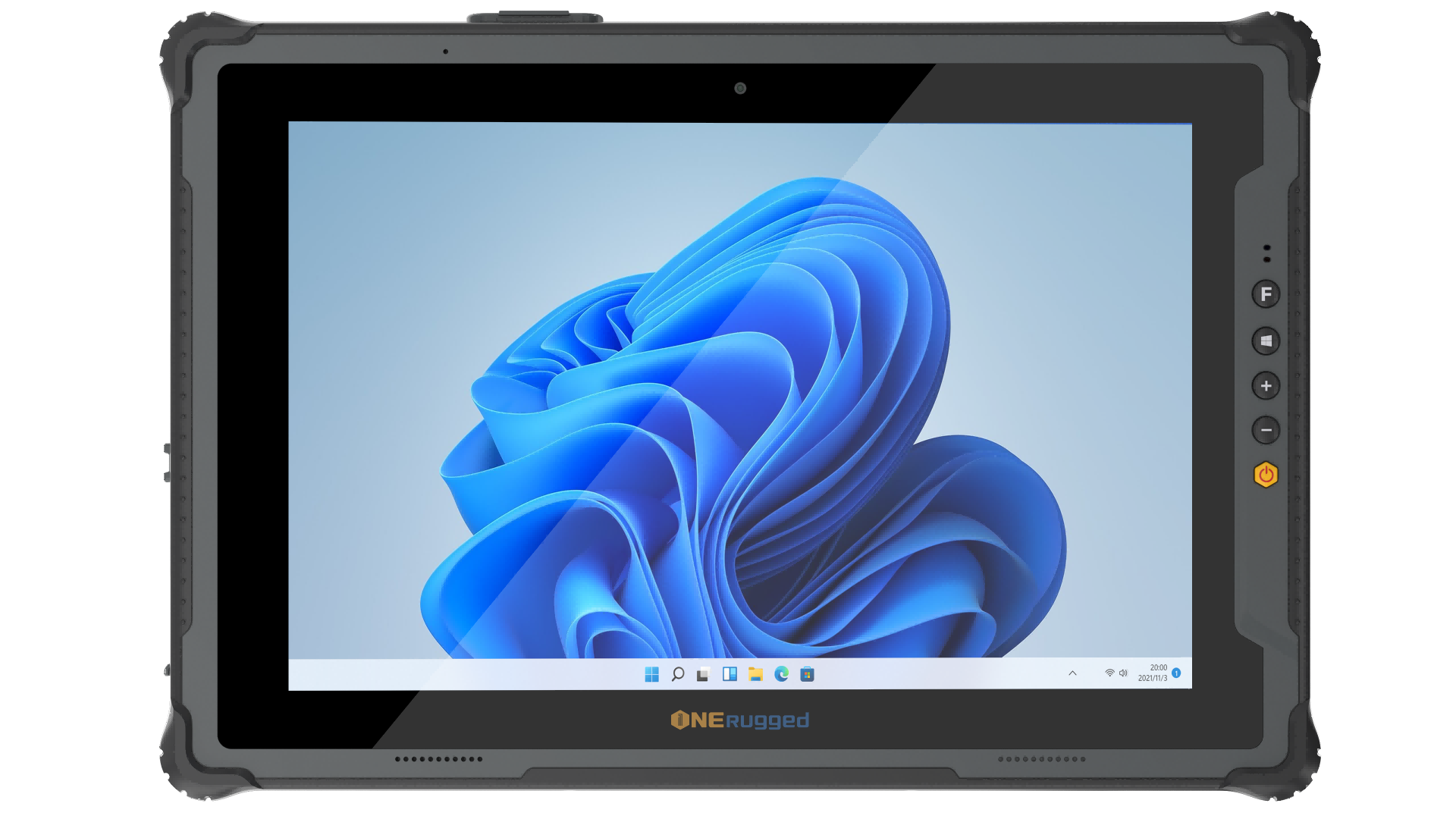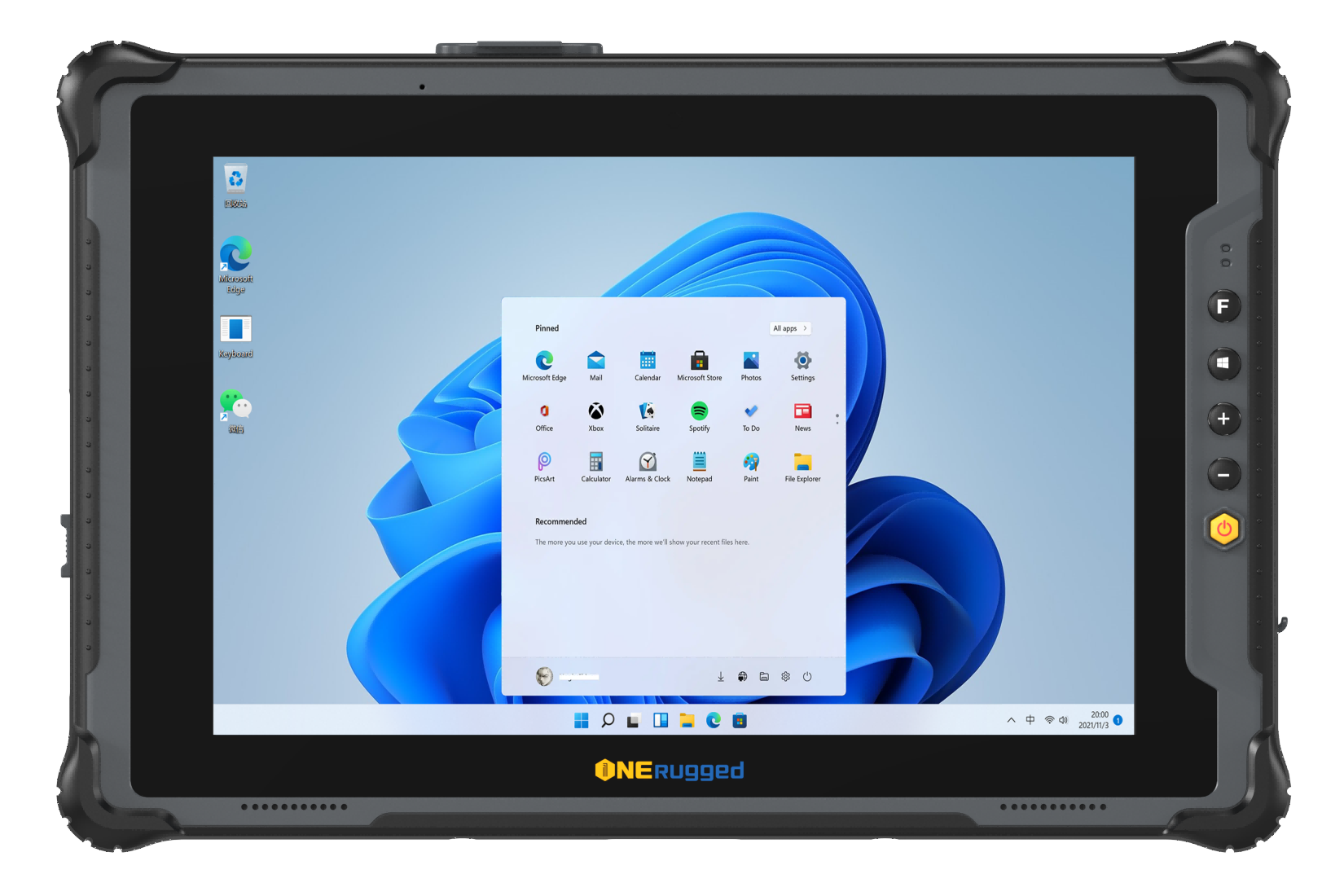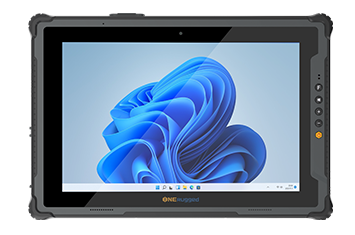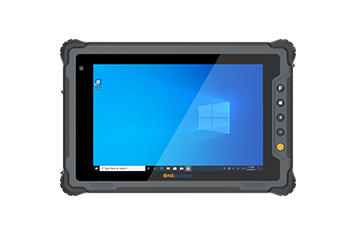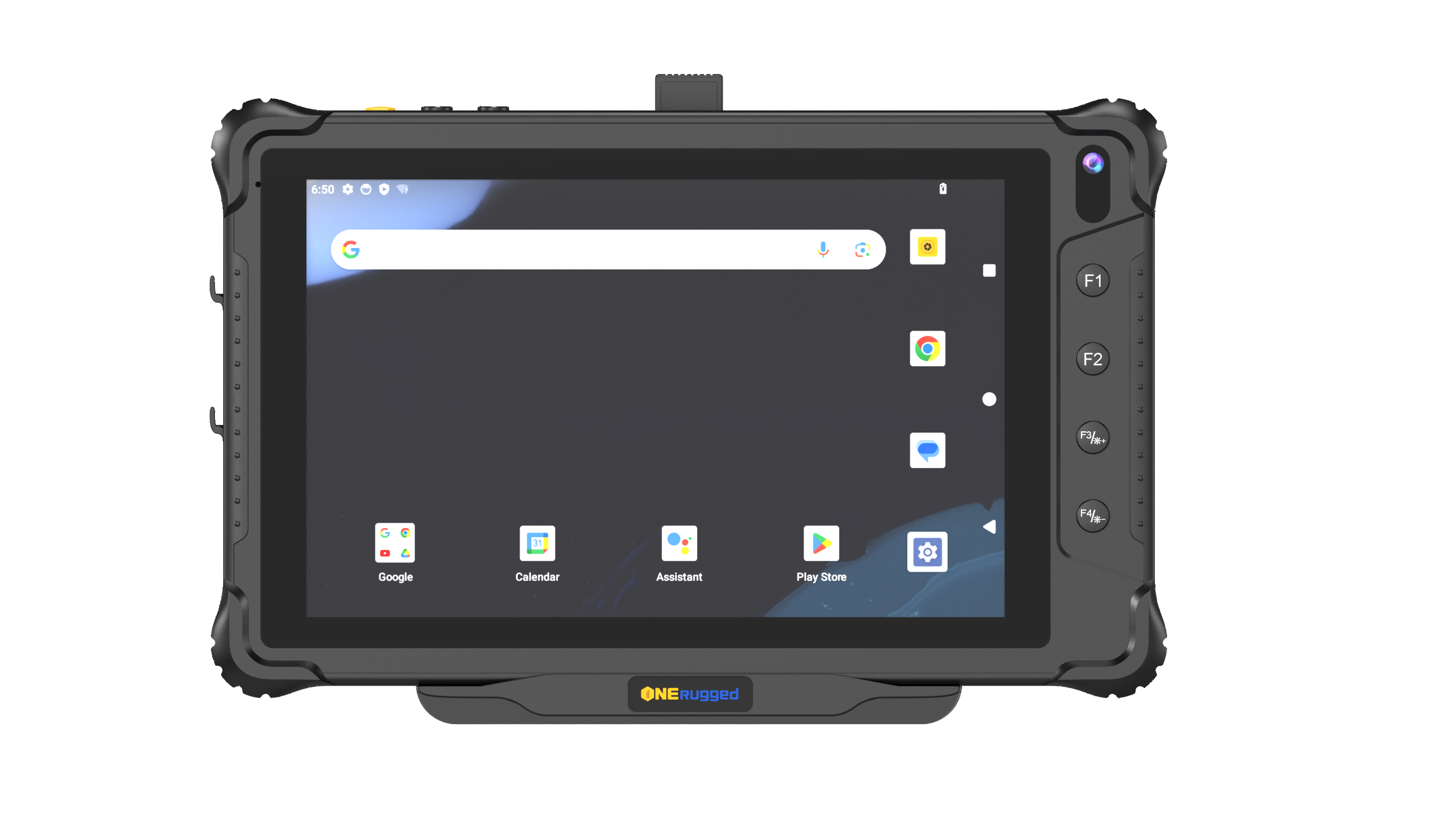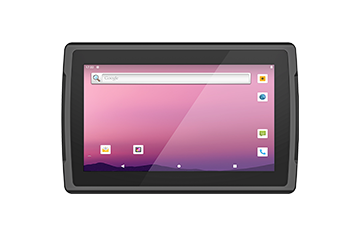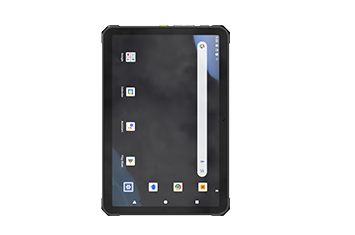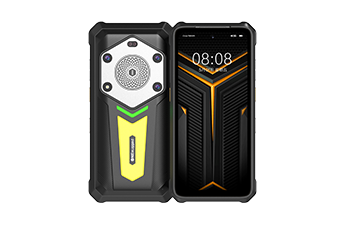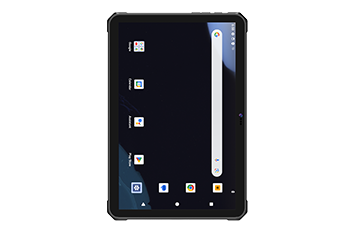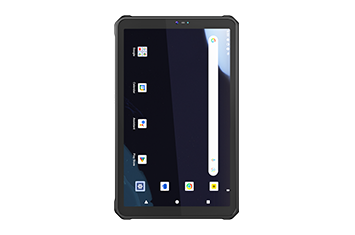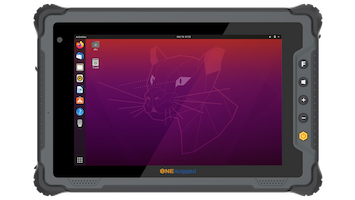

In high-throughput supply chains, warehouse automation is only as strong as its weakest digital node. When enterprise IT teams attempt to cut corners by retrofitting standard consumer tablets into heavy machinery, the consequences are immediate and costly. Relentless mechanical shaking, dirty electrical currents, and extreme environmental transitions rapidly destroy non-industrial components.
To ensure uninterrupted workflows, operations directors must invest in purpose-built hardware. Standardizing your material handling fleet on the best vehicle mount computer eliminates terminal downtime, secures terminal sessions, and unlocks optimal efficiency for modern warehouse management system integration.
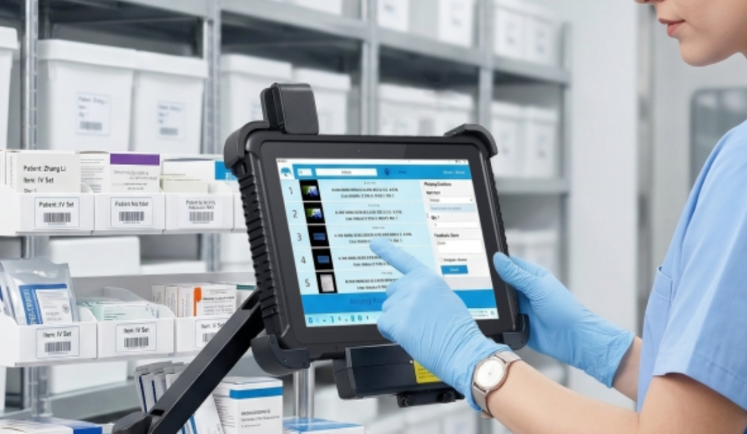
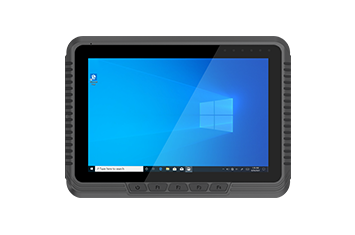
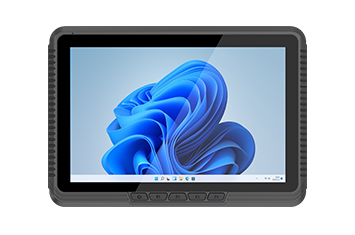
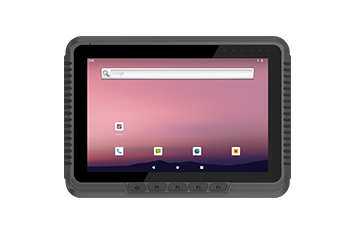
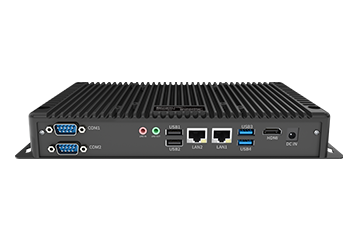
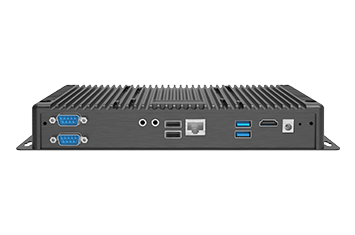
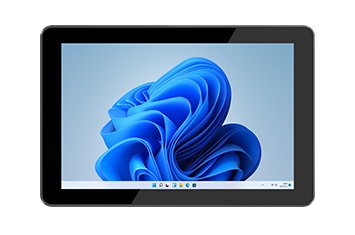
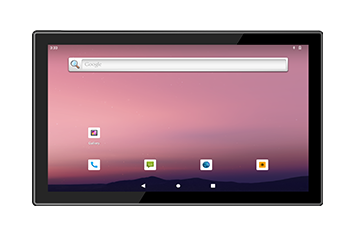
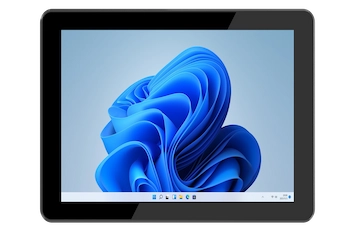
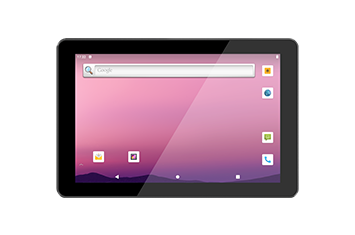
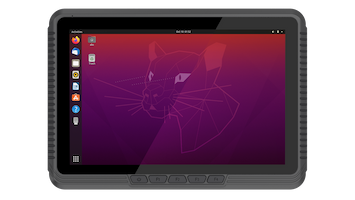
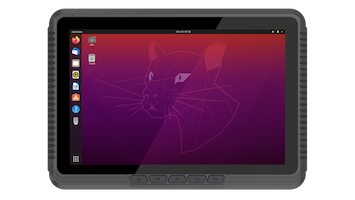
A vehicle mount computer is a heavy-duty in-vehicle computer engineered specifically to be permanently bolted into industrial material handling equipment. Unlike standard mobile hardware, it is designed to function as the central processing brain for heavy machinery, pulling real-time operational data and managing intensive picking tasks simultaneously.
Modern distribution centers require these specialized devices because they serve as the bridge between material handlers and core execution software. Without a dedicated rugged vehicle terminal, tracking rapid logistics tasks becomes impossible, causing severe communication gaps across the yard and warehouse floor.
By providing an uninterrupted link to backend software, these terminals drive massive productivity gains:
Inventory Management Synchronization: Updates stock locations instantly upon physical placement, eliminating blind spots in your warehouse layout.
Continuous Automated Fleet Dispatch: Routes equipment operators to their next task dynamically, eliminating empty travel runs across massive cross-docks.
Automated Data Capture: Speeds up picking tasks via seamless long-range barcode scanner integration and voice-directed picking support.
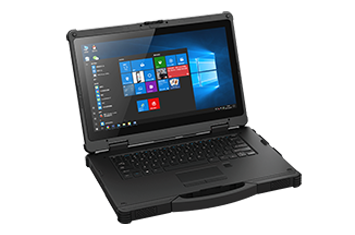
Many IT procurement officers ask whether a heavy-duty portable tablet can simply replace a fixed forklift terminal. While rugged tablets offer versatility for hybrid workers who walk the floor, purpose-built forklift computers deliver clear architectural advantages when bolted to heavy machinery.
Forklifts generate unique low-frequency resonant vibrations quite different from over-the-road vehicles. A purpose-built industrial forklift terminal features internal dampening certified to the strict MIL-STD-810H shock and vibration standard.
Standard tablets, even in rugged shells, rely on fragile internal solder points that crack over time under constant industrial rattling. Furthermore, fixed terminals utilize rigid, industrial-grade VESA 75 standard mount or VESA 100 mounting bracket systems, preventing the dangerous device drops common with quick-release tablet docks.
Running a computer from a vehicle's DC battery bank poses severe power challenges. Electric forklifts introduce immense voltage drops during hydraulic lifting, while diesel engines create massive electrical spikes during startup.
A dedicated vehicle mounted workstation natively handles these fluctuations with specialized built-in architecture:
An isolated DC-DC converter safeguards delicate internal motherboards from sudden voltage spikes.
A 9V to 60V DC wide range power input connects straight to any vehicle battery size without bulky external power bricks.
Integrated ignition sensing power management monitors vehicle states, putting the device to sleep when the engine shuts down to avoid draining the starter battery over a weekend.
An internal backup UPS battery keeps the computer fully powered during mid-shift forklift battery swaps, entirely preventing data dropouts and time-wasting software reboots.
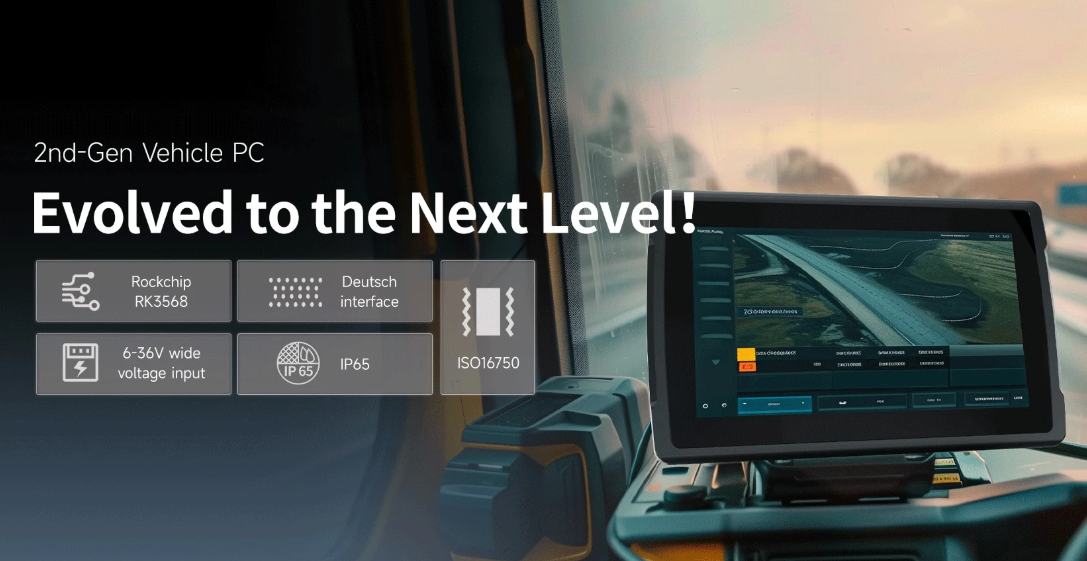
When calculating the true Total Cost of Ownership (TCO) for forklift fleet tracking, purpose-built hardware drastically outperforms consumer retrofits.
| Feature Category | Consumer Tablet with Dock | Vehicle Mount Computer |
| Mounting Standard | Proprietary plastic clips; prone to snapping | Rigid VESA 75 standard mount or VESA 100 mounting bracket |
| Vibration Survival | Internal solder joints fracture within months | Motherboard isolated against heavy machinery shock |
| Power Supply | Relies on easily damaged external cables | Hardwired to vehicle via regulated DC power |
| Cold Storage | Battery fails and screen freezes solid | Heated display and internal heating elements |
| Peripheral Integration | Requires fragile Bluetooth connections | Hardwired legacy serial and USB industrial ports |
To identify the right system for your facility, procurement teams must carefully evaluate several core specifications:
Industrial terminals require an advanced touchscreen built for extreme optical clarity and physical defense. Look for a sunlight readable display powered by a high-brightness 1000 nits screen and protected by impact-resistant Gorilla Glass.
The display layer should utilize optical bonding technology to eliminate internal condensation and glare. For operators wearing heavy safety gear, a durable resistive touch screen or a multi-touch capacitive screen with a highly sensitive glove-touch mode is mandatory. Finally, front-facing programmable function keys allow drivers to trigger macro commands instantly without taking off their gloves.
Fine dust and moisture will quickly short out open office-grade ports. Industrial terminals feature a rugged fanless industrial design built within a sealed metal shell, achieving an IP66 waterproof rating or IP65 dust protection.
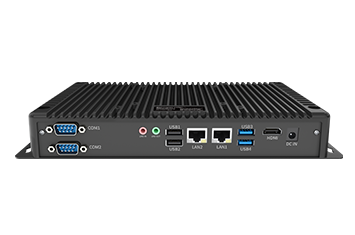
To connect key peripherals safely, these terminals route lines through waterproof M12 connectors. This allows secure, bolted connections for Gigabit Ethernet via M12, isolated RS232 serial ports, and a USB Type-C industrial port without risking dust ingress.
Maintaining a lock on your network during indoor outdoor cross-docking requires professional-grade wireless components. Premium terminals utilize dual-band Wi-Fi 6E paired with dual antenna pass-through technology, allowing the terminal to bypass the vehicle’s metal cab and connect directly to high-gain external roof antennas. For massive container yards or mining operations, look for integrated 5G NR cellular connectivity and a dedicated GPS GLONASS module to support flawless real-time asset tracking and vehicle telemetry monitoring.
Cold chain logistics present the harshest testing ground for warehouse computer hardware. When a material handling vehicle crosses from a -30°C blast freezer onto a warm loading dock, condensation instantly forms on internal circuitry and external glass screens. This thermal shock causes standard screens to fog up completely and can freeze touch digitizers solid.
To overcome this, specialized terminals designed for cold storage logistics feature an intelligent, automated thermal management system. These advanced configurations incorporate an integrated defroster heater behind the display glass and around the internal core components. The heater automatically evaporates frost and moisture, ensuring the screen remains fully readable and responsive even in extreme sub-zero conditions.
When deploying hundreds of mobile terminals across multiple fulfillment centers, IT managers require deep software control and robust hardware security.
Modern industrial terminals feature a built-in TPM 2.0 security chip, secure boot technology, and full hard drive data encryption to protect intellectual property in the field. For centralized fleet deployment, these platforms offer broad mobile device management compatibility, including out-of-the-box SOTI MobiControl support.
This allows system administrators to push security patches remotely, lock down environments using a kiosk mode software lock, and configure Ivanti Wavelink terminal emulation to access legacy warehouse green-screens seamlessly.
Selecting the ideal configuration for your facility depends on your specific operational environment:
Warehouse Operations: Prioritize dual-band Wi-Fi 6E for rapid roaming between warehouse aisles and seamless integration with your picking systems.
Port Container Terminals & Rail Freight Management: Choose configurations with an IP66 waterproof rating, a 1000-nits sunlight-readable screen, and 5G NR connectivity for reliable outdoor tracking.
Heavy Machinery Telemetry & Mining Truck Dispatching: Ensure the device features an integrated CAN-bus SAE J1939 interface to monitor vehicle diagnostics and engine data directly through the terminal.
By matching your unique environmental challenges with purpose-built hardware, you future-proof your logistics infrastructure and empower your team to operate at peak efficiency.
Discover Onerugged’s rugged computing solutions, enterprise deployment services, industrial application cases, and customized mobility strategies for warehouse, manufacturing, logistics, and field operations.