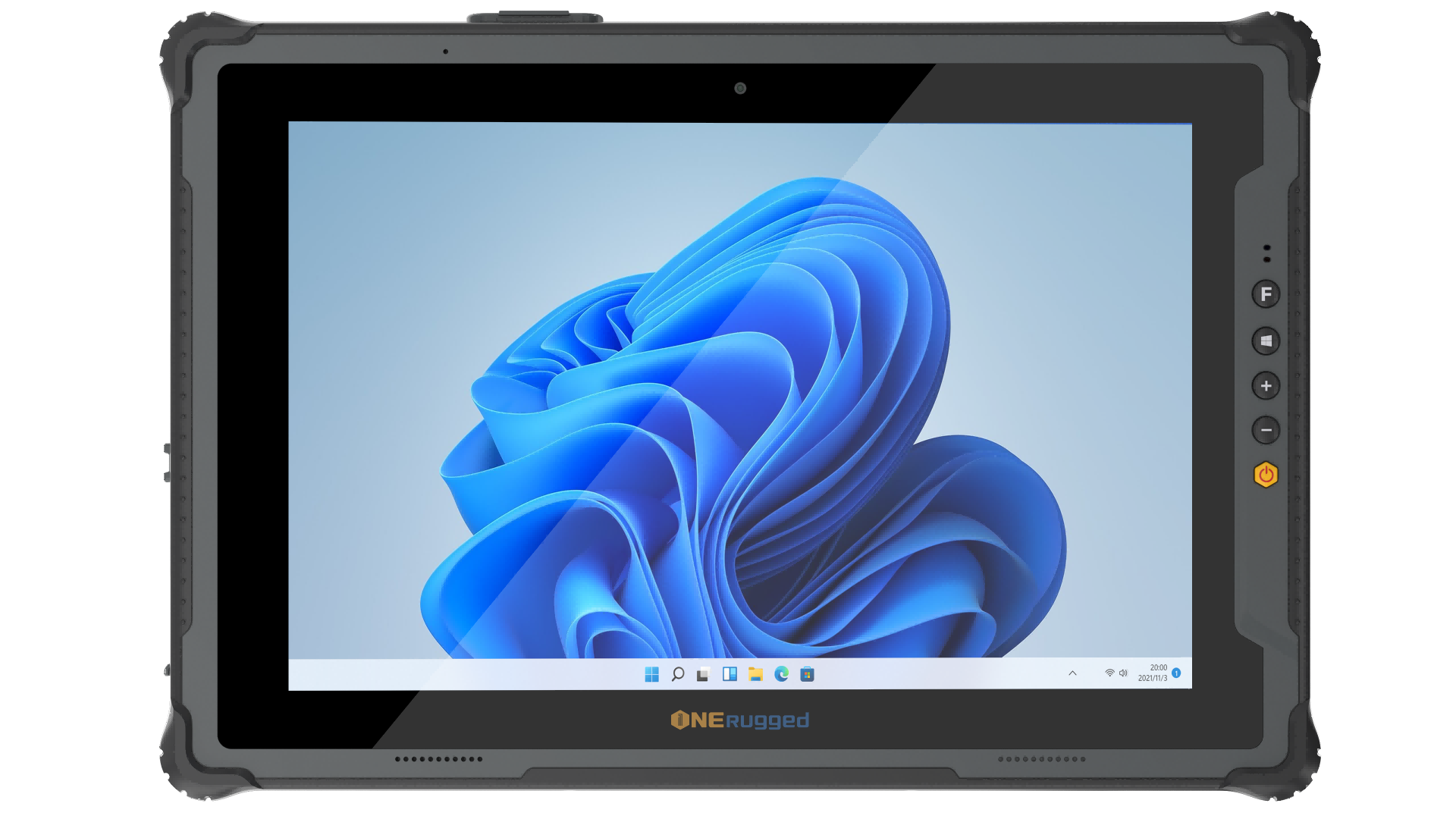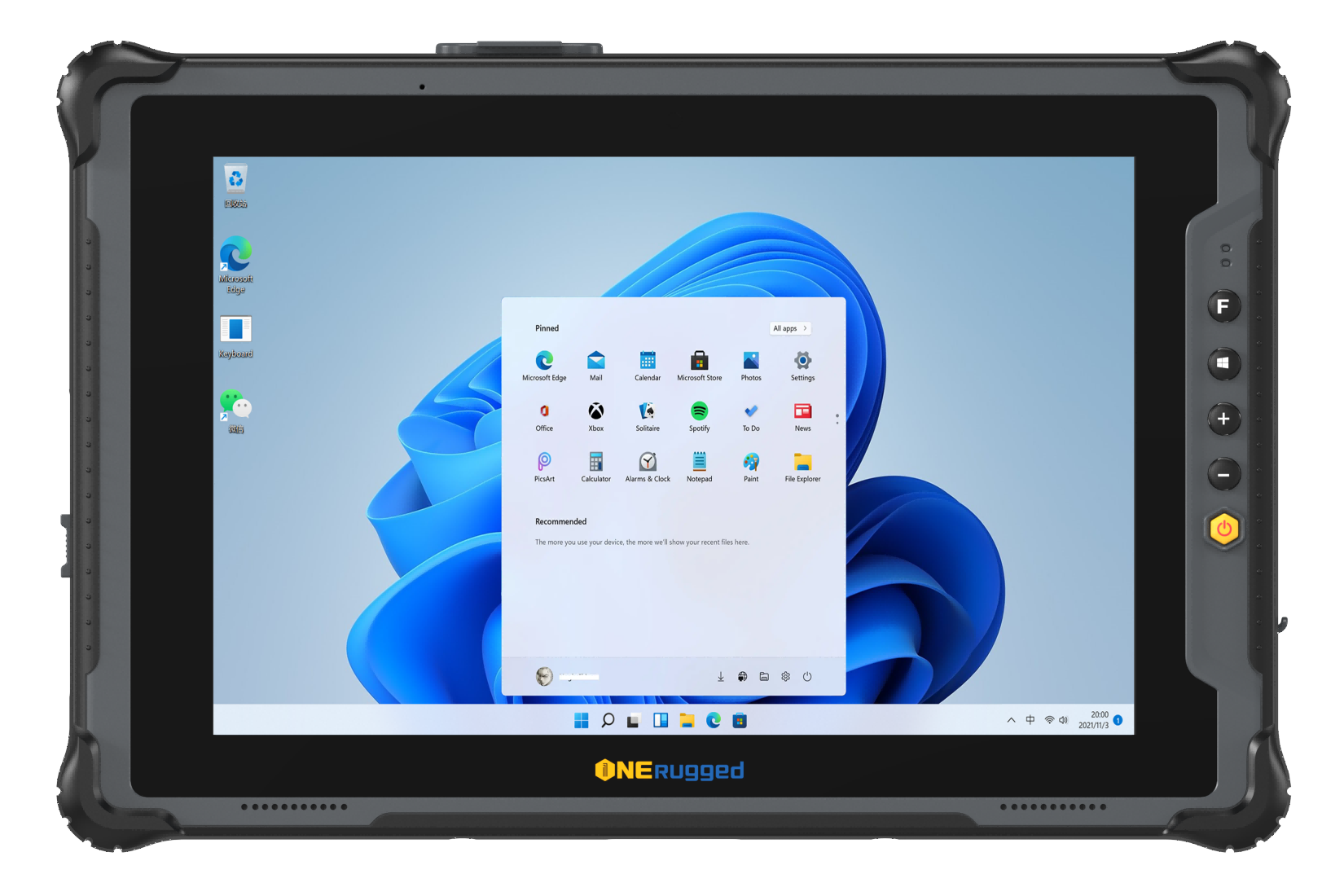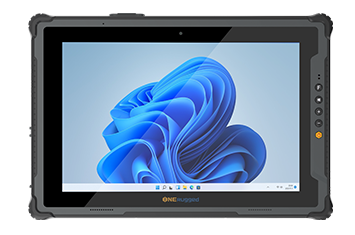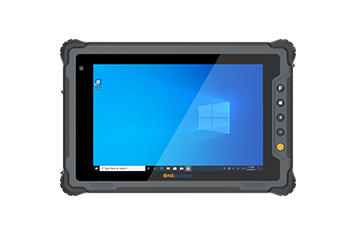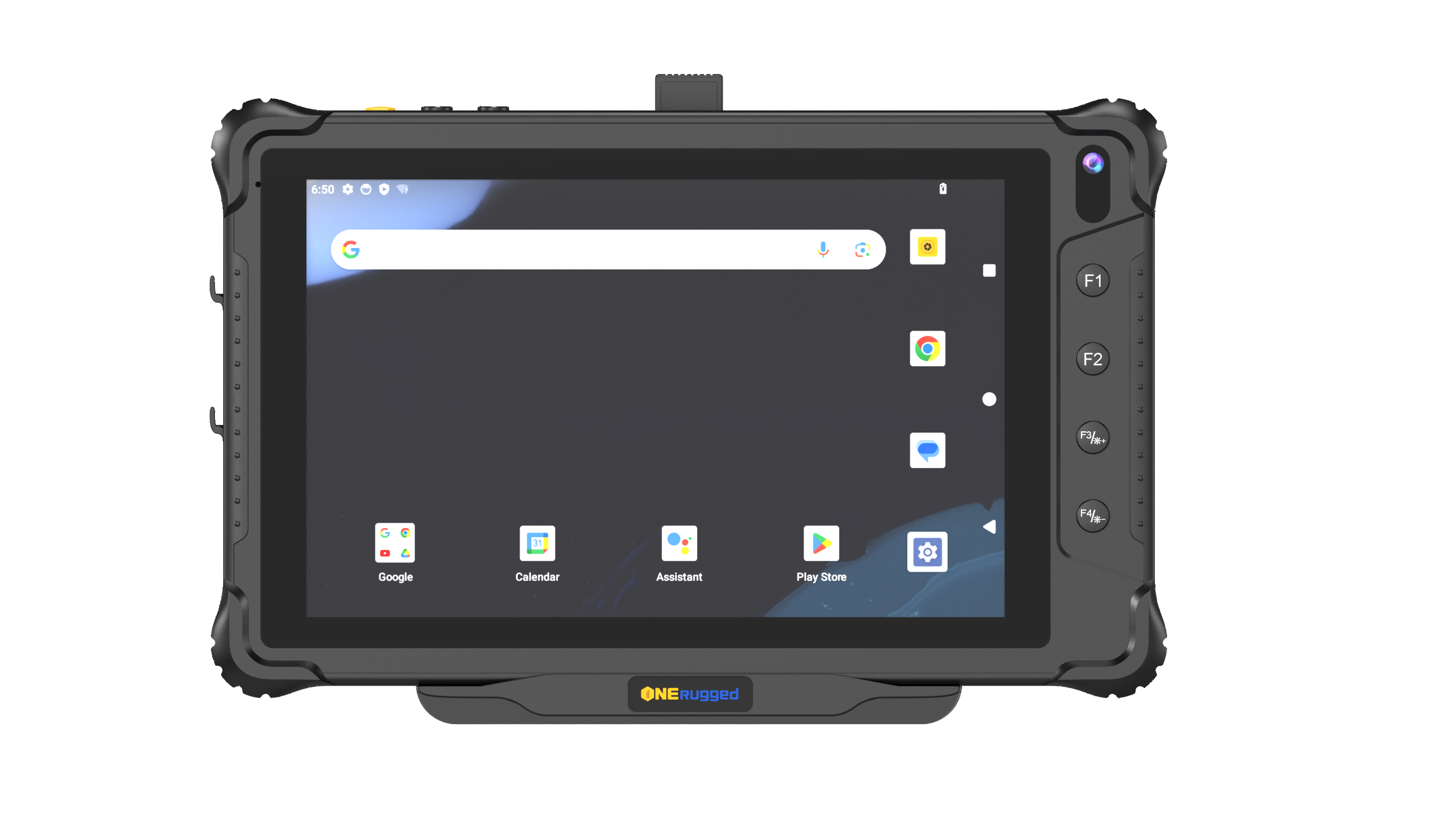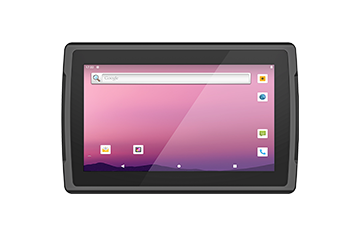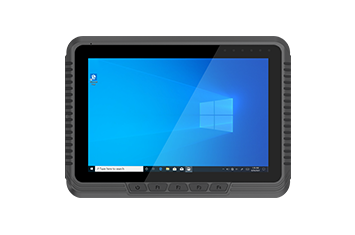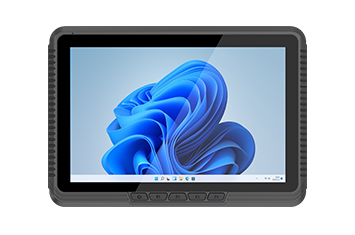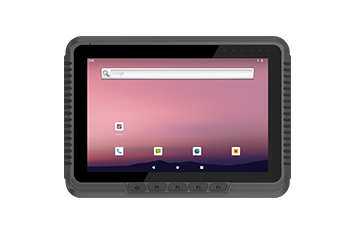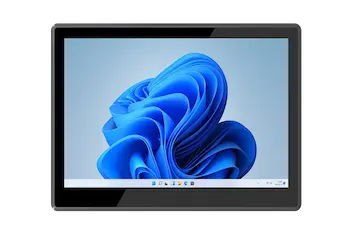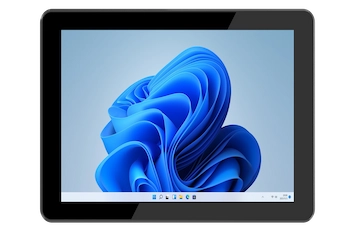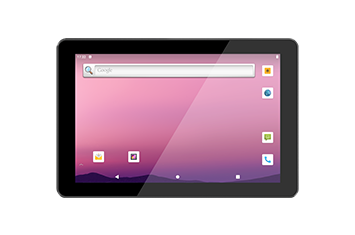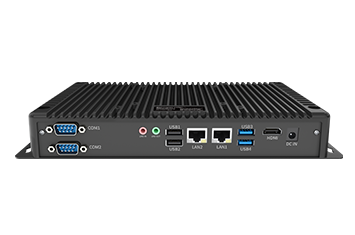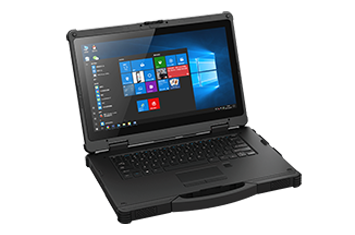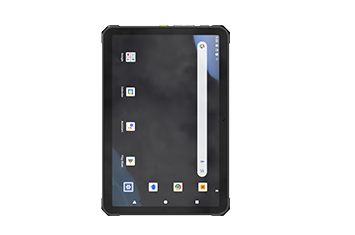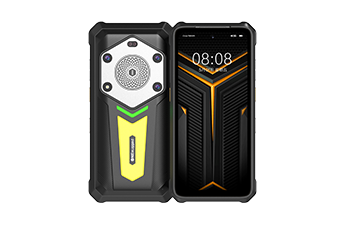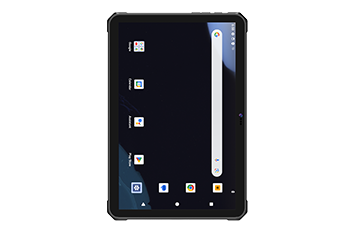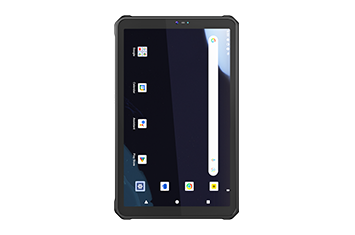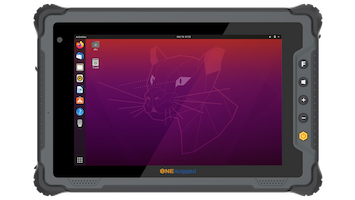

In fast-paced industrial environments like distribution centers, shipping ports, and manufacturing yards, material handling relies entirely on data accuracy. For years, operations managers used permanent, heavy fixed-mount terminal boxes inside vehicle cabs. Today, a more flexible alternative has taken over: the vehicle mount tablet.
Choosing the best vehicle mount tablet is about balancing mobility with survival. When a standard consumer tablet is strapped into a forklift or delivery truck, the relentless mechanical shaking, dust exposure, and fluctuating vehicle power will destroy it within weeks.
To help warehouse managers, logistics directors, and IT specialists make the right choice, this guide breaks down the essential features of a high-performance rugged vehicle tablet and how to choose the right configuration for your fleet.
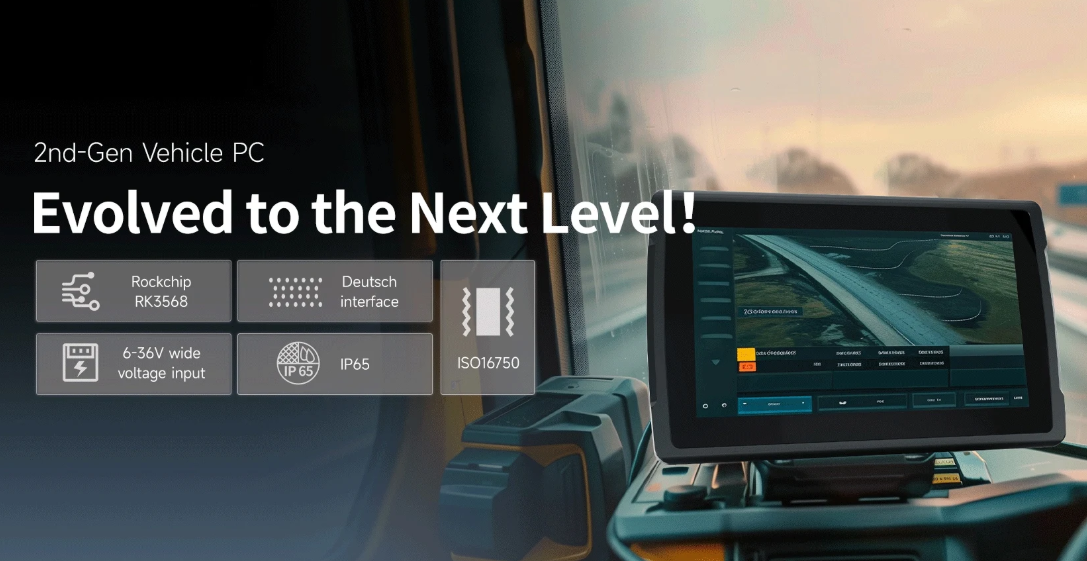
When upgrading material handling fleets, organizations often face a primary architectural question: Should we deploy a traditional fixed-mount unit, or transition to a detachable rugged tablet computer with an industrial cradle?
| Traditional Fixed Computer | VS | Detachable Vehicle Tablet |
|---|---|---|
| Permanently bolted to cab | VS | Snaps into secure vehicle charging dock/cradle |
| Locked to a single vehicle | VS | Detachable for floor work |
| Harder to service quickly | VS | Fast hot-swap maintenance |
| Strict vehicle-only use | VS | Flexible use across scenarios |
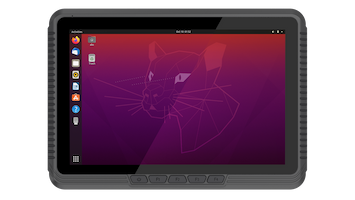
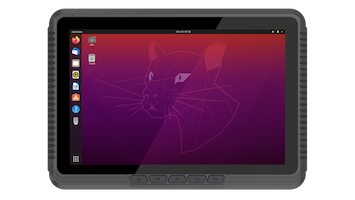
While fixed computers are highly durable, they lock your hardware investment to a single vehicle cab. A detachable vehicle terminal offers a significant advantage in adaptability. Drivers can use the device as a forklift mounted tablet during their primary shift, and then instantly pop it out of the cradle to perform manual inventory audits, snap photos of damaged freight, or sign off on cross-docking manifests on foot.
Furthermore, a detachable industrial tablet with dock streamlines maintenance workflows. If a terminal suffers a software freeze or physical damage, the driver can swap it out for a spare in seconds without taking the entire forklift offline or waiting for a mechanic to unbolt hardware. This dramatically reduces the total cost of ownership (TCO) and keeps logistics moving.
To find the best rugged tablet for forklift mounting or truck fleet deployment, look for these foundational hardware and power specifications:
Forklifts and yard trucks generate unique, low-frequency structural vibrations as they bounce over concrete expansion joints and dock plates. Ensure your device is explicitly certified under the MIL-STD-810H vibration testing standard. This protocol guarantees that internal motherboards, screen connectors, and soldering joints will not fracture or rattle loose under daily mechanical stress.
Additionally, look for an IP65 rating or IP67 ingress protection. This sealing ensures the tablet remains completely impervious to fine dust in wood yards, heavy rain on shipping docks, and high-pressure washdowns in food manufacturing bays.
Connecting sensitive electronics directly to a vehicle's electrical system can introduce major electrical hazards. Electric forklifts cause severe voltage drops during hydraulic lifting maneuvers, while diesel trucks can generate massive electrical spikes upon startup.
| VEHICLE POWER TO TABLET FLOW | ||
|---|---|---|
| Forklift Battery (Voltage Spikes) | → 9V–36V Wide Input (Regulates Current) | → Isolated Power (Surge Protection) |
| ↓ | ||
| Tablet System Core (Safe Smart Shutdown) | ← Smart Ignition Sense (Monitors Vehicle Key) | ← UPS Battery (Zero Data Loss) |
The best industrial vehicle tablets utilize specialized in-cab power architectures to prevent hardware failure:
Wide Voltage Range: A native 9V-36V DC power input allows direct connection to standard vehicle batteries without bulky adapters.
Electrical Isolation: An isolated power supply converter and built-in surge protection circuit shield the tablet’s components from overvoltage threats during vehicle ignition.
Ignition Sense Control: This feature monitors the vehicle's key state. When the driver turns off the engine, the tablet registers the change and initiates a clean, automated software shutdown sequence rather than abruptly losing power or draining the vehicle's battery over a weekend.
Internal Backup Battery: An integrated UPS battery keeps the tablet running through routine truck battery changes, maintaining your software session and eliminating time-wasting reboots.
Vehicle operators cross constantly between dark warehouse bays and blazing outdoor sunlight. To maintain legibility, a sunlight readable 1000 nits display paired with an auto-dimming sensor is essential. The tablet should automatically dim in dark aisles to prevent driver eye strain and ramp up to maximum brightness outdoors.
| INDUSTRIAL TOUCHSCREEN DECISION | |
|---|---|
| RESISTIVE TOUCH SCREEN | PROJECTED CAPACITIVE (PCAP) |
| - Pressure-based entry - Works with thickest gloves - Immune to raindrops - Ideal for harsh industry | - Multi-touch smartphone experience - Extremely responsive - Needs specialized mode (glove/wet) - Superior optical clarity |
When deciding between a resistive vs. capacitive touch screen, evaluate your operational environment. While capacitive screens offer smooth multi-touch gestures, a specialized glove-and-rain touch mode is mandatory if drivers operate in wet outdoor settings or wear thick work gloves.
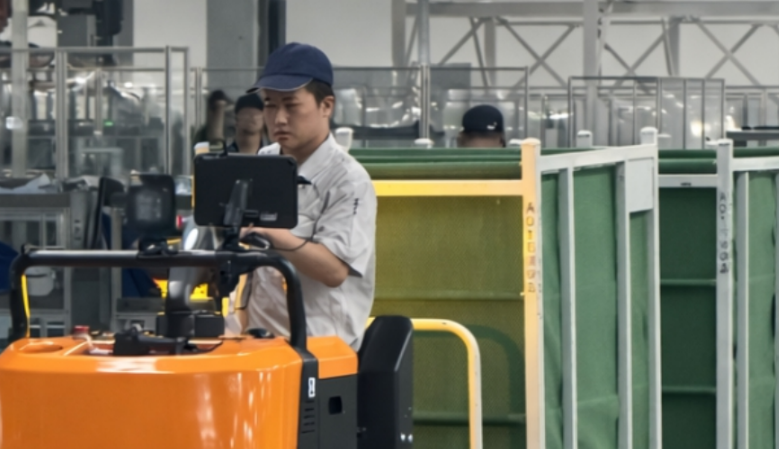
Industrial tablets serve as the primary operational hub across various sectors, optimizing warehouse material handling and long-range fleet logistics.
Inside modern fulfillment centers, a forklift tablet ensures rapid inventory management synchronization. Armed with integrated 2D barcode scanning and high-powered UHF RFID reading modules, forklift drivers can pull up to a pallet, scan it from the cab, and receive real-time routing instructions via their warehouse management system (WMS). To prevent frustrating software disconnects when moving through dense metal racking, look for devices engineered with seamless Wi-Fi roaming capabilities.
Moving a vehicle from a -20°F deep freeze out to a humid loading dock creates immediate condensation on electronic glass and chassis walls. Industrial tablets designed for cold chains employ a fanless design to eliminate internal air circulation and incorporate sealed internal components to prevent thermal shock and screen fogging, keeping the device responsive throughout the shift.
For operations scaling across massive container yards or rail freight hubs, terminal mobility requires wide-area cellular connectivity. A rugged tablet computer for truck setups can leverage integrated high-precision GPS navigation alongside dual pass-through antenna connectivity. This pass-through allows the cradled tablet to use roof-mounted external antennas on the vehicle cab, delivering reliable real-time asset tracking even in weak signal areas.
| Operational Requirement | Consumer Tablet with Case | Onerugged Vehicle Mount Tablet |
| Mechanical Integrity | Fragile plastic tabs; internal solder fatigue | MIL-STD-810H vibration testing certified |
| Environmental Protection | Unsealed ports invite dust and liquid damage | Rugged IP65 rating / IP67 ingress protection |
| Power Management | Drains tablet battery; prone to cable damage | 9V-36V DC power input with ignition sense control |
| Screen Outdoor Use | Screen washes out; severe glass reflections | Sunlight readable 1000 nits display |
| Industrial Connectivity | Weak consumer Wi-Fi; no antenna pass-through | Seamless Wi-Fi roaming and external antenna support |
Constant charging inside a hot vehicle cab is the primary cause of battery swelling in consumer tablets. Purpose-built vehicle tablets handle this through smart thermal design and charge-limiting software modules. Many industrial solutions, like those from Onerugged, allow the tablet to run directly off vehicle power via the dock, bypassing or regulating the battery charge cycle entirely when docked to protect battery health.
It depends on user behavior. A resistive touchscreen responds to physical pressure, making it highly reliable when operators wear heavy, insulated industrial gloves or work in pouring rain. A multi-touch capacitive screen provides a modern, responsive smartphone-like experience but requires a specialized glove-and-rain touch mode to prevent false inputs when exposed to moisture.
As forklifts speed between warehouse aisles, they frequently pass between different wireless access points. Consumer devices often latch onto a weak, distant access point until it completely drops, causing data loss. Industrial vehicle tablets are built with specialized network cards configured for aggressive, seamless Wi-Fi roaming, allowing them to switch seamlessly to the closest access point without losing connection to the WMS.
Deploying the right vehicle hardware requires a balance of physical durability, smart electrical integration, and reliable network connectivity. Onerugged specializes in engineering purpose-built enterprise mobility hardware designed to withstand the toughest industrial workflows.
From forklift mounted tablet installations in freezing distribution centers to long-haul rugged tablet computer for truck deployments, Onerugged systems feature military-grade vibration resistance, wide range power inputs, and high-brightness touch displays. Protect your data pipeline and eliminate terminal downtime across your fleet.
Discover Onerugged’s rugged computing solutions, enterprise deployment services, industrial application cases, and customized mobility strategies for warehouse, manufacturing, logistics, and field operations.