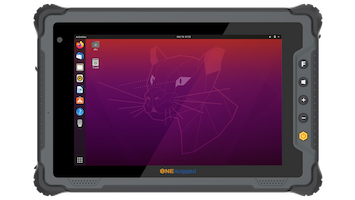

Managing a modern commercial fleet is a massive logistical puzzle. Whether you are overseeing yard mules at a bustling shipping port, tracking delivery trucks across the country, or coordinating forklifts in a sprawling fulfillment hub, your operations depend entirely on data.
Historically, fleet operators relied on basic consumer tablets or standard laptops to push route updates and manage inventory. However, these fragile office-grade devices frequently fail due to constant vibration, extreme temperatures, and dusty environments.
To achieve flawless warehouse management system (WMS) integration and guarantee zero communication dropouts, logistics leaders are shifting to a specialized solution: the rugged in-vehicle PC.
But what makes a vehicle pc for fleet management so critical to your bottom line, and what features should you look for?

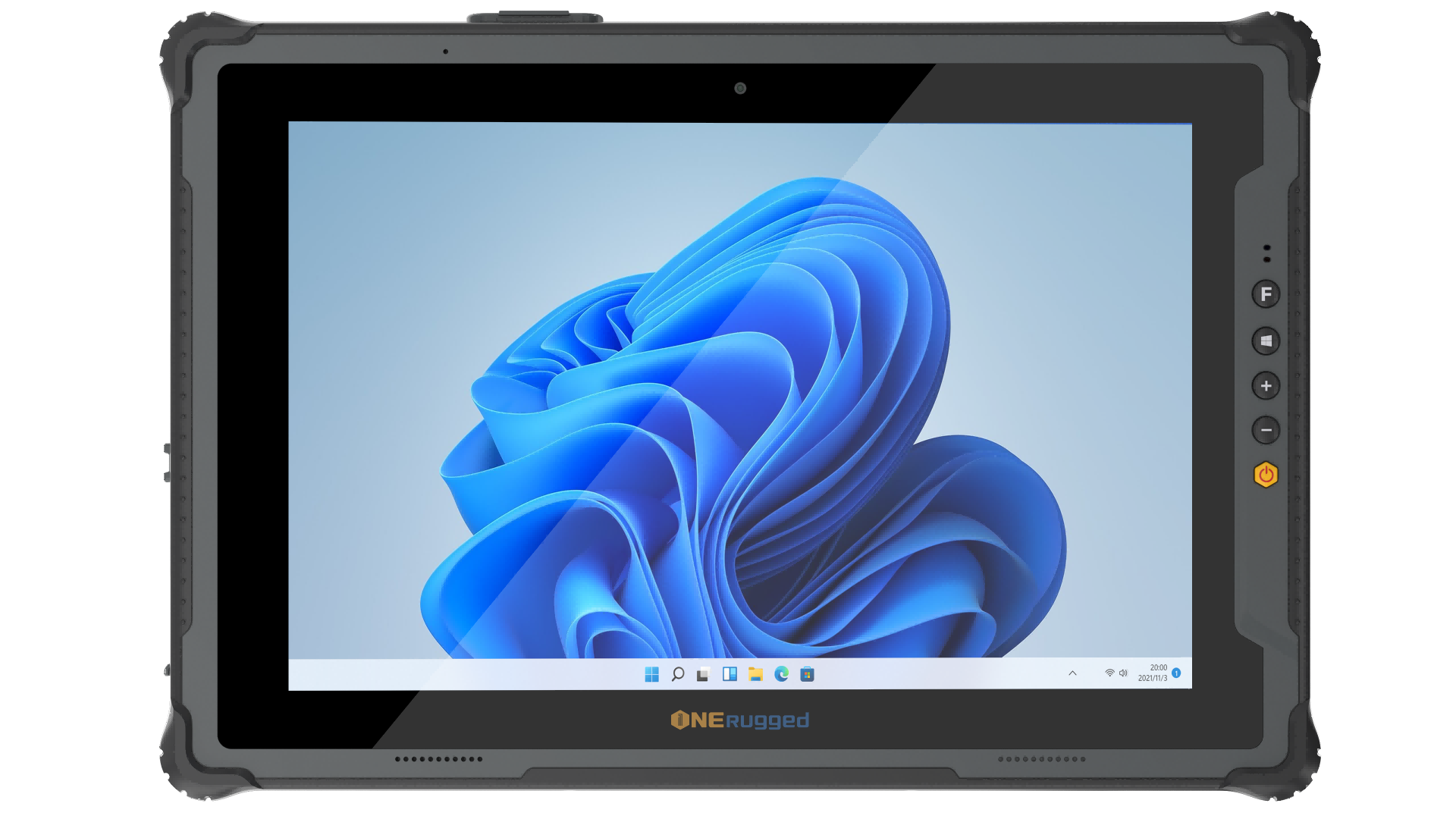
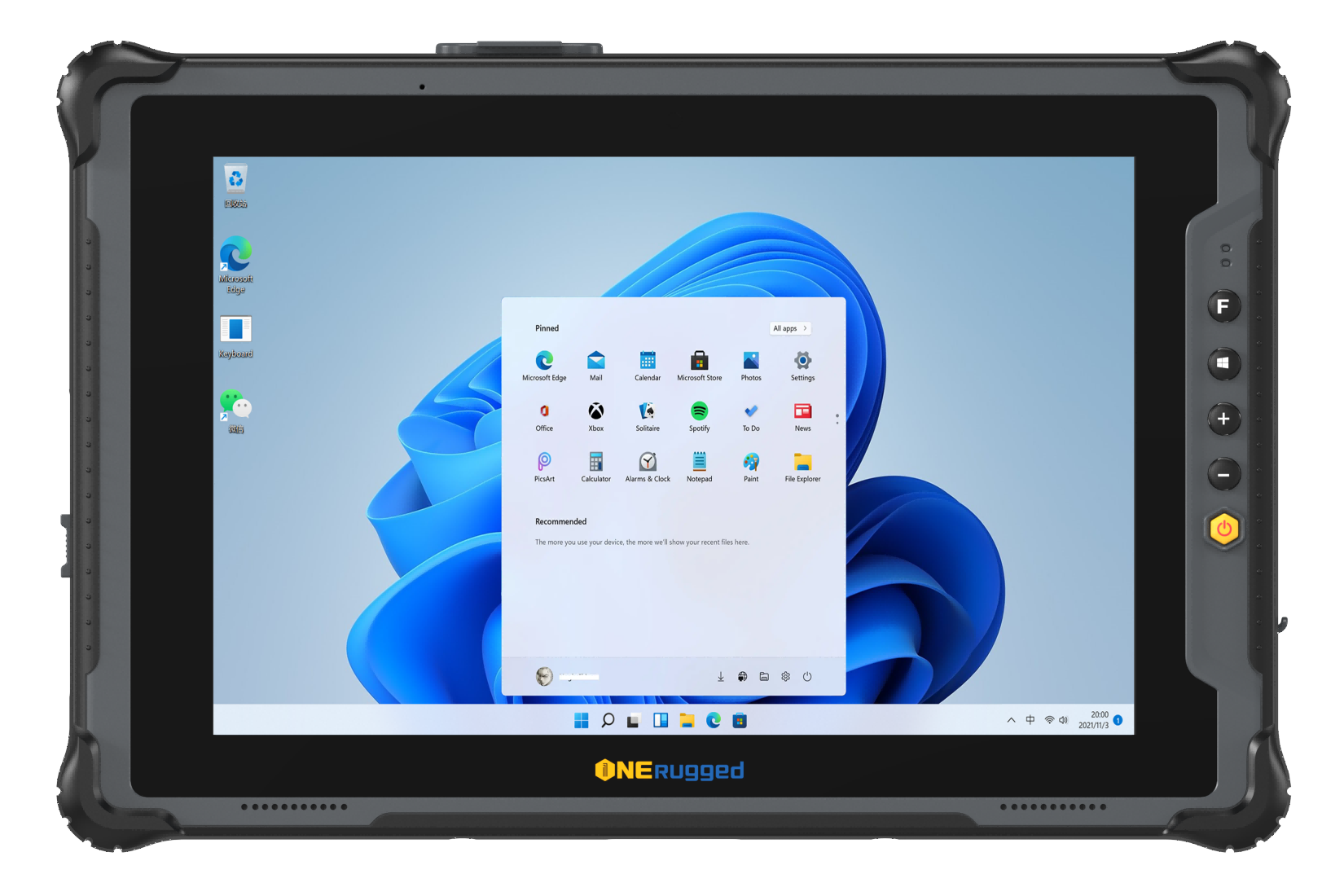
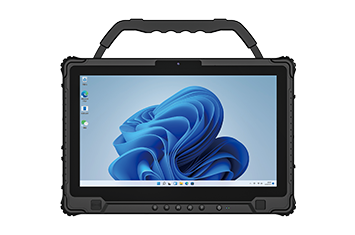
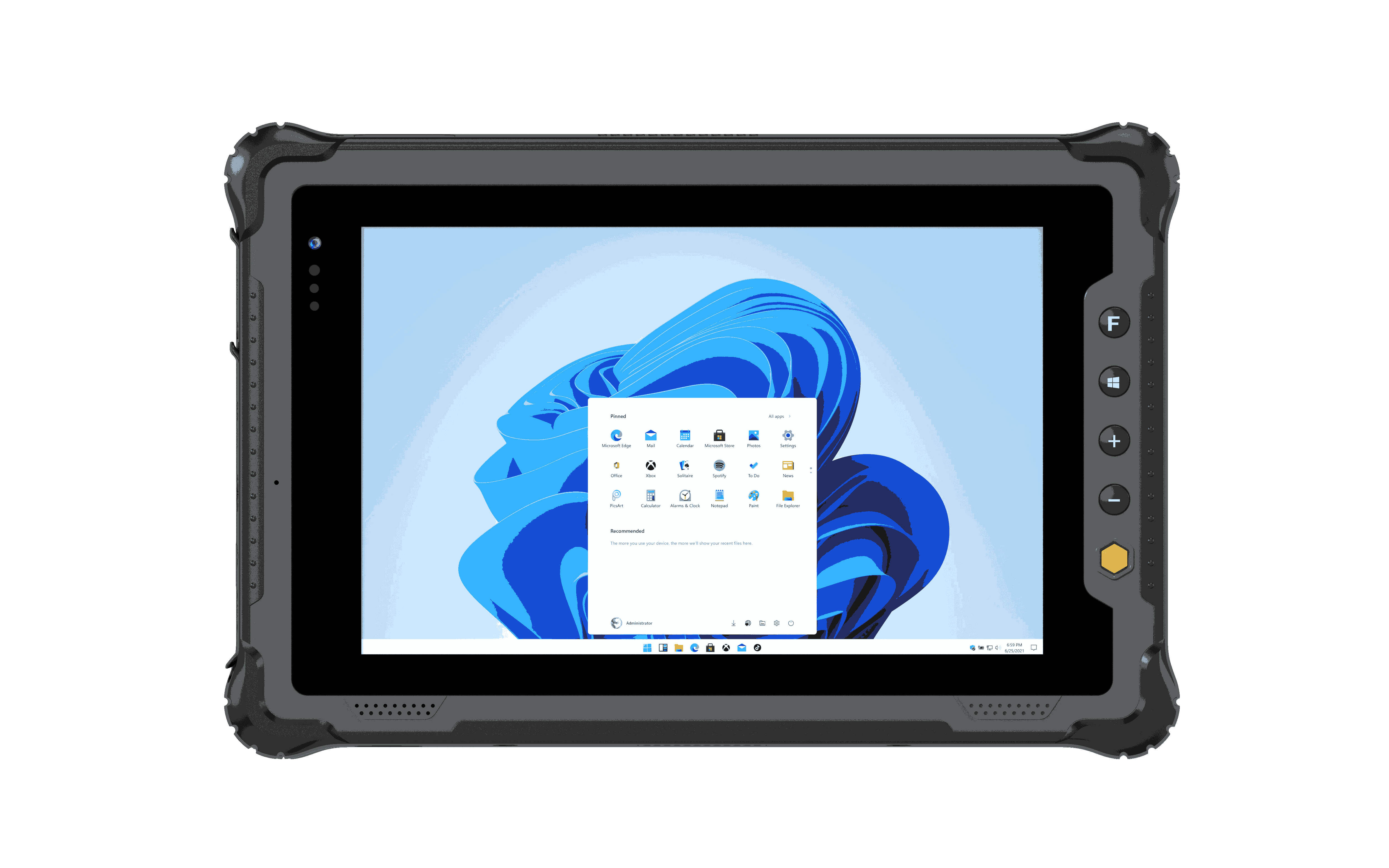
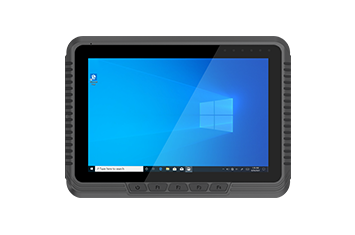
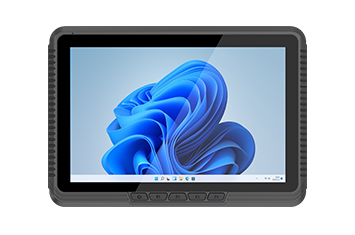
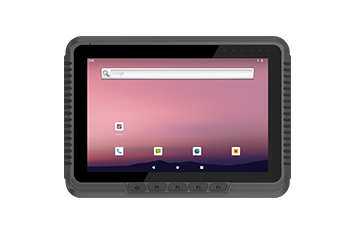
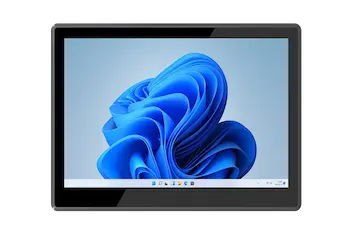
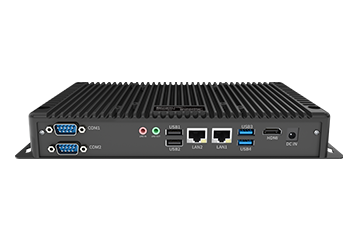
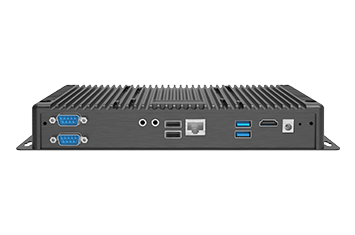
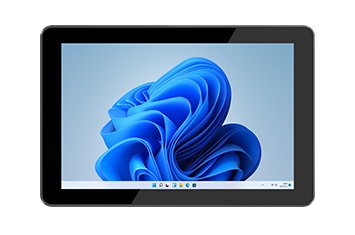
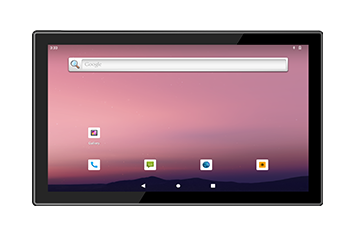
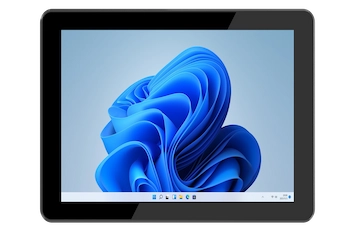
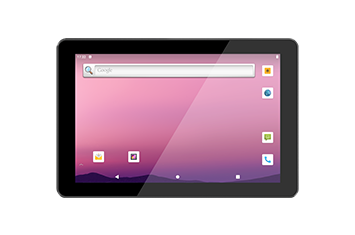
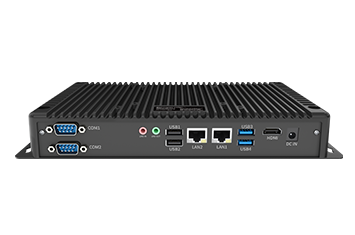
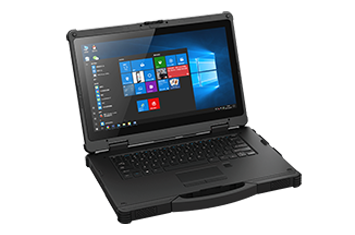
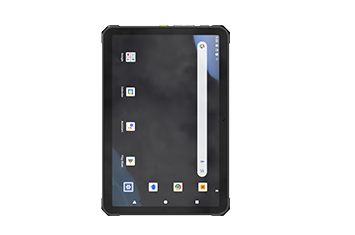
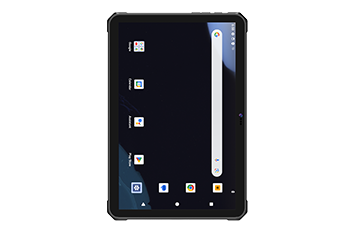
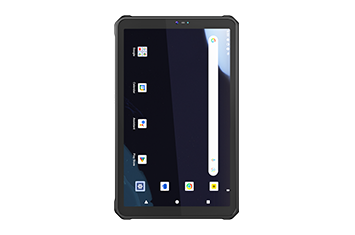
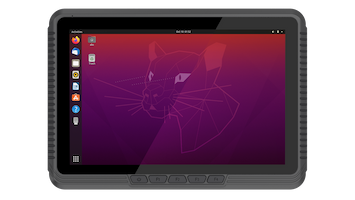
A vehicle pc for fleet management—often referred to in the industry as a mobile data terminal (MDT) or a ruggedized vehicle workstation—is an industrial-grade computer permanently or semi-permanently mounted inside a vehicle cab.
Unlike a standard consumer tablet wrapped in a plastic case, these machines are built from the ground up out of rugged materials like a die-cast aluminum enclosure. They act as the primary operational hub for the driver, continuously syncing vehicle logistics, tracking assets, and handling heavy picking workflows.
If you are evaluating hardware upgrades for your material handling or transport fleet, three primary features make a purpose-built vehicle-mount computer superior to consumer alternatives:
As forklifts and yard trucks speed between tall metal racking or move from indoor bays to outdoor staging areas, standard consumer devices frequently lose their internet connection. This drops your data sync, halting your picking queues and slowing down cross-docking logistics tracking.
Industrial fleet PCs solve this through Wi-Fi 6E seamless roaming capabilities and high-speed 5G NR sub-6GHz cellular connectivity. Furthermore, they feature dual-channel external pass-through antenna connections. This allows the computer inside the metal vehicle cab to connect directly to high-gain antennas mounted externally on the vehicle's roof, pulling in weak signals from miles away.
Industrial vehicles are notoriously tough on computer power supplies. Electric forklifts generate massive voltage drops when lifting heavy pallets, while diesel trucks create sudden electrical spikes when starting their engines.
An office laptop plugged into a forklift will quickly suffer from motherboard burnout. The best vehicle pc for fleet management features a 9V-60V DC wide-range power supply alongside a galvanically isolated power circuit. This protective barrier acts as a shield against power surges. Additionally, an internal uninterrupted power supply (UPS) battery keeps the computer running during standard vehicle battery swaps, preserving the driver's software session.
In cold storage facility deployment, vehicles move constantly between sub-zero freezers and humid loading docks. This abrupt environmental change causes immediate screen condensation and frost to coat standard glass screens, making them completely unreadable.
Industrial terminals overcome this by integrating a thermal management system featuring an integrated screen defroster heater. This internal element automatically warms up the display, instantly evaporating moisture and fog to keep the forklift mounted display readable and responsive for the operator throughout their entire shift.
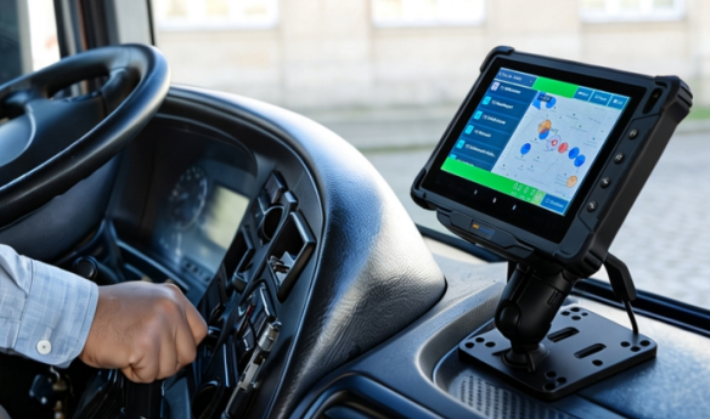
When shopping for the right terminal to support your material handling equipment, look for these baseline structural specifications:
Military-Grade Durability: Look for MIL-STD-810H shock and vibration testing certification and an IK08 impact resistance rating. This ensures the computer will not rattle to pieces or suffer structural cracks when bouncing over concrete dock plates all day.
Sealed Enclosure: Ensure the terminal carries an IP66 dust-proof rating or higher. A fanless passive thermal cooling design ensures there are no open cooling fans to suck metallic dust, dirt, or moisture into the computer's core circuitry.
Glove-Friendly Touchscreens: Drivers need to input data rapidly without removing safety gear. Look for a 1000 nits sunlight readable display with optical bonding technology and an anti-glare armored glass face. The touch digitizer should feature a highly sensitive multi-touch projective capacitive (PCAP) screen or a heavy-duty resistive touch screen that responds perfectly to thick work gloves.
Deploying hundreds of computers across an enterprise fleet requires effortless IT oversight and absolute driver safety.
Industrial vehicle computers support major mobile device management (MDM) tools like SOTI MobiControl and Ivanti Wavelink. This allows IT staff to push over-the-air software updates, launch Terminal Emulation (TE) software for legacy mainframe tasks, and lock down the computer's operating system via a secure software lock.
To protect operators, these systems support screen blanking motion sensors. The moment the vehicle shifts into drive, the computer screen blanking feature activates, temporarily hiding distracting application windows to keep the driver's eyes securely on the warehouse floor or road ahead.
| Operational Feature | Consumer Tablet in Commercial Use | Rugged In-Vehicle PC |
| Vibration Survival | High failure rate; internal parts rattle loose | Built to MIL-STD-810H standards; highly durable |
| Power Protection | Highly vulnerable to forklift electrical voltage spikes | Galvanically isolated power circuit with UPS backup |
| Sealing Level | Charging ports open to dust and moisture | Completely sealed fanless passive thermal cooling |
| Screen Clarity | Screens wash out in sunlight; prone to fogging | 1000 nits high-brightness screen with built-in defroster |
| Mounting Standard | Plastic clips; prone to breaking in vehicle cabs | Heavy-duty VESA 75/100 mounting brackets |
Industrial fleet operations frequently span highly volatile micro-climates—ranging from sub-zero blast freezers to dusty, un-airconditioned cross-docks. Enterprise-grade mobile data terminals adapt by dropping mechanical cooling fans entirely. Instead, they leverage sealed, fanless designs and advanced thermal management circuits to prevent internal air exchange. This design ensures that airborne particulates, moisture, and corrosive chemical washdowns cannot penetrate the chassis, allowing companies to easily comply with stringent industrial safety and sanitation standards.
Unlike office settings, an industrial vehicle’s electrical environment is highly unstable. Heavy material handling equipment creates extreme voltage drops during heavy hydraulic lifting and massive electrical surges upon engine ignition. Enterprise-grade vehicle computers protect the broader digital infrastructure by isolating their power supplies and managing startup current. By bridging these electrical gaps locally within the cab, organizations prevent hardware burnouts and protect expensive central mainframes from data corruption caused by abrupt client-side disconnects.
In a competitive market, you cannot afford to have your material handling equipment sitting idle due to broken, unresponsive computer screens or dropped wireless networks. Investing in a purpose-built vehicle pc for fleet management is a strategic decision that protects your data pipeline, ensures worker safety, and keeps your supply chain running smoothly.
Discover Onerugged’s rugged computing solutions, enterprise deployment services, industrial application cases, and customized mobility strategies for warehouse, manufacturing, logistics, and field operations.