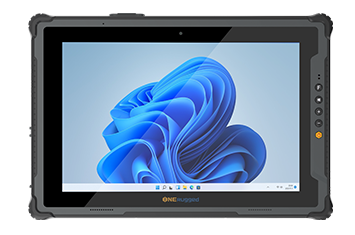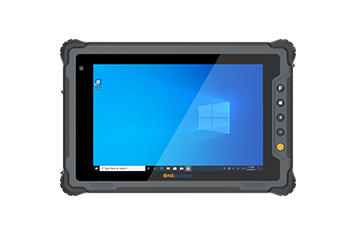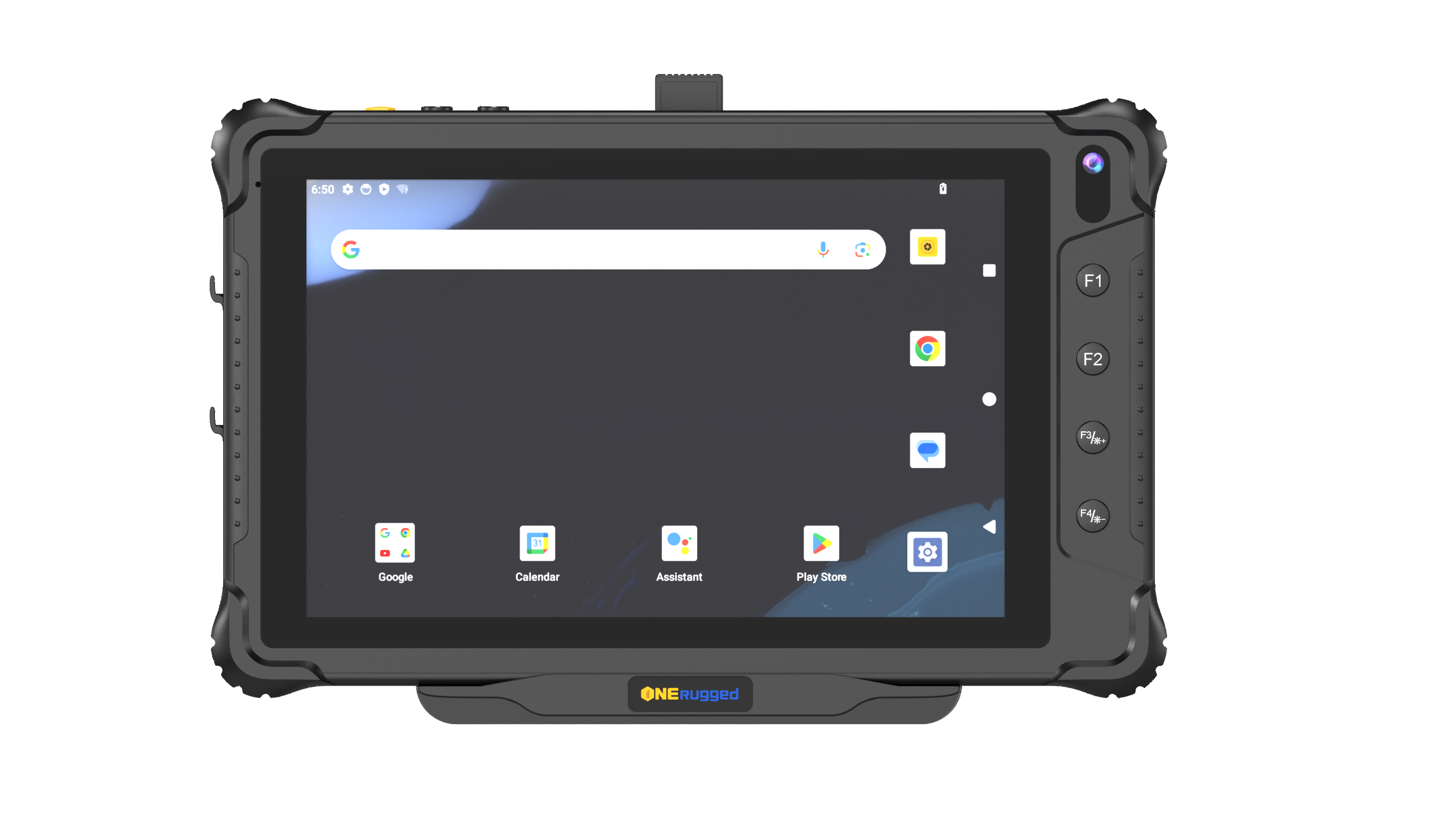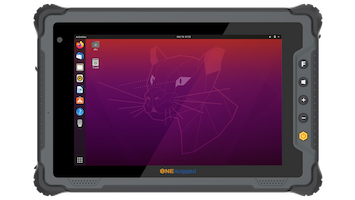

For industrial solution architects and construction project managers, equipping field engineering teams with reliable mobile computing hardware is a mission-critical operational decision. The modern job site is a hostile environment for standard electronics. Deploying fragile, consumer-grade notebooks enclosed in aftermarket plastic cases inevitably leads to catastrophic hardware failure, corrupted project files, and severe schedule delays.
As the industry accelerates its digital transformation, heavy reliance on Building Information Modeling (BIM) and decentralized cloud collaboration requires a purpose-built rugged laptop for construction. Operating as a specialized enterprise field notebook, these highly durable devices bridge the gap between digital architectural planning and the physical realities of the active job site, ensuring seamless data flow from the trailer to the scaffolding.

To qualify as a true fully rugged laptop, a device must move beyond superficial aesthetics and incorporate enterprise-grade structural engineering. Procurement teams must evaluate hardware against strict environmental survivability standards to ensure a low Total Cost of Ownership (TCO).
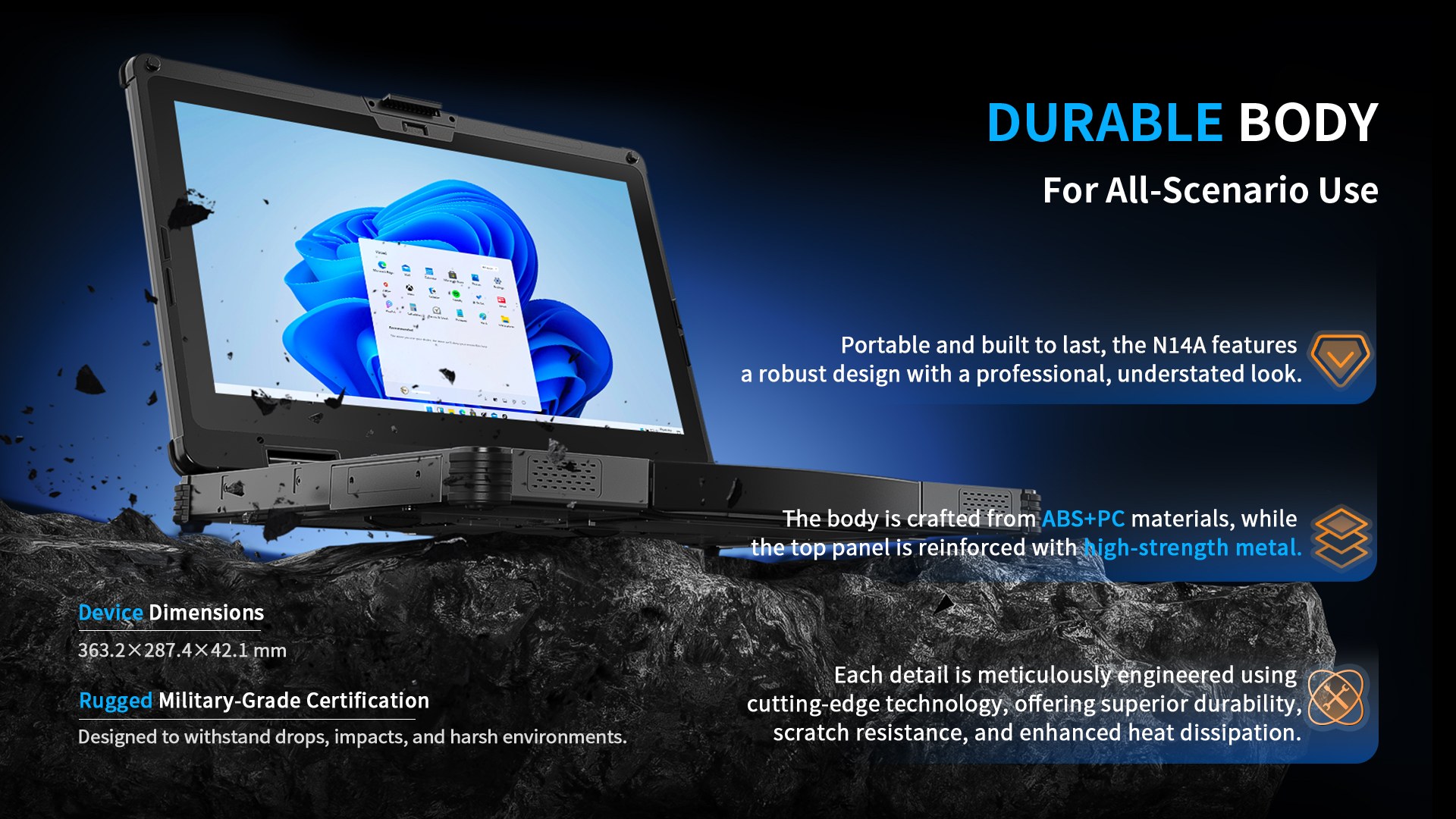
Construction environments are defined by kinetic impacts, extreme temperatures, and severe particulate exposure. A deployment-ready ruggedized construction laptop must feature a reinforced magnesium alloy chassis and possess MIL-STD-810H certification, guaranteeing extreme vibration resistance and survival during a direct drop resistance to concrete.
Furthermore, fine cement dust and unpredictable weather require absolute environmental sealing. Industrial laptops utilize a fanless thermal design combined with IP65 ingress protection or IP66 water resistant ratings. By employing seamlessly sealed I/O ports, these devices prevent corrosive dust and driving rain from short-circuiting the internal motherboard.
Reviewing structural plans under direct, blinding sunlight is impossible on a consumer screen. An effective construction site laptop features an optically bonded, sunlight readable display outputting 1000+ nits of brightness. Because safety compliance dictates the use of heavy personal protective equipment (PPE), the digitizer must support capacitive glove touch and rain mode touch, ensuring foremen can interact with the software during torrential downpours.
A rugged mobile workstation is only as effective as its ability to execute heavy enterprise software at the edge. Standardizing your enterprise mobility architecture requires hardware that empowers specific field
workflows:
BIM and Architectural Rendering: Running complex BIM software requires immense localized processing power. Equipping devices with an Intel Core Ultra processor enables seamless 3D model rendering and smooth manipulation of massive CAD files directly on the job site.
Digital Blueprinting and Inspections: To facilitate structural inspection and rapid revisions, hardware must feature AutoCAD compatibility and deep integration with tools like Bluebeam Revu and Procore integration. The inclusion of an active digitizer stylus allows field engineers to execute precise digital blueprint markup and capture compliant electronic signatures.
Continuous Power Delivery: Concrete pours and heavy lifts do not pause for recharging cycles. A true industrial laptop utilizes a hot-swappable dual battery architecture, allowing workers to exchange depleted power cells mid-shift to guarantee continuous uptime.
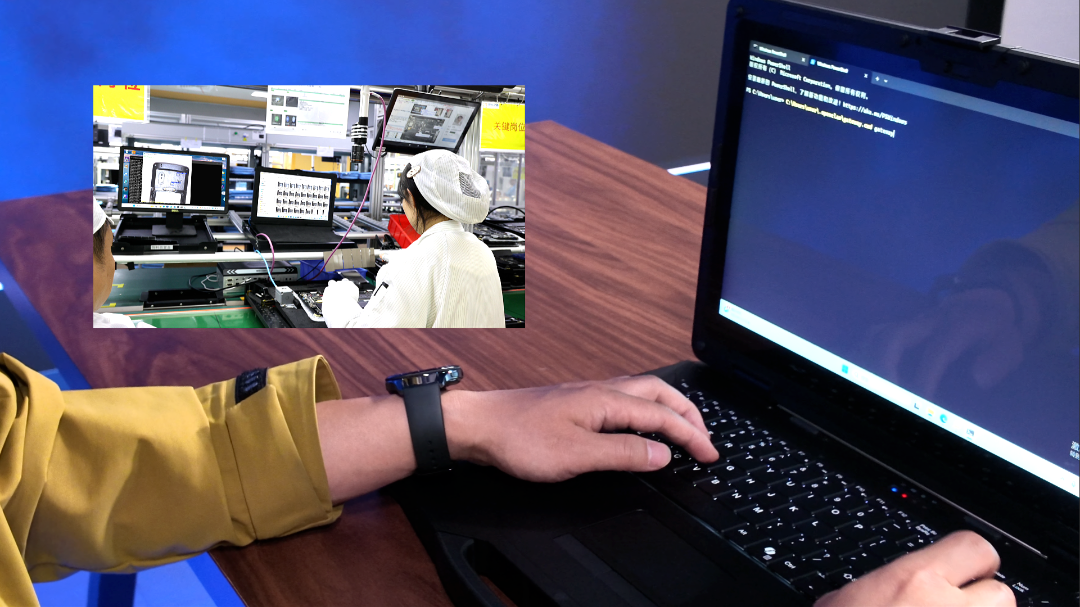
When conducting an asset evaluation, IT directors quickly find that the frequent replacement costs and downtime associated with consumer hardware vastly outweigh their lower initial capital expenditure.
| Feature Specification | Standard Commercial Laptop | Fully Rugged Construction Laptop |
| Environmental Protection | Unsealed vents; highly vulnerable to cement dust | IP65/IP66 rated; impervious to dust and driving rain |
| Durability Standard | Fragile plastic/aluminum; shatters upon dropping | MIL-STD-810H; survives 4-to-6 foot drops to concrete |
| Display Visibility | 300–400 nits; high glare in direct sunlight | 1000+ nits; anti-glare, glove/wet-touch capable |
| Power Architecture | Internal sealed battery; requires wall tethering | Hot-swappable dual battery for 24/7 continuous operation |
| Peripheral Integration | USB-C only; relies on fragile dongles | Native RS232, RJ45, and dedicated smart card readers |
While legacy brands like Panasonic and Getac have historically dominated the rugged space, modern construction firms require devices that balance extreme durability with modern processing architecture and lightweight ergonomics.
For enterprise IT teams outfitting field engineers, the
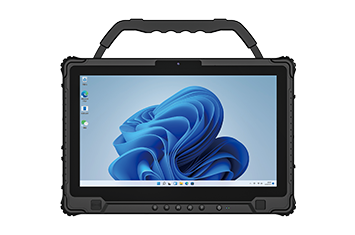
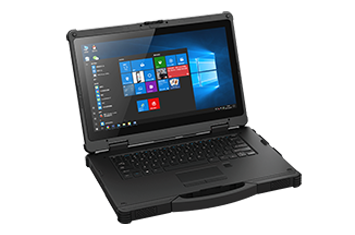
Powered by a 12th Gen Intel Core processor, the N14A effortlessly handles heavy data payloads, making it ideal for processing drone mapping telemetry or executing heavy machinery diagnostics. With its robust hot-swappable battery system, native legacy I/O ports, and fast roaming Wi-Fi, the N14A serves as a centralized, uncompromised digital command center for any active job site.
Because field laptops operate outside the corporate firewall and often contain highly proprietary architectural blueprints, they must integrate advanced endpoint security frameworks.
Deploying a heavy-duty construction computer requires deep IT integration. Native TPM 2.0 hardware security cryptographically secures user credentials, while secure boot sequences prevent unauthorized rootkits from hijacking the device. Furthermore, deep compatibility with premier Mobile Device Management (MDM) platforms allows IT administrators to push over-the-air (OTA) updates, enforce application whitelisting, and execute precise asset lifecycle management across a decentralized contractor fleet.
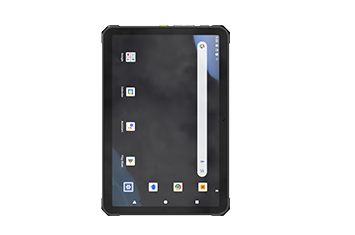
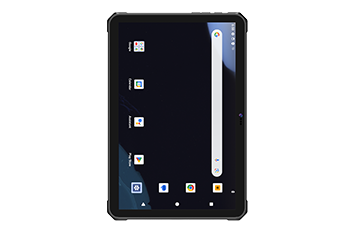
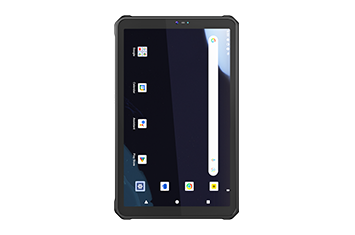
While rugged tablets are excellent for highly mobile checklists and quick photo documentation, a fully rugged laptop provides a physical keyboard and larger screen real estate (14 to 15.6 inches). This is absolutely necessary for writing extensive field reports, executing heavy equipment maintenance programming, and navigating complex structural CAD files that require precise keyboard shortcuts.
Industrial touchscreens utilize specialized digitizer controllers that project a stronger electromagnetic field above the surface of the glass. This allows the screen to register the electrical capacitance of a human finger even through thick leather or rubber safety gloves, ensuring workers do not have to remove their PPE to interact with the software.
Yes. Unlike commercial laptops that rely on unreliable USB adapters, an enterprise rugged laptop features native, hardwired DB9 (RS232) serial ports and RJ45 ethernet ports. This ensures stable, zero-latency connections during critical firmware flashes or when downloading telemetry from total station surveying equipment.
In the high-stakes environment of heavy construction, technology must be as resilient as the steel and concrete you are building with. Transitioning from fragile commercial electronics to purpose-built, heavily armored mobile computing platforms is the most effective strategy to eliminate hardware-induced downtime and accelerate your project timelines.
Discover how the
Discover Onerugged’s rugged computing solutions, enterprise deployment services, industrial application cases, and customized mobility strategies for warehouse, manufacturing, logistics, and field operations.