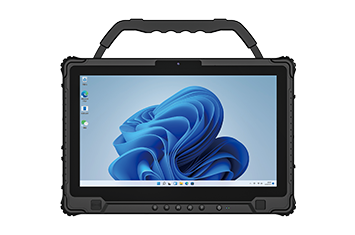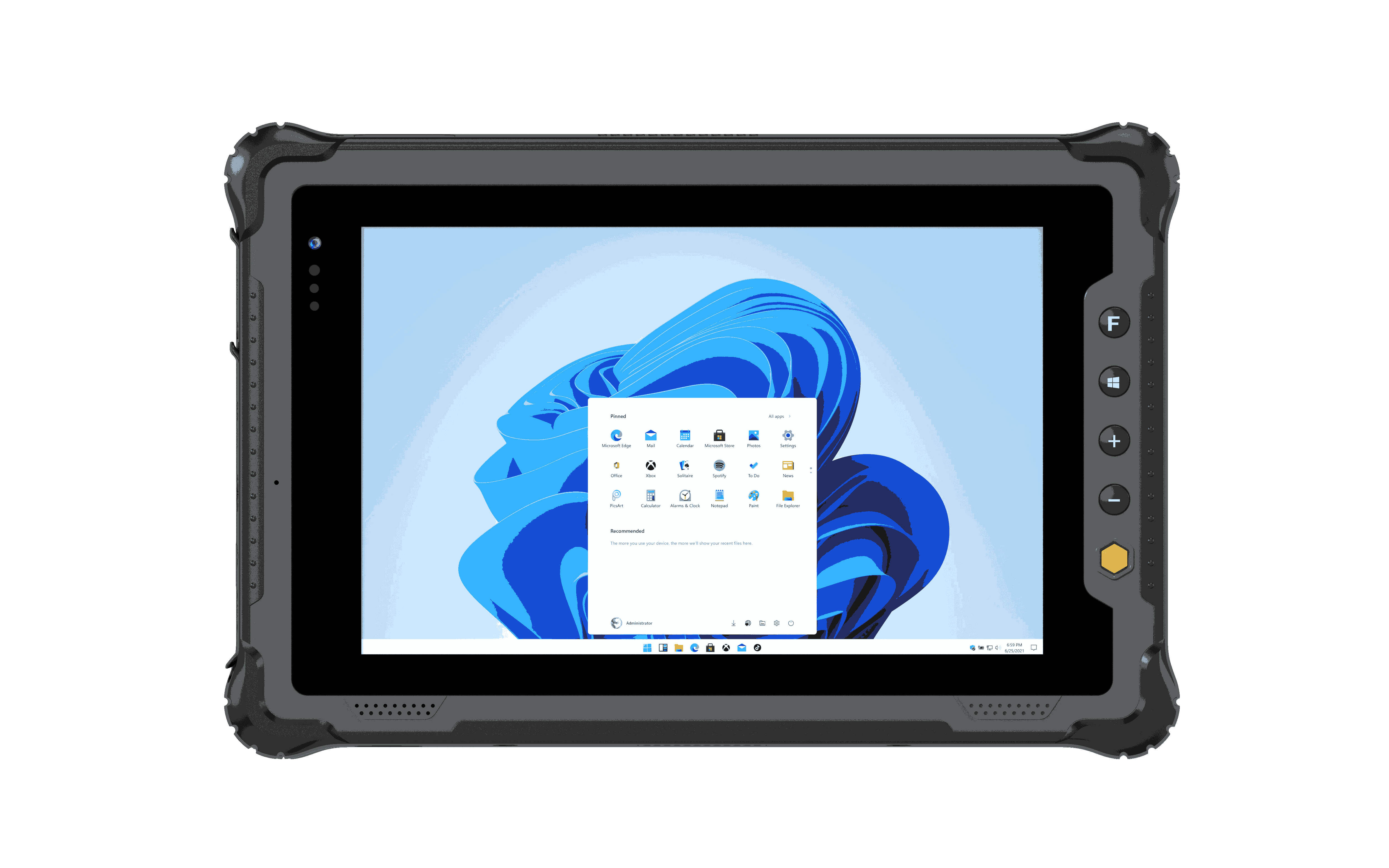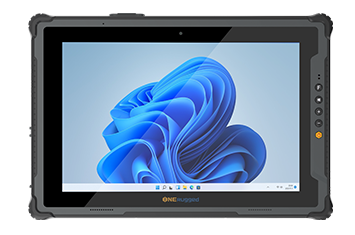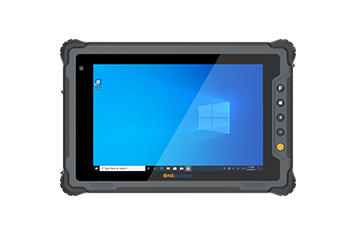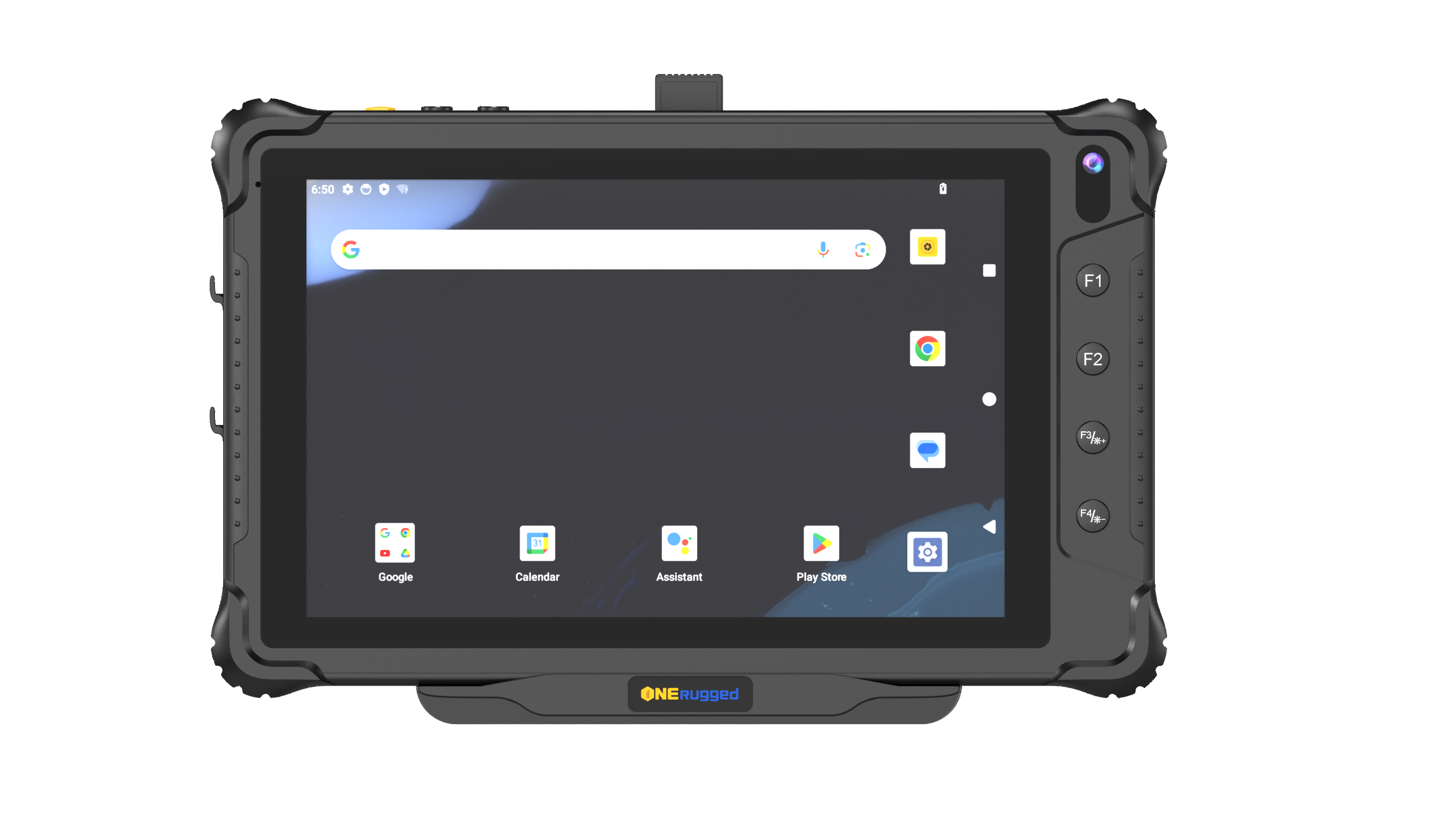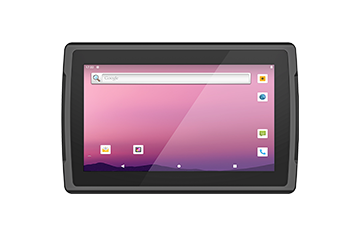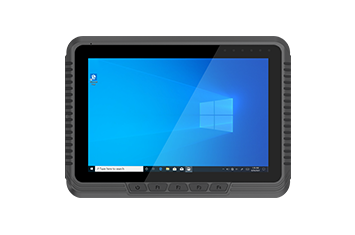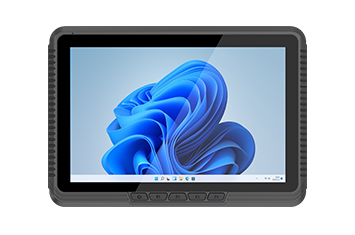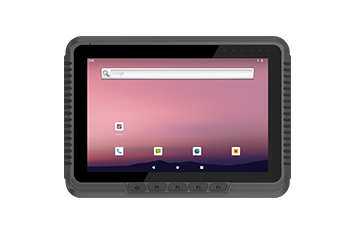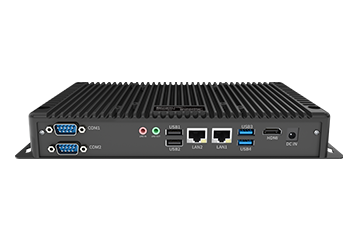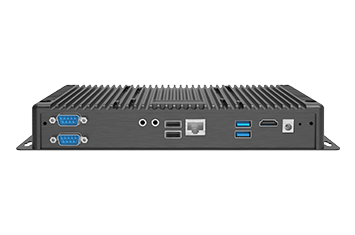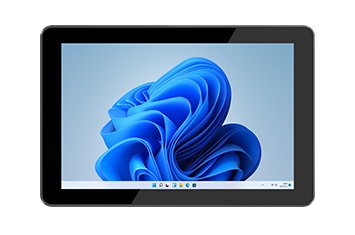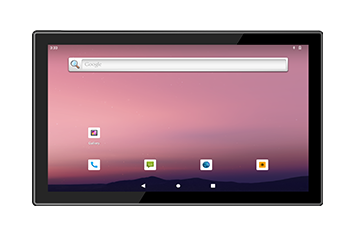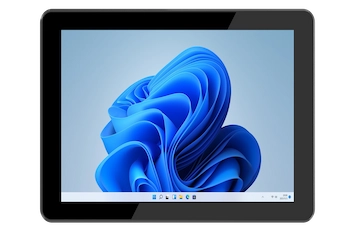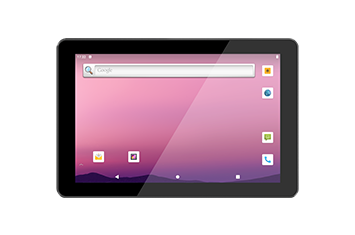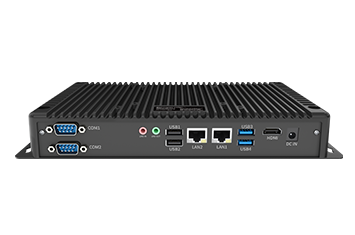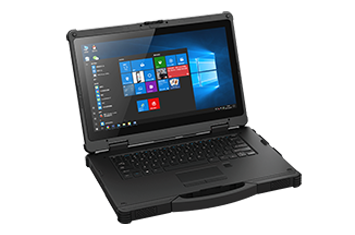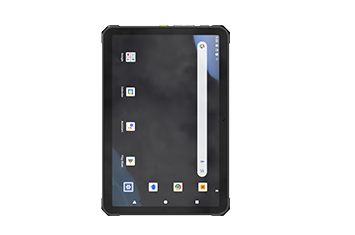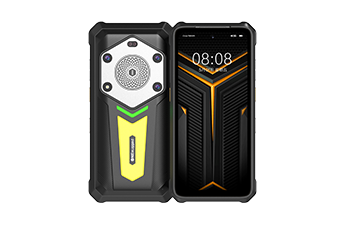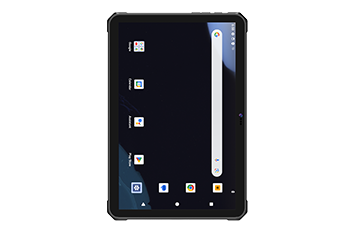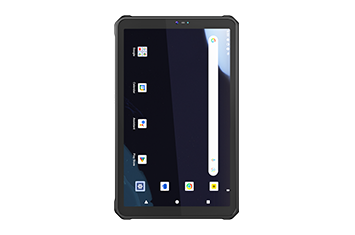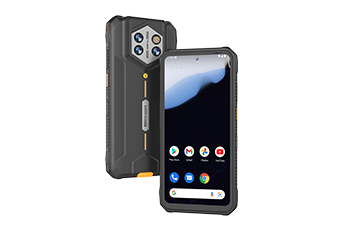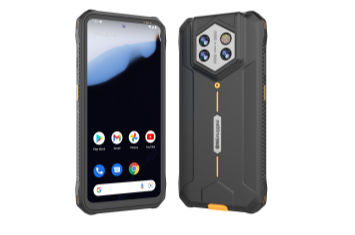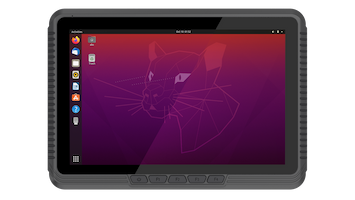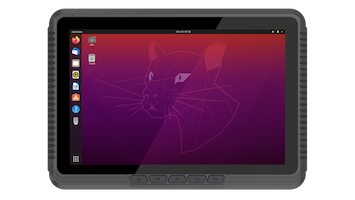
In enterprise sectors like supply chain logistics, smart manufacturing, retail operations, utilities, and field services, frontline productivity is tied directly to mobile edge data. Rugged tablets, industrial laptops, and handheld rugged PDAs serve as the physical backbone for these distributed workflows.
Yet, as enterprise mobile fleets expand across multiple geographies, IT directors and operations managers frequently run into severe friction points:
Stalled Provisioning: New hardware arrivals bottleneck at IT stations due to repetitive, manual configuration processes.
Field Diagnostics Blind Spots: Remote hardware failures lead to prolonged operational downtime because off-site engineers lack visibility into the root cause.
Compliance & Security Drift: Unregulated end-user modifications and unauthorized application installations compromise enterprise data integrity.
Escalating Maintenance Costs: The absence of a centralized, visual endpoint management infrastructure drives up the total cost of ownership (TCO).
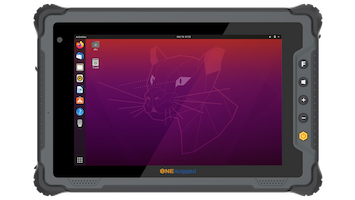
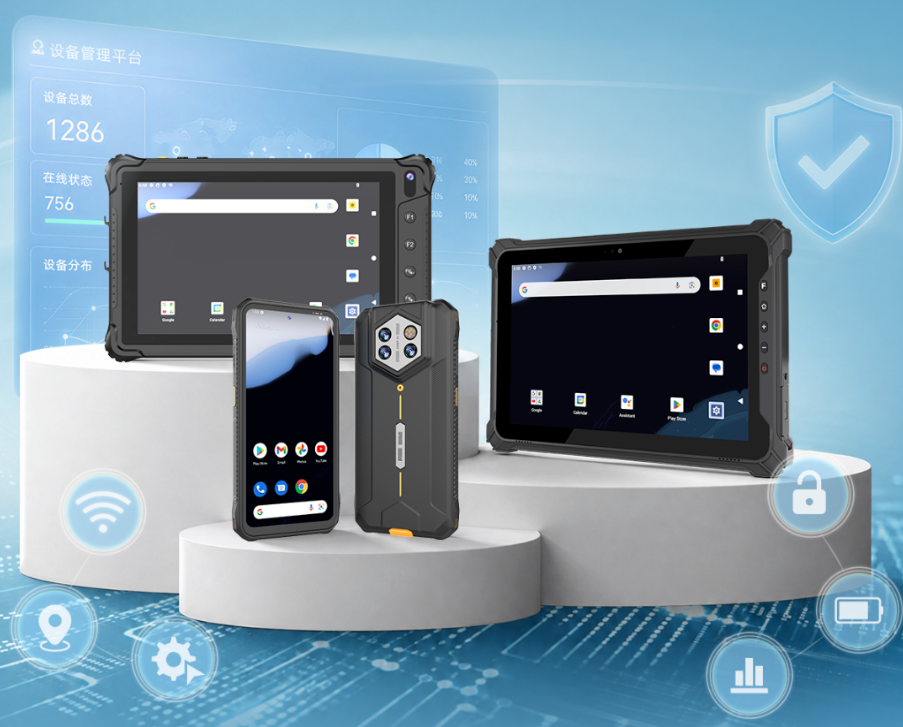
When enterprise mobility setups experience these operational bottlenecks, the hardware itself is often blamed. However, the true culprit is rarely the build quality of the device—it is the deployment of generic Mobile Device Management (MDM) software that fails to account for the unique demands of industrial environments. To maximize field asset uptime, organizations require an industrial-grade solution like Emdoor Rugged MDM, integrated seamlessly with ruggedized hardware ecosystems like Onerugged terminals.
Standard, consumer-focused MDM platforms are built for office environments with stable Wi-Fi network architectures. They struggle to handle the erratic connectivity, extreme physical settings, and specialized application frameworks of industrial operations.
| Operational Dimension | Standard Consumer MDM | Emdoor Industrial Rugged MDM |
| Enrollment Speed | Manual user sign-in or individual QR scanning | Zero-Touch Enrollment via instant network check-in |
| System Modification | Superficial settings adjustment only | Hard lock of notification bars, Bluetooth, and physical triggers |
| Application Control | Basic app store blacklisting | Strict system-level Kiosk Mode and hardware whitelisting |
| Hardware Diagnostics | Basic OS-level battery health reporting | Real-time battery temperature tracking and charging cut-offs |
An industrial-grade MDM platform acts as a force multiplier when combined with high-durability hardware, tailoring device behavior to specific frontline challenges.
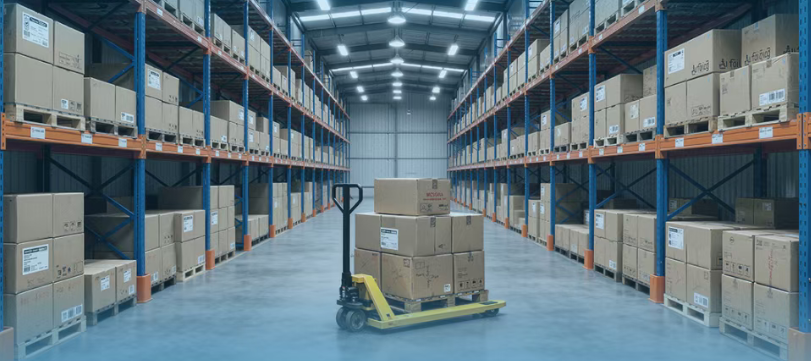
High-velocity distribution centers cannot tolerate multi-day deployment delays. Utilizing Zero-Touch Enrollment, rugged devices configure automatically upon initial boot. IT architects can push unified network credentials, VPN configurations, and specific physical button mappings over-the-air simultaneously.
Furthermore, silent background updates ensure that critical warehouse automation utilities and security patches deploy during off-shift hours, eliminating operator disruption.
On the plant floor, continuous operation requires immediate access to data without security distractions.
Automated Power Management: Scheduling automated batch shutdowns at shift ends curtails idle battery drain and eliminates safety hazards from left-on equipment.
Instant Recovery Fault Tolerance: If an operating system lock-up occurs on a workstation, IT can trigger a remote factory reset or batch reboot to minimize downtime.
Digital SOP Distribution: Electronic Standard Operating Procedure (ESOP) documents and technical manuals can be instantly delivered to designated terminals on the line with mandatory read receipts.
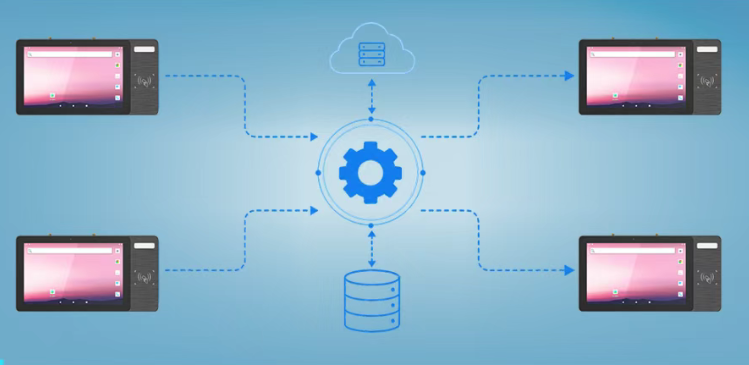
Unrestricted device permissions invite non-essential app installations, causing memory bloat and firmware instability. Enforcing Kiosk Mode locks down the operating system to a single business application immediately upon device initialization.
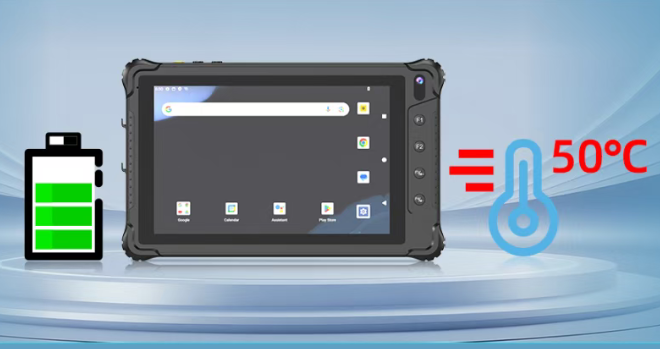
In demanding field environments where high ambient temperatures accelerate battery degradation, the system actively monitors hardware health. By establishing custom charging caps and thermal cut-off thresholds, the software prevents battery swelling and sudden automatic shutdowns, directly extending the lifespan of mobile assets like the Onerugged H68T handheld terminal.
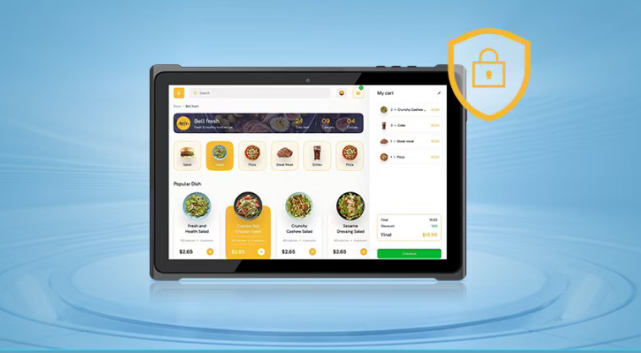
Field service crews frequently operate in remote areas where on-site technical support is impossible. When a mission-critical device experiences software instability, remote screen control capabilities allow centralized IT engineers to troubleshoot the terminal in real time. Combined with one-click log retrieval and remote diagnostic screenshots, teams can pinpoint software anomalies without requiring the physical device to be shipped back to a repair depot.
Phase 1.
Select specific rugged form factors—such as vehicle-mounted computers, rugged tablets, or handheld terminals—matched to the physical demands of your workspace.
Phase 2.
Define user access parameters, whitelist necessary applications, and establish hardware-level restrictions tailored to your operational security requirements.
Activate the management architecture via cloud SaaS or a secure private cloud, enabling automated batch enrollment policies before field distribution.
Deploy visual telemetry dashboards to track device health, location boundaries via geofencing, and battery lifecycles continuously.
Zero-Touch Enrollment is a provisioning method that allows rugged devices to automatically install enterprise configurations, security policies, and required software applications upon their first network connection out of the box, without requiring manual IT setup.
Kiosk Mode restricts the device's user interface to specific, pre-approved software applications. It completely blocks access to system settings, web browsers, and notification panels, preventing operators from downloading third-party software or altering security configurations.
Yes. By setting programmatic thresholds that stop charging once the battery reaches a specific temperature or capacity ceiling, the software reduces thermal stress and overcharging, which are the primary causes of battery degradation in harsh industrial environments.
Eliminating operational chaos across your mobile fleet requires a unified approach that blends durable physical engineering with intelligent terminal management. Onerugged provides a comprehensive ecosystem of high-performance rugged tablets, handheld computers, and vehicle terminals built to survive demanding industrial landscapes while remaining fully optimized for enterprise-scale deployment.
Discover Onerugged’s rugged computing solutions, enterprise deployment services, industrial application cases, and customized mobility strategies for warehouse, manufacturing, logistics, and field operations.