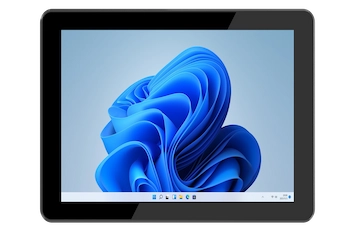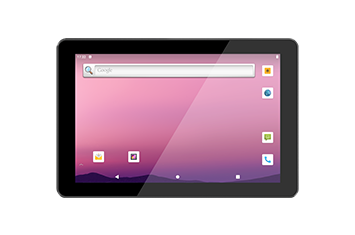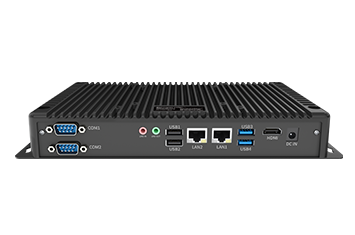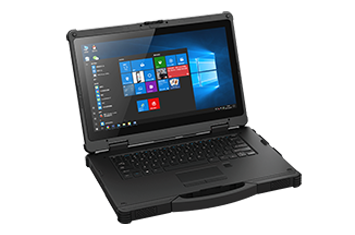
Following our previous discussions on Linux full-scenario customization, software-hardware integrated industrial vision inspection, and MDM (Mobile Device Management) full-stack systems, we continue to explore how Onerugged reinforces its software ecosystem.
Today, we focus on the pre-installed software suites for our Android and Windows rugged terminals. By examining how these tools empower industry users, we can better understand how Onerugged transforms rugged hardware into highly efficient, feature-rich, and user-centric enterprise solutions.
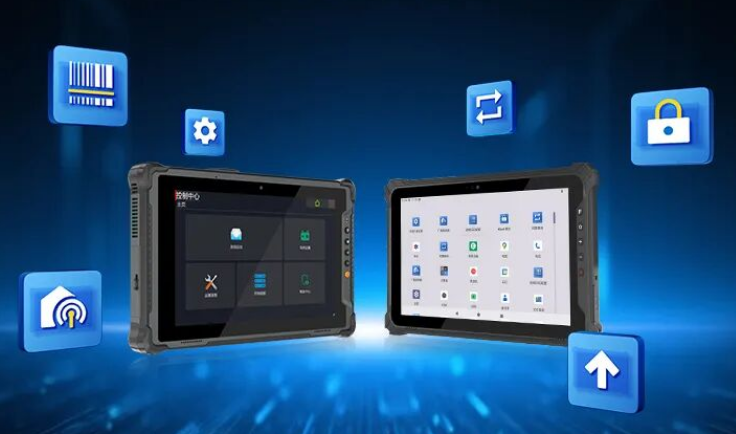
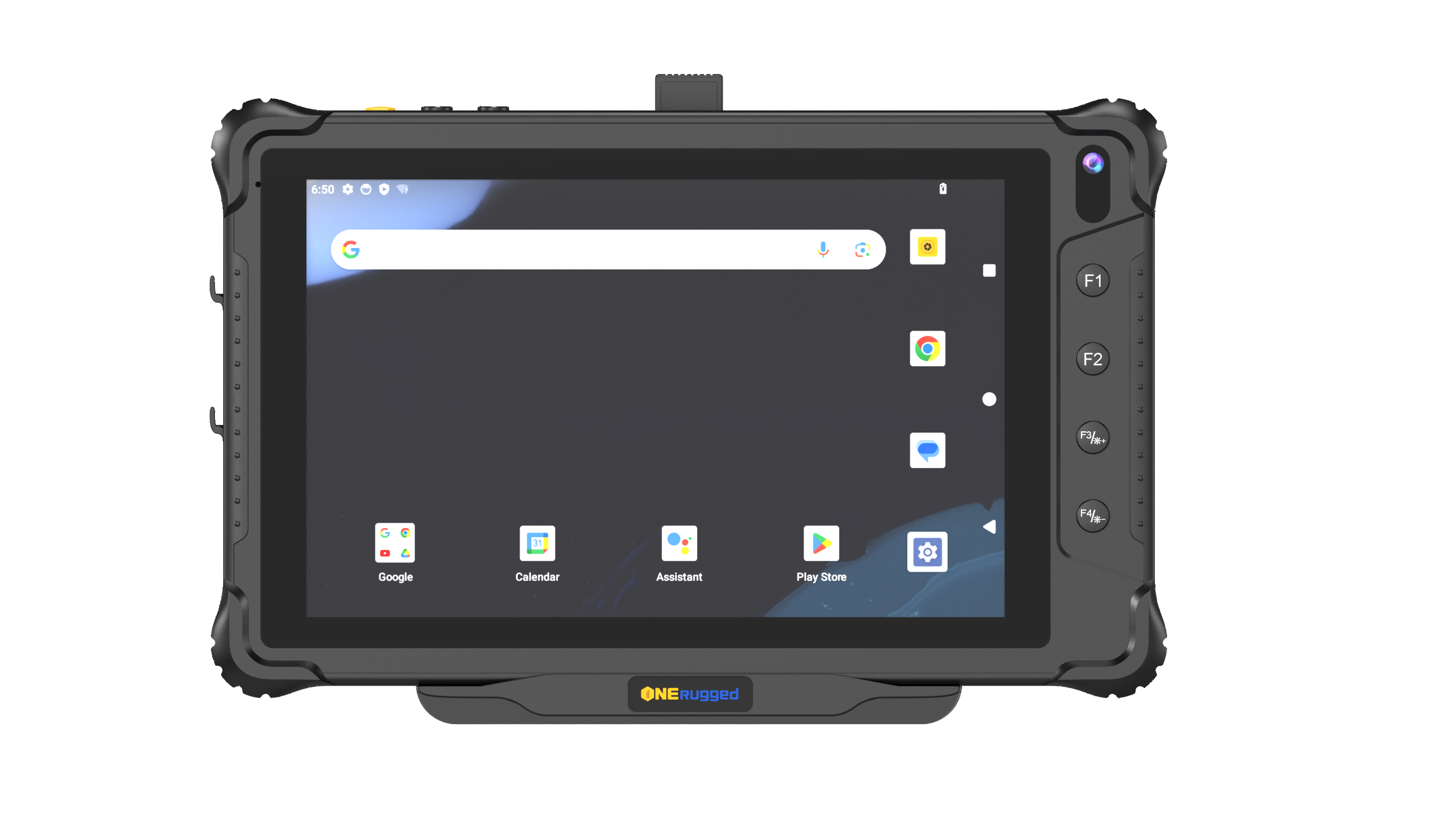
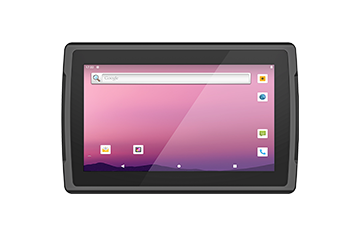
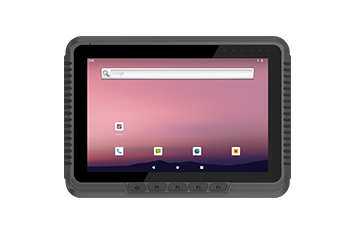
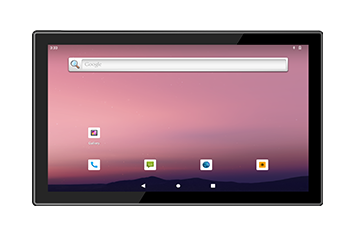
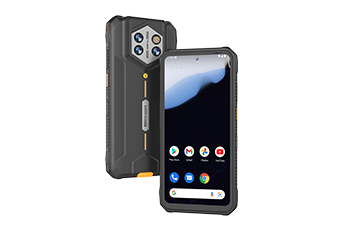
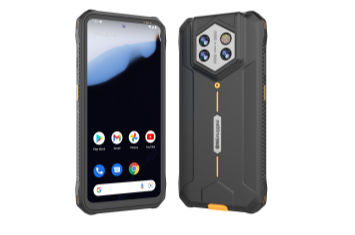
Our Android-based rugged terminals come equipped with six core pre-installed utilities designed to address critical enterprise challenges: button customization, barcode scanning adaptation, granular device control, and remote maintenance. These tools ensure Onerugged devices align perfectly with complex industrial workflows.
Allows users to reassign physical buttons on the rugged terminal to trigger specific actions, such as launching high-frequency applications or activating the scanner with a single press. This eliminates tedious touch-screen interactions in the field.
New Feature: Key Injection (Send Key) – Supports triggering system-preset Keycodes, providing advanced flexibility for industrial application integration.
Integrates multiple system broadcast events and supports user-defined broadcasts. By configuring the Broadcast Receiver, the device can automatically trigger specific services or component responses, enabling seamless inter-component communication.
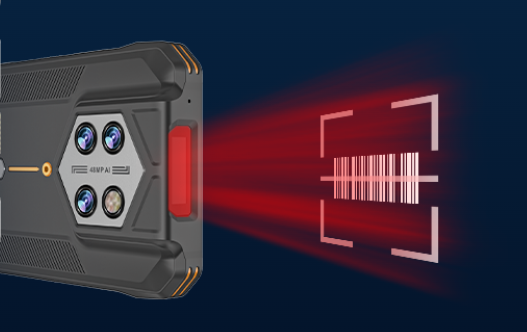
Provides comprehensive options for barcode symbology, character sets, and input modes. This ensures that the Onerugged terminal adapts to your specific scanning operations rather than forcing your business processes to accommodate hardware limitations.
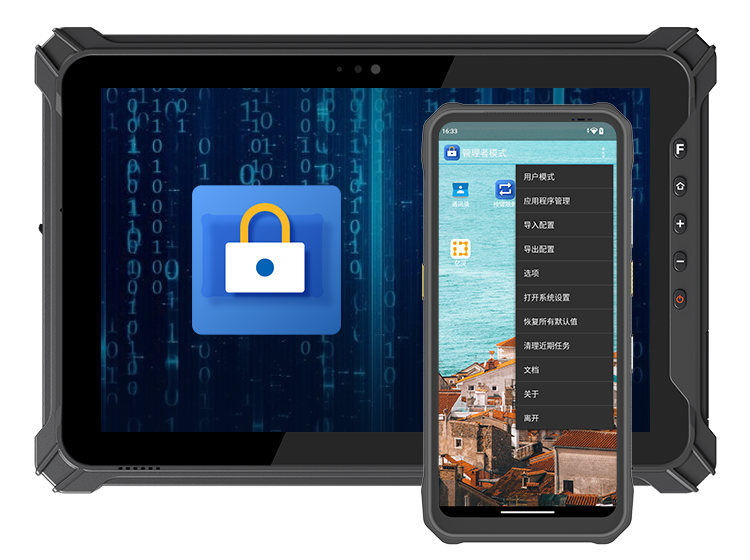
Restricts the device to run only one or a selected group of authorized applications. This prevents accidental user input and unauthorized system access, ensuring the terminal remains focused on its operational purpose—whether it is used for warehouse inventory management or a manufacturing production line interface.
Eliminates the need for costly device returns. System patches and security updates can be pushed remotely, ensuring the rugged terminal remains secure and functional throughout its lifecycle, significantly lowering Total Cost of Ownership (TCO).
A unified hub for managing core modules including system operation, display, network, storage, battery, and physical buttons.
New Feature 1: Battery Management – Offers charging start/stop control, high/low-temperature adaptive adjustment, and sleep protection. Parameters can be configured based on battery levels and temperature thresholds to extend battery lifespan.
New Feature 2: NTP Settings – Enables automatic synchronization with an NTP server, ensuring absolute system time accuracy across a fleet of devices.
New Feature 3: Screen Saver – Allows for screen dimming after a set idle period even when the system "Sleep" timeout is set to "Never," ensuring apps continue to run in the background while protecting display hardware.
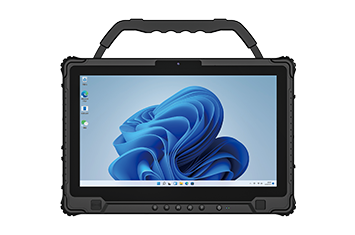
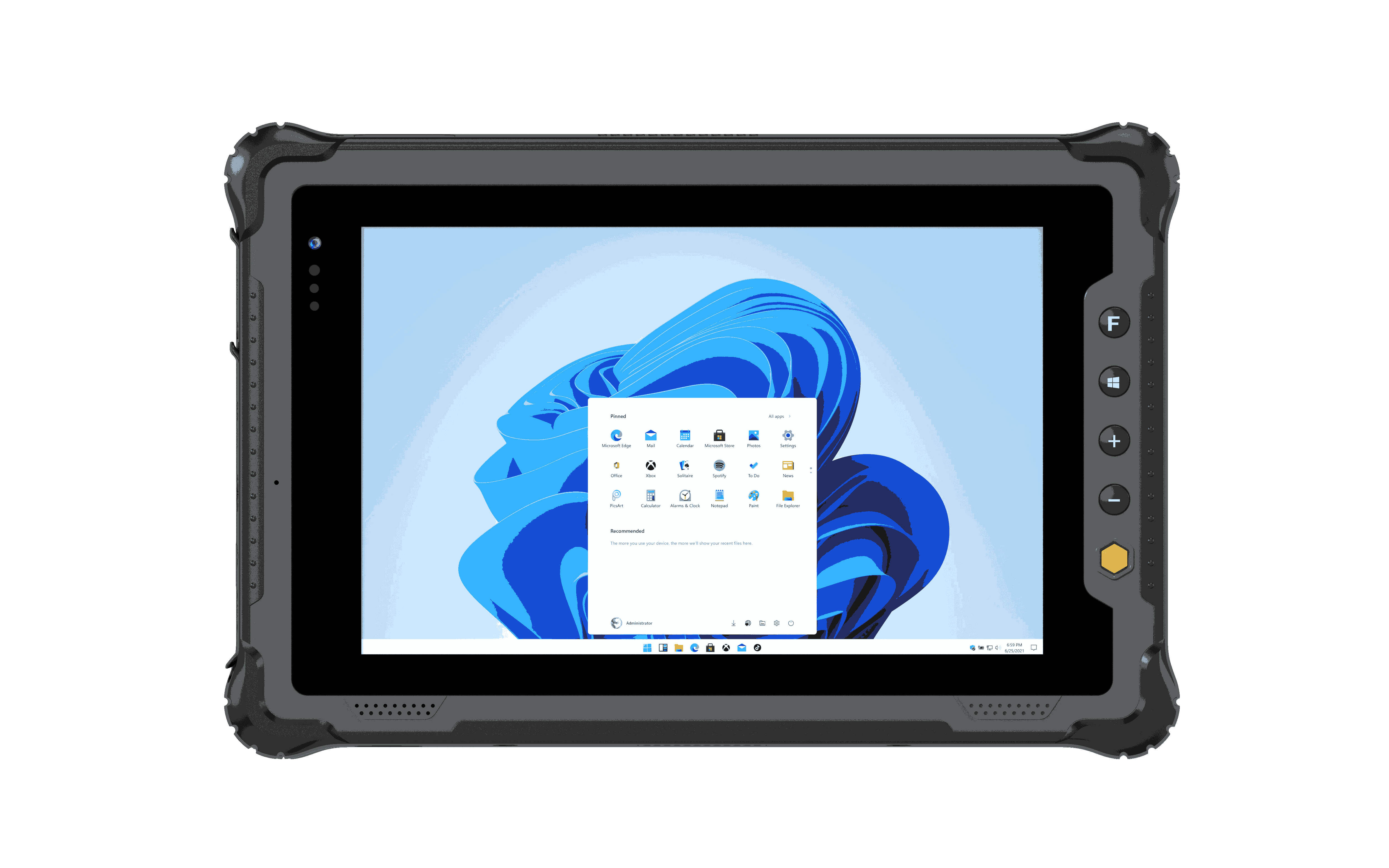
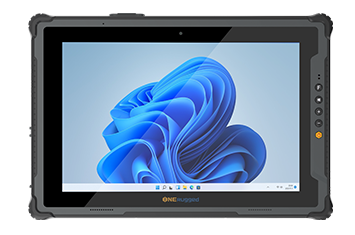
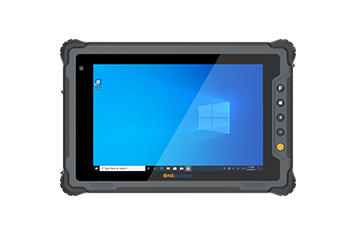
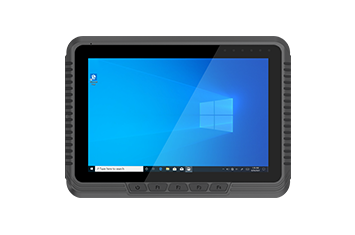
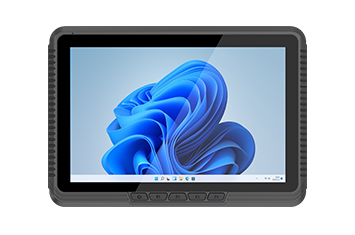
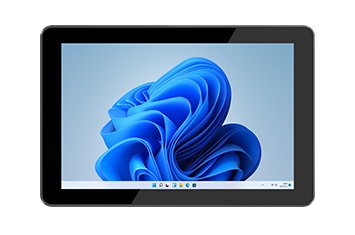
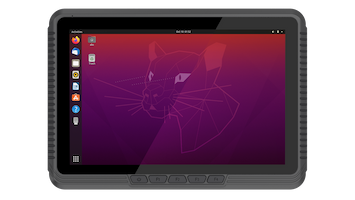
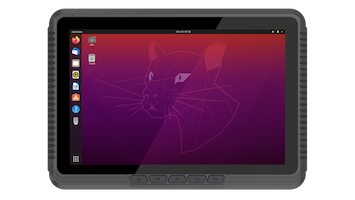
For our Windows-based rugged terminals, we have integrated essential management capabilities into a centralized User Control Center. This interface makes hardware information, power management, button mapping, and network configurations intuitive and accessible.
| Feature Module | Key Capabilities |
| System Information | Displays SN, IMEI, CPU, RAM, HDD, and MAC address; supports one-click export to TXT for easy IT auditing. |
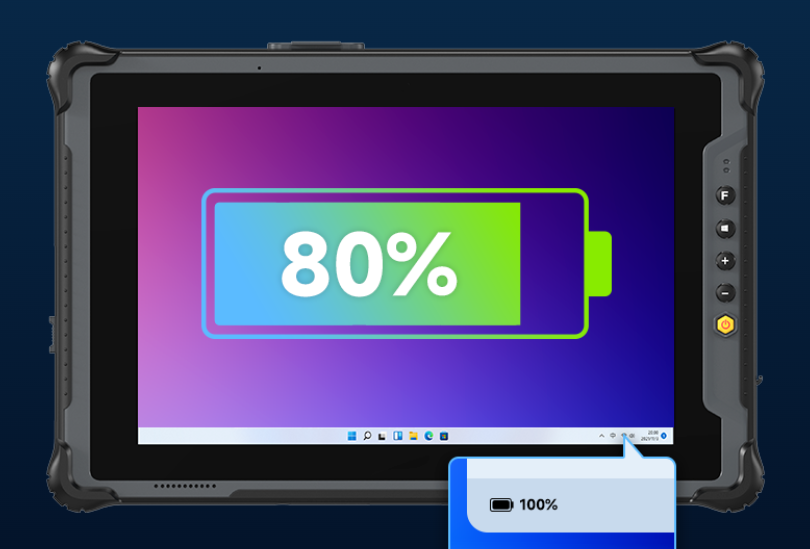
| Battery Settings | Supports Normal Mode, Reserved Mode 1, Reserved Mode 2, and 0.5C Current Mode for optimized charging environments. |
| Settings Panel | Customizes physical buttons (P1/P2, +/-, Fn) and manages thermal/fan control profiles. |
| Control Panel | Toggles Flight Mode, Stealth Mode, Auto-power-on (AC connect), Auto-power-off (AC disconnect), and Prevent System Sleep. |
| Help Center | Provides built-in PDF manuals, video tutorials, system backup/restore, and online update checks. |
From the robust mechanical chassis to the sophisticated software ecosystem, Onerugged is dedicated to ensuring every rugged mobile device is optimized for its specific environment. Our Android pre-installed suite and the Windows User Control Center form a value-added loop, ensuring that hardware is a seamless extension of your operational workflow.
We value the feedback of our enterprise partners. Your real-world deployment insights drive our continuous software iteration and experience upgrades.
A: Yes. The built-in Key Mapping utility allows you to assign specific app launches or system actions to physical buttons, enhancing efficiency in the field.
A: Yes, Kiosk Mode can be configured to allow either a single dedicated application or a set of authorized applications, depending on your operational requirements.
A: Our battery settings include high/low-temperature adaptive adjustments, which protect the battery chemistry in extreme environments, ensuring consistent performance and prolonged hardware lifespan.
A: The User Control Center provides core management tools like system info, power profiles, and button customization. For advanced enterprise-wide management, we also offer comprehensive MDM solutions to scale your deployment.
Discover Onerugged’s rugged computing solutions, enterprise deployment services, industrial application cases, and customized mobility strategies for warehouse, manufacturing, logistics, and field operations.