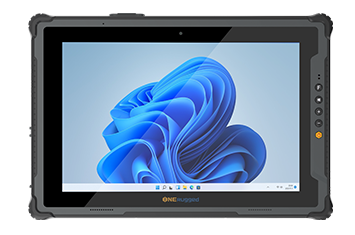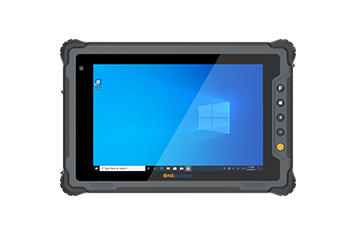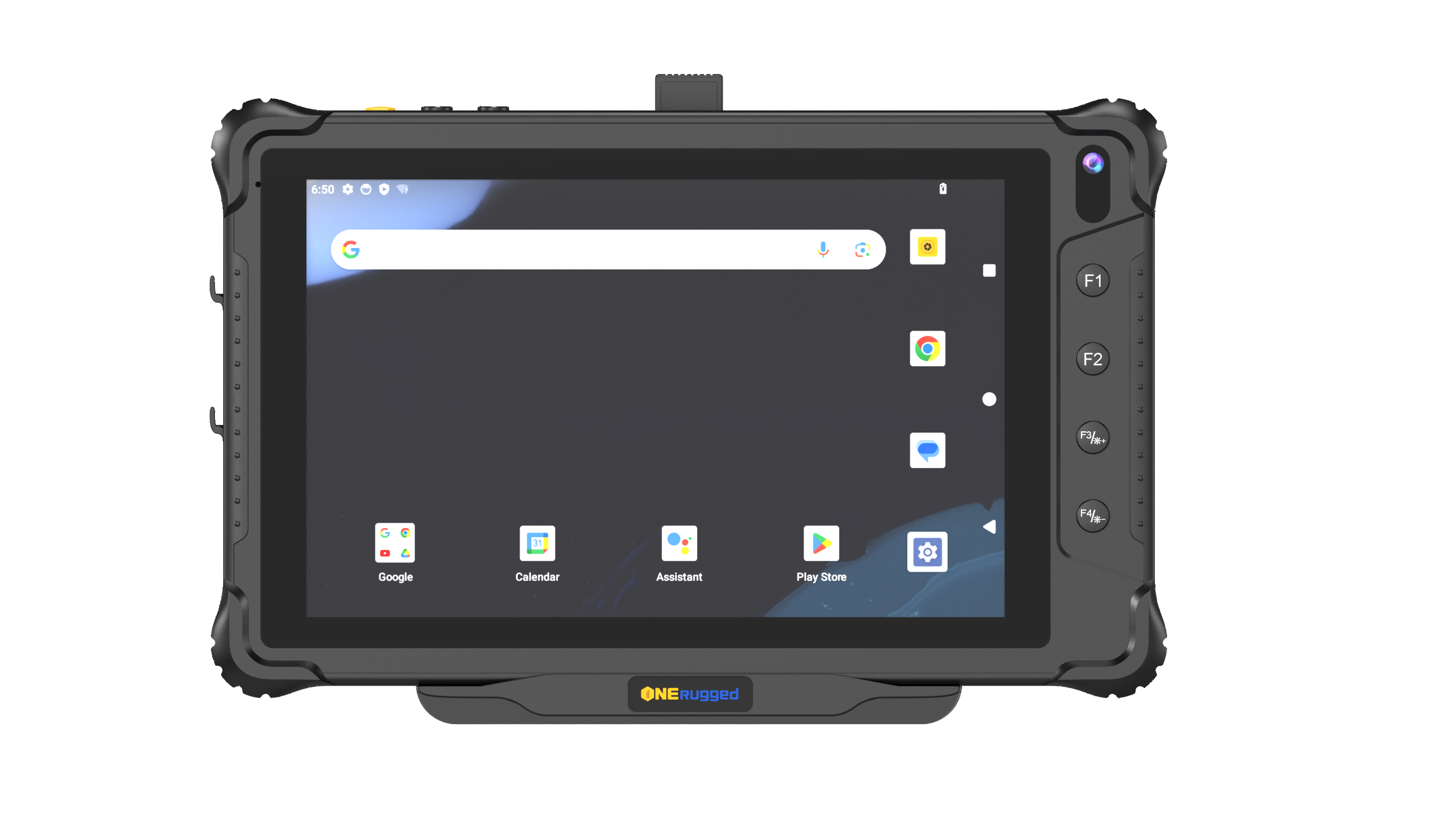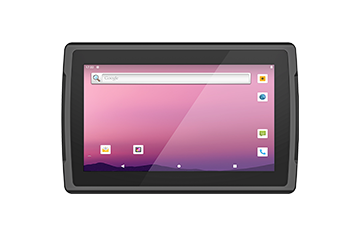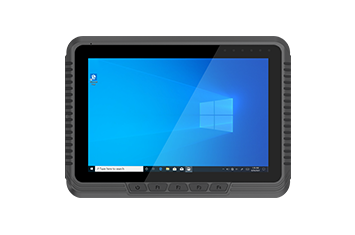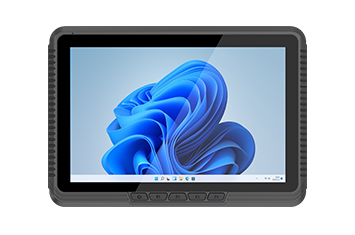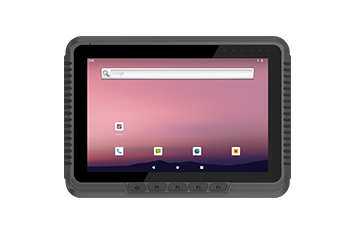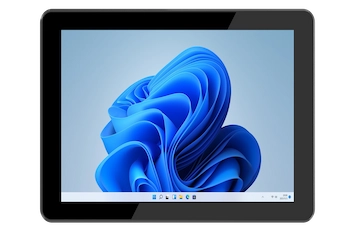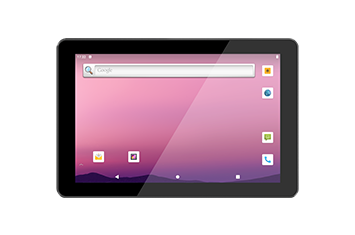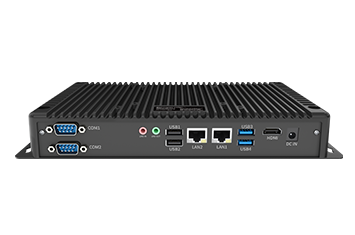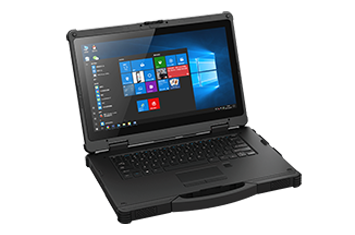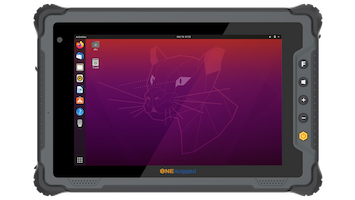
When deploying computing hardware into demanding environments like supply chain logistics, manufacturing floors, or field service operations, physical durability is only half the equation. The true efficiency of enterprise mobility relies heavily on how the device’s operating system is configured. Standard off-the-shelf software often contains bloated applications, open security vulnerabilities, and consumer-focused interfaces that hinder industrial productivity.
For enterprises looking to maximize their hardware ROI, deep software customization for rugged products is an absolute necessity. By tailoring the OS from the BIOS configuration up to the user interface, organizations can ensure that their rugged hardware is instantly ready for deployment, highly secure, and optimized specifically for dedicated business workflows.
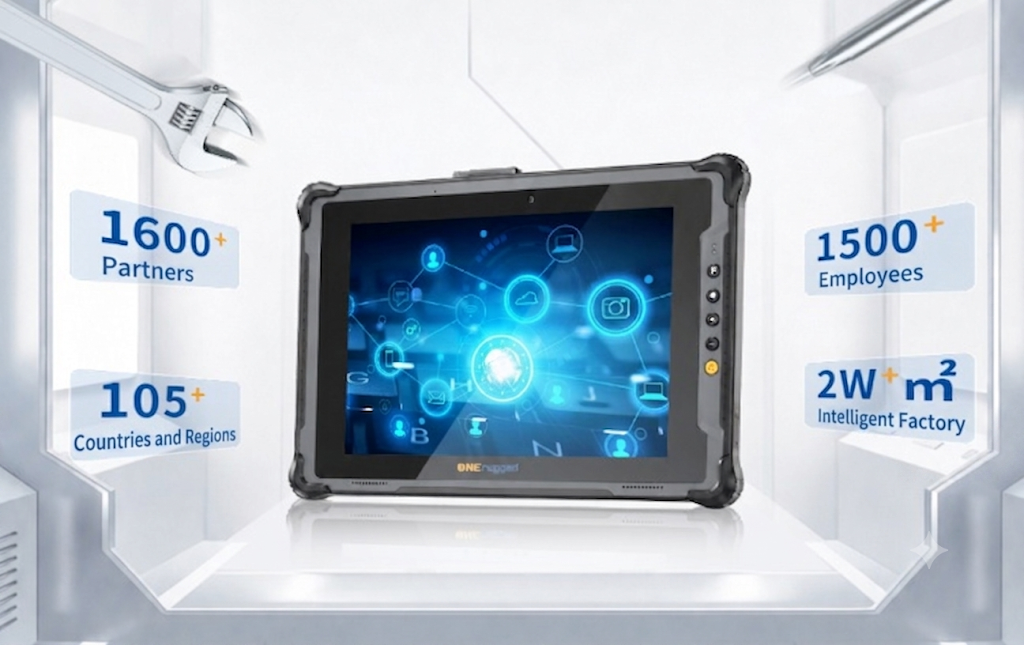
Modern industrial operations require computing solutions that perform flawlessly right out of the box. Full-stack customization allows an original equipment manufacturer (OEM) to strip down mainstream operating systems—including Windows, Android, and Linux—to their core essentials.
For enterprise IT teams, this means the ability to:
Set strict application whitelists to prevent unauthorized software usage.
Batch-delete or permanently disable redundant background services and pre-installed consumer bloatware.
Block specific hardware modules (such as cameras or consumer wireless bands) to comply with corporate security policies.
Streamline CPU and RAM resource consumption, ensuring that mission-critical industrial applications have maximum processing power.
By utilizing a trimmed, highly focused OS, businesses eliminate hours of manual IT provisioning per device, achieving a 100% tailored fit for their specific operational scenario.
In environments like industrial automation, every second counts. Devices must boot quickly and seamlessly into the required application. Customization services allow organizations to implement proprietary boot logos and exclusive boot animations. More importantly, devices can be configured to automatically launch specific business applications upon boot. This ensures that frontline workers can power on the terminal and immediately begin their tasks without navigating complex menus.
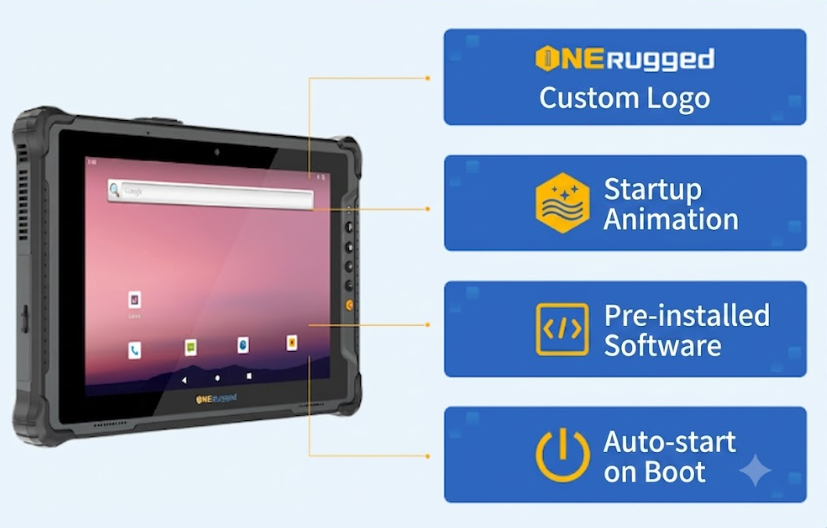
(Note: Custom boot animations are supported on Android and Linux; Windows environments currently support custom static boot logos only).
Security is paramount when deploying devices to the edge. Advanced software customization provides a robust defense mechanism by controlling IP configurations, hiding lock-screen notifications, and enforcing strict data isolation protocols.
Furthermore, IT administrators can implement hierarchical role permission controls. This distinguishes access levels between administrators and regular operators:
Administrators: Full access to system settings, underlying permission versions, and hardware configuration.
Regular Users: Restricted to designated applications, with locked-down serial port node permissions to completely eliminate the risk of operational data leakage.
To bridge the gap between hardware and software, leading manufacturers like ONERugged pre-install proprietary management utilities tailored for specific OS ecosystems, eliminating the need for expensive secondary development.
For Android Terminals: Built-in tools cover core industrial scenarios. This includes an advanced Kiosk Mode tool, button mapping utilities, broadcast projection software, precise barcode scanning configuration, and seamless Over-The-Air (OTA) updates.
For Windows Terminals: Devices feature an all-in-one User Control Center. This intuitive interface consolidates device telemetry, battery management, programmable button configuration, network switching, and system backup/recovery into a single dashboard.
For large-scale deployments, these terminals natively pair with a full-stack Mobile Device Management (MDM) platform, allowing IT teams to simultaneously monitor, update, and manage up to 500 terminals from a single centralized console.
When planning an Industrial IoT (IIoT) deployment, understanding OS-level customization limits is critical. Below is a comparison of available software modification services across the three major operating systems:
| Service Content | Windows | Android | Linux |
| System Info Modification | ✓ | ✓ | ✓ |
| Branding Presentation (Logos) | ✓ | ✓ | ✓ |
| Application Pre-installation | ✓ | ✓ | ✓ |
| Application Control / Kiosk | — | ✓ | ✓ |
| Battery Management | ✓ | ✓ | ✓ |
| Network Management | — | ✓ | ✓ |
| System Default Settings | ✓ | ✓ | ✓ |
| Advanced Permission Control | — | ✓ | ✓ |
| Hardware Module Blocking | ✓ | ✓ | ✓ |
| Button Customization | ✓ | ✓ | ✓ |
| Serial Node Operation | — | ✓ | ✓ |
| Proprietary Tool Integration | — | ✓ | ✓ |
Beyond standard OS modifications, highly specialized deployment scenarios often require personalized non-standard development. Examples include:
Battery-Free Model Adaptation: Modifying the OS power management to support battery-less rugged tablets directly wired into forklifts or factory power grids.
Data Pre-Deployment: Pre-loading massive client databases or localized machine learning models directly onto the hardware before shipping.
Charging Node Control: Customizing how the device interacts with smart docking stations to optimize battery longevity across multi-shift operations.
A: Yes. For Android and Linux systems, advanced Application Control and Kiosk Mode tools can be configured at the factory level. This restricts the regular user from exiting the designated application or accessing underlying OS settings.
A: Custom boot animations are fully supported on Android and Linux terminals. For Windows-based rugged devices, we can implement custom static boot logos, but Windows architecture temporarily restricts dynamic boot animations.
A: The exclusive full-stack MDM Device Management System supports the simultaneous centralized management of up to 500 individual terminals on a single platform instance.
A: Absolutely. All network management, security tools, app whitelists, and custom boot settings are pre-installed and configured at the factory. Devices arrive completely ready for out-of-the-box deployment, bypassing lengthy on-site IT provisioning.
True operational efficiency requires hardware and software to work in perfect synchronization. Whether you require a locked-down Android scanner for a distribution center or a heavily customized Windows terminal for industrial manufacturing, ONERugged’s independent customization workshop delivers solutions 100% tailored to your business scenarios.
Ready to eliminate deployment bottlenecks and secure your enterprise edge?
Contact our engineering team today to discuss your specific software customization requirements or apply for an MDM trial.
Discover Onerugged’s rugged computing solutions, enterprise deployment services, industrial application cases, and customized mobility strategies for warehouse, manufacturing, logistics, and field operations.