


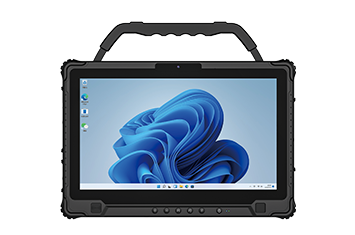
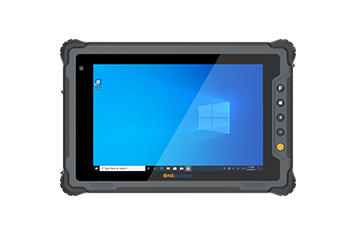
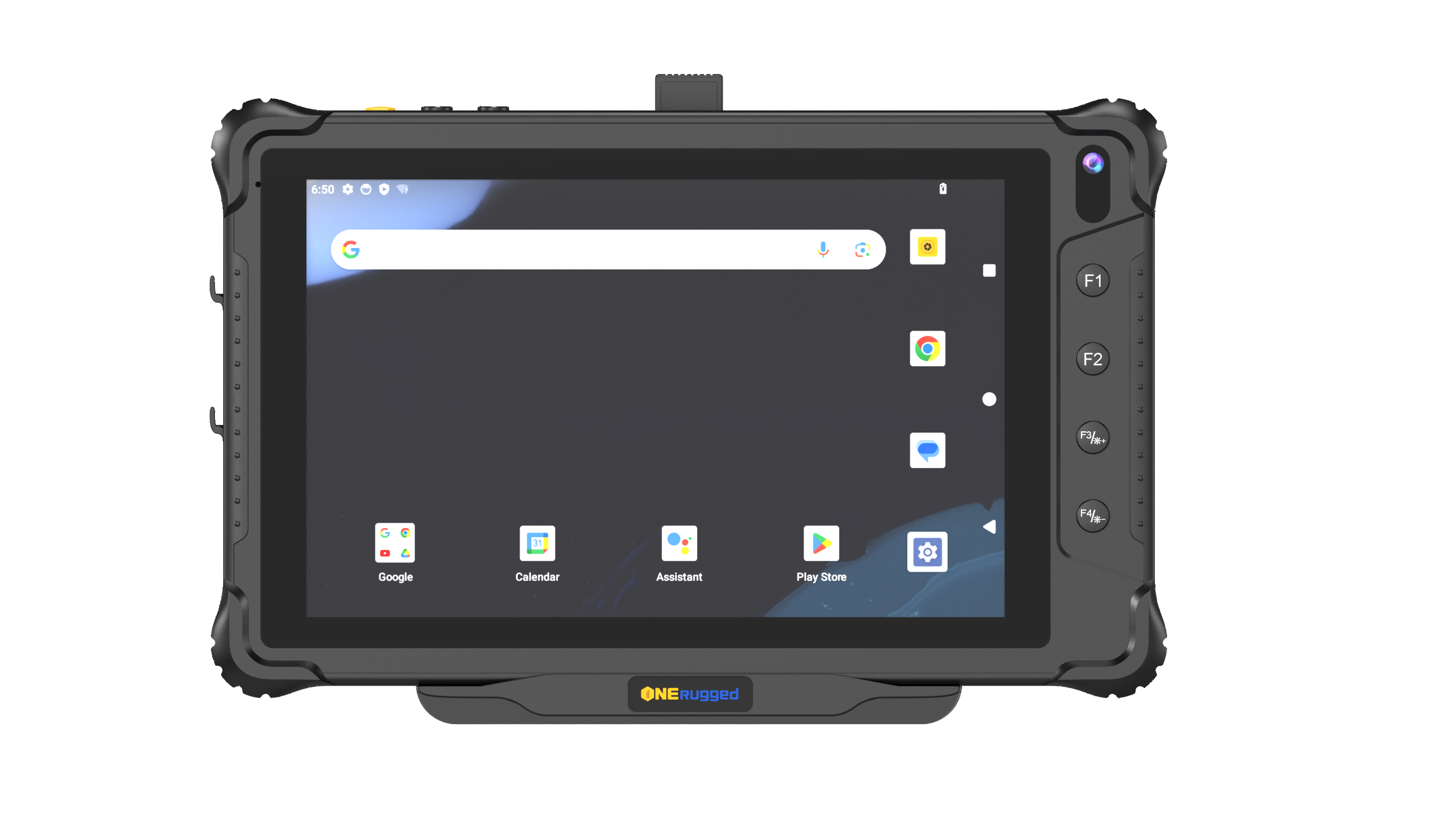
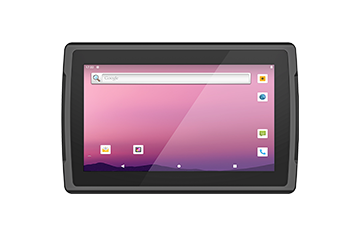
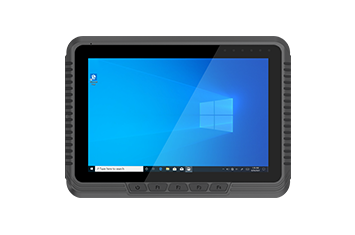
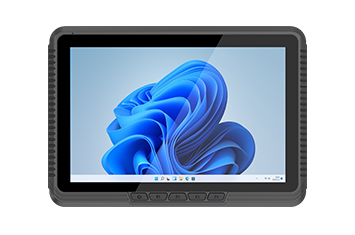
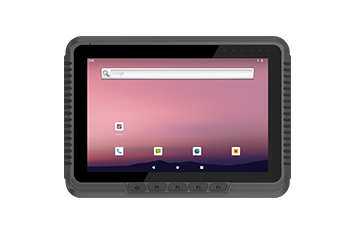
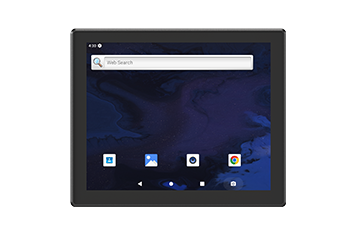
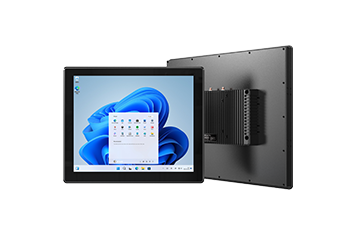
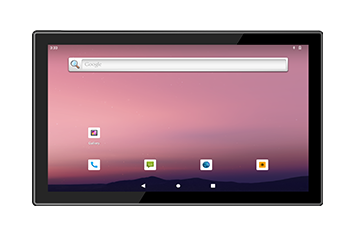
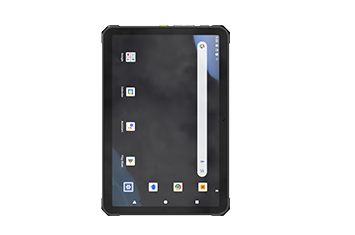
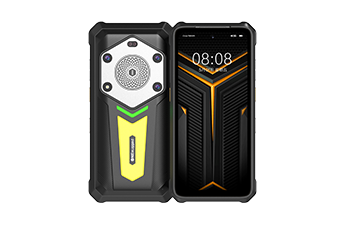
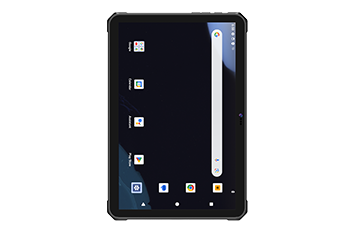
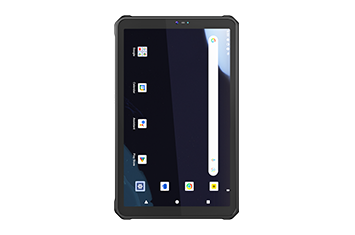
Centralized control for deployed handhelds, tablets, and smart terminals, including device lifecycle, files, apps, geofencing, and OTA maintenance.
MDM SYSTEM / OTA Updater / Settings ExtensionSoftware Center

SOFTWARE CENTER
ONERugged software for rugged device deployment
Deploy rugged terminals with device management, kiosk control, key mapping, OTA maintenance, broadcast integration, and barcode capture software built around ONERugged Android devices.
SOFTWARE CAPABILITIES
Control, update, scan, and integrate rugged devices after deployment
ONERugged software extends rugged hardware into a manageable field system: administrators can control devices, restrict access, configure settings, map hardware keys, receive Android broadcasts, maintain updates, and support scanning workflows.
Restrict device access, guide operator behavior, and map physical keys to repeated work actions.
Kiosk Mode / Key MapperSupport barcode capture workflows for inventory, logistics, retail, warehouse, factory, and mobile data collection.
Barcode ScannerConnect Android system broadcasts and application actions for customized rugged deployments.
Broadcast ReceiverAPP CENTER
ONERugged App Center
Choose software tools by deployment role: device management, operation control, system integration, update maintenance, and field data capture.
Hot
MDM SYSTEM
Remote management for handhelds, tablets, and smart devices with centralized device control, OTA upgrades, geofencing, app management, and file management.
Device Management Settings Settings ExtensionExtend Android device settings for project-specific needs, including operation, display, memory, network, key, and batch configuration support.
Device Management Update OTA UpdaterProvide stable and secure upgrade support for firmware and application maintenance on deployed ONERugged devices.
Device Management Control Kiosk ModeRestrict programs or services available to device users, helping streamline interaction, improve productivity, and enhance security.
Operation Control Input Key MapperMap physical Android device keys to application services, shortcuts, broadcasts, screenshots, and scanning actions.
Operation Control System Broadcast ReceiverReceive Android system broadcasts and trigger corresponding actions to improve responsiveness and device connectivity.
System Integration Scan Barcode ScannerProvide 1D/2D code scanning service for Android devices integrated with ONERugged scanning heads.
Field ProductivityCOMPATIBLE DEVICE FAMILIES
Match software to the device family and operating environment
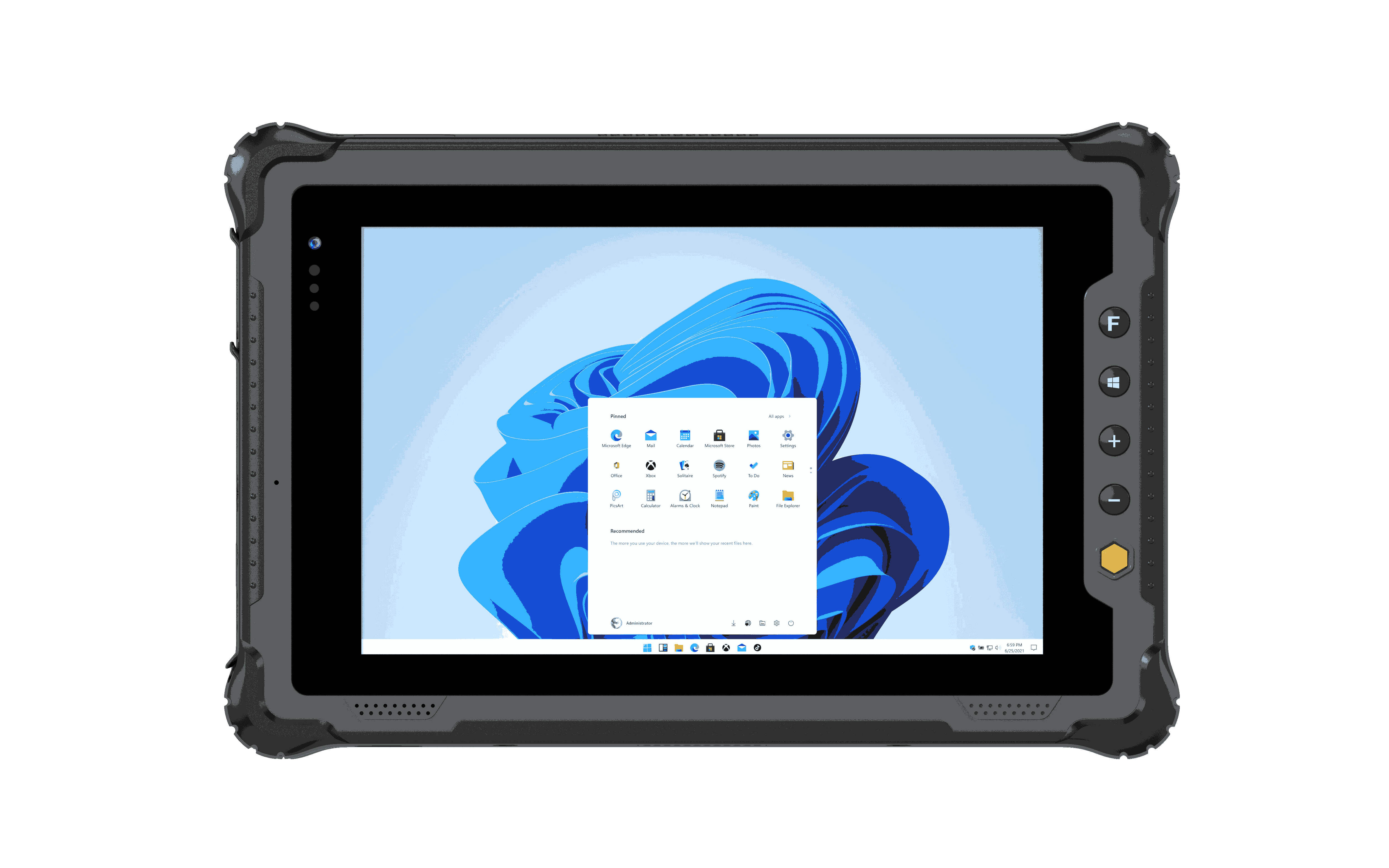
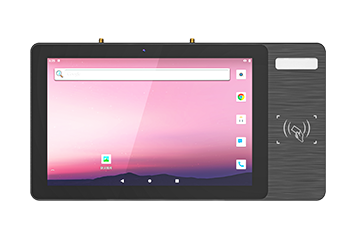
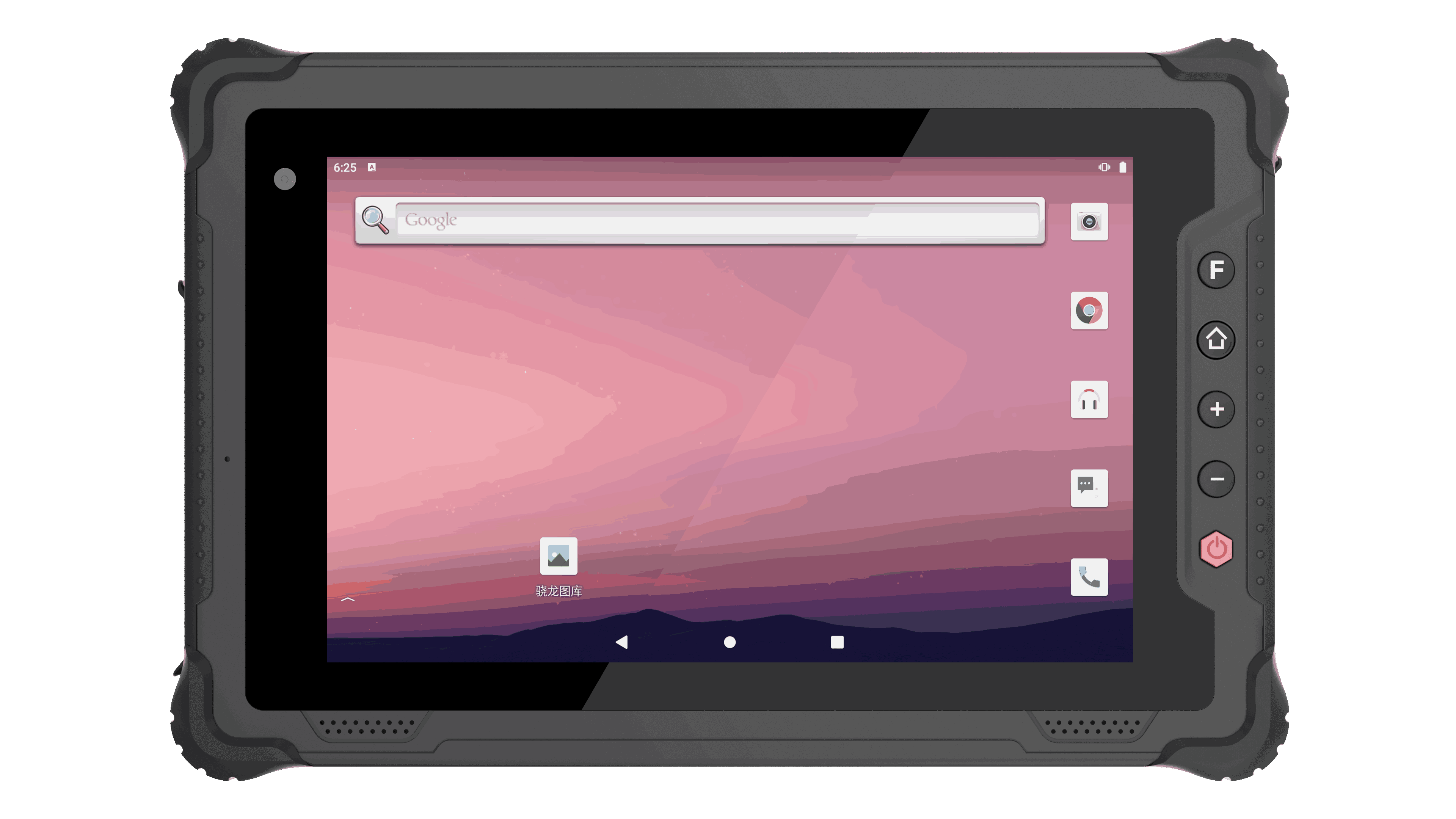
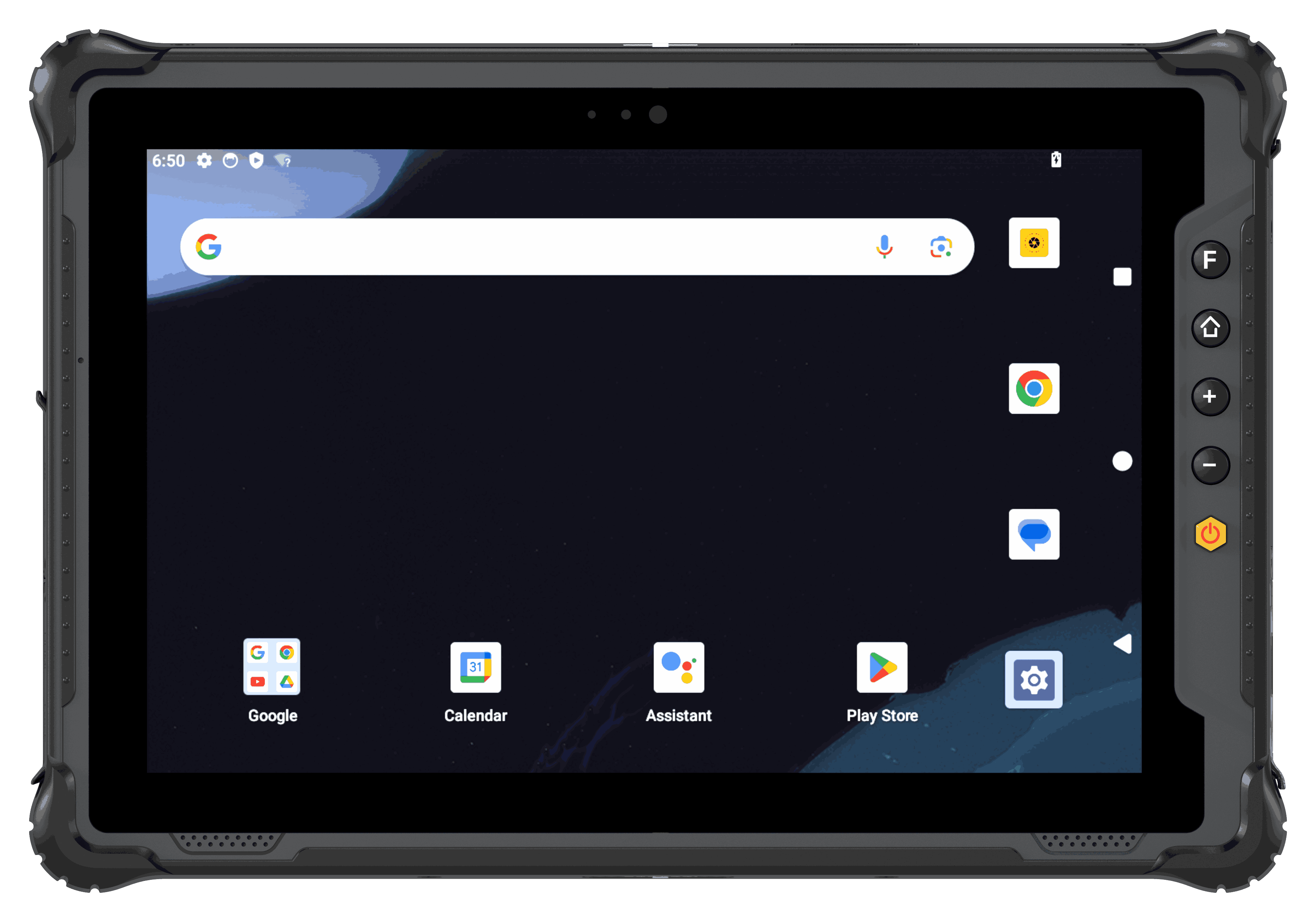 Rugged TabletManage Android or Windows tablets for inspection, warehouse, vehicle, production, and field service deployments.
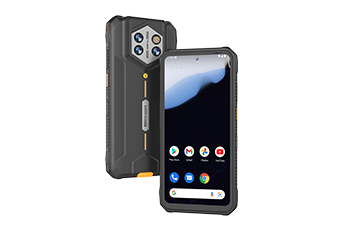
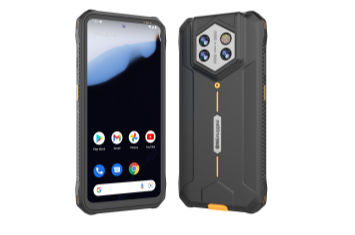
 Rugged HandheldSupport barcode, inventory, retail, logistics, and mobile data capture with controlled apps and scan workflows.
 Vehicle PCPlan dispatch, GPS, in-cabin control, update, and communication needs together with vehicle hardware.
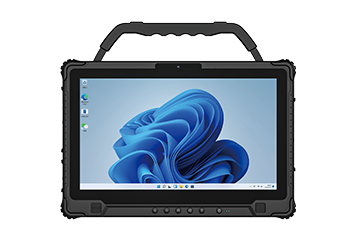 Industrial PCConnect factory terminals to controlled access, production software, maintenance, and system integration work.
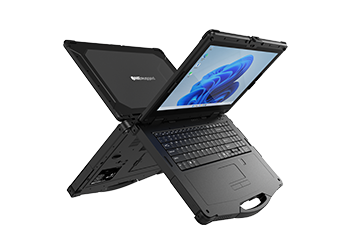
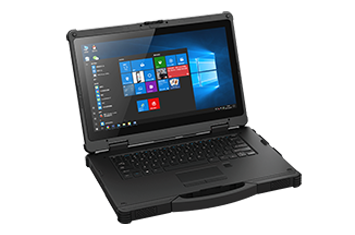
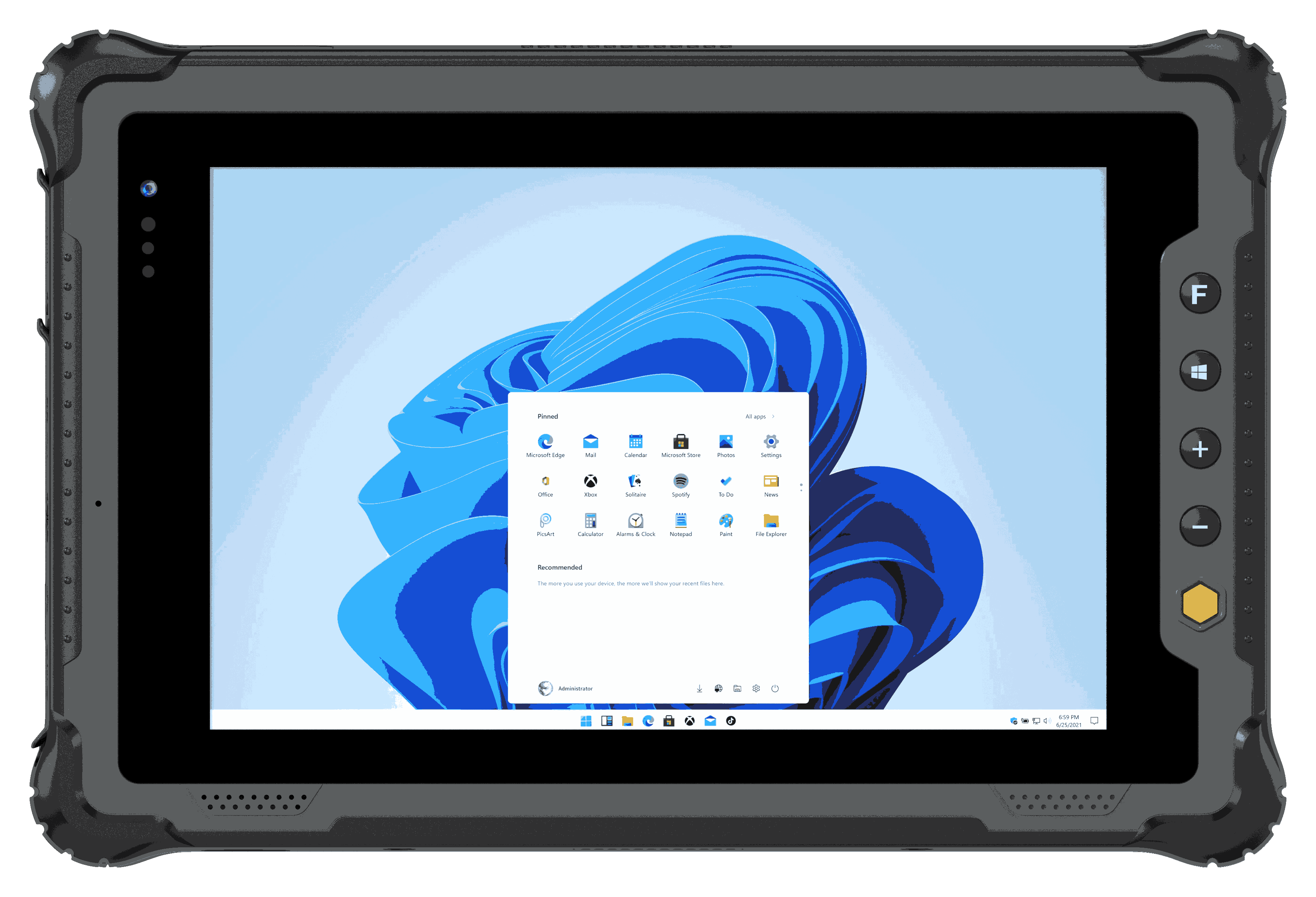 Rugged NotebookSupport field engineering, diagnostics, service software, and Windows-based technical work.
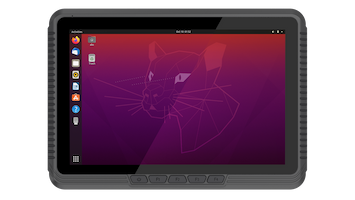
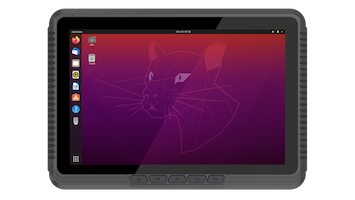
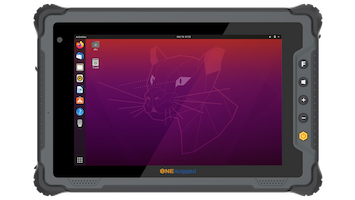
Linux TerminalPrepare dedicated terminal environments where project software and system configuration need to stay consistent.
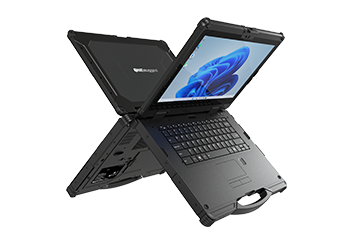
Rugged NotebookSupport field engineering, diagnostics, service software, and Windows-based technical work.
Linux TerminalPrepare dedicated terminal environments where project software and system configuration need to stay consistent.
APPLICATION SCENARIOS
Apply software where uptime, control, and data accuracy matter
Software value becomes clear in real operations: fewer unmanaged devices, fewer incorrect app actions, more consistent updates, and faster data capture.
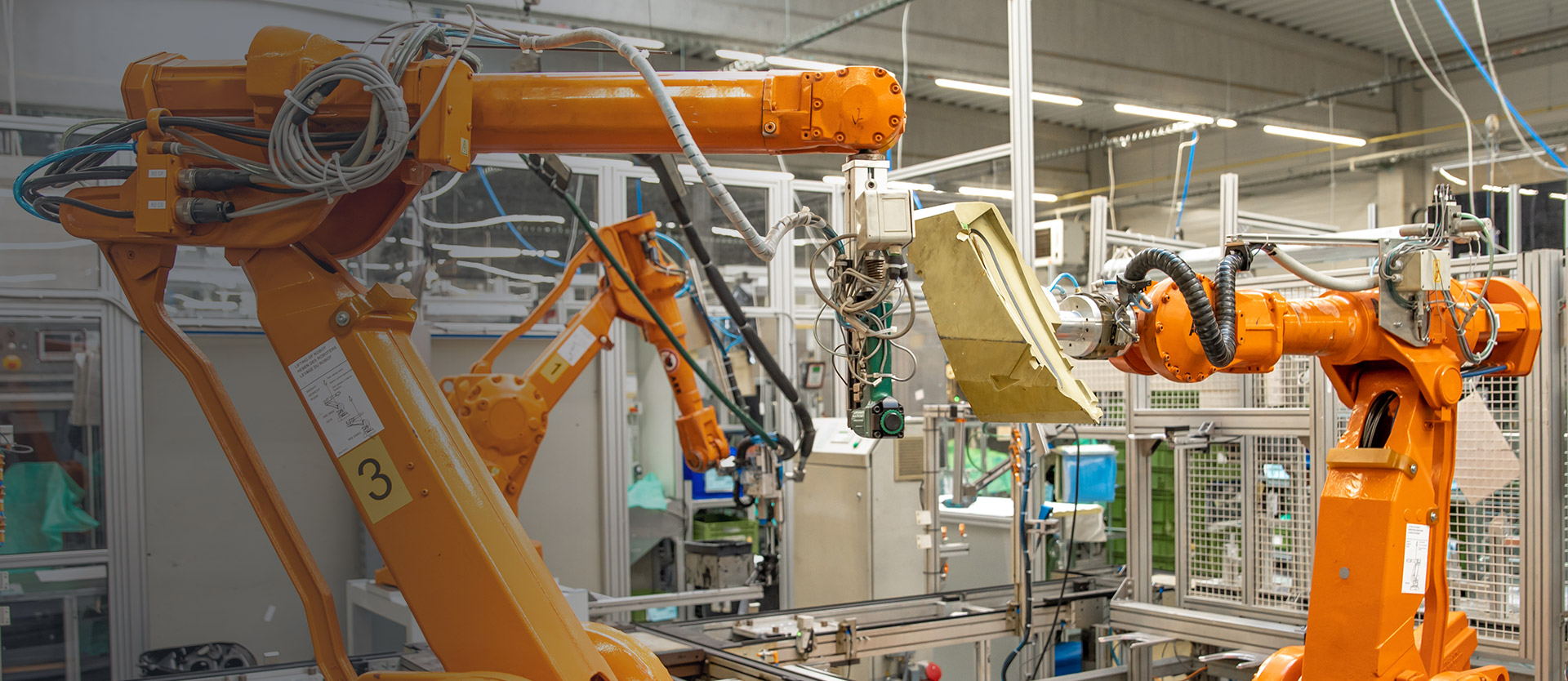 Warehouse Management
Control handhelds and tablets for WMS access, barcode scanning, stock movement, and inventory accuracy.
 Vehicle Management
Support vehicle-mounted terminals with controlled apps, GPS-related work, updates, and driver-facing workflows.
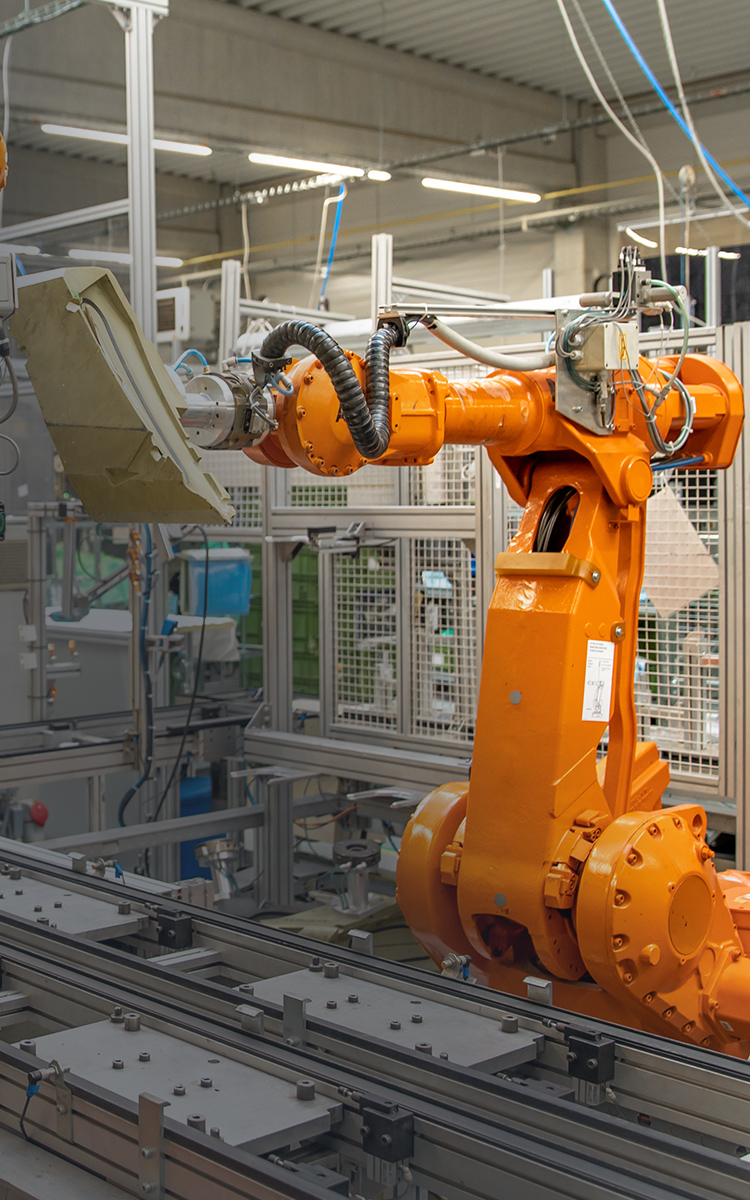 Manufacturing
Standardize rugged devices for production information, inspection, maintenance, and factory software use.
 Retail
Keep store devices focused on scanning, stock checks, mobile service, and approved business apps.
CONNECTED WEBSITE PATH
Turn hardware selection into a complete deployment plan
Software decisions should be made together with product category, operating system, accessories, network conditions, and the workflow the device must protect.
01Product Center
Start with the rugged device family, screen size, operating system, mounting method, and expansion requirements.
02SolutionsCheck how device control, scanning, updates, and app restrictions support the target industry workflow.
03CustomizationBring software settings, OS images, accessories, and project requirements into the final delivery scope.
SOFTWARE FAQ
Common questions before planning software support
Use these questions to connect device management, app control, scanning, OTA updates, and integration needs with hardware deployment.
MDM should be planned when a project has multiple devices, field teams, app policies, OTA maintenance, file distribution, or site-based operating rules.
Kiosk Mode limits devices to approved work apps, while Key Mapper turns physical buttons into faster scan, launch, confirm, or shortcut actions.
Barcode Scanner supports mobile data capture in warehouses, logistics, retail, factory, inventory checks, and service workflows where scan reliability affects efficiency.
It should be discussed during product selection because OS, scanner module, key layout, mounting, network, and update policy all affect deployment.
SOFTWARE SUPPORT
Need software planning for a rugged device rollout?
Tell ONERugged how the devices will be used, controlled, updated, scanned, and maintained. Software support can be matched with the selected product family and project configuration.