











01 / PERFORMANCE
Mobile Computing Performance
Processor, memory, storage, and graphics requirements should match diagnostics and engineering software.


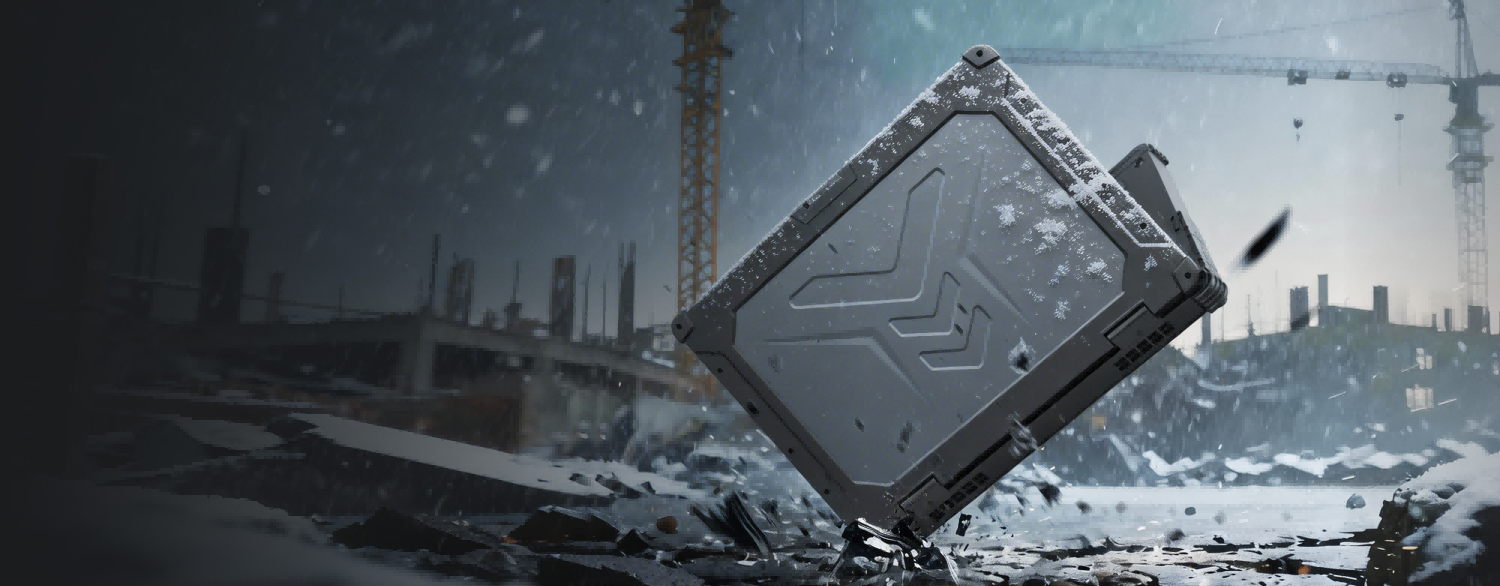
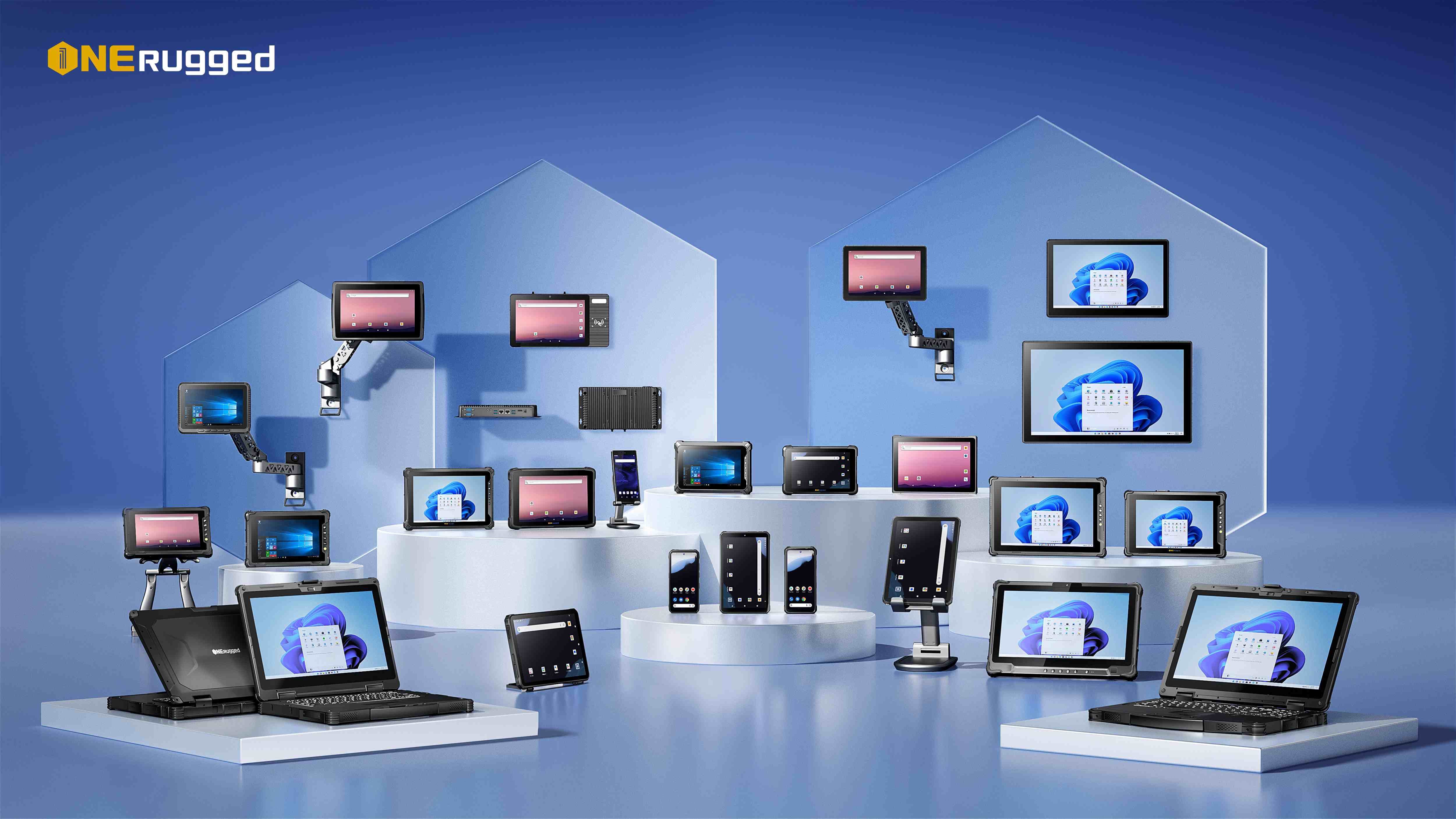
Purpose-built for engineers, field technicians, and industrial professionals, our rugged laptops combine workstation-level performance with reliable durability, helping teams stay productive in demanding outdoor and industrial environments.
Use the category filters to narrow down models by product family, specification groups, and keywords. The product center stays for navigation; this page handles model comparison.
Choosing the right rugged laptop means evaluating computing performance, environmental protection, battery endurance, connectivity, and field usability. A dependable rugged notebook should support demanding applications while maintaining reliable operation in harsh environments.
Processor, memory, storage, and graphics requirements should match diagnostics and engineering software.
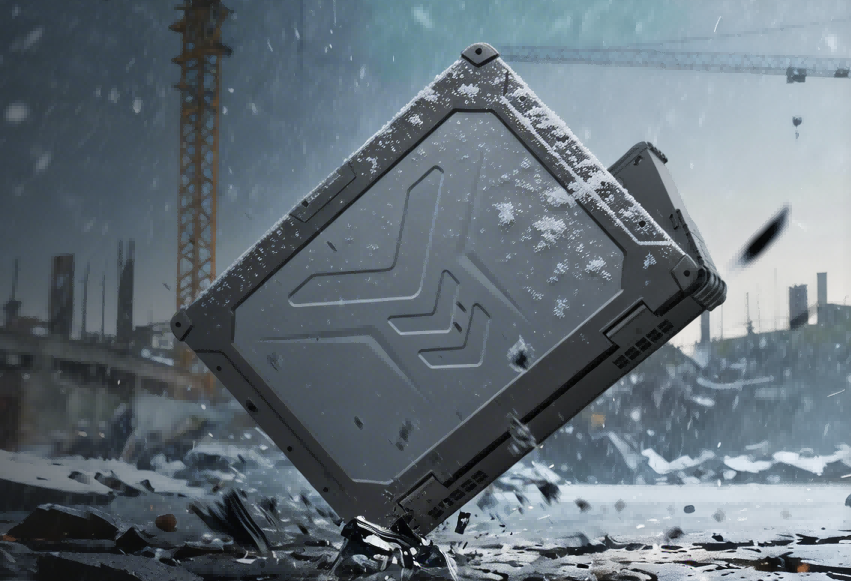
A fully rugged laptop is built to withstand dust, rain, vibration, and accidental drops. MIL-STD-810H durability and IP-rated protection help ensure reliable operation in construction sites, utilities, and outdoor service environments.
A full-size keyboard, sunlight-readable display, and long battery life improve productivity during inspections, reporting, diagnostics, and maintenance tasks in remote locations.
Stay connected with Wi-Fi 6, Bluetooth, optional 4G/5G, GPS, RJ45, USB, and serial ports for seamless integration with industrial equipment, enterprise networks, and field communication systems.
Support project-specific deployment with configurable I/O, docking solutions, peripheral compatibility, and enterprise software integration, making rugged notebook computers easier to deploy across industrial and public-sector projects.
Field teams need a balance of computing power, keyboard productivity, screen readability, connectivity, and durability away from office conditions.
 Warehouse Management
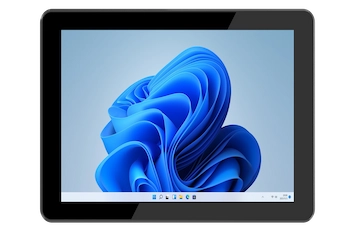
Optimize warehouse and freight operations with ONERugged. Discover vehicle mounted terminals, forklift computers, and tablets with built-in barcode scanners.
Warehouse Management
Optimize warehouse and freight operations with ONERugged. Discover vehicle mounted terminals, forklift computers, and tablets with built-in barcode scanners.
 Transportation
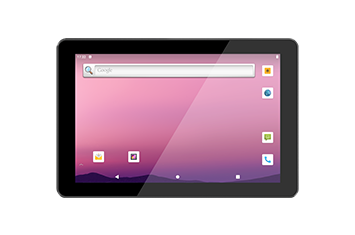
Optimize logistics and fleet management with ONERugged. Discover durable vehicle mount terminals, in-car tablets, and sunlight readable android tablets.
Transportation
Optimize logistics and fleet management with ONERugged. Discover durable vehicle mount terminals, in-car tablets, and sunlight readable android tablets.
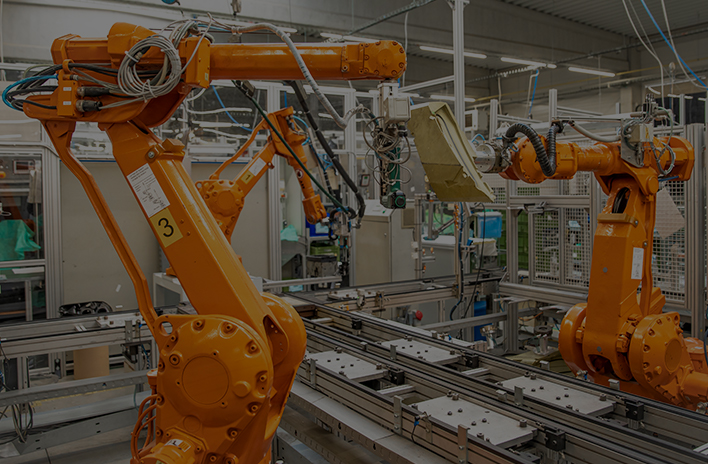 Manufacturing
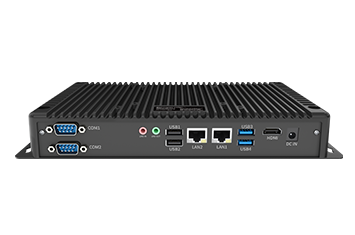
Optimize factory automation and CNC operations with ONERugged. Discover durable industrial panel PCs, fanless computers, and advanced HMI displays.
Manufacturing
Optimize factory automation and CNC operations with ONERugged. Discover durable industrial panel PCs, fanless computers, and advanced HMI displays.
 Energy and Utilities
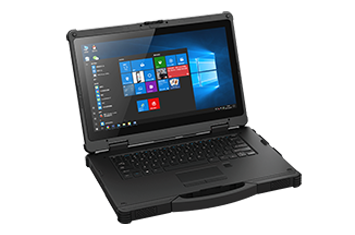
Optimize field operations and grid maintenance with ONERugged. Discover durable rugged notebooks, sunlight readable tablets, and hot-swappable battery devices.
Energy and Utilities
Optimize field operations and grid maintenance with ONERugged. Discover durable rugged notebooks, sunlight readable tablets, and hot-swappable battery devices.
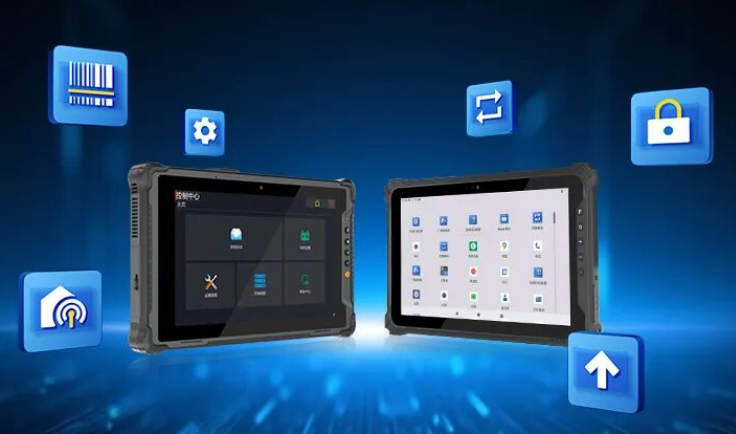
Use ONERugged software capabilities to manage devices, control apps, map keys, and support field productivity.
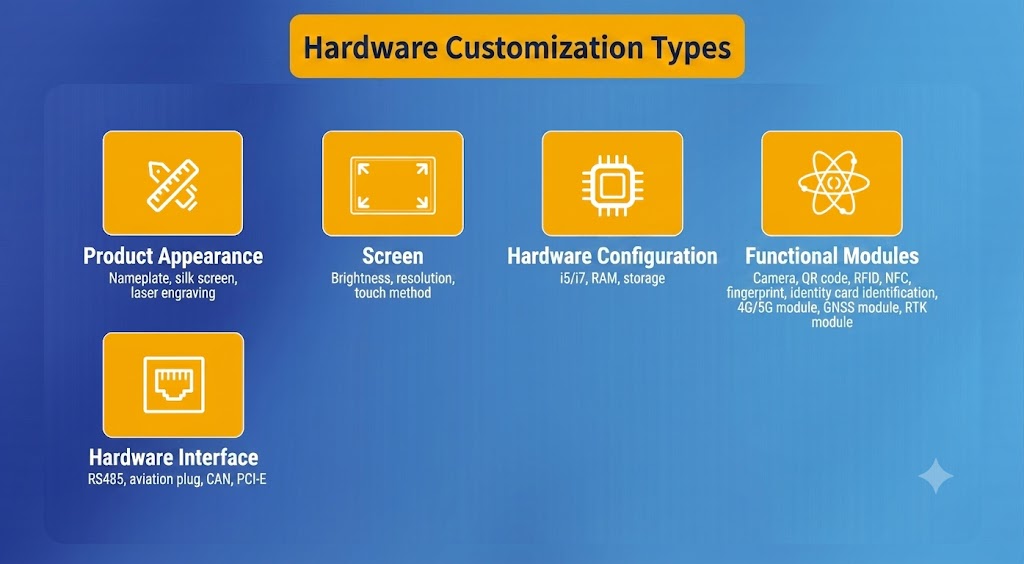
Support OS images, I/O expansion, mounting accessories, vehicle deployment, and project-based configuration.
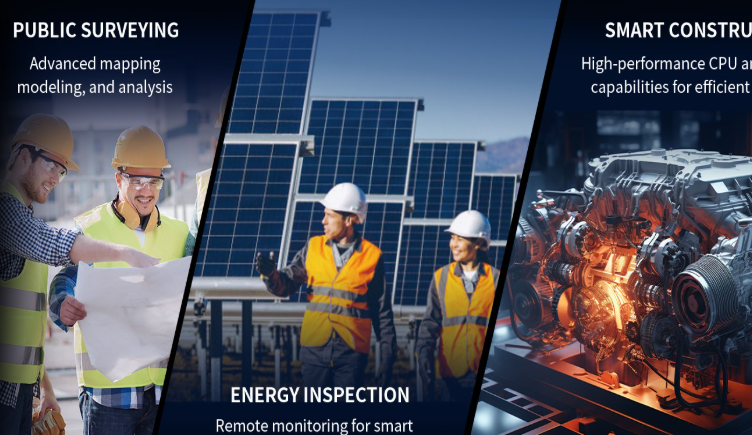 Customer Success Stories
See how businesses deploy rugged devices to improve operational efficiency, workforce mobility, and digital transformation across industries.
 Download Catalog
Browse product catalogs, specification sheets, and model comparison resources for easier product evaluation.
 Resource Center
Explore buying guides, industry insights, deployment tips, and technical articles to help you evaluate rugged computing solutions.
 Contact Experts
Ask for model recommendation, configuration advice, and project quotation support.
Decision points for teams comparing rugged laptops and notebooks for mobile technical work.
A rugged laptop (rugged notebook computer) is designed for industrial environments, offering: MIL-STD-810H durability testing IP-rated protection against dust and water Shock, vibration, and drop resistance Stable performance in harsh environments like field service and construction
Fully rugged laptop: Maximum durability, MIL-STD certified, designed for extreme environments Semi rugged laptop: Lighter design with moderate protection for less extreme conditions Both are suitable for industrial rugged laptop deployments depending on use case.
Yes, but the operating system, CPU, memory, storage, and ports should match the software and connected equipment.
Share your software workload, screen requirement, port needs, outdoor conditions, and deployment volume for a suitable notebook recommendation.