
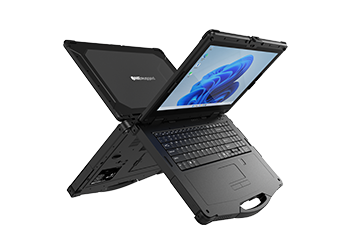
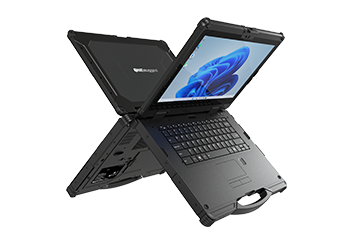
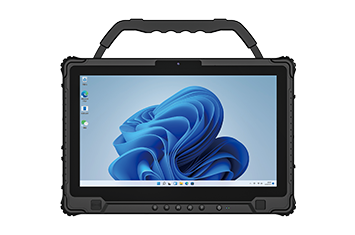
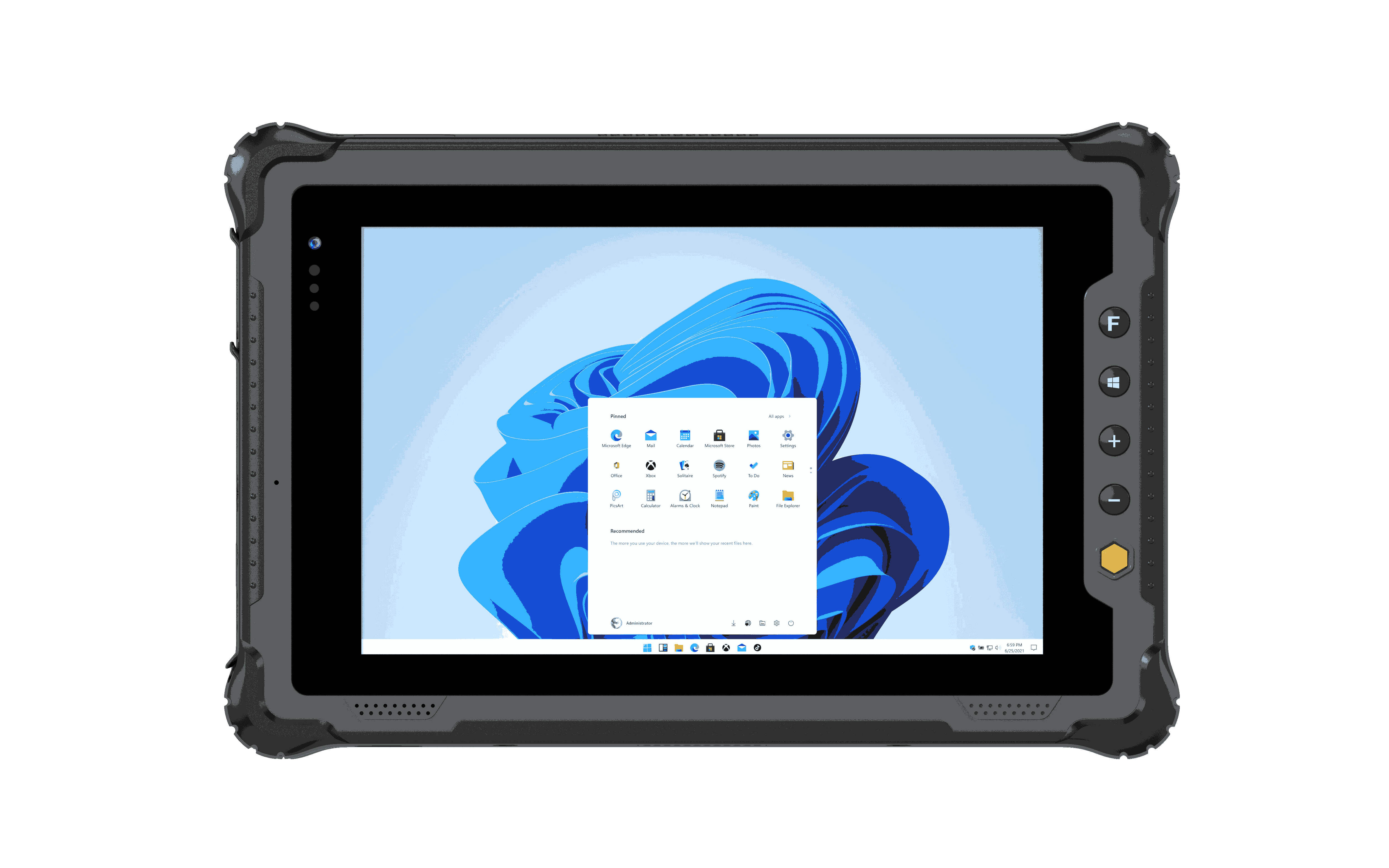

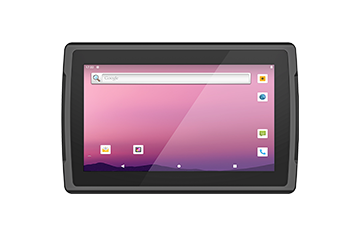
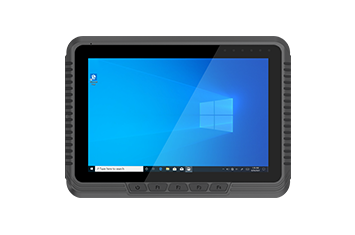
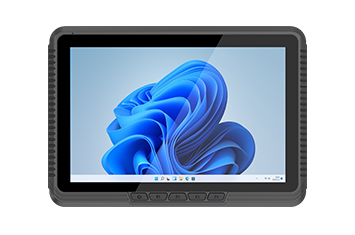
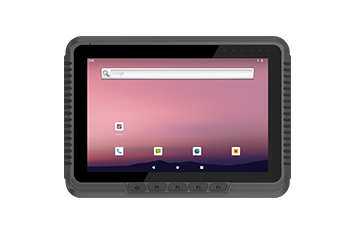
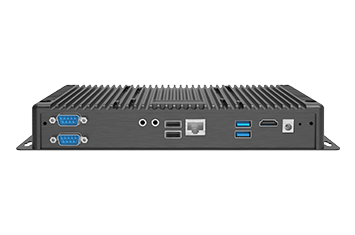
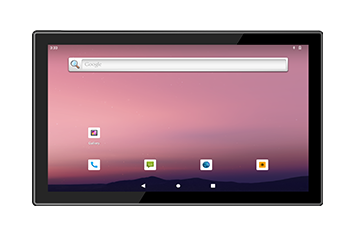
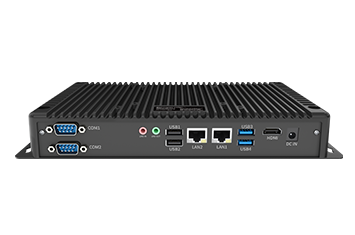
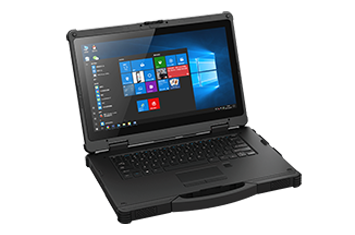
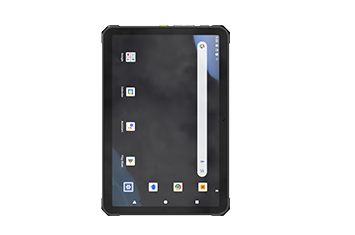
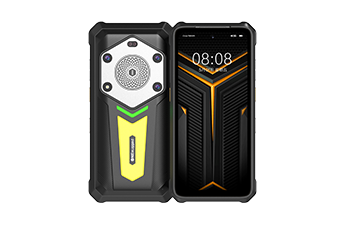
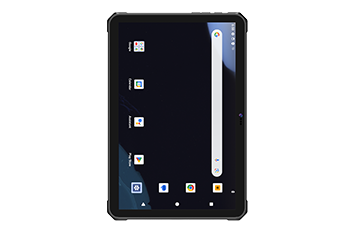
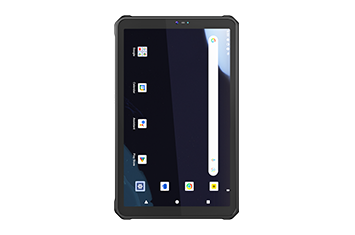
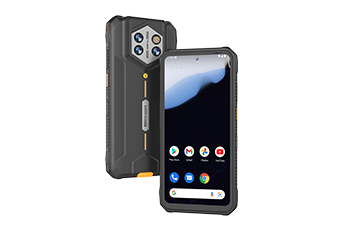
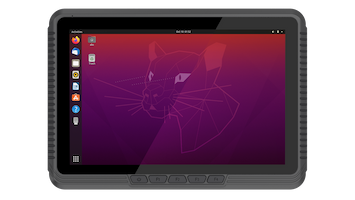
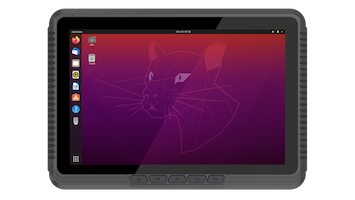
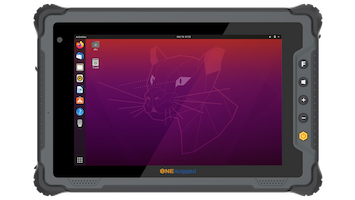






Barcode, NFC, and RFID tasks slow down when consumer devices cannot handle gloves, drops, dust, and repeated daily handling.
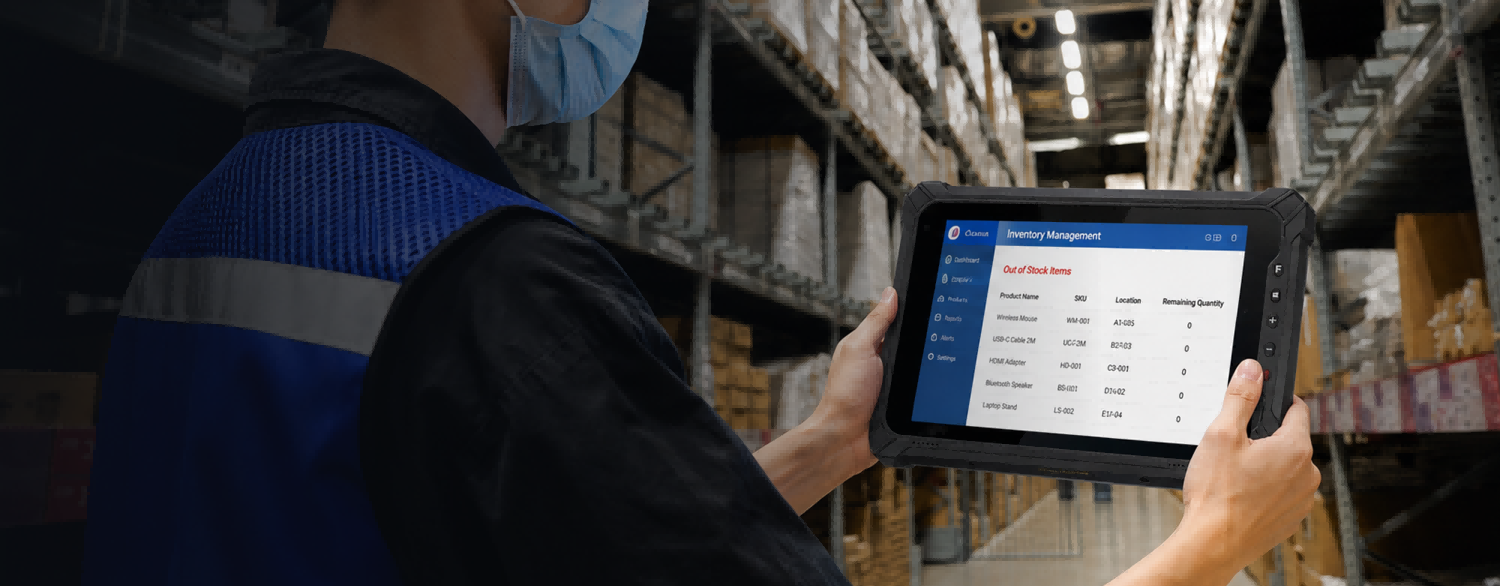
Warehouse & Logistics Solution
Smart Warehouse Management Solutions
Gain real-time visibility, improve inventory accuracy, and streamline warehouse operations with rugged mobile computing solutions.
Scenario Overview
Make every warehouse movement traceable, readable, and connected.
ONERugged warehouse management solutions help organizations achieve real-time inventory visibility, optimize asset tracking, improve barcode scanning performance, and streamline receiving, picking, packing, and shipping processes through rugged tablets and handheld devices.
Operational Pain Points
Where ordinary tablets fail in warehouse work
Selection should start from real operating conditions: scan frequency, mounting environment, network stability, software platform, and service continuity.
Warehouse and yard work often needs reliable Wi-Fi roaming, 4G/5G, GPS, and data sync between work zones.
Vehicle-mounted tasks require vibration resistance, charging, readable screens, and secure mounting while moving.
Fleet teams need app restriction, device settings, accessories, spare parts, and long-term support.
Workflow Map
Plan rugged mobility by warehouse movement
Map each daily warehouse task to the device, accessory, software, and support requirement it needs.
Scan inbound goods, verify quantities, and update WMS records at dock doors.
Use mobile terminals for shelf checks, cycle counts, and real-time stock visibility.
Support barcode workflows, task guidance, and error reduction during fulfillment.
Mount rugged tablets or vehicle PCs for dispatch, pallet movement, and yard tasks.
Confirm goods, capture delivery information, and keep records connected.
SOLUTION DIAGRAM
Unified Warehouse Intelligence: From Shelf-Level Scanning to Yard Operations
Sync shelf-to-yard logistics with high-performance rugged handhelds, vehicle mounts, and automated data capture.
SOLUTION DIAGRAM
Connected Warehousing Hardware Integration
A unified hardware network linking mobile scanning terminals and vehicle-mounted PCs with specialized power, mounting, and communication modules to drive seamless, real-time data flow.
Real-Time Stock Auditing
Shelf-Level Mobile Scanning
Streamlines receiving, put-away, and inventory audits right at the racking with high-precision, ergonomically carried handheld data collectors.
In-Vehicle Fleet Dispatch
Vehicle-Mounted Processing
Empowers forklift and yard-truck operators with robust, shock-resistant terminal displays for constant, real-time dispatch and routing updates.
Bulk Cargo Identification
RFID and peripheral capture
Integrates UHF RFID and specialized companion scanners into existing workflows for high-volume, automated bulk scanning and data precision.
Deployment Advantages
Designed for Reliable Warehouse Deployment
ONERugged simplifies warehouse-wide technology integration by combining rugged handheld scanners, shock-resistant vehicle PCs, and a unified accessory ecosystem into a high-performing, ready-to-deploy solution.
01
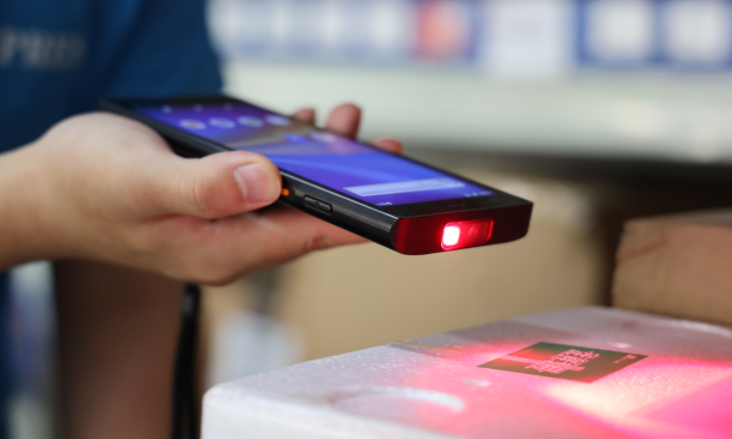
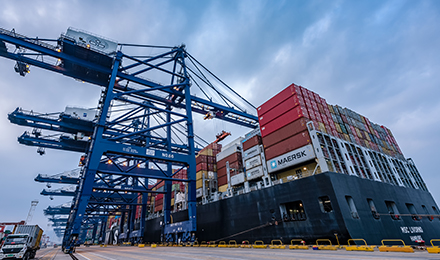
Built for high-volume shelf scanning
Equip your floor staff with highly durable, ergonomic handhelds and tablets designed for lightning-fast barcode capture, comfortable all-day carrying, and drop-proof performance.
02
Connected across expansive yards and lanes
Ensure constant communication from deep indoor racks to outdoor loading docks. Our high-gain antennas and seamless Wi-Fi/4G roaming eliminate warehouse signal dead zones.
Recommended Hardware
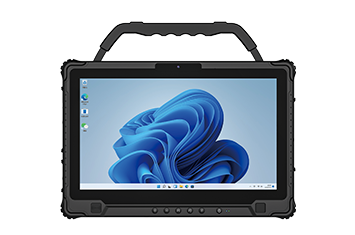
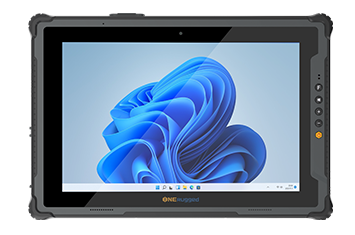
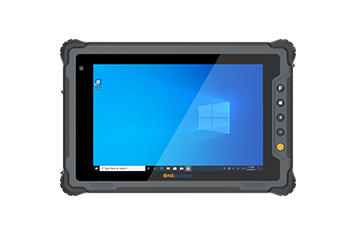
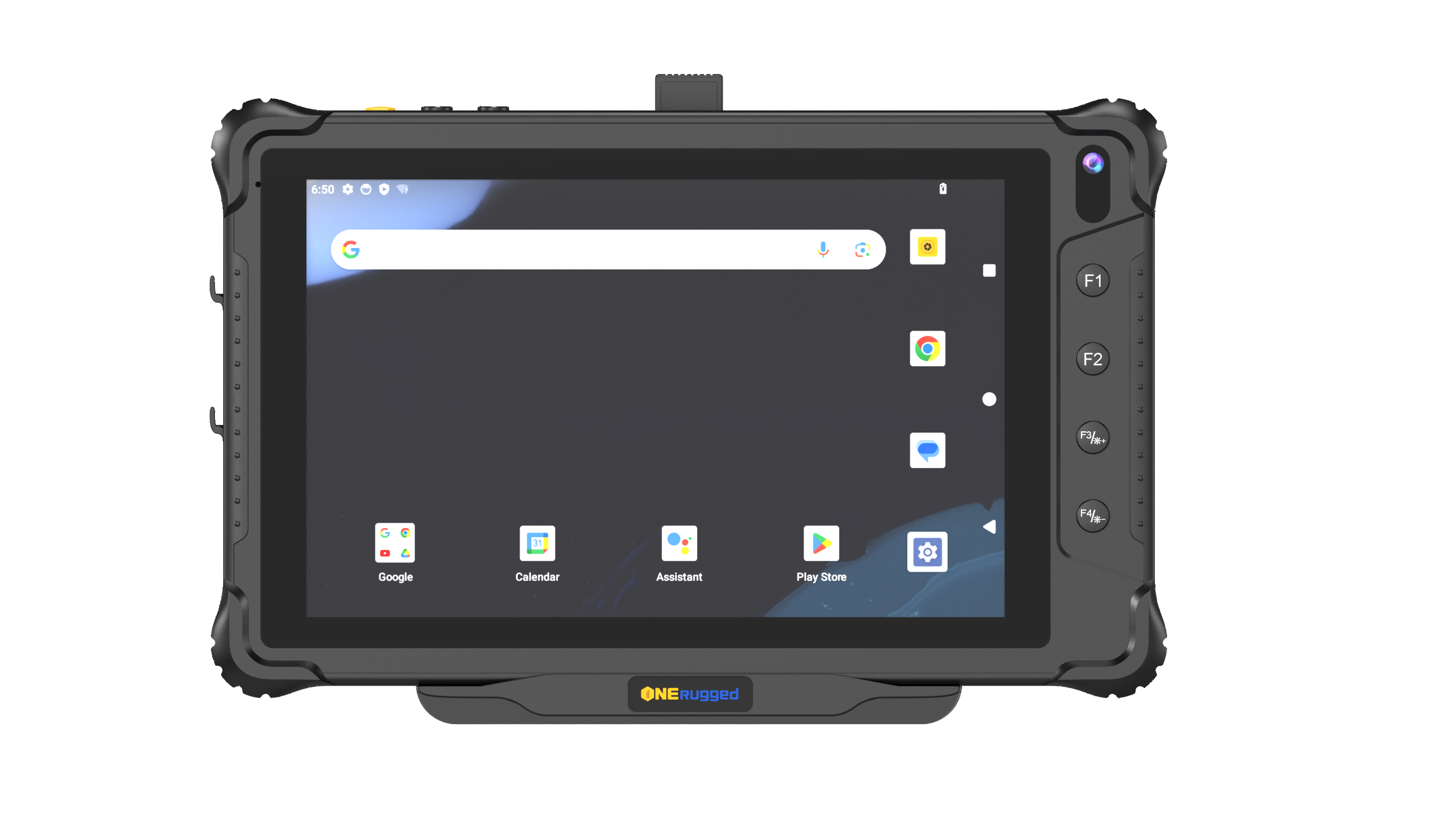
Rugged devices suitable for Warehouse Management
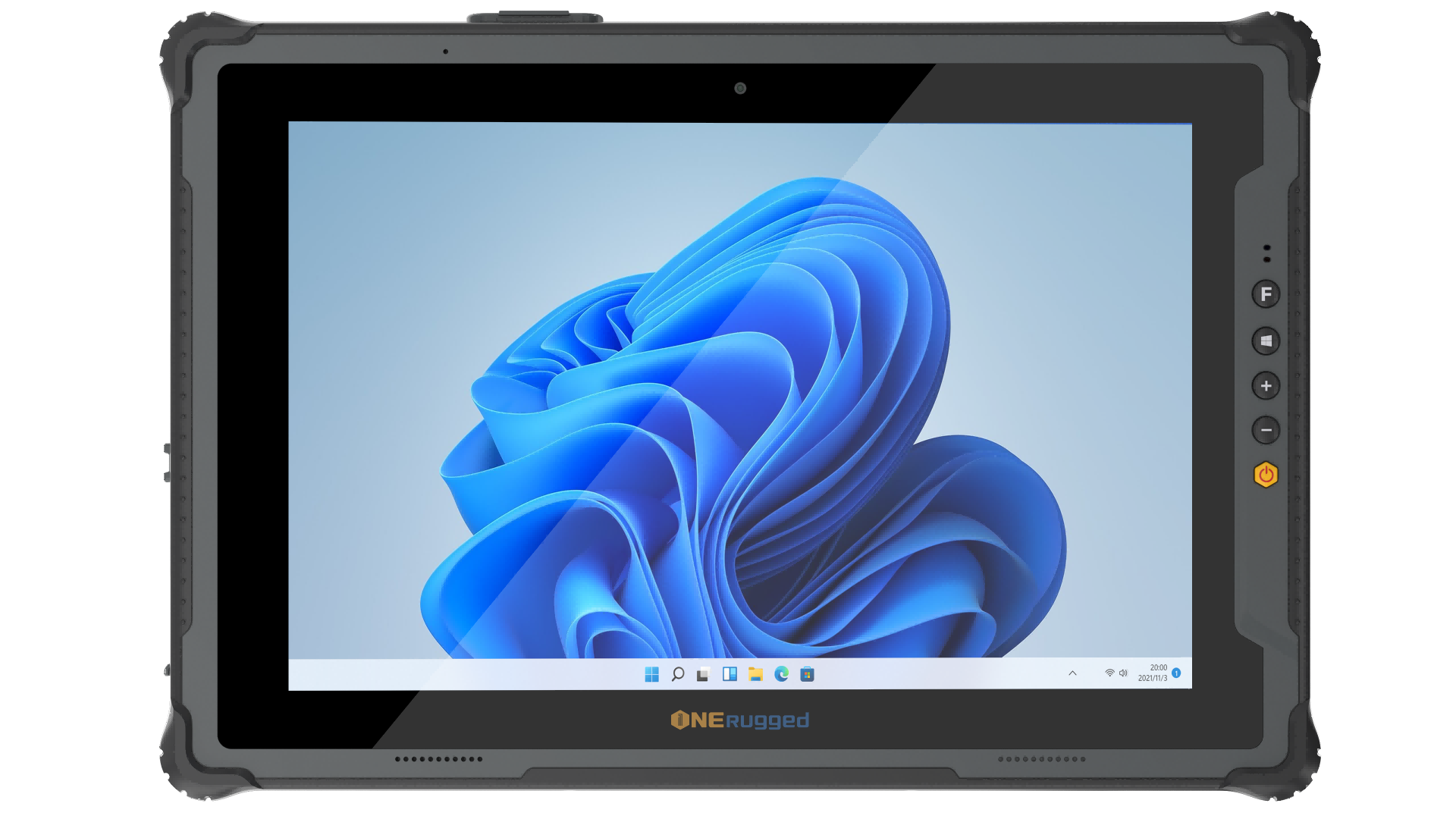
Windows 11 Pro
M20L Windows 12.2”
IP65
Windows 11 Pro12.2-inch ,1200 x 1920, 700 nitsIntel® Wi-Fi 6E (802.11 ax), Bluetooth® 5.4, 4G LTE (Optional 5G)
View Details
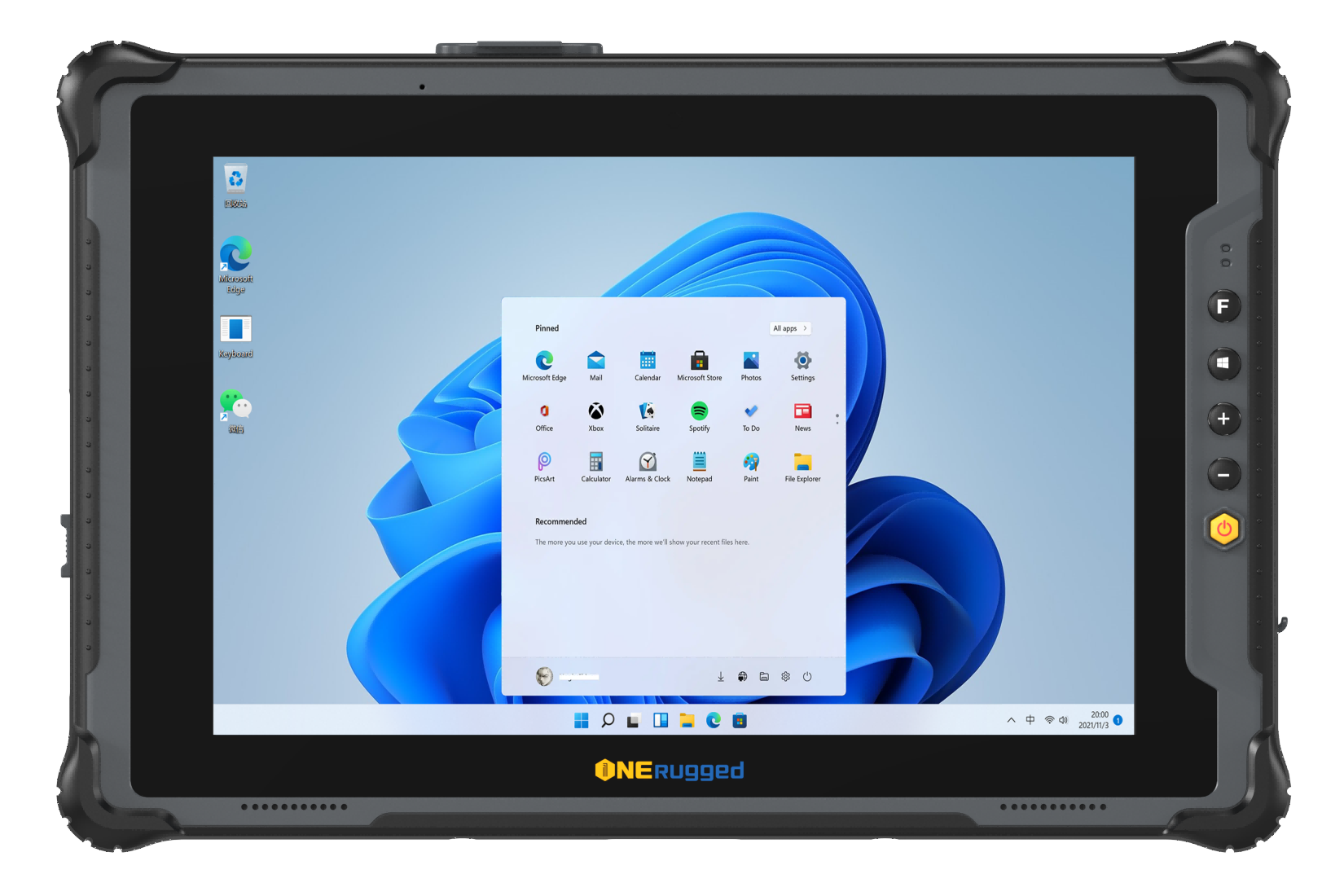
Windows 11 Pro
M10L Windows 10.1”
Windows 11 Pro10.1-inch ,1200 x 1920, 700 nitsWi-Fi 5 dual-band (2.4G/5G)
View Details

Windows 11 Pro
M10A-VDS Windows 10.1"
IP65 Intel i5-1235U Windows 11 Pro
Windows 11 Pro10.1", FHD (1200x1920), 700 nitsWiFi 6E, Bluetooth 5.3, 4G LTE, GPS/Glonass module
View Details

Android 12
M80R Android 8"
IP65 RK3568 Android 12
Android 128" IPS(800*1280), 700nitsDual frequency 2.4G+5.8G WIFI,Bluetooth® V5.0,4G
View Details

Andriod 12
M10R Andriod 10.1"
IP65 RK3568 Andriod 12
Andriod 1210.1 inch(800*1280),700cd/㎡Dual frequency 2.4G+5.8G WIFI, Bluetooth® V5.0, 4G
View Details
Windows 11
M10A Windows 10.1"
IP65 Intel i5 / i7 Windows 11
Windows 1110.1 inch, 1200×1920, 700 nitsIntel® Wi-Fi 6E (802.11 ax), Bluetooth 5.3, 4G
View Details
Android 14/GMS
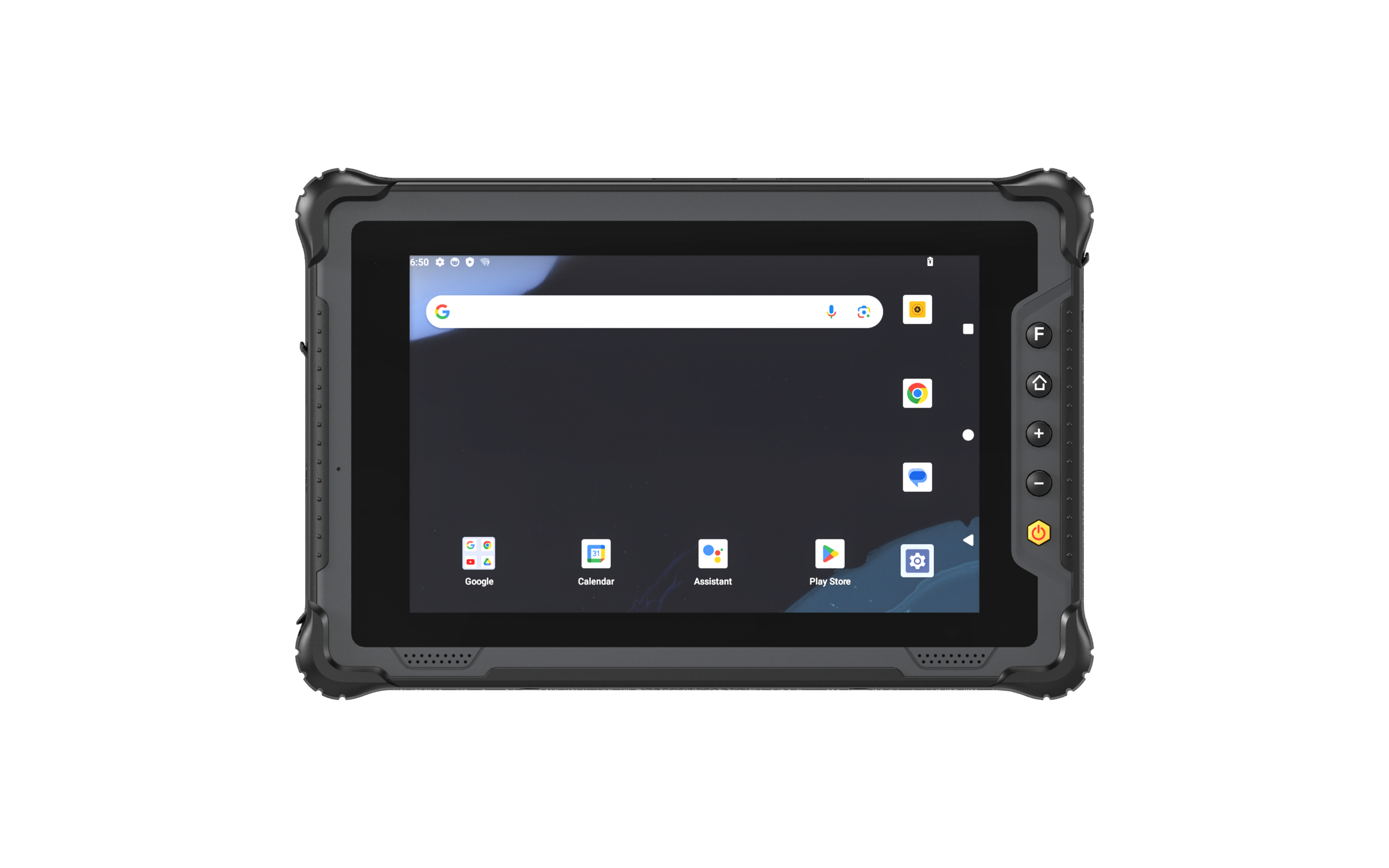
M805Q Android 8"
IP65 QCM6490 Android 14
Android 14/GMS8 inch, 1200×1920, 550cd/㎡Dual-band WiFi 6, Bluetooth 5.2, 5G
View Details
Windows 11
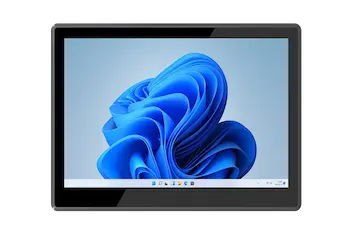
P15J Linux 15.6"
IP65 Intel N5100 Windows 11
Windows 1115.6 inch, 1920x1080, 220 nitsDual-band WiFi 5, Bluetooth 5.0
View Details
Windows 11 Pro
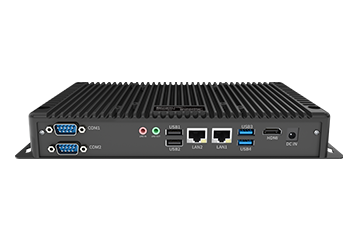
B10A Windows 11 Pro
Windows 11 Embedded Box PC
Windows 11 ProWi-Fi 6 (802.11 ax), BT5.1, Optional 4G LTE
View Details
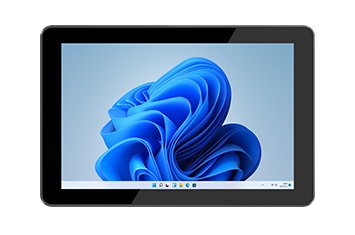
Windows 11 Pro
P10A Windows 10.1"
IP65 Intel i5-1235U Windows 11 Pro
Windows 11 Pro10.1 inch, 800*1280, 700 nitsIntel® Wi-Fi 6 (802.11 ax), Bluetooth® V5.2, Optional 4G LTE
View Details
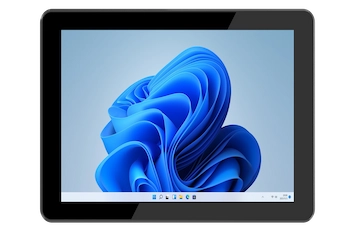
Windows 11 Home
P10J Windows 10.1”
IP65 Intel N5100 Windows 11 Home
Windows 11 Home10.1 inch, 800×1280, 700 nitsDual-band WiFi 5, Bluetooth 5.1, optional 4G
View Details
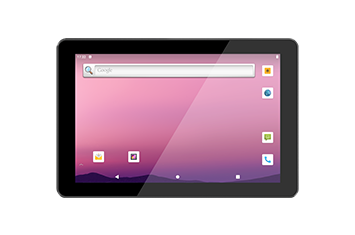
Android 12
P10R Android 10.1"
IP65 ARM Quad-Core Processor Android 12
Android 1210.1 inch, 800x1280, 700 nitsWiFi 5, Bluetooth 5.0
View Details
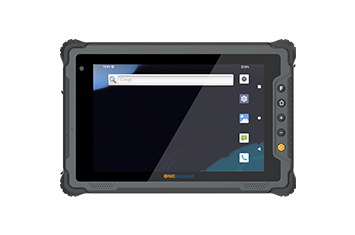
Android 12
M80T Android 8"
IP65 ARM Octa-Core Processor Android 14
Android 128 inch, 1200×1920, 500 nitsDual-band WiFi 5, Bluetooth 5.1, 4G
View Details
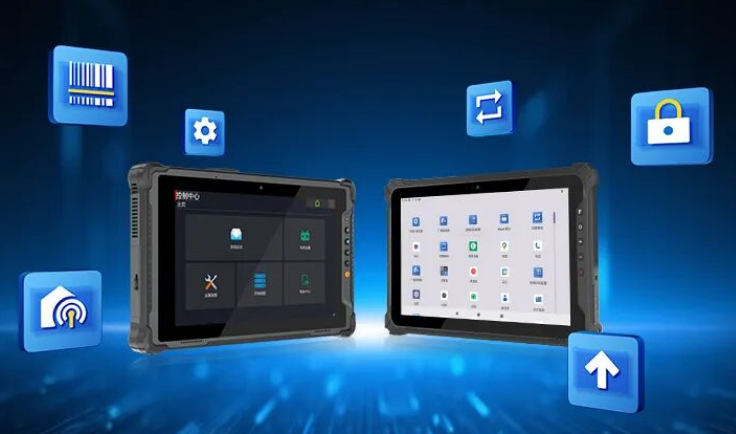
Software Support
Manage devices after deployment
Support app restriction, device management, key mapping, and controlled operation for warehouse teams.
MDM
Kiosk Mode
Key Mapper
Remote Settings
View Software
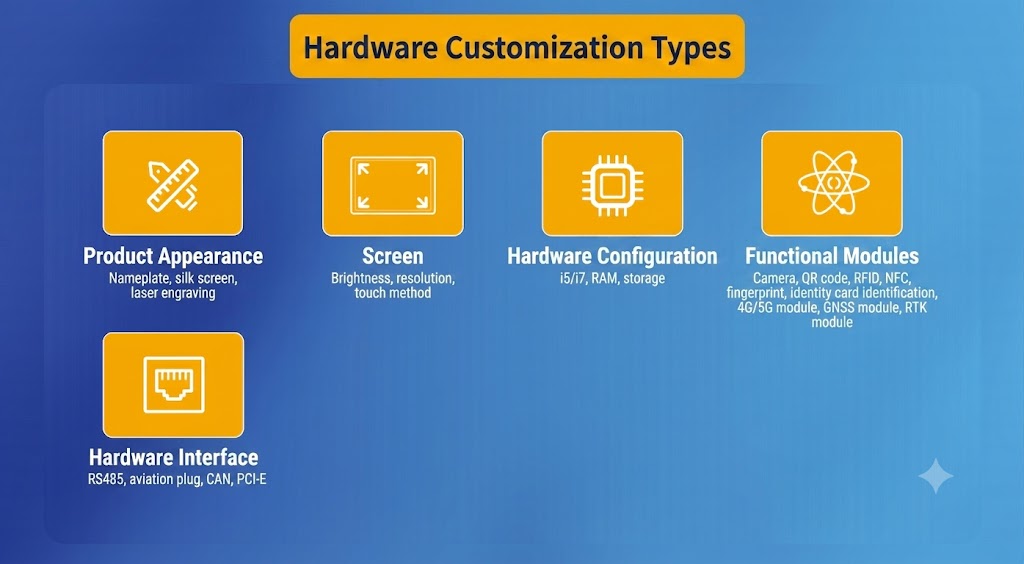
Accessories & Customization
Complete the deployment package
Plan mounting, charging, straps, vehicle docks, OS images, and project-specific configuration together.
Vehicle Dock
Charging
OS Image
Accessories
Request Configuration
BUSINESS OUTCOMES
Optimize Supply Chain Precision and Operational Flow
Transform logistics bottlenecks into high-throughput operations. By integrating resilient hardware with automated data capture, our warehouse solution accelerates inventory velocity, prevents fulfillment errors, and keeps your entire supply chain moving.
Discuss Deployment RiskMilitary-grade ruggedness eliminates unexpected hardware downtime and screen breakage in harsh warehouse environments.
High-precision scanning engines and stable wireless networks eliminate transit bottlenecks and data entry delays.
Standardized docking accessories and enterprise-grade software kiosk modes simplify IT overhead and reduce device misuse.
Long-term product availability and clear enterprise service roadmaps ensure dependable, multi-year fleet planning.
Related Solutions
More scenarios connected to rugged mobility
 01
Retail
01
Retail
Optimize in-store operations and inventory management with ONERugged retail solutions. Discover rugged tablets and PDA devices with built-in barcode scanners.
 02
Vehicle Management
02
Vehicle Management
Optimize fleet operations and driver safety with ONERugged vehicle management solutions. Discover industrial vehicle mounted computers and in-car tablets.
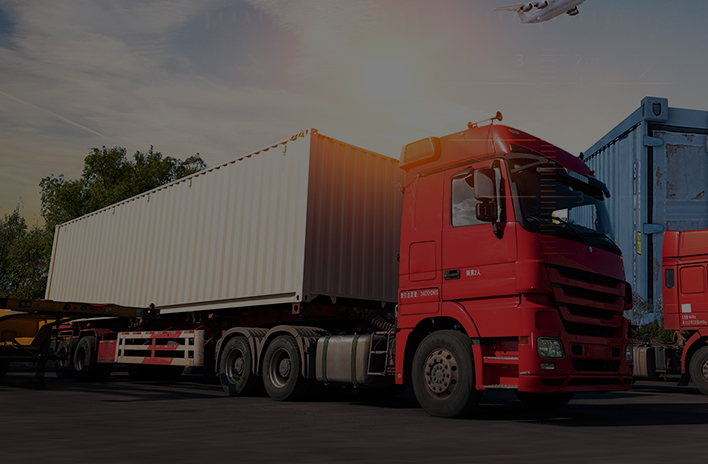 03
Transportation
03
Transportation
Optimize logistics and fleet management with ONERugged. Discover durable vehicle mount terminals, in-car tablets, and sunlight readable android tablets.
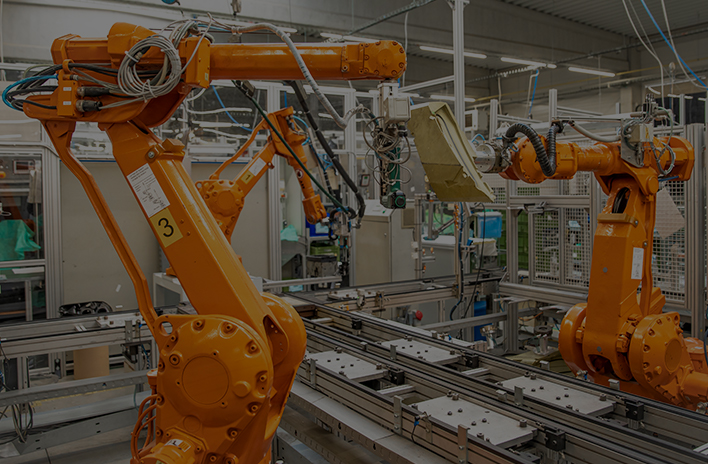 04
Manufacturing
04
Manufacturing
Optimize factory automation and CNC operations with ONERugged. Discover durable industrial panel PCs, fanless computers, and advanced HMI displays.
Solution FAQ
Common questions before warehouse deployment
Key considerations before confirming warehouse device models, accessories, software, and deployment support.
Handhelds suit scanning-intensive tasks, tablets suit mobile workflows, and vehicle PCs suit forklift or vehicle-mounted operation.
Indoor workflows usually prioritize Wi-Fi roaming, while yards and outdoor zones may need 4G/5G backup.
Charging docks, straps, trigger handles, vehicle mounts, spare batteries, and protective cases should be evaluated with the workflow.
ONERugged devices can support Android or Windows warehouse applications, device management, app control, and project-based configuration.
Warehouse Mobility Planning
Need help matching devices to your warehouse workflow?
Tell us your scanning, WMS, connectivity, mounting, OS, and durability requirements. ONERugged can recommend device combinations and configuration paths.