
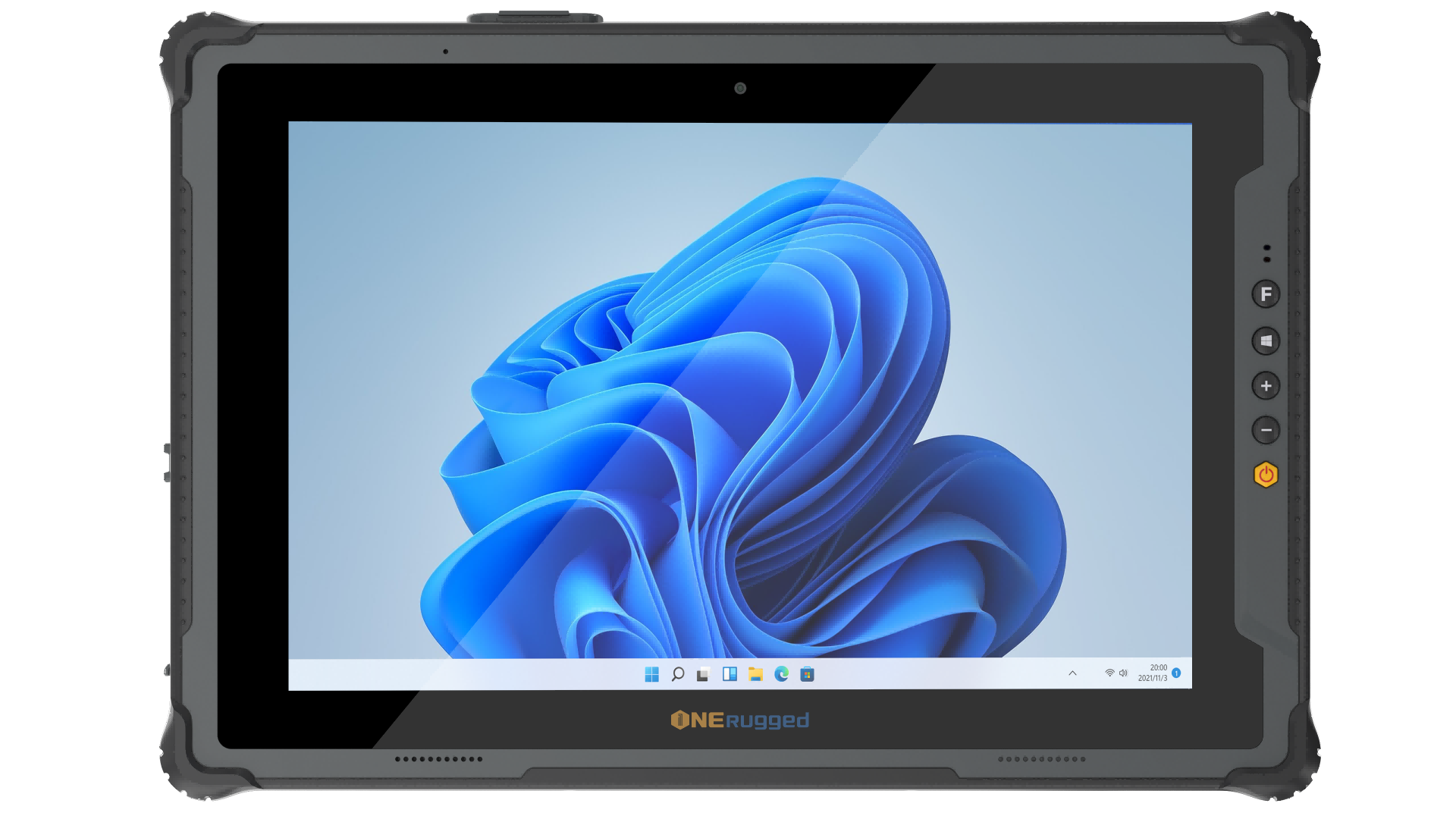
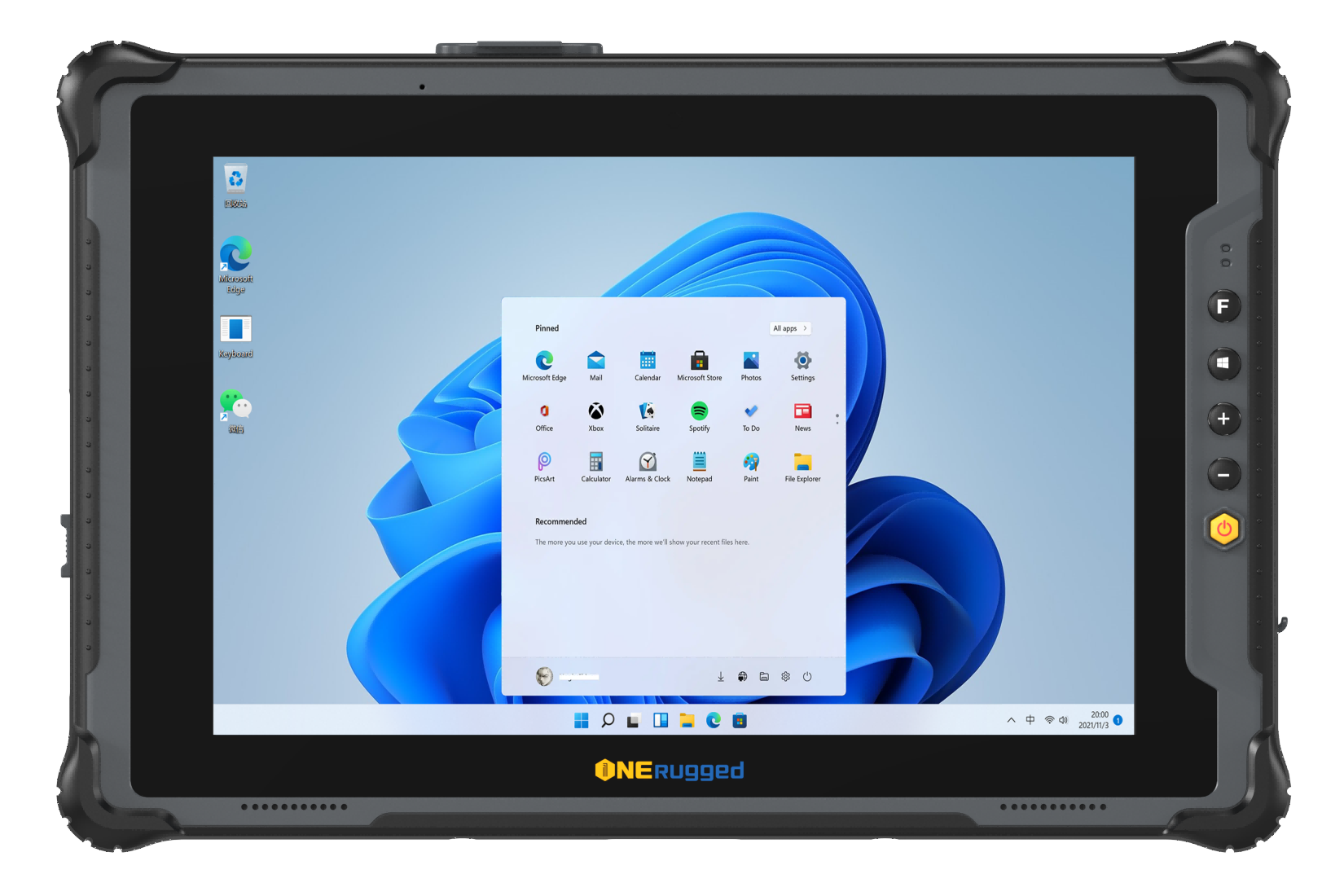



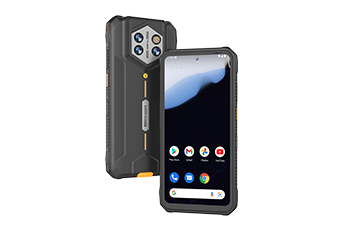
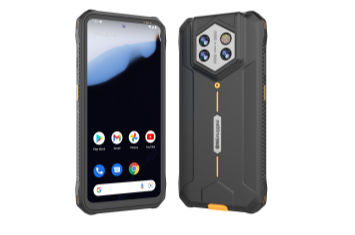




Support one-dimensional and two-dimensional code scanning on ONERugged Android devices with scanning heads.
Barcode Scanner
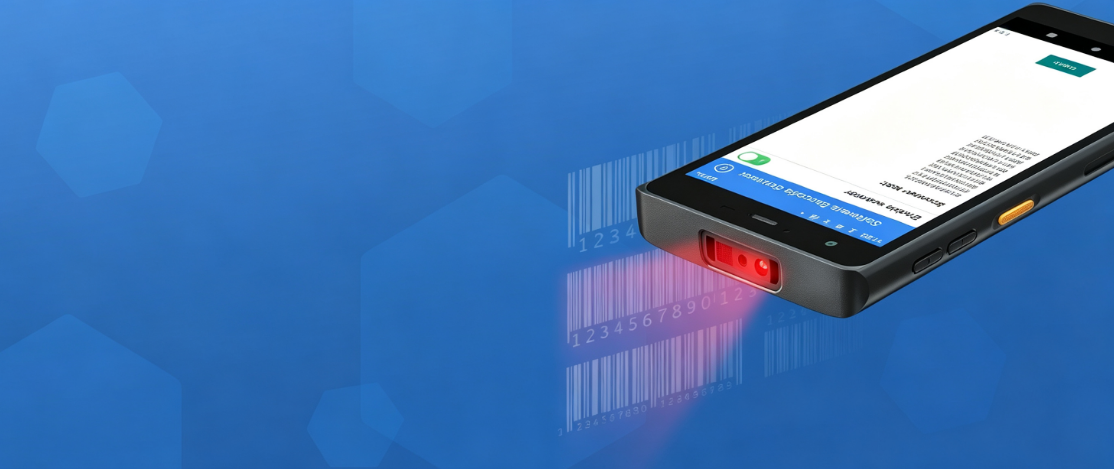
Barcode Capture Software
Barcode Scanner for fast Android data capture
Barcode Scanner provides one-dimensional and two-dimensional code scanning service for Android devices integrated with ONERugged scanning heads, supporting multiple code systems and extensive scan settings.
Software Overview
Turn Android rugged devices into fast scan terminals
Use Barcode Scanner with ONERugged Android devices that include scanning heads for logistics, retail, factory, warehouse, and mobile data capture workflows.
Core Functions
Barcode scanning settings for field productivity
Barcode Scanner supports scanning mode, scanning output, scanning display, enable/disable settings, code check bit, length settings, and factory restore.
Support barcode scanning and result return in any input box of the device.
Support continuous scanning mode, central scanning mode, and scan hover button settings.
Support prefix, suffix, ENTER output, enable or disable settings, check bit, length, and factory restore.
Deployment Flow
Plan scan behavior before rollout
Confirm scan head model, code systems, input target, continuous or central scanning mode, prefix/suffix output, ENTER behavior, hover button, and code property settings.
Confirm device model, operating system, user role, workflow, and support expectations.
Set the functions, restrictions, mappings, update rules, scan behavior, or Android integration requirements.
Apply the software configuration to the selected ONERugged device family and validate operation.
Use software support to keep device use, updates, scanning, or integration stable after delivery.
Device Fit
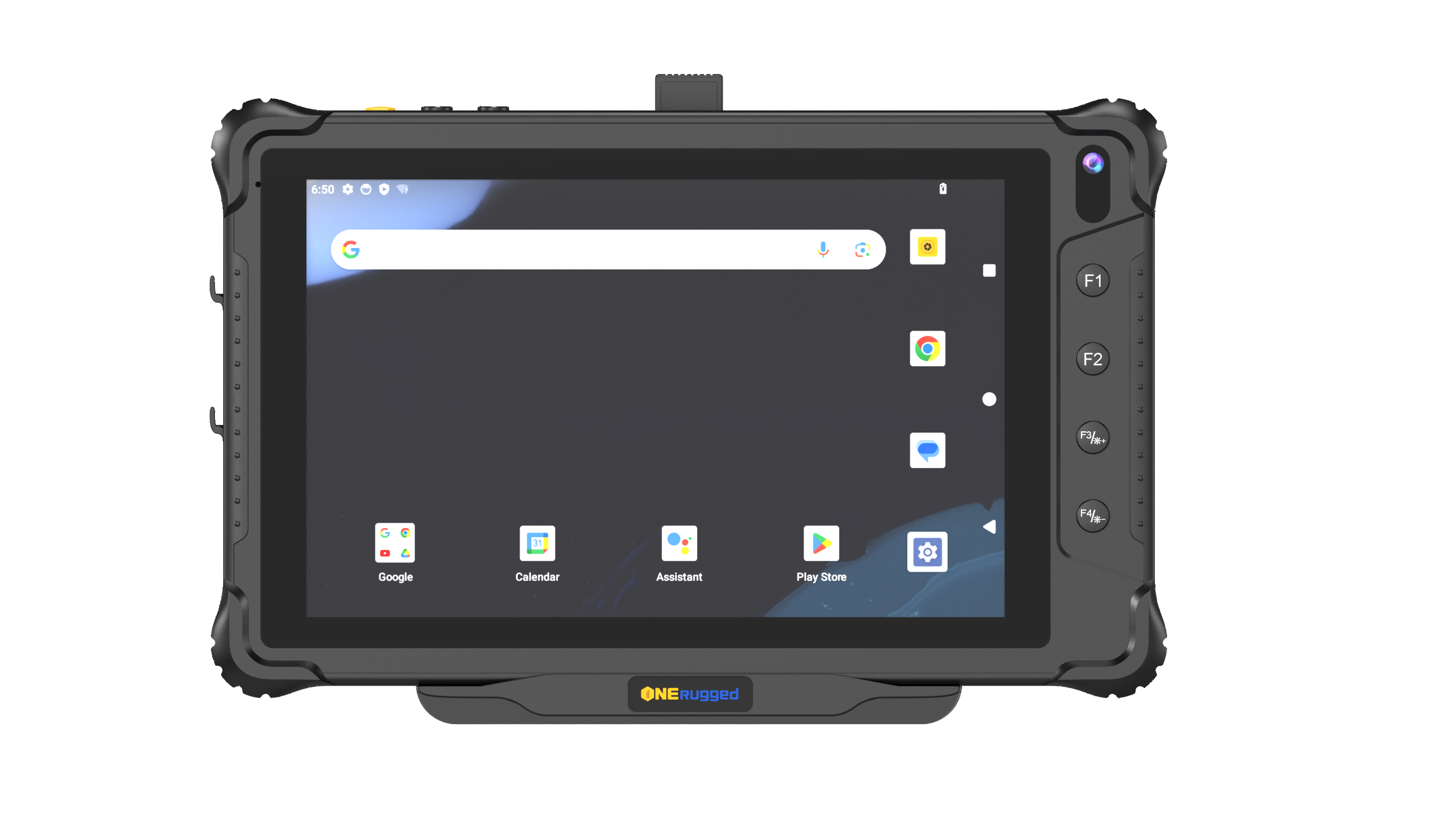
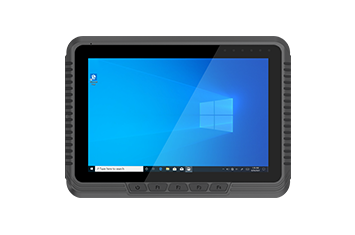
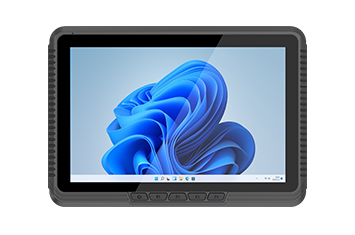
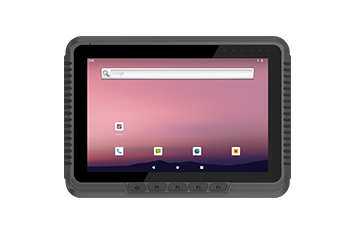
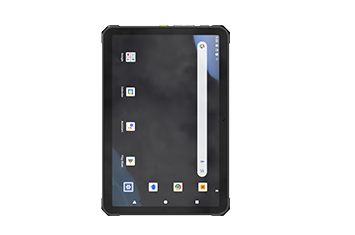
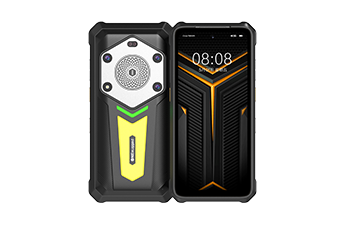
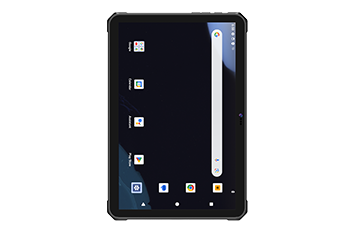
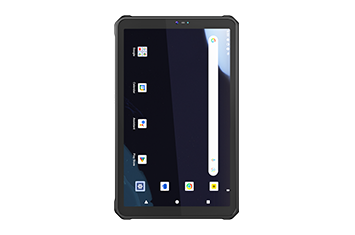
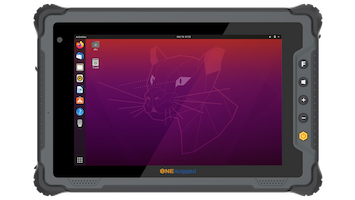
Barcode Scanner works with ONERugged Android models with scanning heads
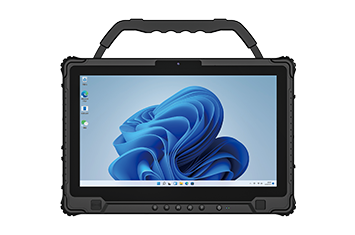
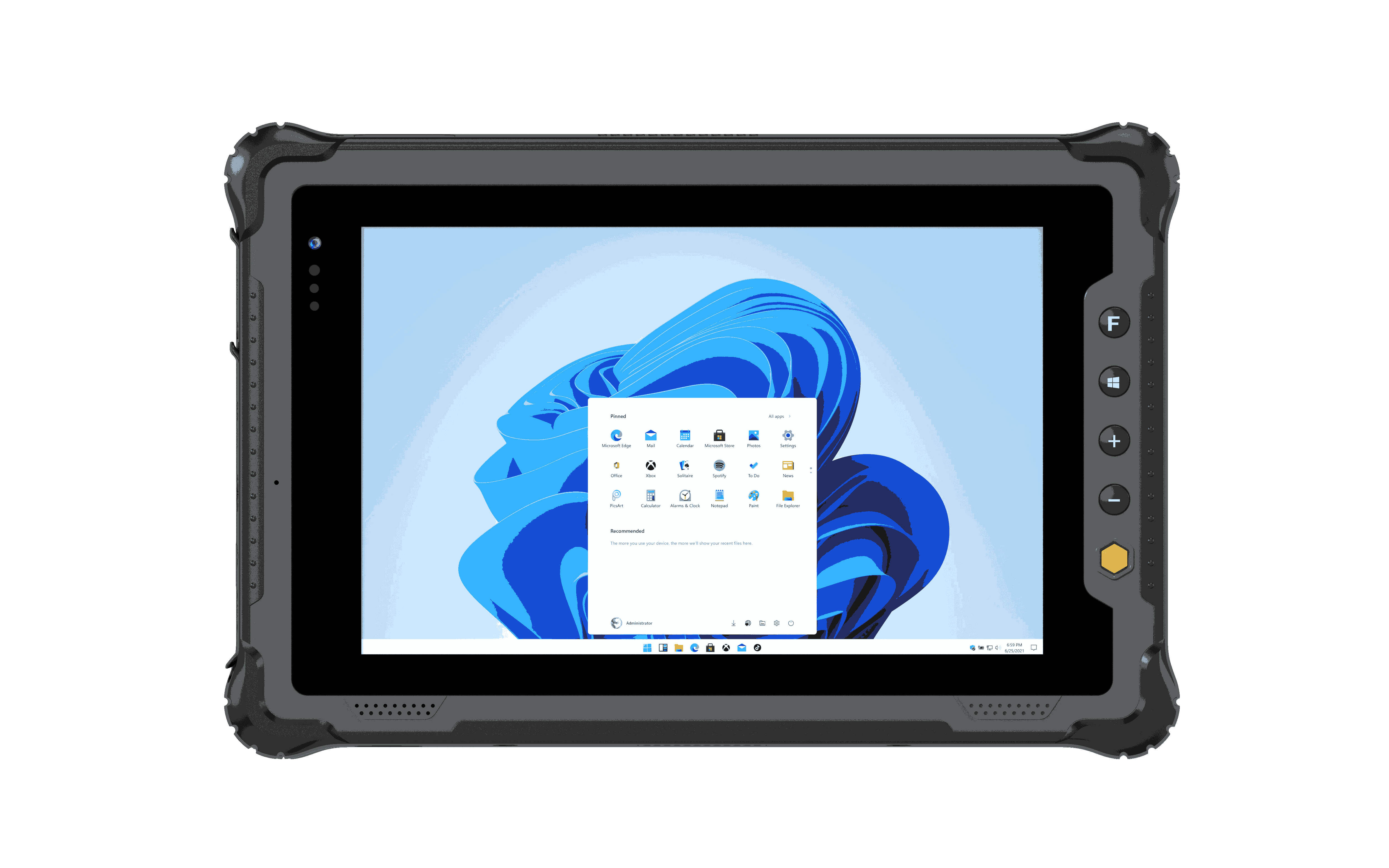
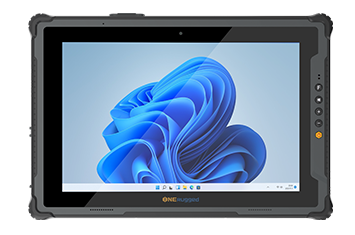
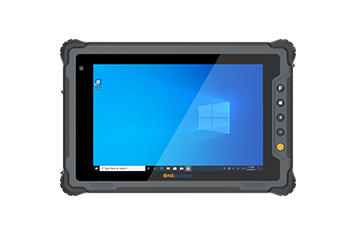
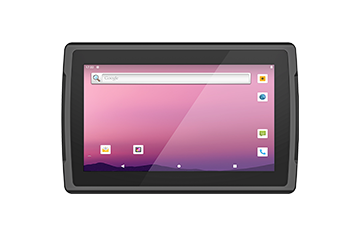
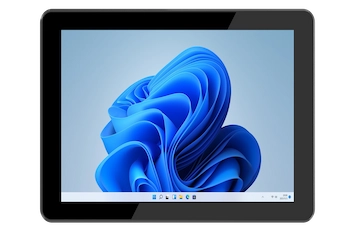
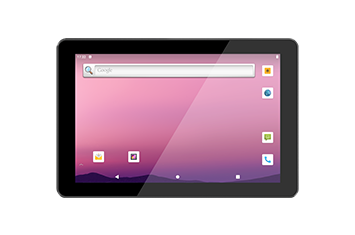
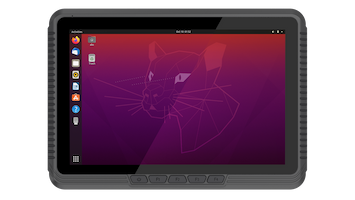
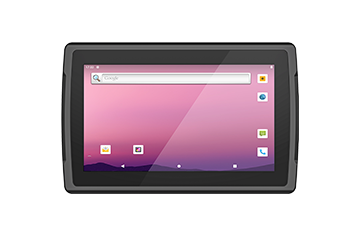
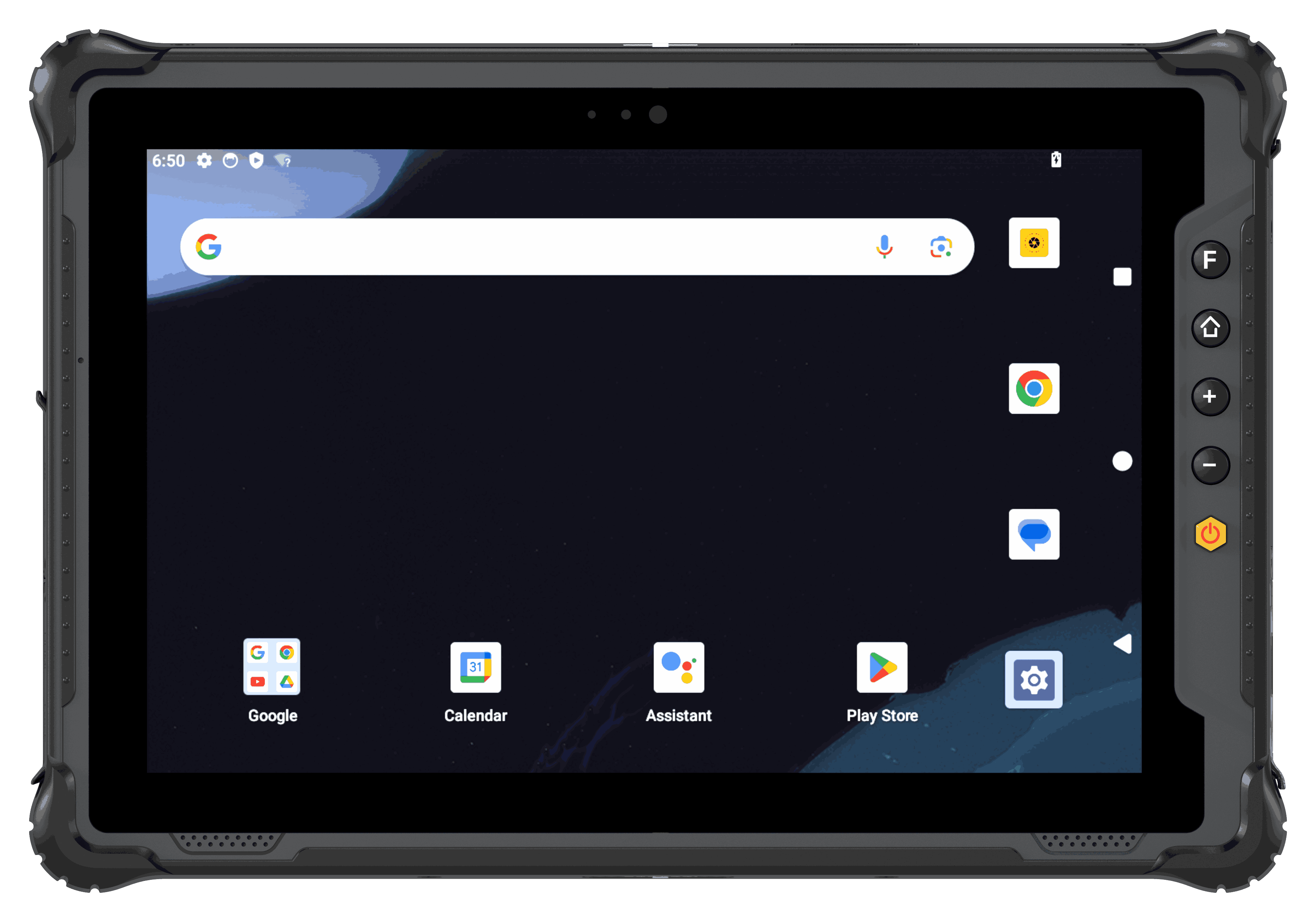 Rugged Tablet
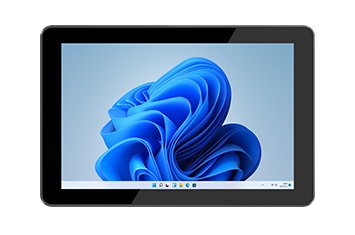
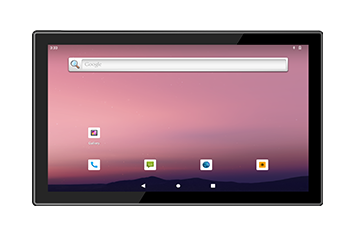
For tablet fleets used in inspection, warehouse, vehicle, production, and field service work.
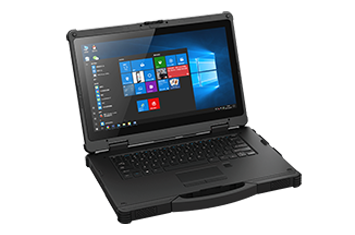
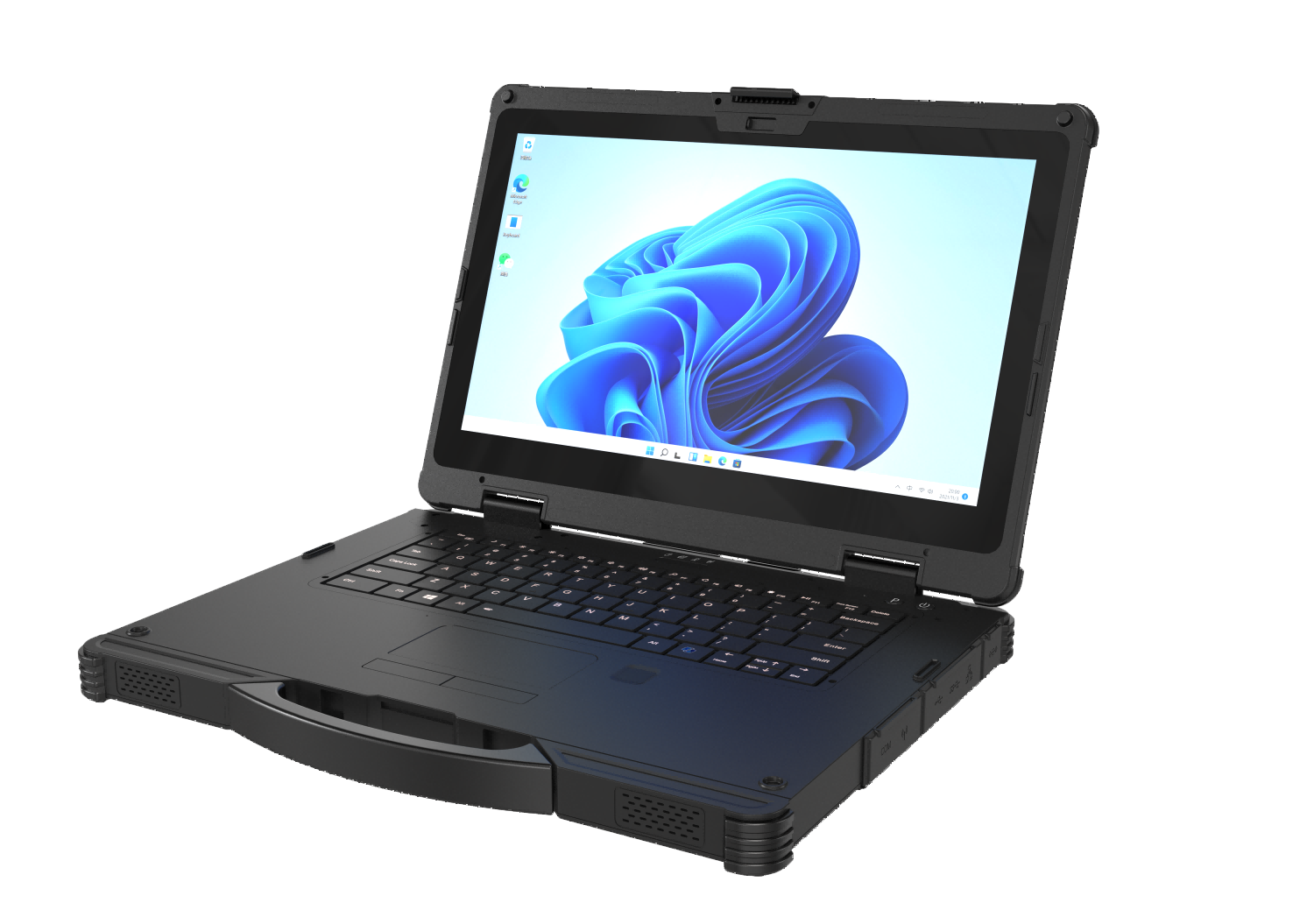 Rugged AI PC
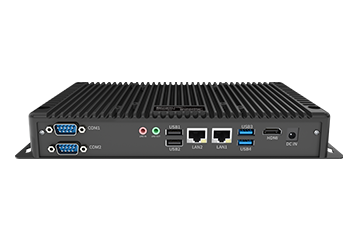
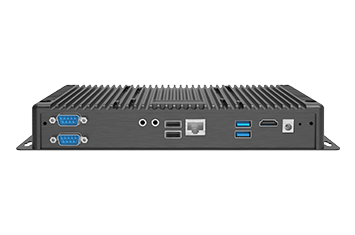
Built for AI-powered field computing, delivering intelligent performance, on-device AI processing, and reliable operation in demanding industrial environments.
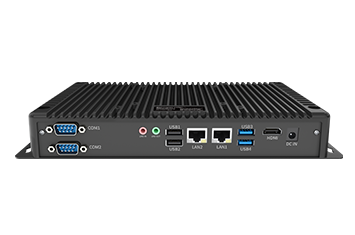
 Vehicle PC
For vehicle-mounted terminals where update timing, user access, location, and site operation rules matter.
Application Scenarios
Use Barcode Scanner where fast and accurate data capture matters
Barcode Scanner supports logistics, retail, factory, warehouse, inventory, and mobile data capture scenarios.
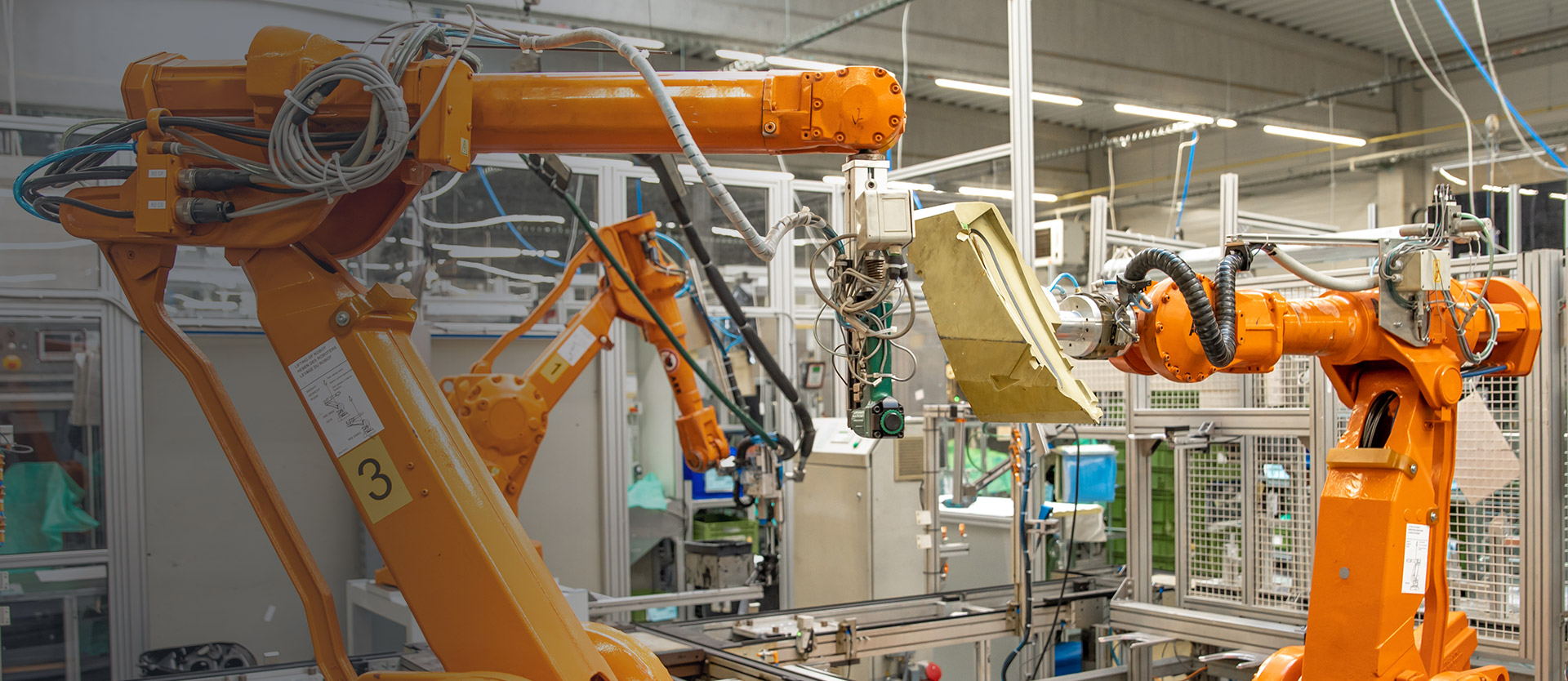 Warehouse Management
Support WMS access, scanning workflows, inventory rules, stock movement, and shift-based use.
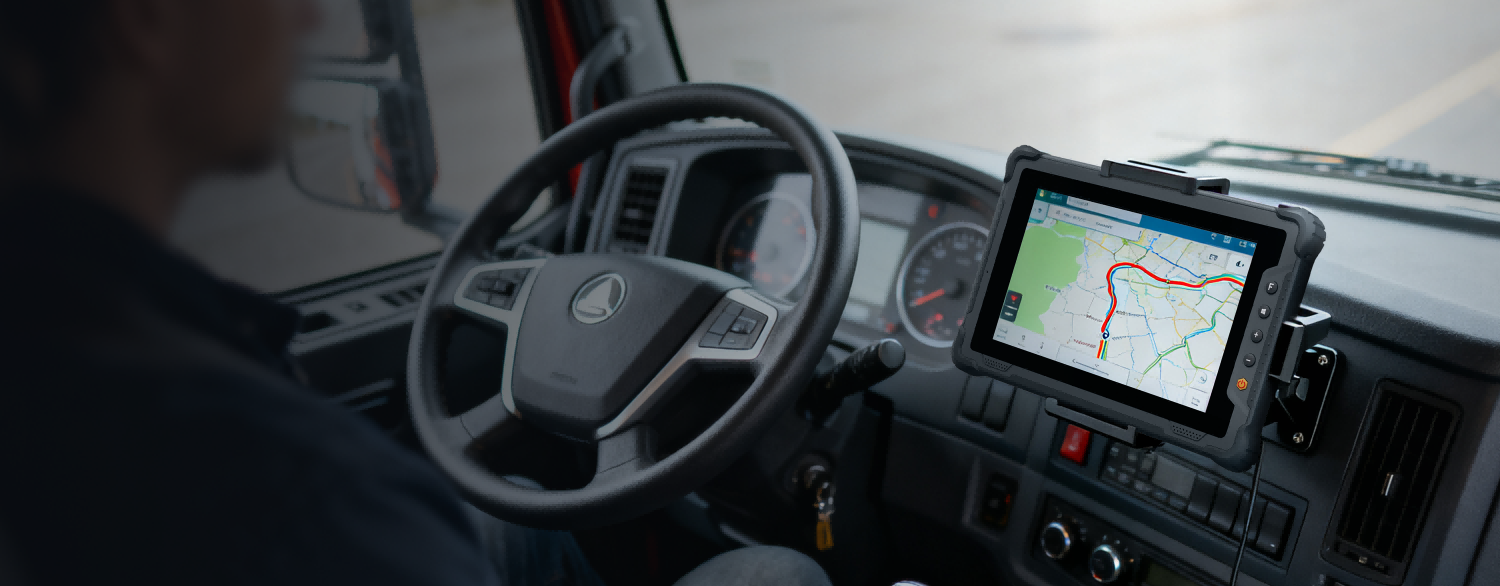 Vehicle Management
Maintain vehicle-mounted devices with controlled apps, stable update planning, and location-aware operation policies.
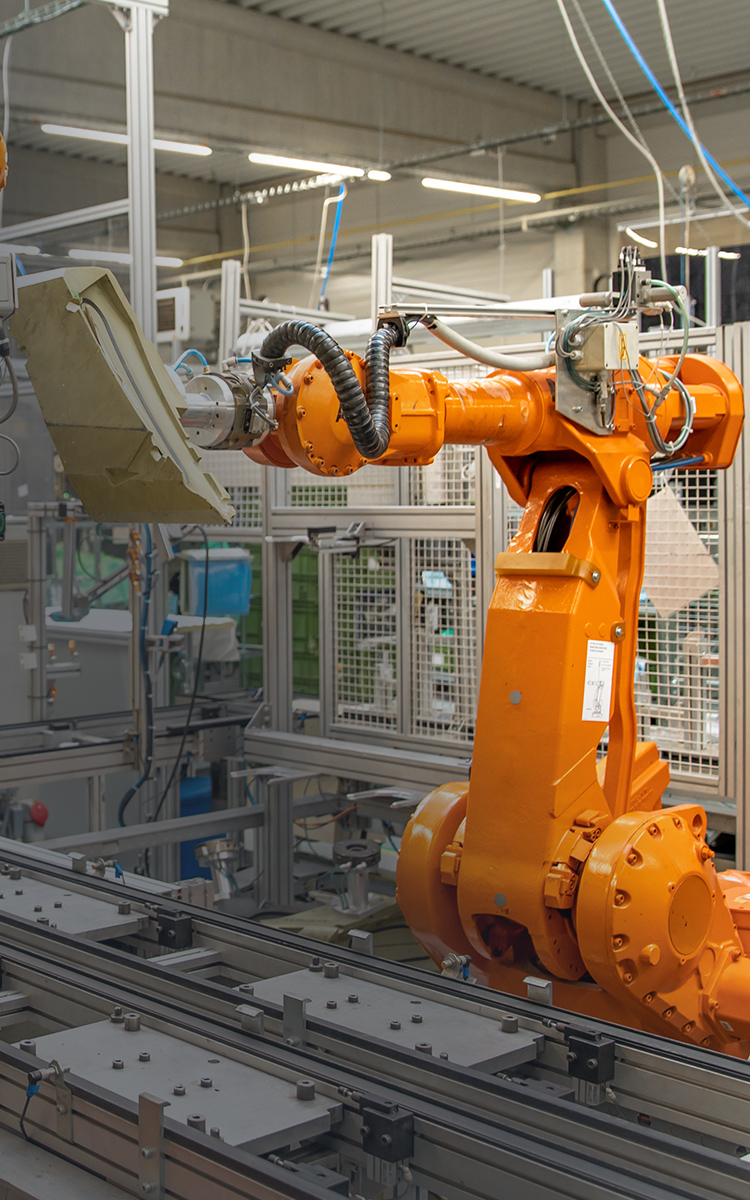 Manufacturing
Standardize terminals used for production records, inspection, maintenance, and factory information workflows.
 Retail and Service
Keep devices focused on scanning, approved apps, inventory checks, and mobile service workflows.
Software FAQ
Questions before using Barcode Scanner
These questions keep the page focused on software planning and project fit.
It works with ONERugged Android models integrated with one-dimensional or two-dimensional code scanning heads.
Yes. The official feature list includes barcode scanning and result return in any input box of the device.
It supports scanning modes, scanning output settings, display settings, enable/disable settings, code check bit, length, and factory restore.
Software Support
Need barcode capture support for ONERugged Android devices?
Tell ONERugged your device family, operating system, fleet size, operating sites, and software requirements.