
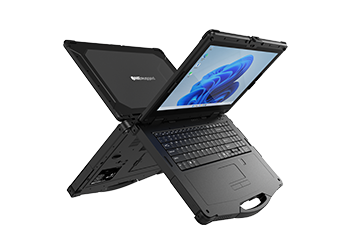
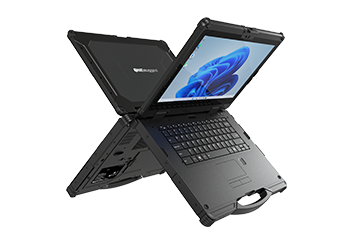
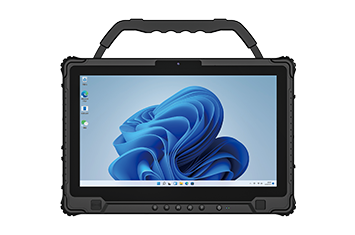

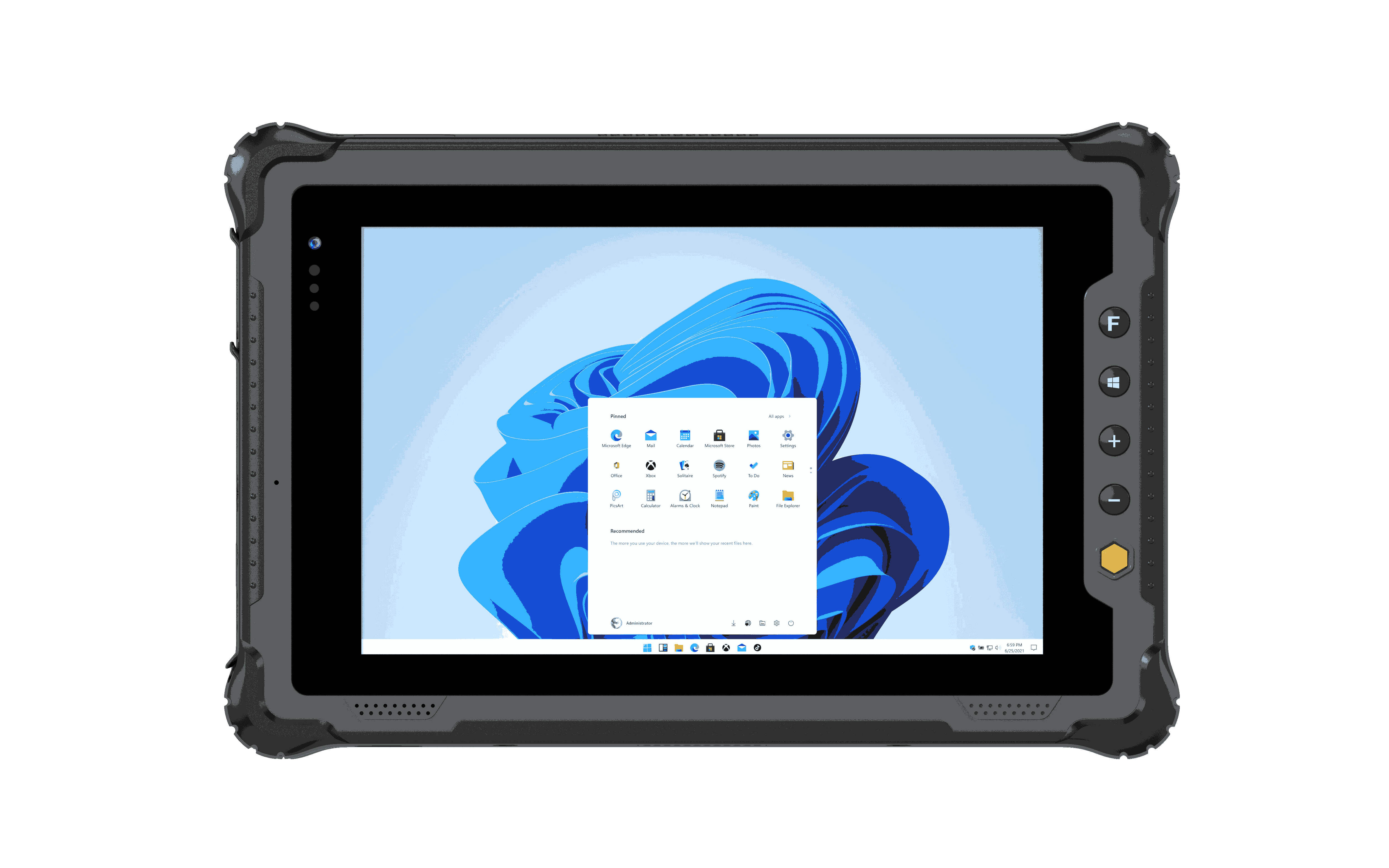


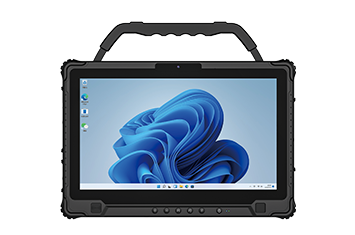
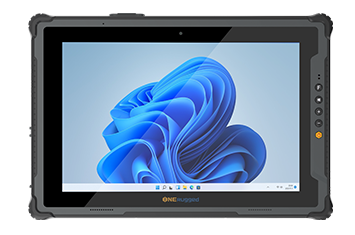
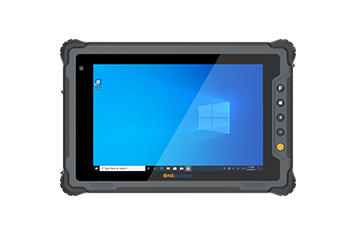
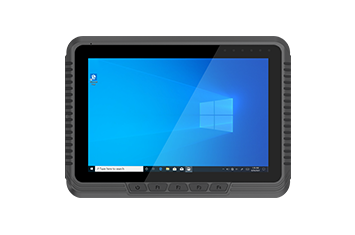
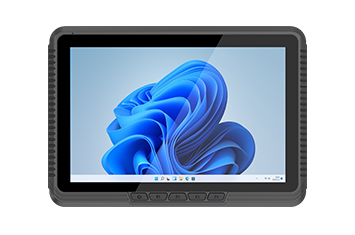
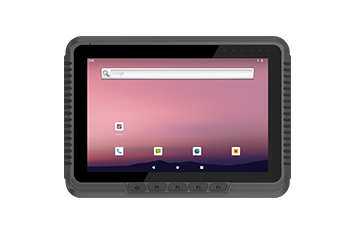
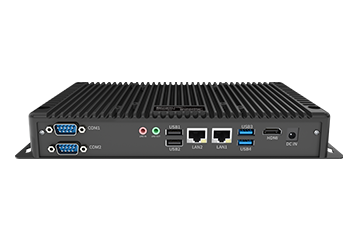
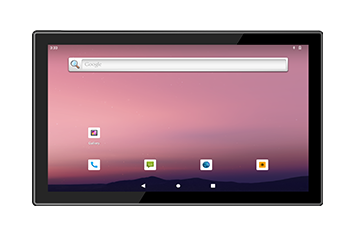
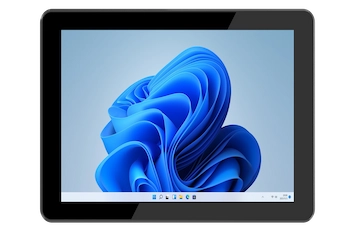
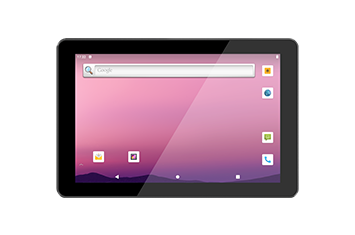
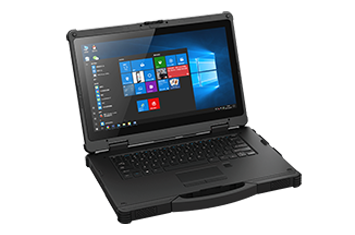
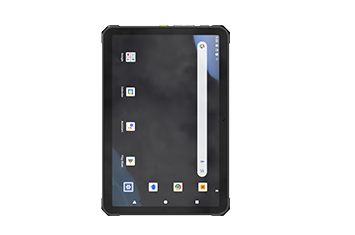
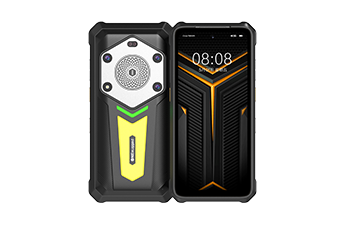
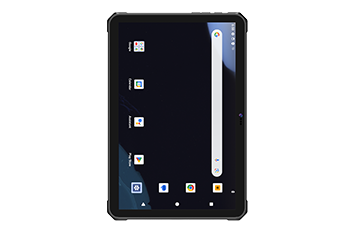
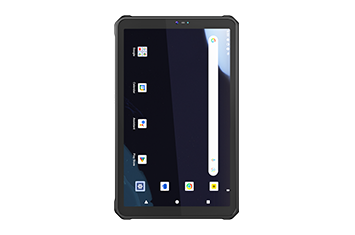
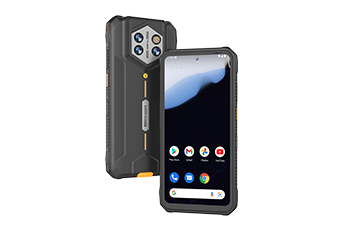
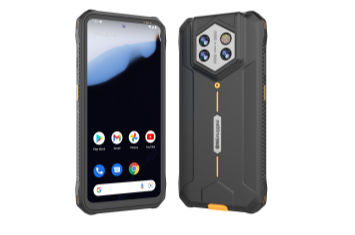
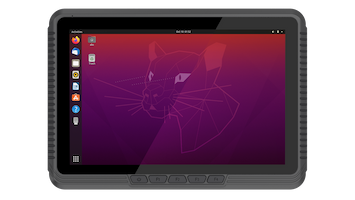







Moving vehicles require devices and mounts that tolerate vibration, impact, and long operating hours.
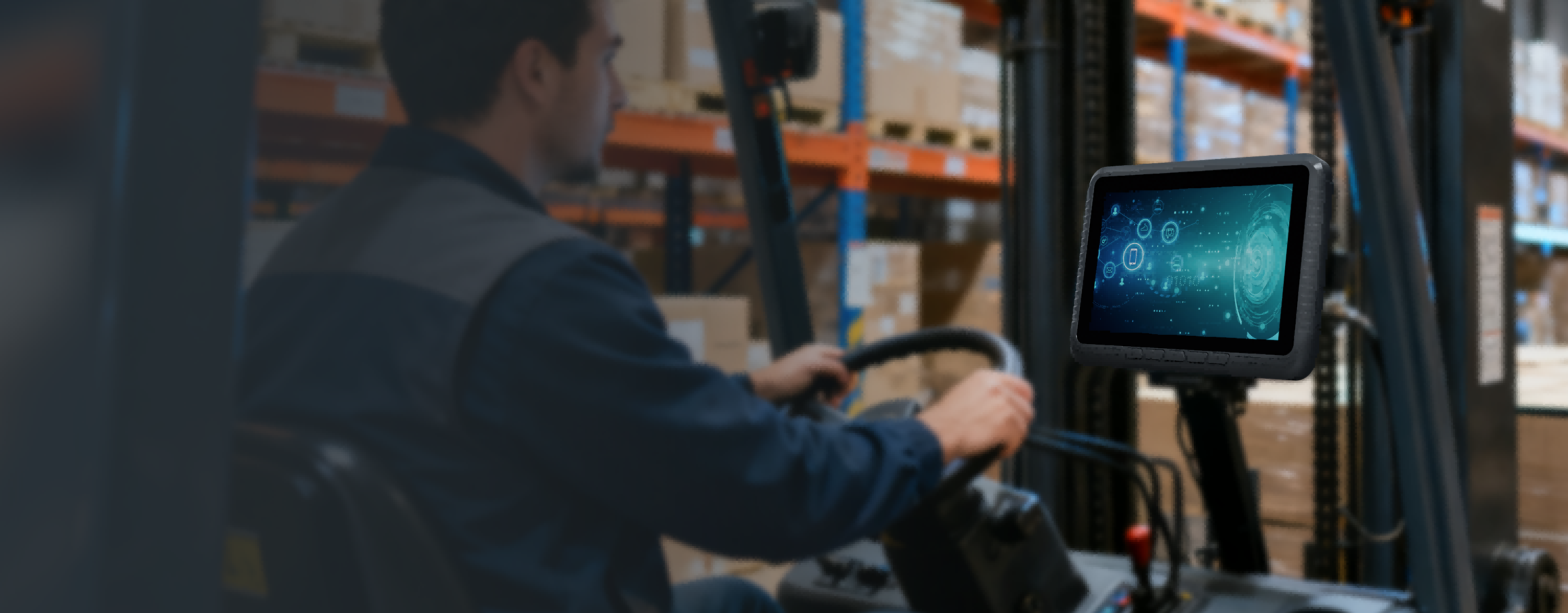
Vehicle Management Solution
Reliable In-Vehicle Computing for Fleet and Vehicle Operations
Empower retail operations with mobile technology that enhances customer experiences, accelerates checkout, and improves workforce efficiency.
Scenario Overview
Seamless Connectivity for Drivers, Vehicles, and Dispatch
Maximize fleet efficiency with field-ready devices engineered for constant vibration, flexible mounting, and secure power inputs. Experience high-visibility navigation and seamless wireless communication to optimize daily inspection and dispatch workflows.
Operational Pain Points
Where mobile devices fail inside moving vehicles
Vehicle projects should evaluate mounting, power stability, GPS, network coverage, screen readability, vibration resistance, and software compatibility before choosing devices.
Wide-voltage input, ignition behavior, and power protection affect in-vehicle reliability.
Screen brightness, viewing angle, and mounting position affect driver safety and efficiency.
GPS, 4G/5G, Wi-Fi, and Bluetooth must support fleet tracking and dispatch workflows.
Workflow Map
Plan in-vehicle computing by fleet task
Different vehicle workflows require different balances of screen size, mounting, GPS, wireless communication, power, and device control.
Receive route, task, and fleet information from the dispatch system.
Use location, map, and route information during vehicle movement.
Keep screens readable and controls usable in real driving environments.
Support pallet movement, vehicle-mounted scanning, and yard coordination.
Capture vehicle, route, and job records for follow-up management.
SOLUTION DIAGRAM
Vehicle Computing Architecture for Connected Fleet Operations
Build a reliable vehicle management solution by combining a vehicle mounted computer, secure mounting, stable vehicle power, and wireless connectivity. Every component works together to keep fleet communication, navigation, dispatch, and data collection running in demanding mobile environments.
Integrated Vehicle Computing Solution
Vehicle-mounted computing ecosystem
A complete deployment combines the vehicle mounted computer, mounting system, vehicle power, wireless networking, and external peripherals into one reliable fleet platform.
Core Vehicle Terminal
Rugged vehicle-mounted computer
A fanless vehicle mounted computer delivers dispatch, navigation, HMI control, and fleet data processing inside trucks, forklifts, and service vehicles.
Installation System
Mounting and vehicle power
Vehicle mounts, adapter cables, and wide-voltage power ensure secure installation and stable operation under continuous vibration and harsh road conditions.
Connected Fleet Network
Wireless communication and expansion
GPS, 4G/5G, Wi-Fi, Bluetooth, RTK, CAN Bus, cameras, and external sensors provide real-time fleet visibility and seamless data exchange.
DEPLOYMENT ADVANTAGES
Designed for Reliable Fleet Deployment
ONERugged simplifies vehicle management deployment by combining rugged hardware, vehicle mounting, stable power, wireless connectivity, and long-term project support into one complete solution.
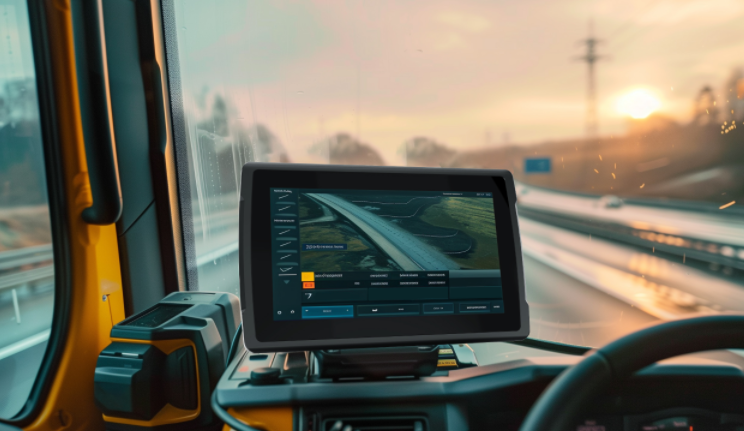
01
Built for continuous vehicle operation
Fanless vehicle mounted computers ,helping fleets maintain stable in-cabin computing across trucks, forklifts, and service vehicles.
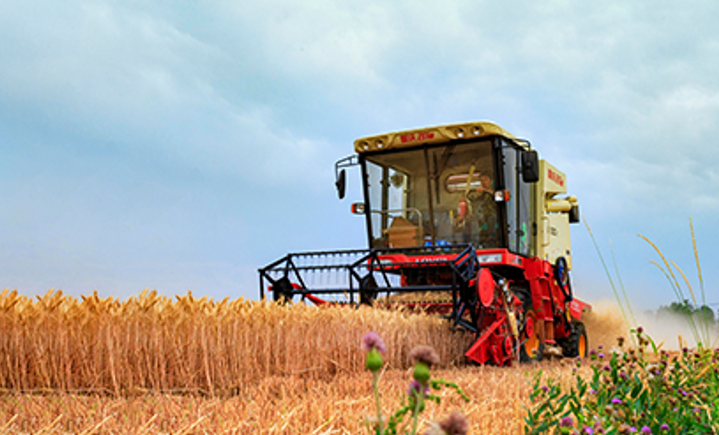
02
Always connected on the move
Keep drivers, dispatch centers, and enterprise platforms connected with real-time location and operational data.
Recommended Hardware
Rugged devices suitable for Vehicle Management
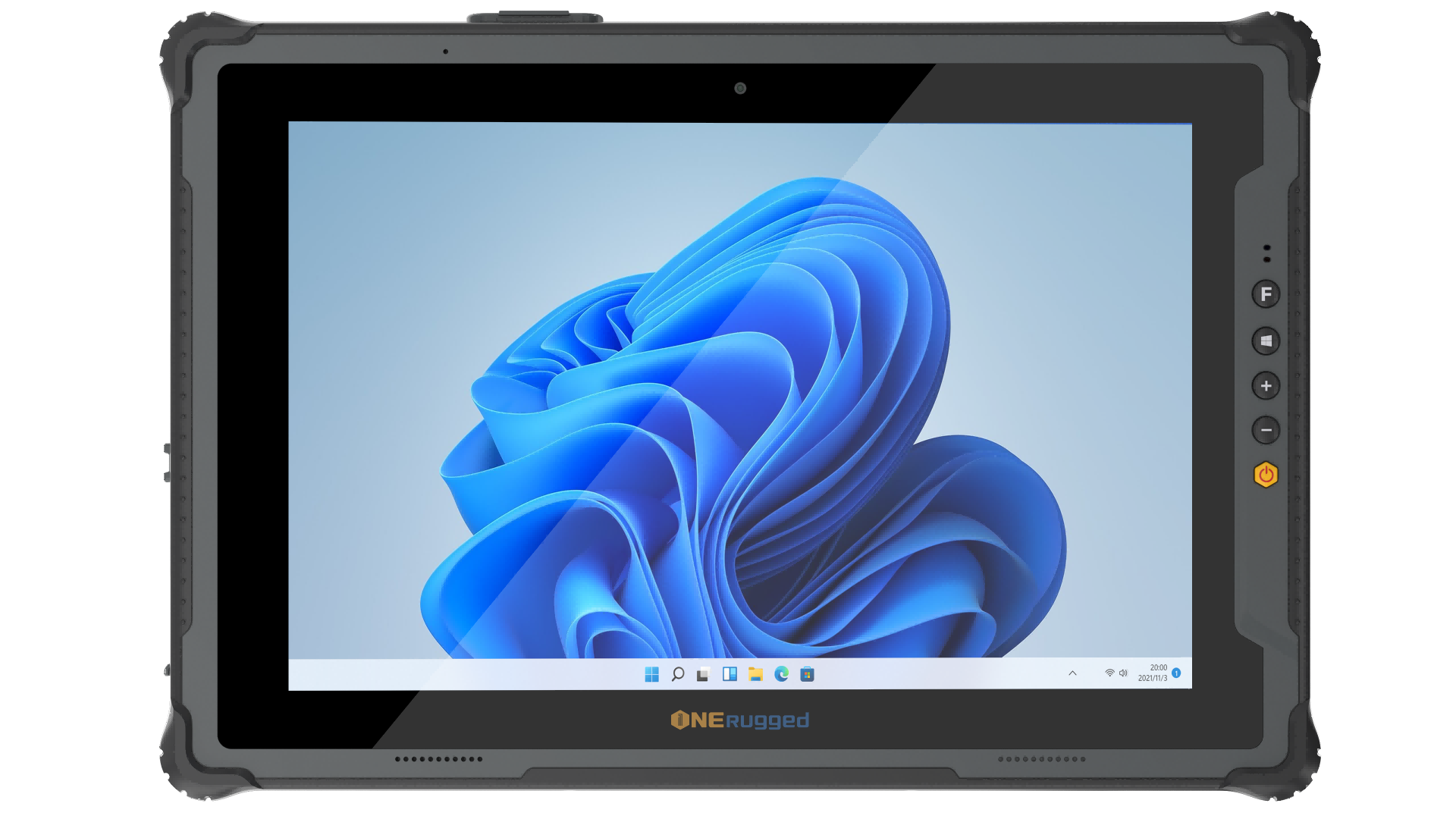
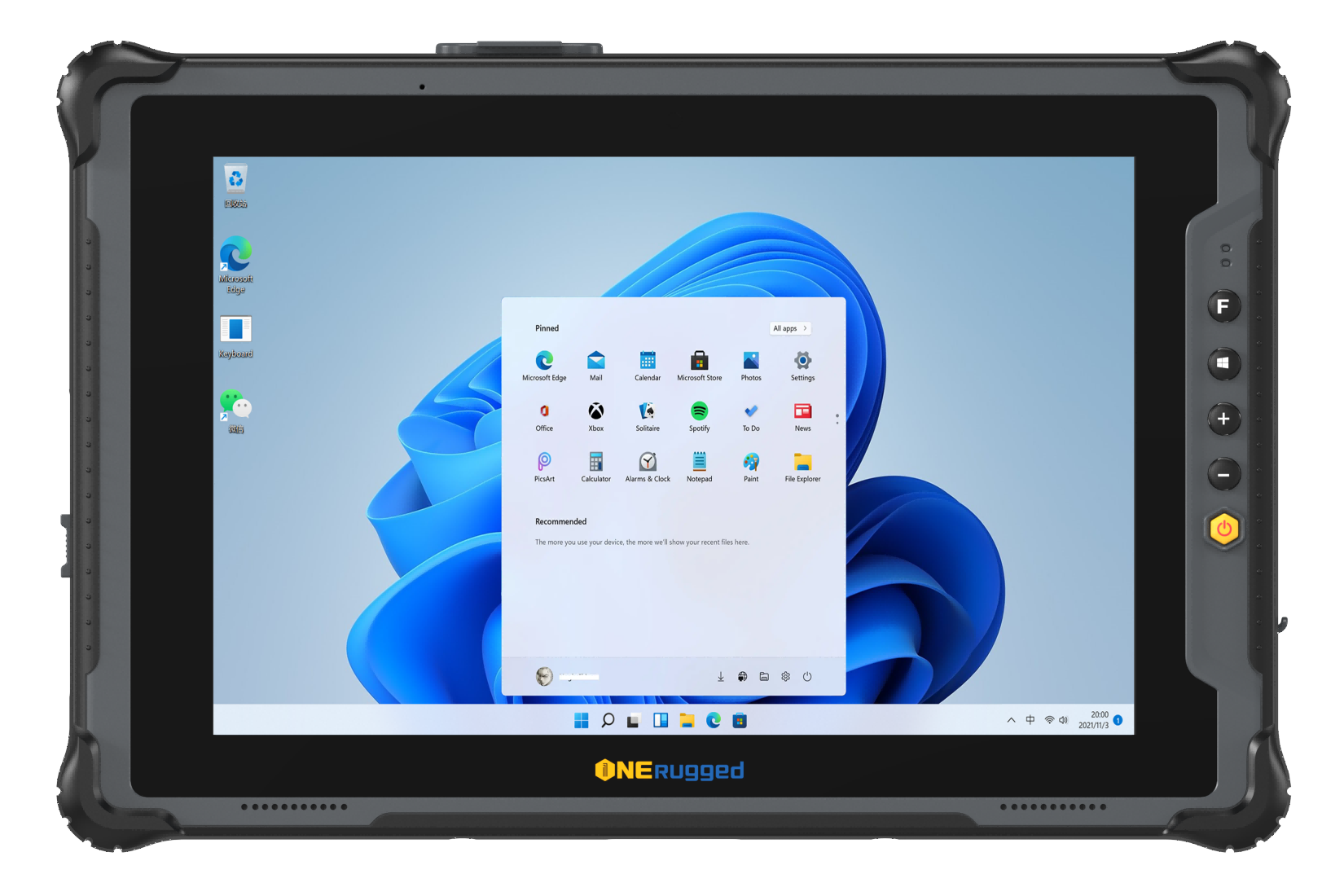
Windows 11 Pro
M20L Windows 12.2”
IP65
Windows 11 Pro12.2-inch ,1200 x 1920, 700 nitsIntel® Wi-Fi 6E (802.11 ax), Bluetooth® 5.4, 4G LTE (Optional 5G)
View Details
Windows 11 Pro
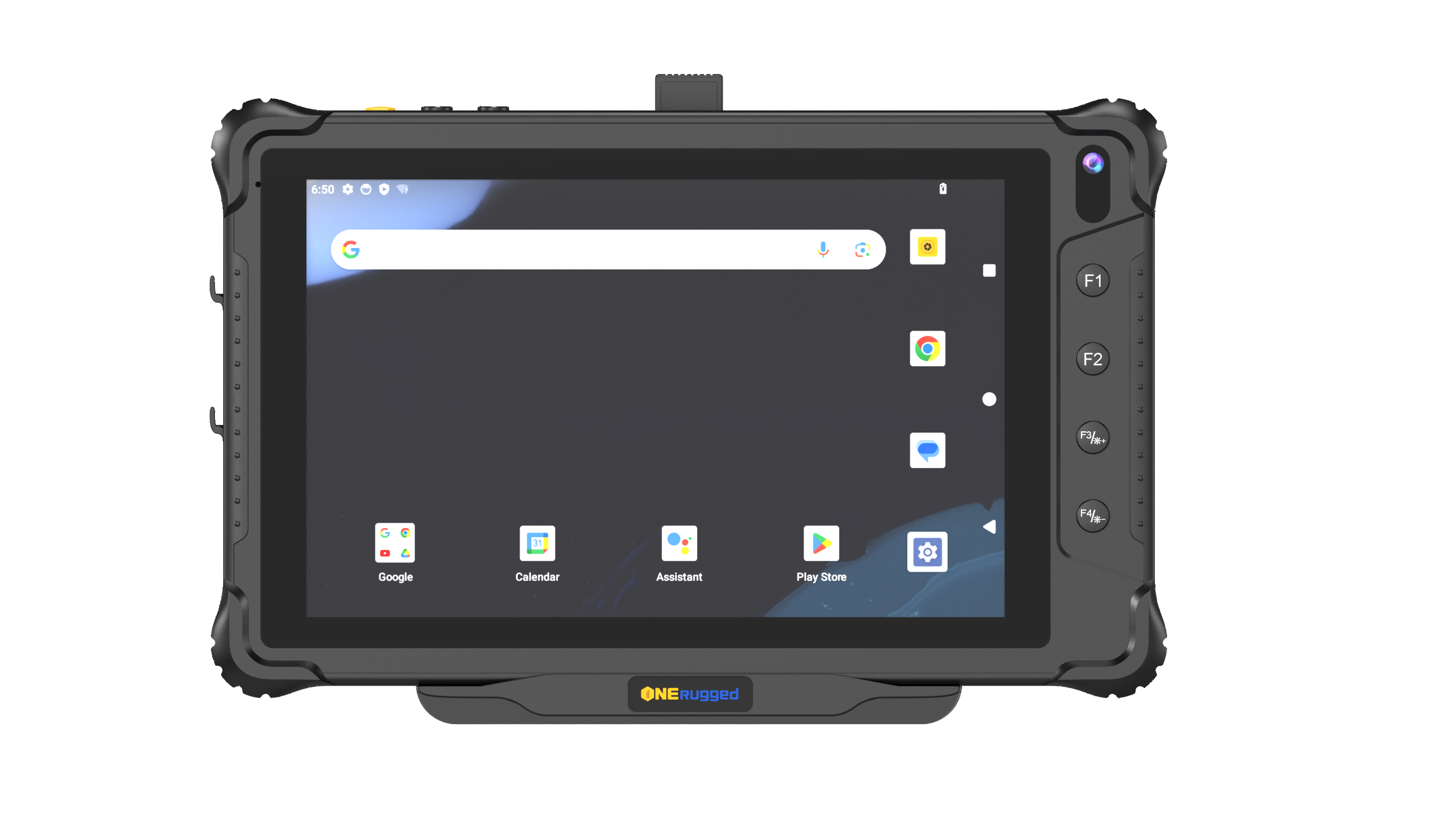
M10L Windows 10.1”
Windows 11 Pro10.1-inch ,1200 x 1920, 700 nitsWi-Fi 5 dual-band (2.4G/5G)
View Details
Android 14/GMS
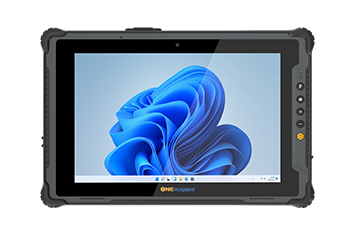
V82T Android 8.0”
IP65 MT6789 Android 14/GMS
Android 14/GMS8-inchWi-Fi 5 dual-band (2.4G/5G)
View Details
Windows 11
M10A Windows 10.1"
IP65 Intel i5 / i7 Windows 11
Windows 1110.1 inch, 1200×1920, 700 nitsIntel® Wi-Fi 6E (802.11 ax), Bluetooth 5.3, 4G
View Details
Ubuntu22.04.4
M80J Linux 8”
IP65 Intel N5100 Ubuntu22.04.4
Ubuntu22.04.48 inch, 800×1280, 1000 nitsDual-band WiFi 5, Bluetooth 5.0, 4G
View Details
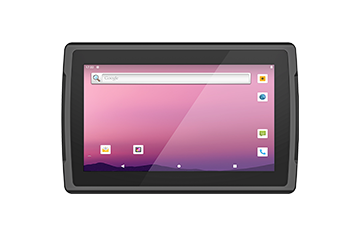
Linux Debian 11
V12R Linux 10.1"
IP67 RK3568J Linux Debian 11
Linux Debian 1110.1-inch 16:104G\BT5.0\WIFI 802.11
View Details
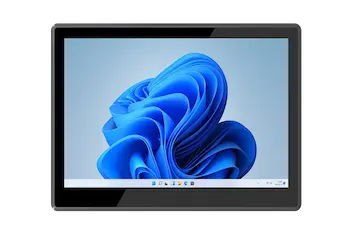
Windows 11
P15J Linux 15.6"
IP65 Intel N5100 Windows 11
Windows 1115.6 inch, 1920x1080, 220 nitsDual-band WiFi 5, Bluetooth 5.0
View Details
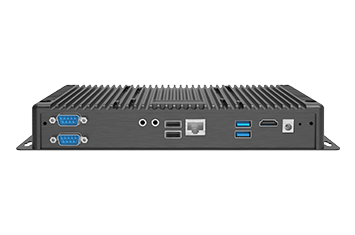
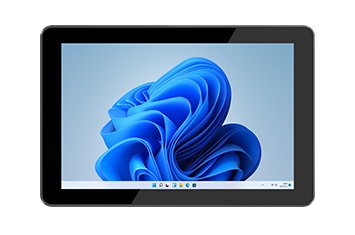
Windows 11 Pro
P10A Windows 10.1"
IP65 Intel i5-1235U Windows 11 Pro
Windows 11 Pro10.1 inch, 800*1280, 700 nitsIntel® Wi-Fi 6 (802.11 ax), Bluetooth® V5.2, Optional 4G LTE
View Details
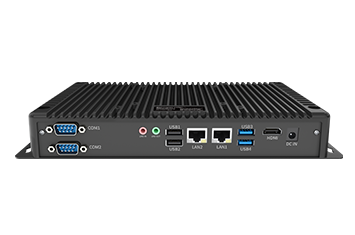
Windows 11 Home
B10J Windows 11 Home
Jasper Lake N5100 processor Embedded Box PC
Windows 11 HomeWIFI 5 /BT5.1
View Details
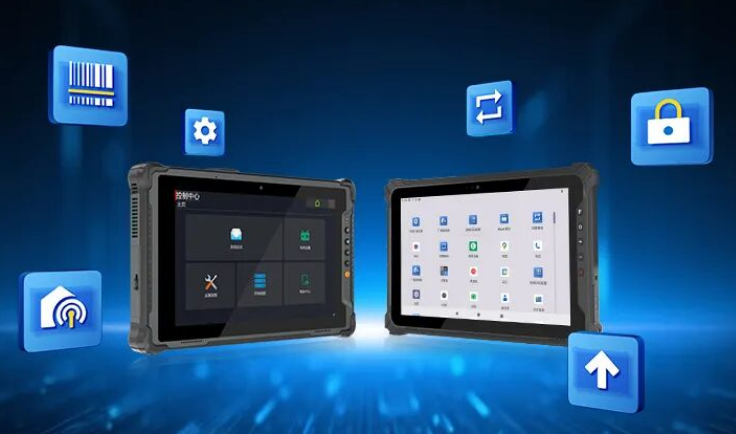
Software Support
Manage devices after deployment
Support app restriction, device management, key mapping, and controlled operation for warehouse teams.
MDM
Kiosk Mode
Key Mapper
Remote Settings
View Software
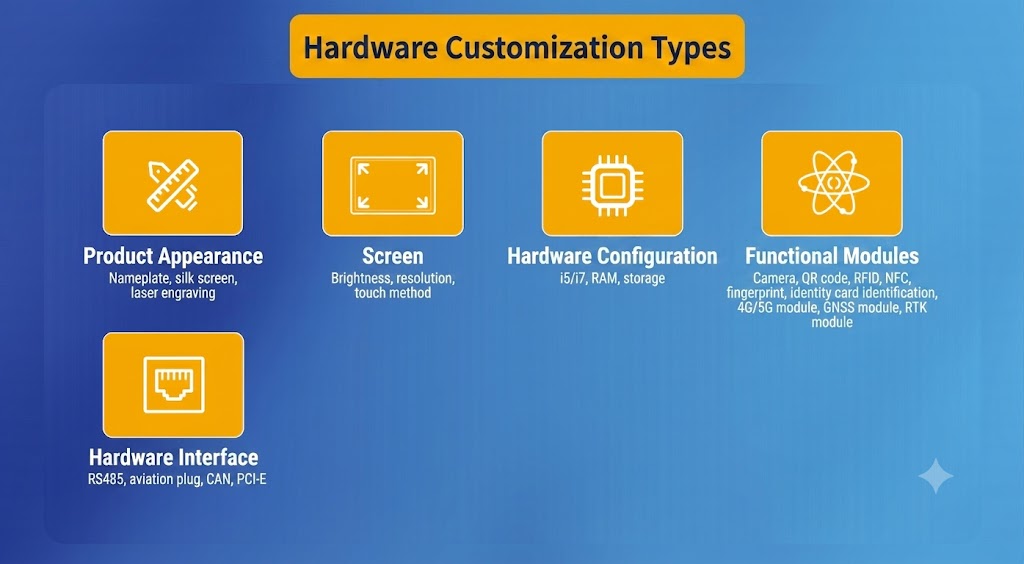
Accessories & Customization
Complete the deployment package
Plan mounting, charging, straps, vehicle docks, OS images, and project-specific configuration together.
Vehicle Dock
Charging
OS Image
Accessories
Request Configuration
TCO & Fleet Continuity
Reduce failure risk across moving vehicle operations
Vehicle devices should minimize downtime caused by unstable mounting, weak power design, poor visibility, communication gaps, and unmanaged maintenance.
Discuss Deployment RiskReliable mounting and fanless hardware reduce vibration-related failures and service frequency.
Stable power input and wireless connectivity keep vehicles operating without unexpected interruptions.
Bright displays, responsive touch, and ergonomic installation improve navigation and daily workflow efficiency.
Standardized hardware, accessories, and deployment support simplify maintenance and fleet expansion.
Related Solutions
More mobile scenarios connected to vehicle computing
 01
Warehouse Management
01
Warehouse Management
Optimize warehouse and freight operations with ONERugged. Discover vehicle mounted terminals, forklift computers, and tablets with built-in barcode scanners.
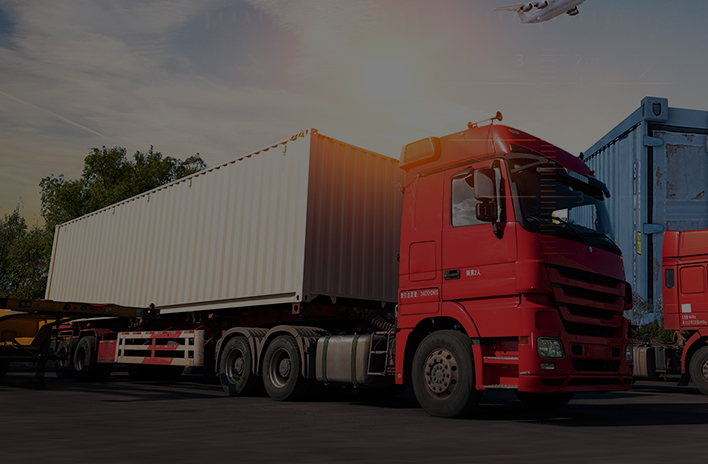 02
Transportation
02
Transportation
Optimize logistics and fleet management with ONERugged. Discover durable vehicle mount terminals, in-car tablets, and sunlight readable android tablets.
 03
Manufacturing
03
Manufacturing
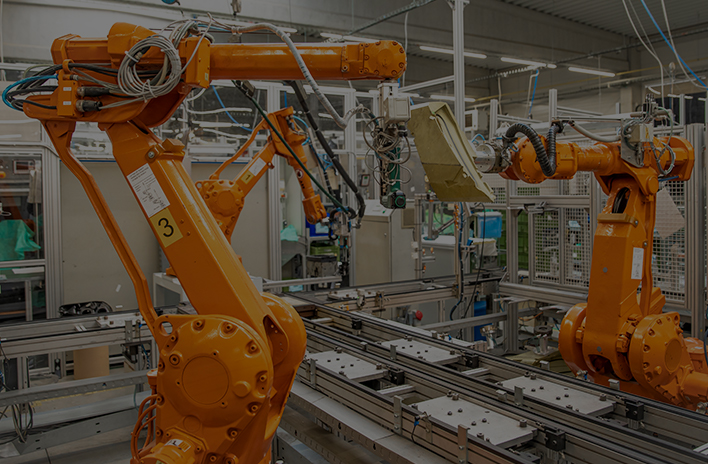
Optimize factory automation and CNC operations with ONERugged. Discover durable industrial panel PCs, fanless computers, and advanced HMI displays.
 04
Energy and Utilities
04
Energy and Utilities
Optimize field operations and grid maintenance with ONERugged. Discover durable rugged notebooks, sunlight readable tablets, and hot-swappable battery devices.
Solution FAQ
Common questions before vehicle deployment
Key considerations for fleet, forklift, dispatch, GPS, and in-vehicle computing projects.
Vehicle management focuses on in-cabin computing and driver interaction systems, while transportation management focuses on fleet logistics, routing, and delivery coordination.
Common devices include rugged vehicle-mounted computers (V10J), in-vehicle tablets, and automotive-grade terminals.
It is widely used in logistics, public transportation, fleet management, emergency services, and industrial vehicle operations.
Vehicle type, mount location, power source, cable routing, software platform, and service access should be confirmed early.
Vehicle Project Planning
Need help choosing vehicle-mounted devices?
Tell us your vehicle type, mounting position, GPS needs, power input, wireless communication, and software platform. ONERugged can recommend a practical deployment path.