
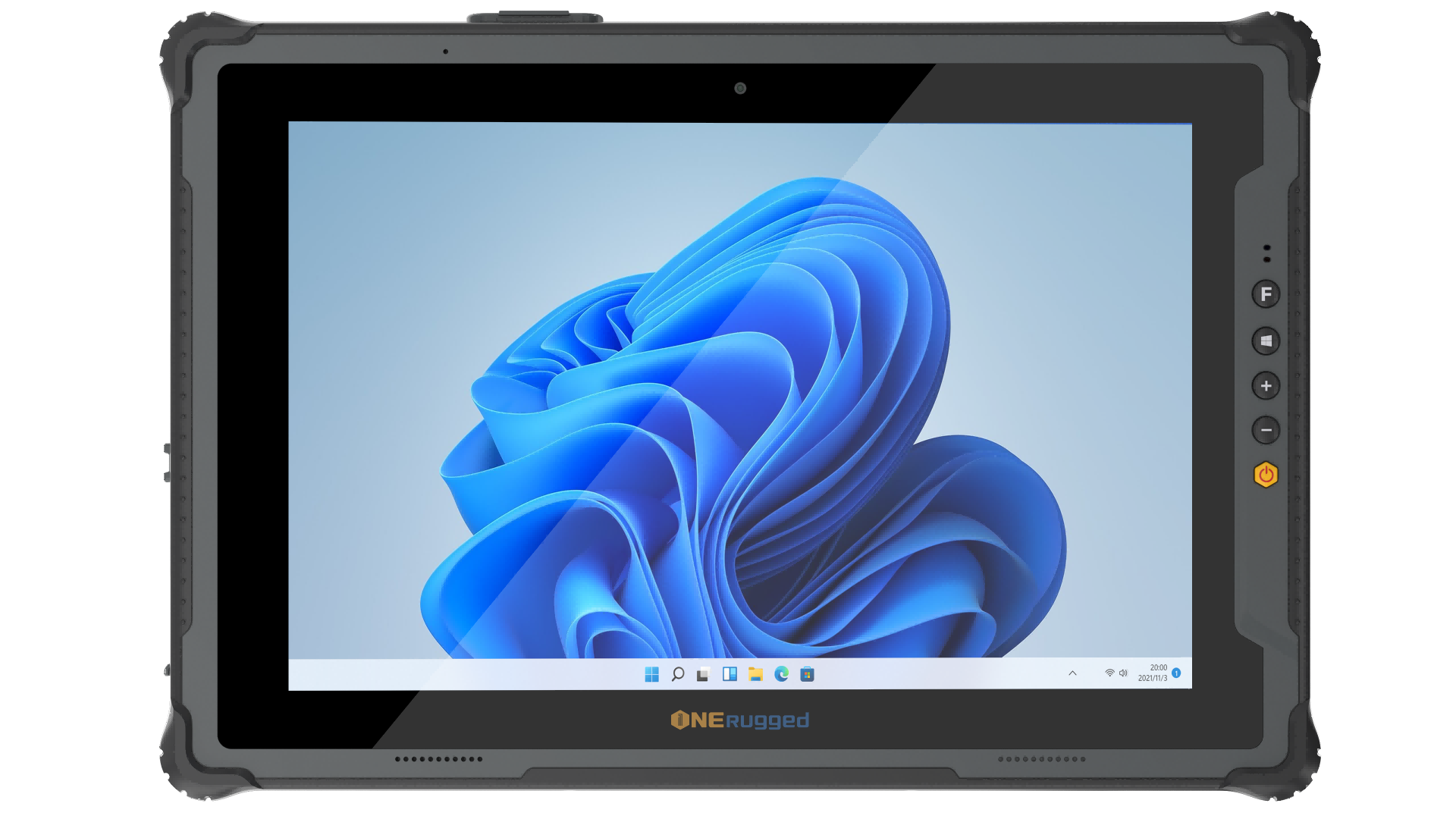
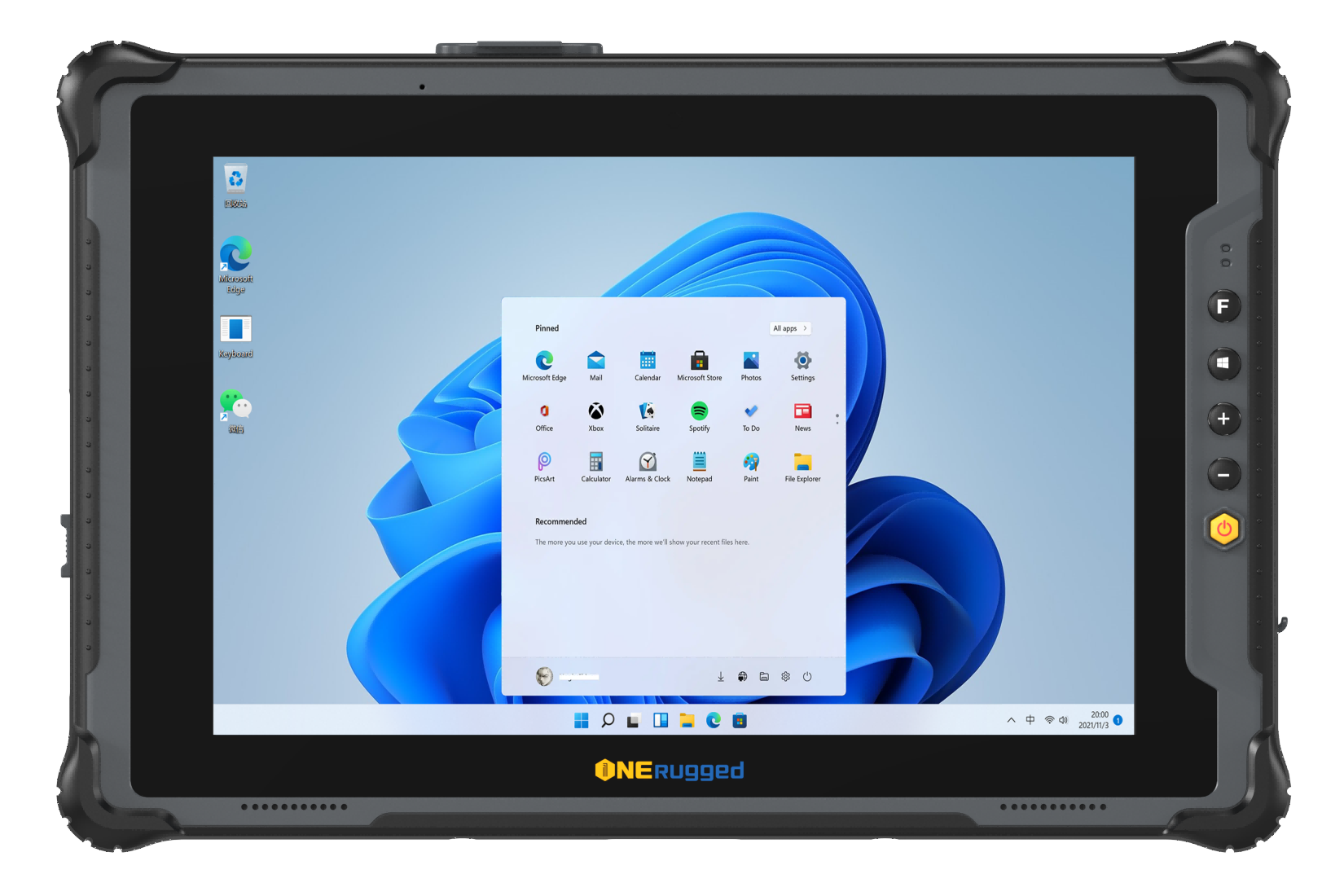

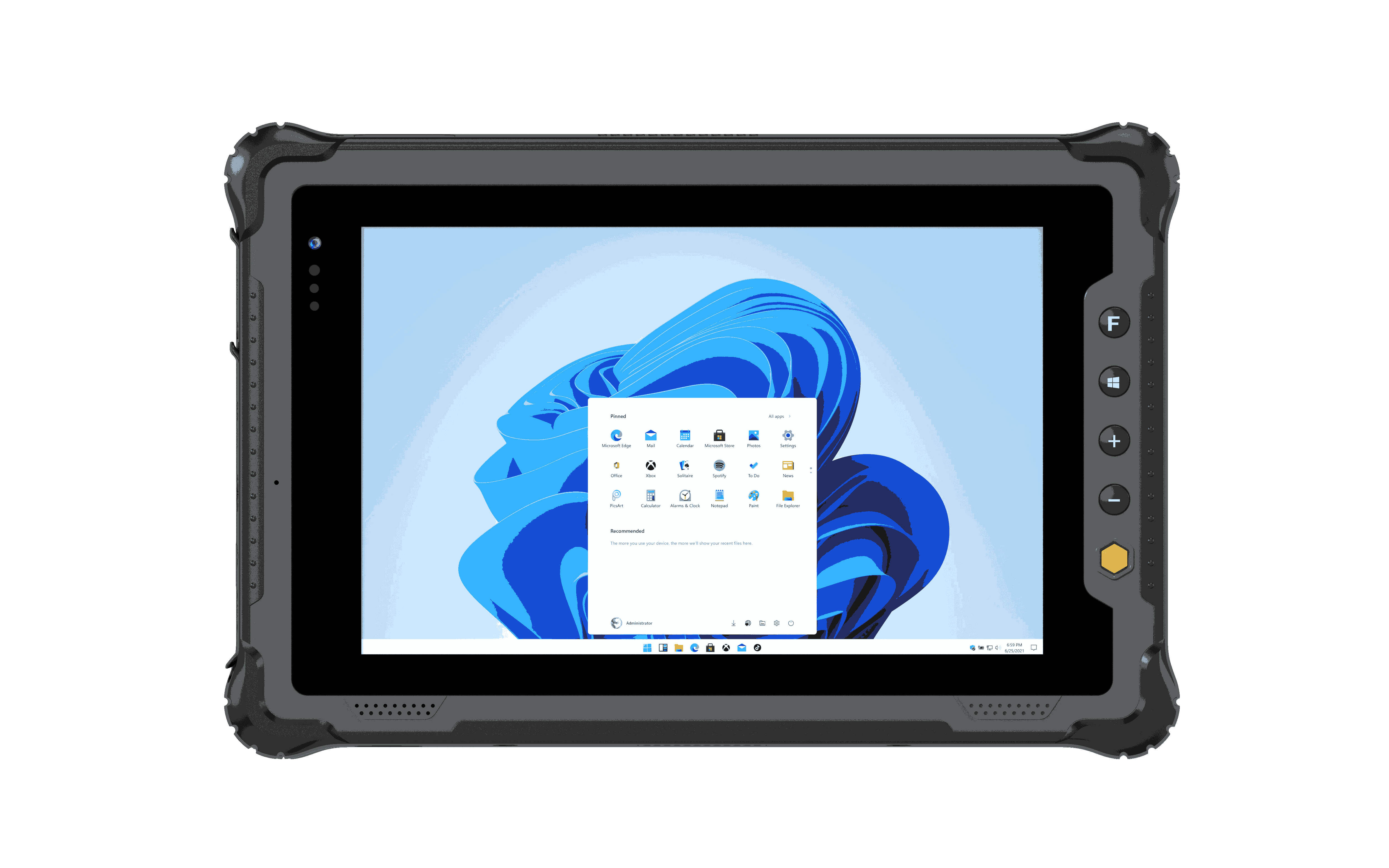


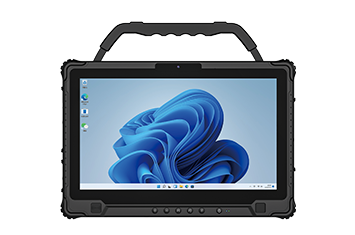
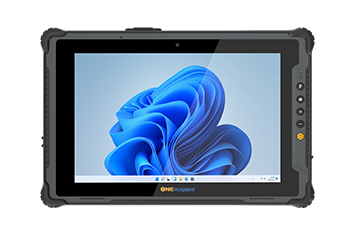
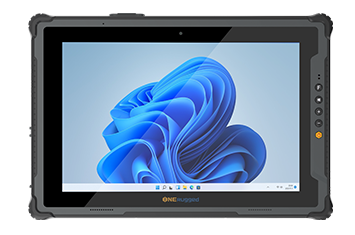
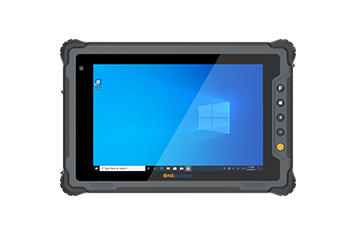
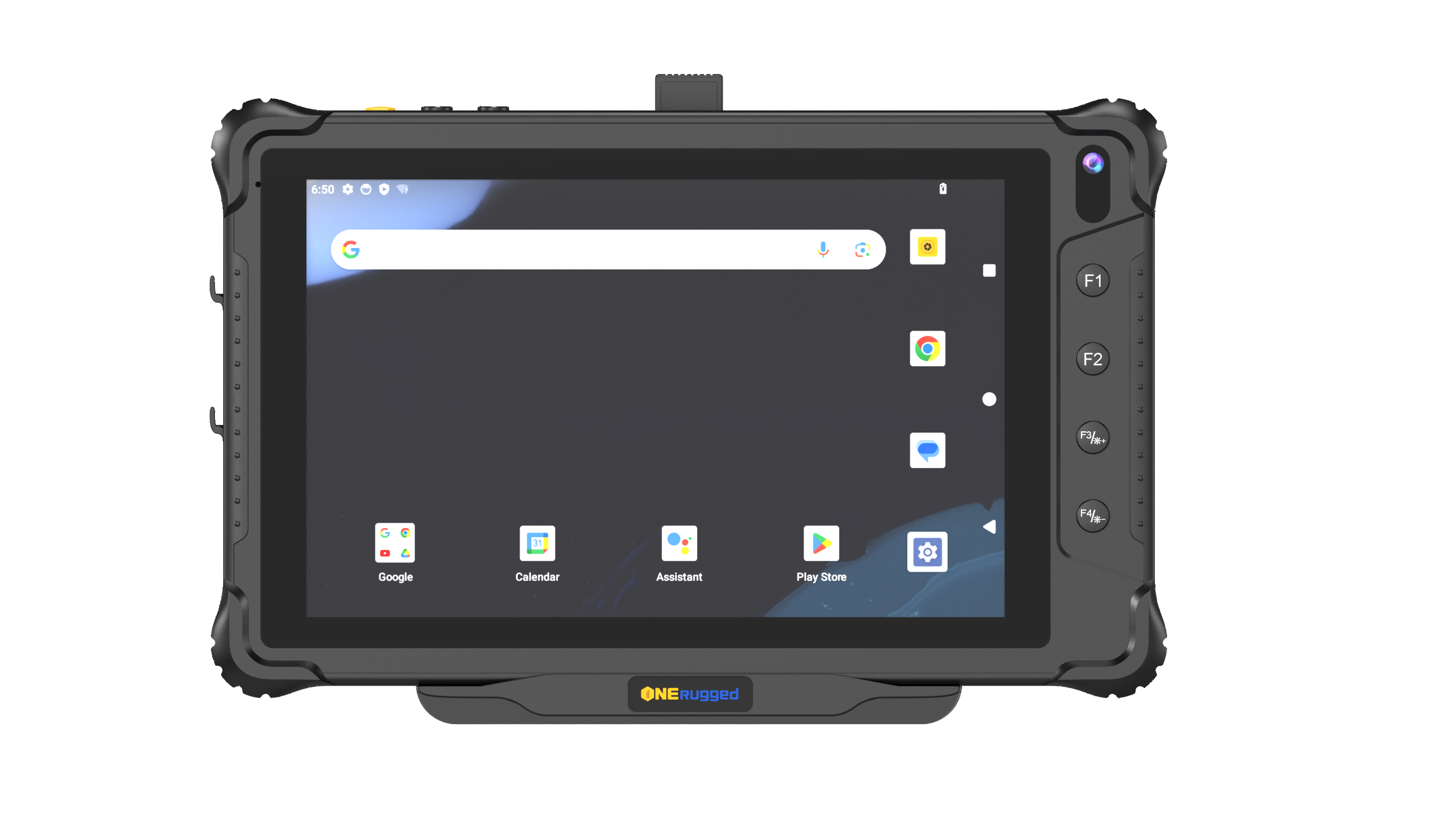
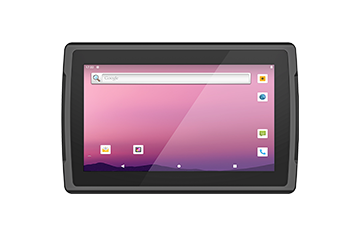
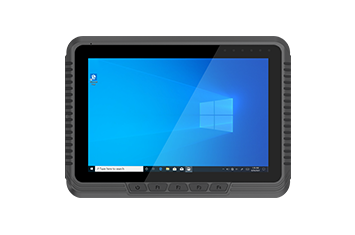
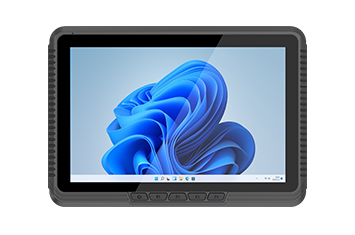
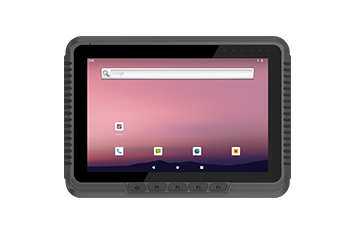
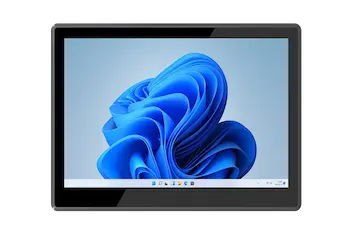
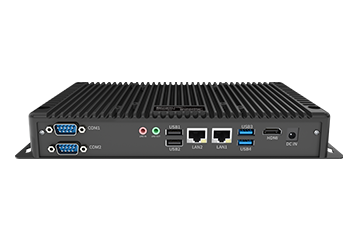
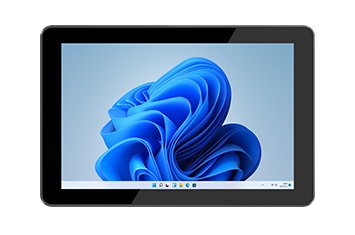
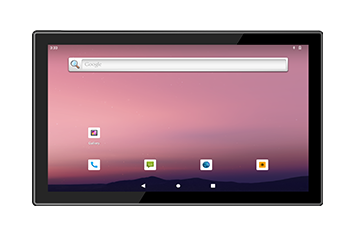
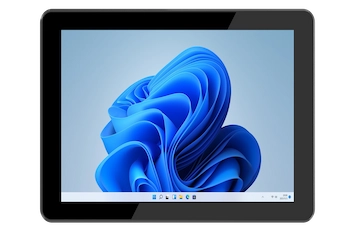
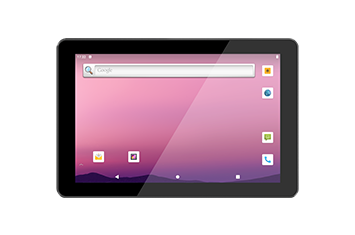
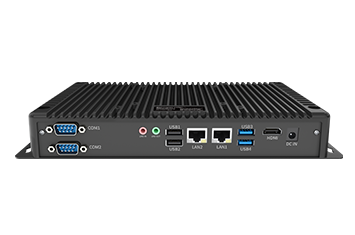
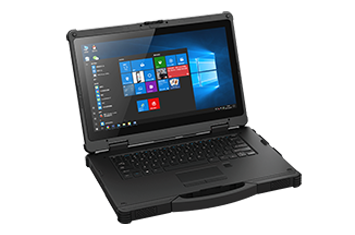
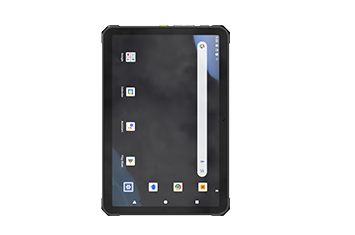
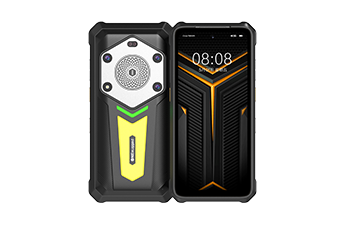
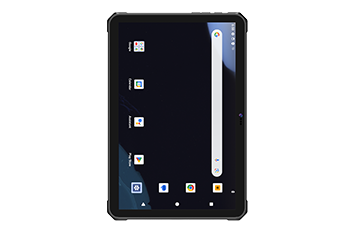
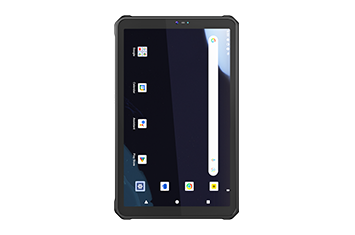
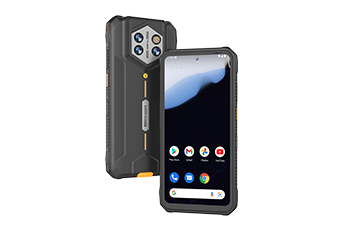
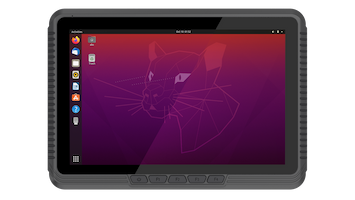
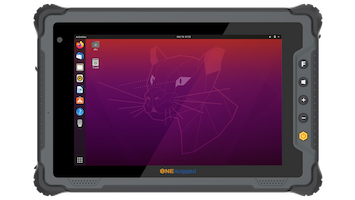





Field teams need devices that tolerate dust, rain, sunlight, vibration, and temperature changes.
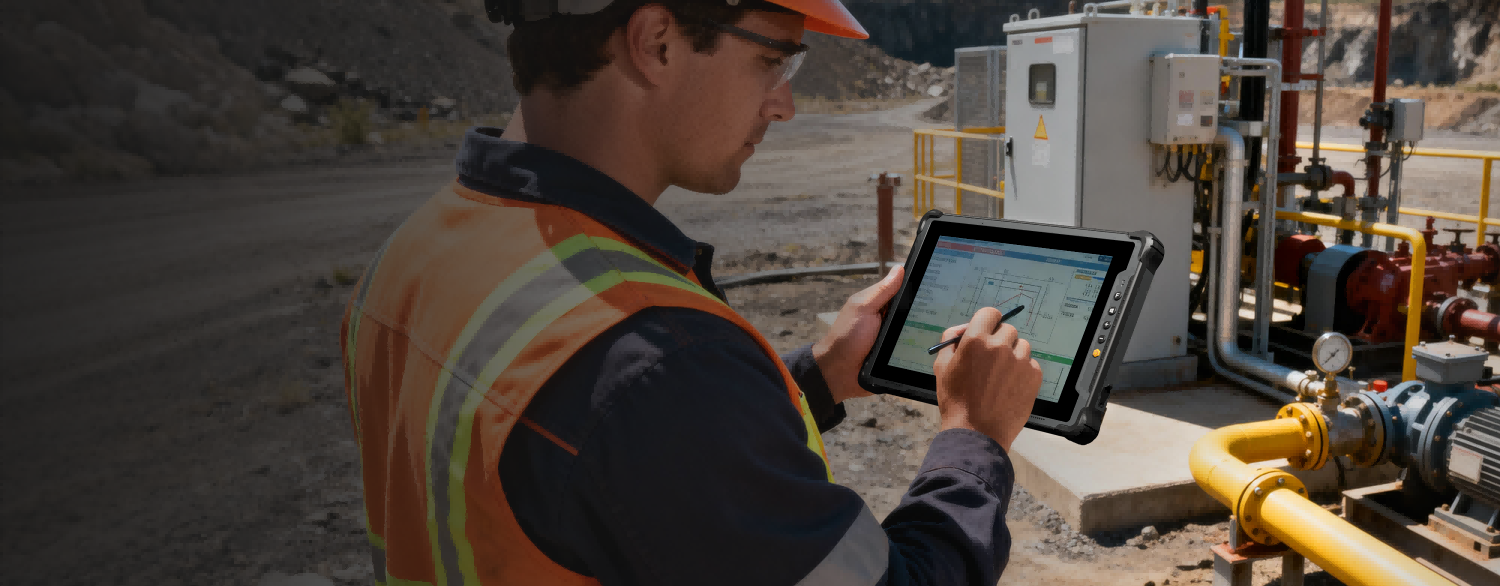
Energy & Utilities Solution
Rugged Devices for Field Inspection, Grid Maintenance, and Utility Operations
Empower field teams with rugged mobile technology designed for reliable data capture, operational safety, and mission-critical performance.
Scenario Overview
Keep field teams productive in remote, outdoor, and utility environments.
ONERugged solutions provide rugged tablets and mobile computing devices built to withstand extreme temperatures, moisture, dust, and harsh field environments. By enabling real-time data collection, asset inspection, maintenance reporting, and workforce communication, ONERugged helps organizations improve operational resilience, worker safety, and service reliability.
Operational Pain Points
Where utility field operations need rugged reliability
Utility deployments should evaluate outdoor readability, battery life, wireless connectivity, rugged protection, inspection software, and long-term service support.
Battery life, charging, and standby behavior affect inspection and maintenance productivity.
Utility work often needs reliable wireless communication and access to maps, work orders, and records.
Photos, asset information, inspection notes, and maintenance records must stay accurate outside the office.
Workflow Map
Plan utility mobility from inspection to maintenance reporting
Field teams need devices that support work orders, maps, inspection records, photo capture, asset data, and service documentation across remote sites.
Send inspection and maintenance tasks to field workers.
Use rugged devices for checklists, photos, maps, and asset records.
Support grid, utility, or infrastructure work in harsh environments.
Capture service results, exceptions, and follow-up needs on site.
Sync data back to internal systems for service and planning.
SOLUTION DIAGRAM
Support outdoor inspection, grid maintenance, and field utility mobility
The ONERugged energy and utilities ecosystem combines rugged notebooks, rugged tablets, rugged handhelds, Wi-Fi, 4G/5G, GPS, extensive I/O, and continuous power support for outdoor grid inspection, maintenance management, asset tracking, and field data collection.
All-Weather Field Reliability
Integrated Field Utility Hardware Ecosystem
A comprehensive hardware network connecting field-ready notebooks and handhelds with external diagnostics, biometric security, and hot-swappable power cells for continuous remote operations.
Rugged notebook or tablet for grid and utility work
Outdoor field inspection
Support on-site grid inspection and maintenance management with rugged notebooks and tablets built for demanding outdoor environments.
Wi-Fi, 4G/5G, GPS, and extensive I/O
Connectivity and positioning
Keep engineers connected and positioned in the field with Wi-Fi, 4G/5G, GPS, and I/O interfaces for utility data workflows.
Hot-swappable batteries for uninterrupted fieldwork
Continuous power architecture
Use continuous power support and rugged laptop battery architecture to maintain long outdoor work sessions without interruption.
ONERugged Approach
Support field workers with durable mobile computing
ONERugged helps utility teams match rugged notebooks, tablets, and handhelds with outdoor visibility, battery planning, wireless communication, camera capture, and deployment support.
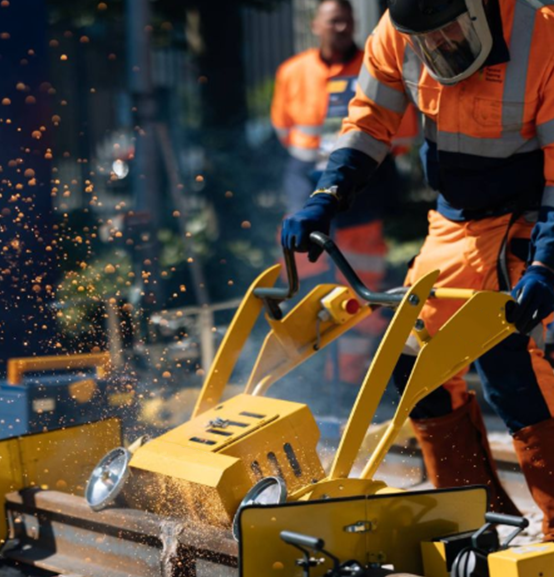
01
Field-ready rugged mobility
Rugged notebooks, tablets, and handhelds help field workers stay productive in outdoor utility environments.

02
Connectivity and power planning
Battery, wireless communication, camera, screen, and protection choices are matched to field workflow.
Recommended Hardware
Rugged devices suitable for Energy and Utilities
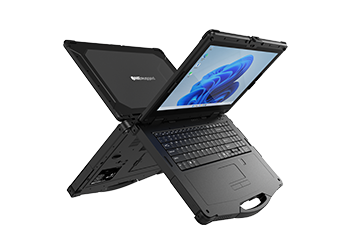
Windows 11 Pro
N15M Windows 15”
IP65 Intel Meteor Lake-H I5 125H Windows 11 Pro
Windows 11 Pro15.6-inch, 16:9, 1920*10804G, 5G, Wi-Fi 6
View Details
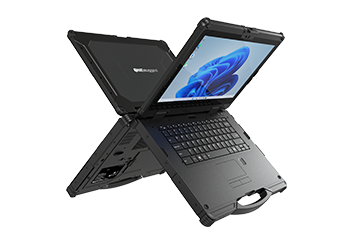
Windows 11 Pro
N14M Windows 14"
IP65 Intel Meteor Lake-H I5 125H Windows 11 Pro
Windows 11 Pro14-inch,16:9, 1920*10804G, 5G, Wifi 6E
View Details
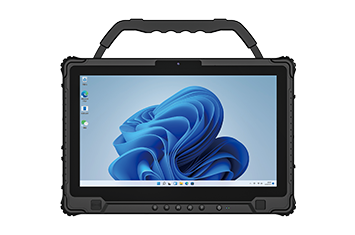
Windows 11 PRO
M14M Windows 14"
IP65 Intel Ultra 5 125H Windows 11 PRO
Windows 11 PRO14 inch, 16:9, 1920*10804G, 5G, Wi-Fi-6E
View Details
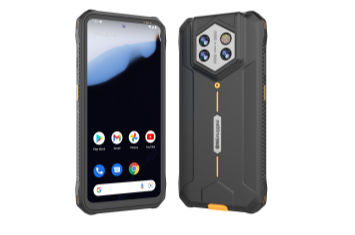
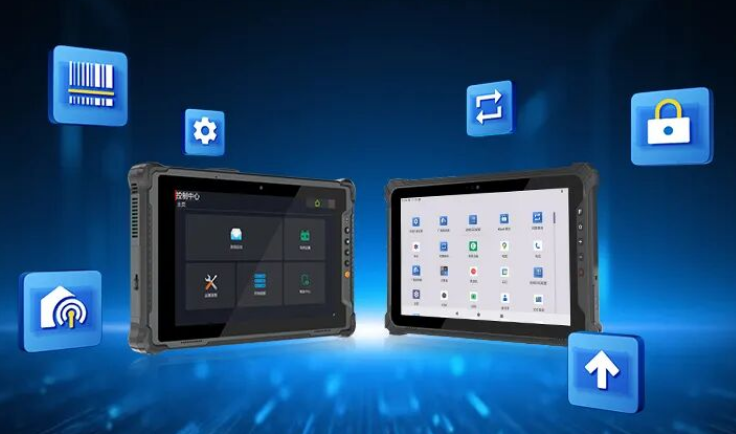
Software Support
Manage devices after deployment
Support app restriction, device management, key mapping, and controlled operation for warehouse teams.
MDM
Kiosk Mode
Key Mapper
Remote Settings
View Software
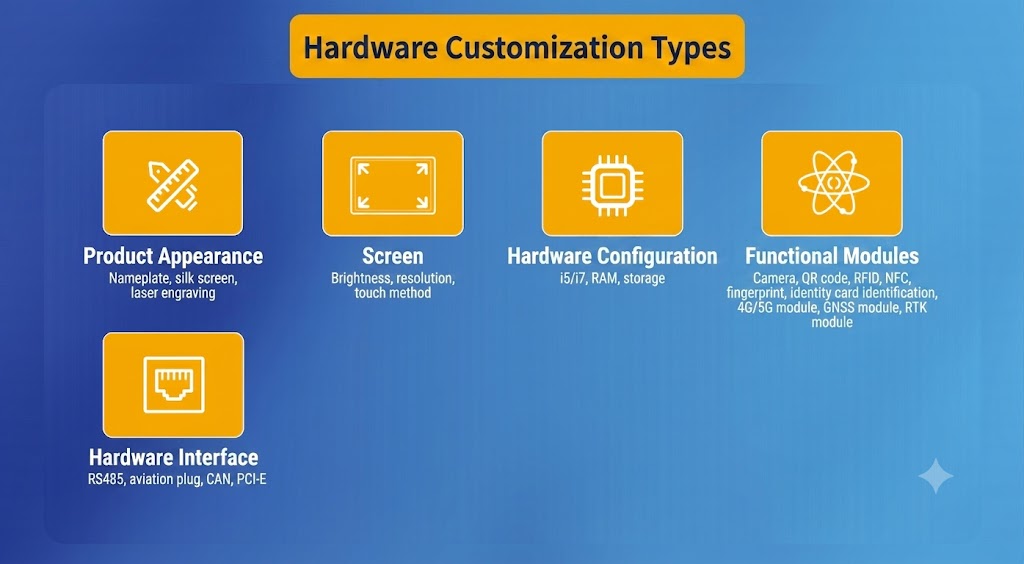
Accessories & Customization
Complete the deployment package
Plan mounting, charging, straps, vehicle docks, OS images, and project-specific configuration together.
Vehicle Dock
Charging
OS Image
Accessories
Request Configuration
TCO & Field Reliability
Reduce field downtime and service interruption risk
Rugged devices should help utility teams reduce replacement cycles, missed inspections, poor data capture, and delays caused by unreliable field equipment.
Discuss Deployment RiskRugged design reduces damage in outdoor work.
Reliable capture supports accurate inspection and maintenance data.
Power planning reduces work interruption.
A clear support path reduces operational delays.
Related Solutions
More scenarios connected to field mobility
 01
Warehouse Management
01
Warehouse Management
Optimize warehouse and freight operations with ONERugged. Discover vehicle mounted terminals, forklift computers, and tablets with built-in barcode scanners.
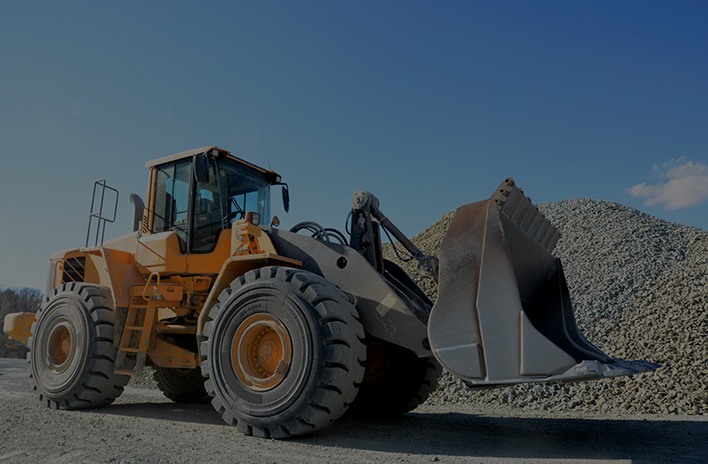 02
Vehicle Management
02
Vehicle Management
Optimize fleet operations and driver safety with ONERugged vehicle management solutions. Discover industrial vehicle mounted computers and in-car tablets.
 03
Transportation
03
Transportation
Optimize logistics and fleet management with ONERugged. Discover durable vehicle mount terminals, in-car tablets, and sunlight readable android tablets.
 04
Manufacturing
04
Manufacturing
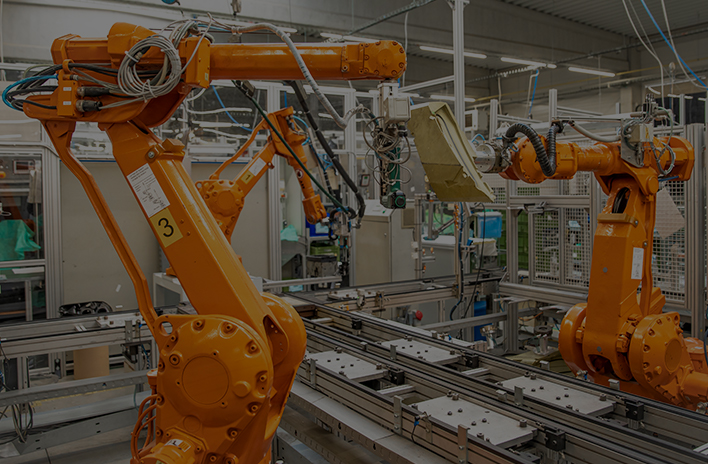
Optimize factory automation and CNC operations with ONERugged. Discover durable industrial panel PCs, fanless computers, and advanced HMI displays.
Solution FAQ
Common questions before energy and utility deployment
Key considerations for field inspection, grid maintenance, outdoor devices, and long-shift utility workflows.
Rugged notebooks suit complex field software, tablets suit mobile inspection, and handhelds suit compact data capture.
Screen brightness, protection rating, battery life, wireless connectivity, GPS, and camera support are usually important.
ONERugged devices can support Windows or Android inspection, work order, map, and reporting applications.
Yes. Vehicle chargers, straps, docks, protective cases, and mounting options should be evaluated with the field workflow.
Utility Field Project Planning
Need help selecting rugged devices for utility teams?
Tell us your field environment, software platform, screen size, battery needs, wireless requirements, and inspection workflow. ONERugged can recommend suitable rugged devices and accessories.